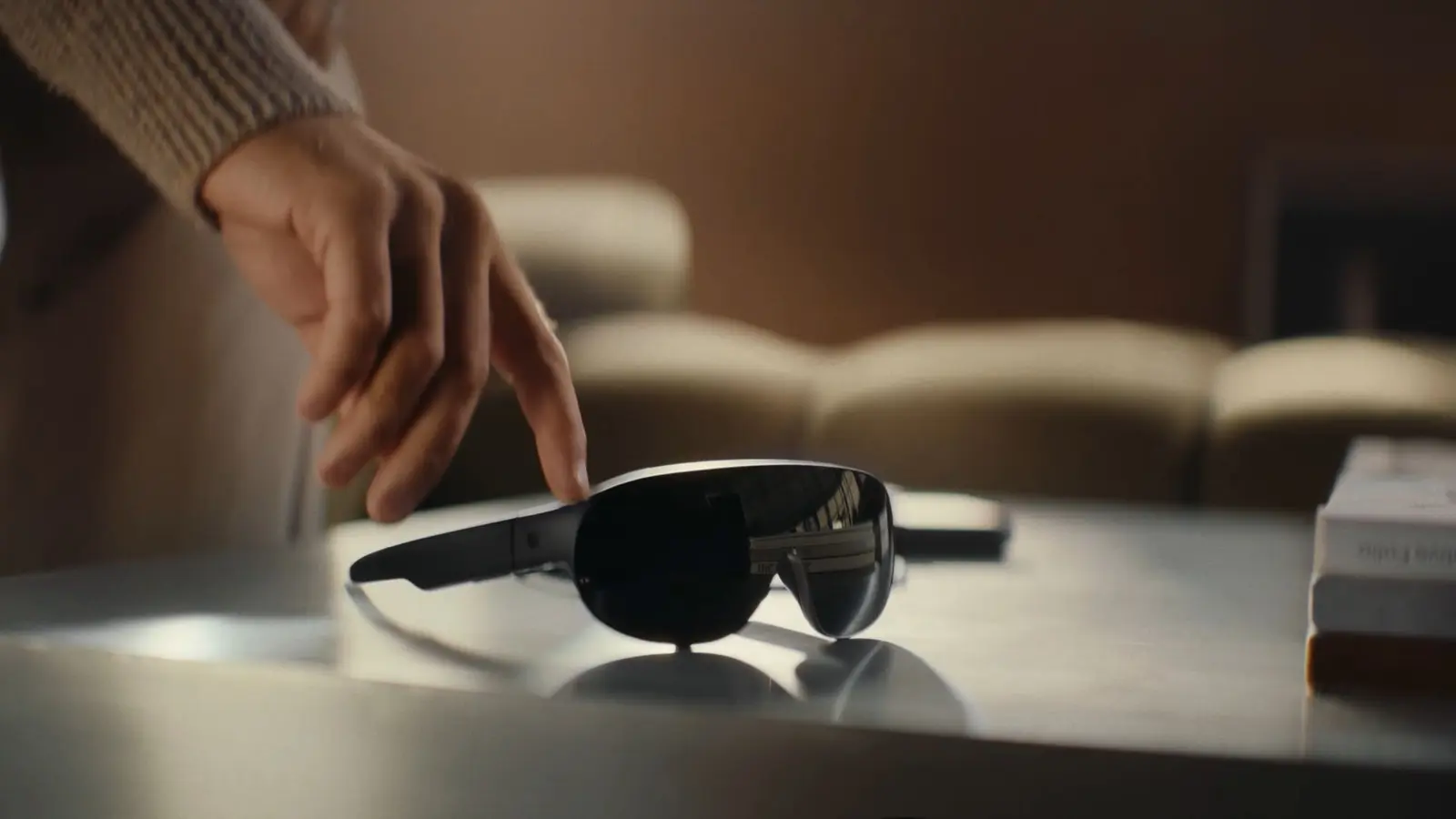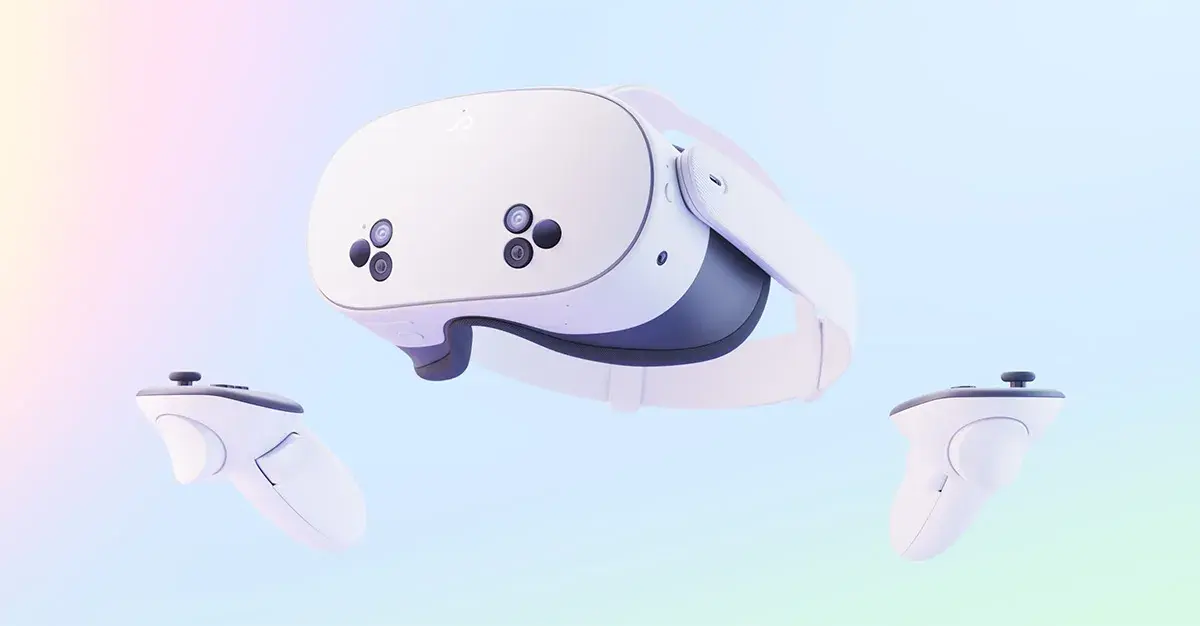
Valve has released an update for Half-Life: Alyx that brings Foveated Rendering to desktop VR setups. The patch, dated October 26, 2026 on Steam, adds a new setting that can improve rendering performance on supported hardware, provided the headset can report eye tracking to SteamVR.
What the update adds
According to Valve’s changelog on Steam, the main change is a setting under Advanced Performance that enables Foveated Rendering on desktop. Valve says it can increase rendering performance, and it recommends turning on eye tracking on the headset for the best results.
The same update also includes:
- Stencil buffer tagging when the game runs natively on Steam Frame, which Valve says should improve reprojection quality
- Fixes for several rendering crashes that were common in workshop content
- A fix for the “Gnome Alone” achievement, which failed to unlock for some players
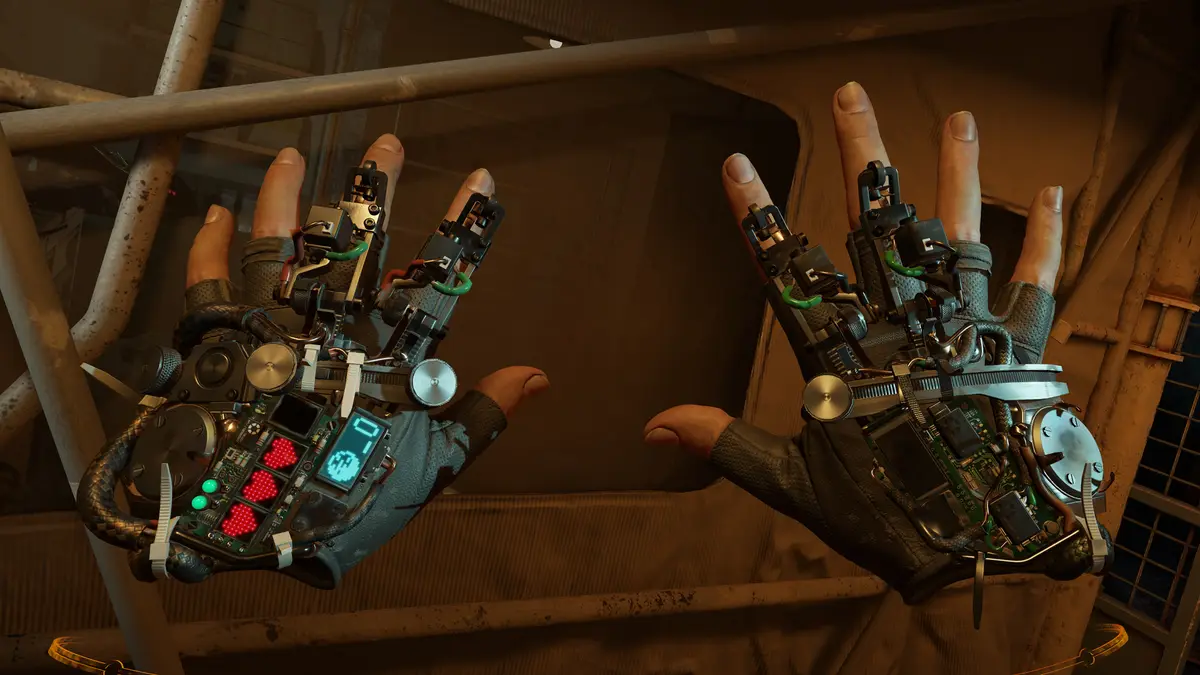
Which graphics cards qualify
Hardware support is specific. On DirectX, Valve lists NVIDIA GTX 16XX+ and RTX 20XX+ graphics cards. AMD cards need the game to be launched with -vulkan, according to the same changelog.

Which headsets can use it
The headset has to send eye tracking data through its SteamVR driver. A guide linked from the changelog gives examples, including Steam Link on Valve’s Steam Frame, Meta Quest Pro, HTC VIVE Focus Vision, Samsung Galaxy XR and Pico 4 Pro/Enterprise. Virtual Desktop is listed as another route on several of those headsets, and Apple Vision Pro owners can use it through the KRVR app.
GamingOnLinux, which reported on the update, adds that other headsets can send eye tracking data with third party drivers. It names Sony PlayStation VR2 with the PSVR2 Toolkit and the Pimax Crystal series with community made drivers as examples. Valve’s guide itself notes that there are probably more headsets that work.

What it means for players
Half-Life: Alyx first launched on March 23, 2020, so this is a performance feature added to a game that has been out for years. In practice, owners with a compatible card and an eye tracked headset have a new option to try if they want smoother frame rates or more headroom for higher settings. Valve does not give a performance figure, so results will depend on the PC and headset.
The steps are short. Check that your graphics card is on the list, switch AMD cards to Vulkan with the launch option, make sure eye tracking is working in your headset software, then look under Advanced Performance in the game’s settings.
For readers in Canada and the United States, the sources do not mention any change to Steam pricing or regional availability. The update applies to the existing game, and Valve’s changelog is the place to check the full details.