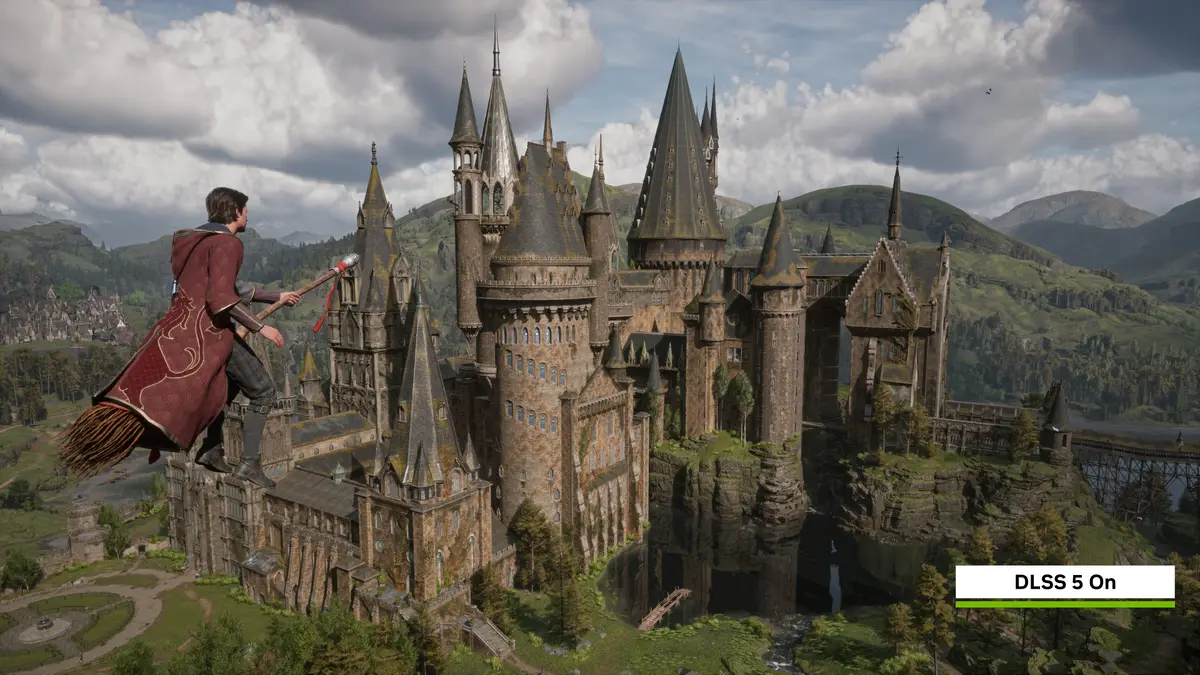
Hogwarts Legacy gets a new update on Thursday, November 5, 2026, and its headline feature is DLSS 5 with 3D-Guided Neural Rendering, according to NVIDIA. The update was built in collaboration with Warner Bros. Games and Avalanche Software, the studio behind the game.
The feature is an option rather than a forced change. NVIDIA says players download the update, open the in-game options and switch on “Neural Rendering”.
What does DLSS 5 do in Hogwarts Legacy?
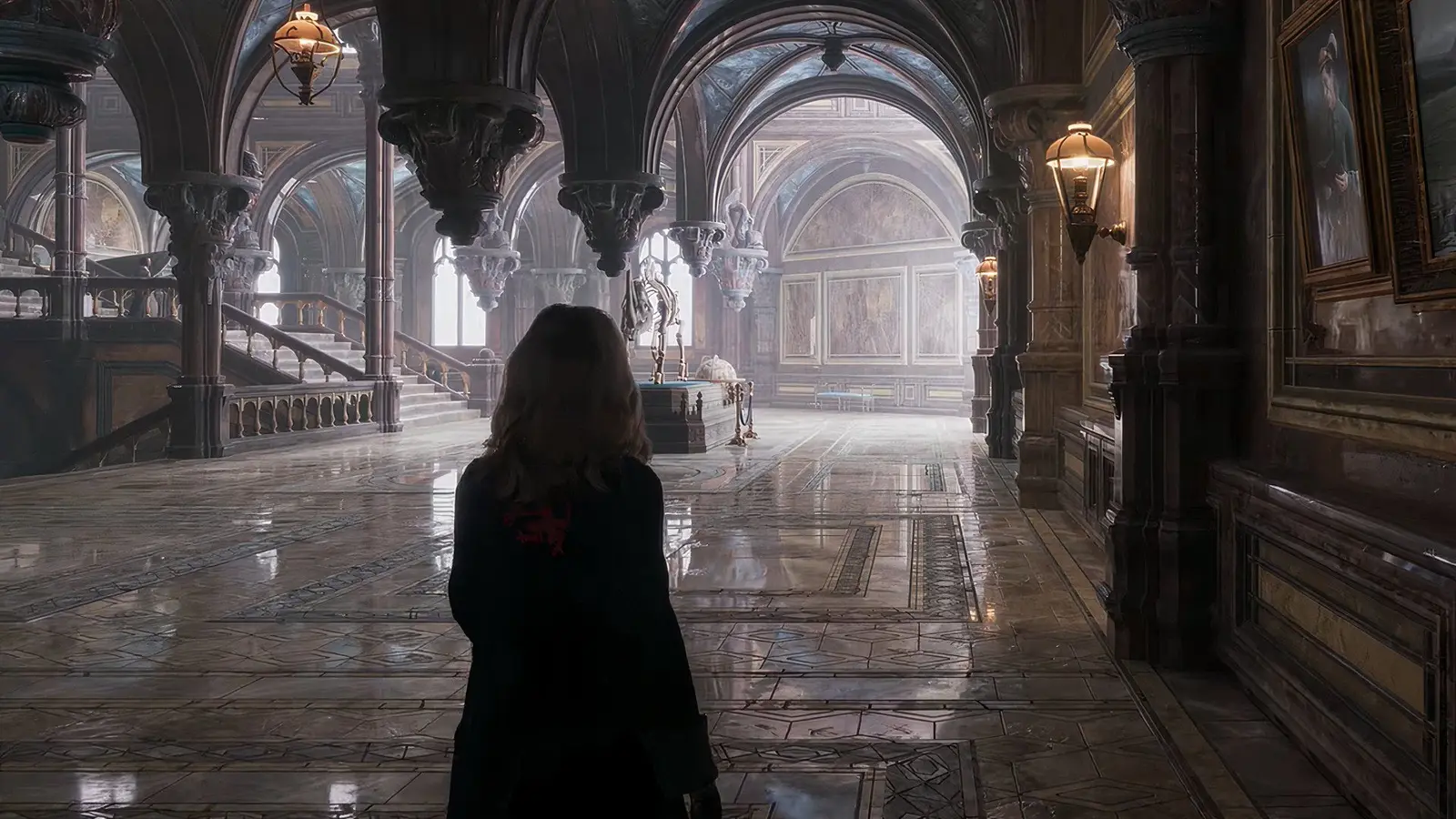
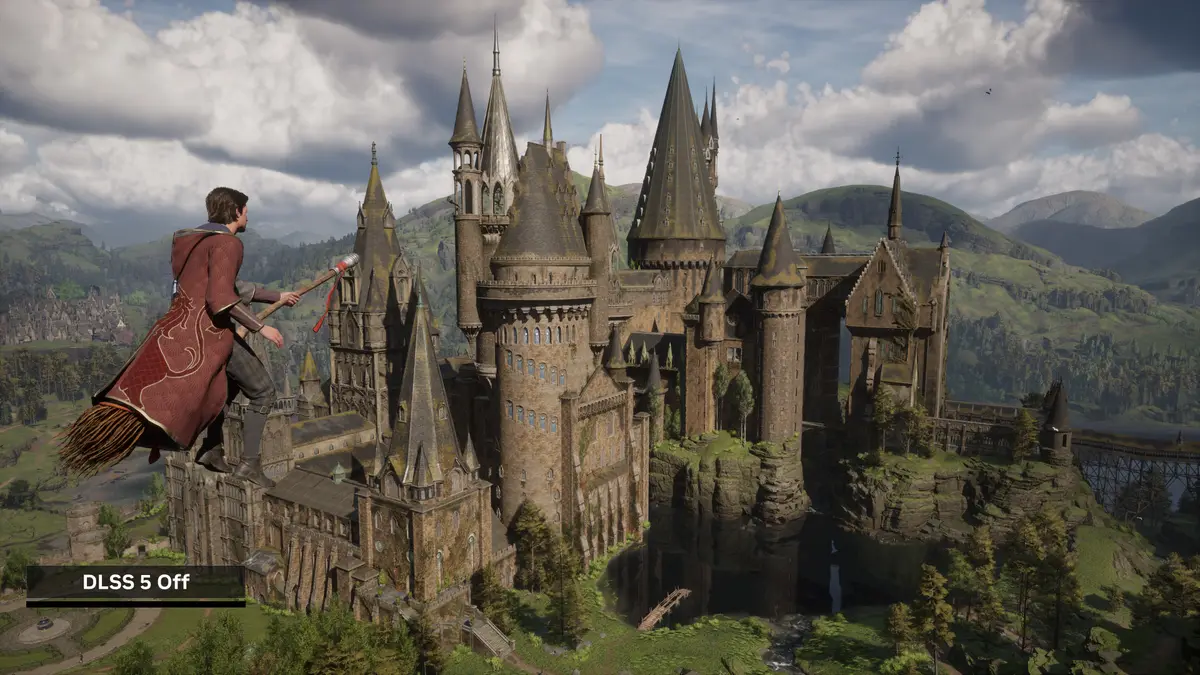
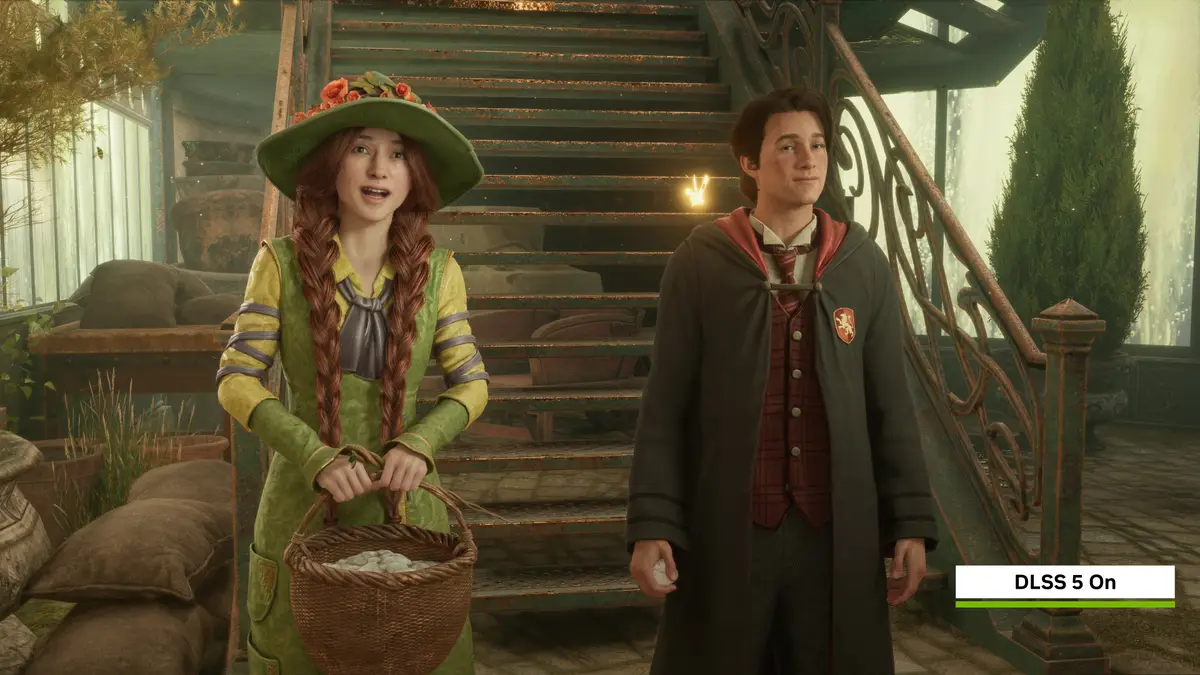
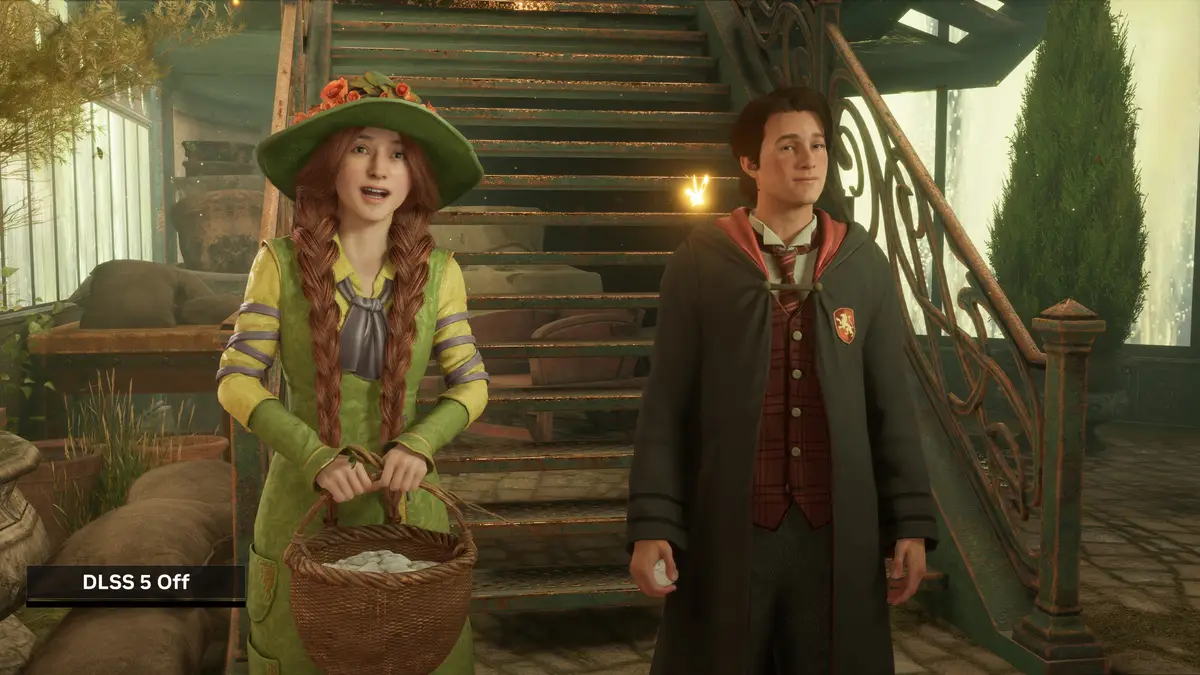
NVIDIA describes DLSS 5 as a final step in the render pipeline. It starts from the frame the engine has already drawn and improves the lighting and materials on top of it. For this game, NVIDIA says model controls are used to lift the look of environments while keeping character identity intact, and that Avalanche Software tuned the integration to protect the artistic intent and style of the game.
The update also moves the game’s other DLSS features to their newest versions. The game already supported DLSS Multi Frame Generation and Ray Reconstruction on GeForce RTX PCs and laptops.
What are the key facts?
- Date: Thursday, November 5, 2026
- Feature: DLSS 5 with 3D-Guided Neural Rendering
- How to turn it on: download the update, then enable “Neural Rendering” in the in-game options
- Hardware named by NVIDIA: GeForce RTX 50 Series GPUs, RTX Spark laptops, and GeForce NOW
- Driver: a Game Ready Driver arrives on November 4 in the NVIDIA app
- Settings NVIDIA recommends alongside it: DLSS Super Resolution, DLSS Multi Frame Generation, NVIDIA Reflex, and DLSS Ray Reconstruction when ray tracing is on
How fast is it?
NVIDIA gives performance figures for a top end setup: maximum settings, ray tracing, 6X Multi Frame Generation and Reflex. On a GeForce RTX 5090 it claims up to 300 FPS at 4K and up to 370 FPS at 2560x1440. These are the company’s own numbers for its fastest card, so treat them as a ceiling and not as what most players will see.
The model behind Neural Rendering has also been slimmed down. NVIDIA says the October version is about 24% smaller, at roughly 118 million parameters, uses 20% less 4K VRAM and delivers 2X the performance of the previous one. It describes the overall gain since March as 10X.
Prices
The sources list no price for this update. None of them says whether it costs anything extra, and NVIDIA only tells players to download the update and enable the option. For context, NVIDIA says Hogwarts Legacy has sold over 40 million copies. Check the store page for your platform before assuming anything about cost.
Who it suits
Owners of a GeForce RTX 50 Series card. This is the group NVIDIA names for DLSS 5, so it is the clearest fit. If you already run ray tracing and Multi Frame Generation, the update gives you a new lighting and materials option to compare against your current look.
Laptop and cloud players. NVIDIA lists RTX Spark laptops and GeForce NOW as supported ways to use the feature. The pages we read do not give separate frame rate figures for either, so expect results to differ from the RTX 5090 numbers.
Players who care about the characters looking as designed. NVIDIA says the controls are set to protect character identity and the game’s style. The other outlet we read says the effect is mostly about environmental lighting and materials, though that is an observation from comparison images and not a test.
Owners of older cards. The sources tie DLSS 5 to RTX 50 Series hardware and do not describe how Neural Rendering behaves on other cards. If that is you, the other DLSS upgrades in the update may matter more than the headline feature.
What is still unknown?
The pages we read do not list any other changes in the update, so full patch notes are still worth waiting for. They also do not state which platforms beyond PC receive the update, and they give no performance figures for midrange hardware. NVIDIA’s numbers come from its own testing on its fastest card, and independent results have not been published in the sources we read.
What should you do next?
Install the Game Ready Driver from the NVIDIA app on November 4, then update the game on November 5 and turn on “Neural Rendering” in the options. NVIDIA also hosts two full screen 4K comparison pages for Hogwarts Legacy on its GeForce site, which are worth a look before you decide whether the look suits you.