LiftLoggr, a gym tracker for iPhone, iPad and Apple Watch, is free on the App Store as of 4 November 2026, according to its listing. The Hong Kong site 流動日報 New Mobile Life reports that the app’s regular price is US $0.99.
The developer, Pedro Lanhoso, says the app is free for now and may become a paid app in the future. Anyone who downloads it while it is free keeps it, according to the listing.
How does logging a workout work?
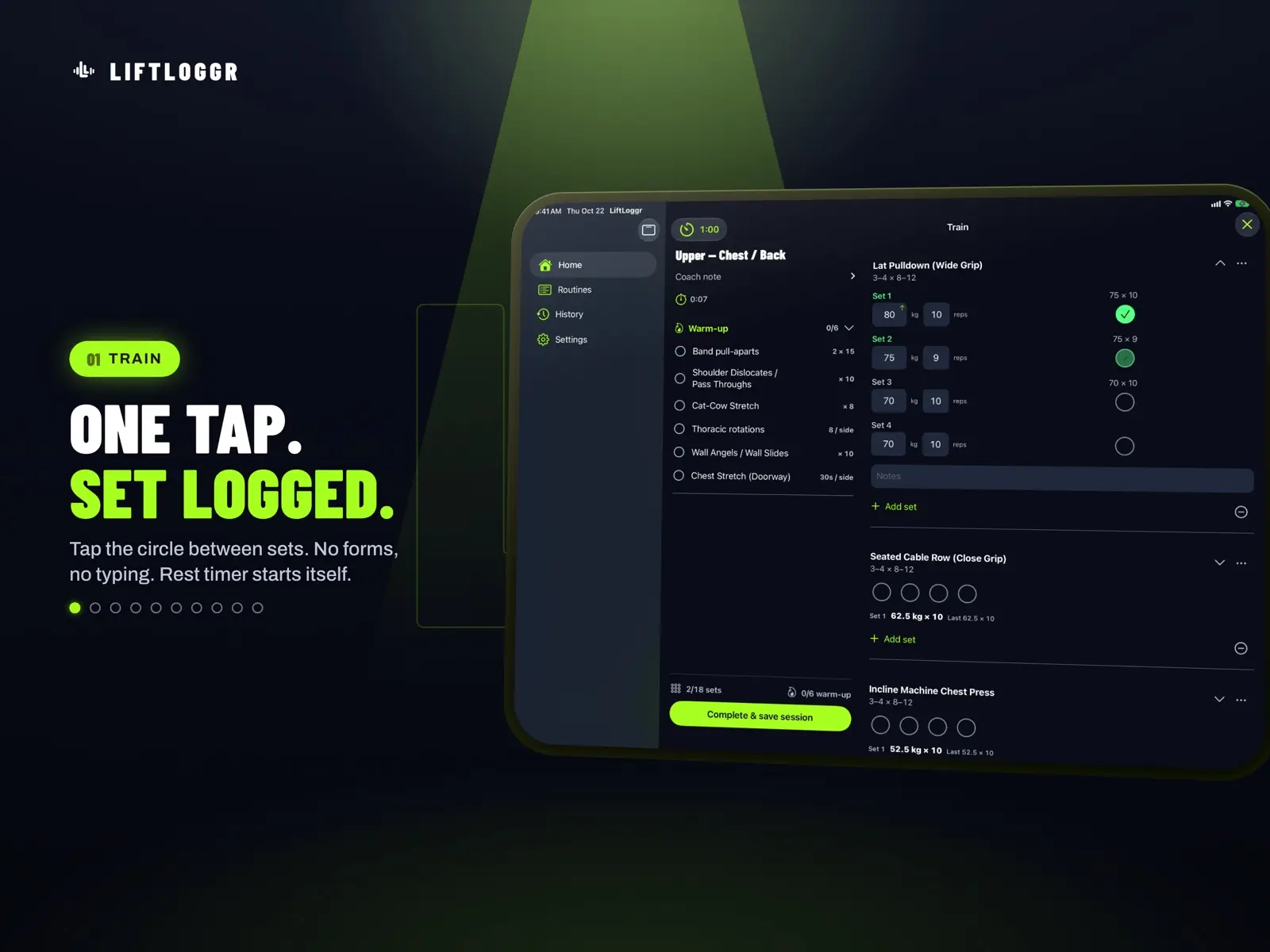
The core idea is one tap per set. You tap a circle to mark a set done, with no forms to fill in between sets. The developer describes it as working like ticking off a plan on paper.
- Warm-up checklist before the working sets
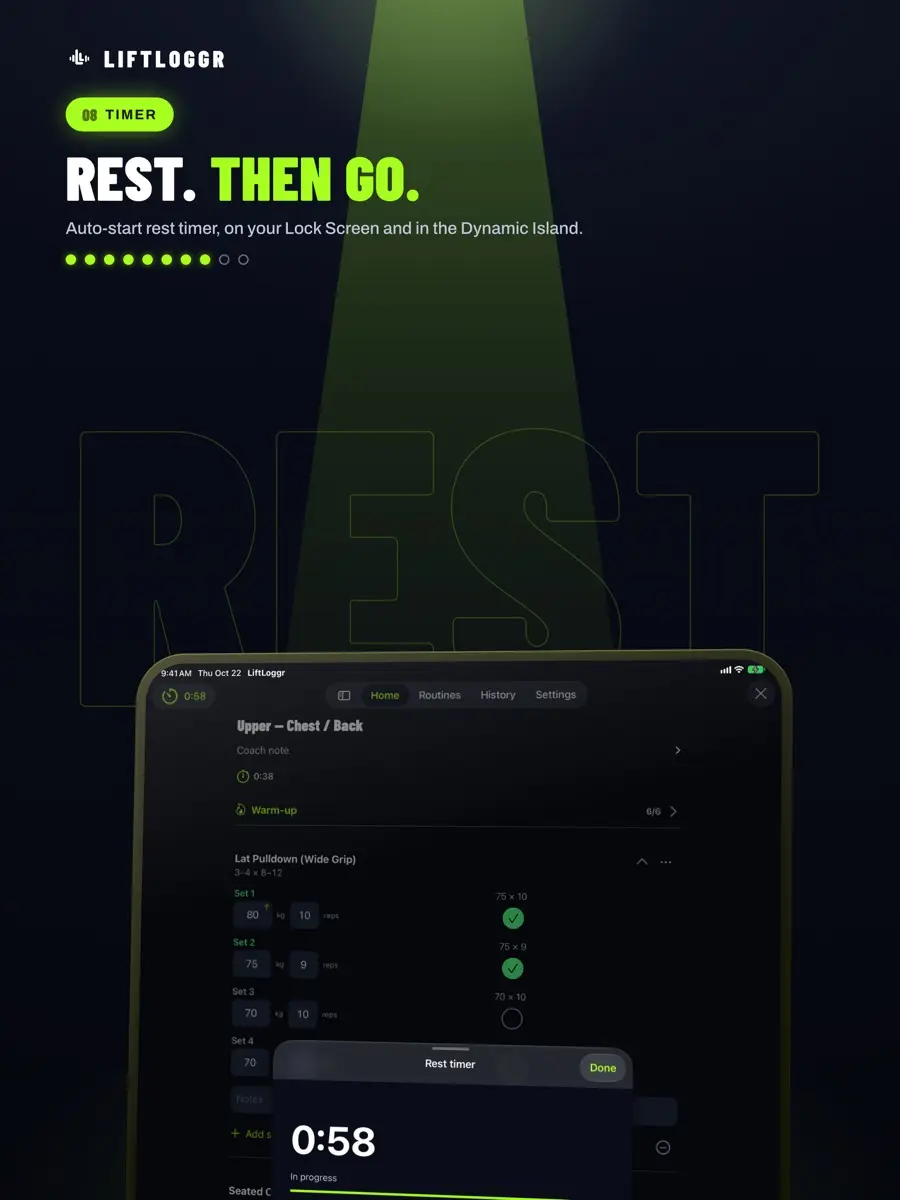
- Automatic rest timer with a Live Activity, so the countdown, a +30s button and skip are available from the Lock Screen and Dynamic Island
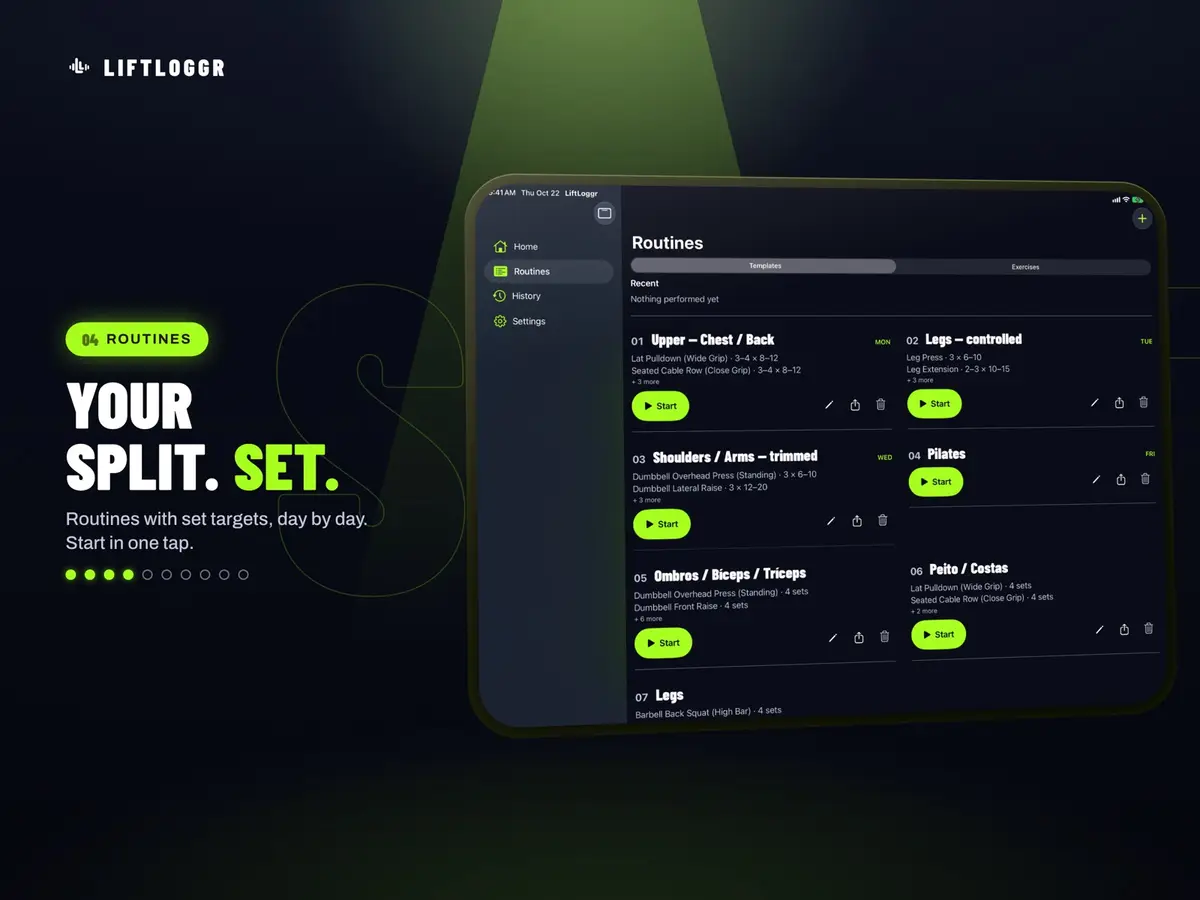
- Routines as workout templates with set targets per exercise, plus an included starter split
- A Train tab that shows today’s workout
- Progress kept per routine, so you can resume a session mid-way
A recent update added supersets, drop sets, reps in reserve and a plates per side helper that shows what to load on the bar.
What else is in the app?
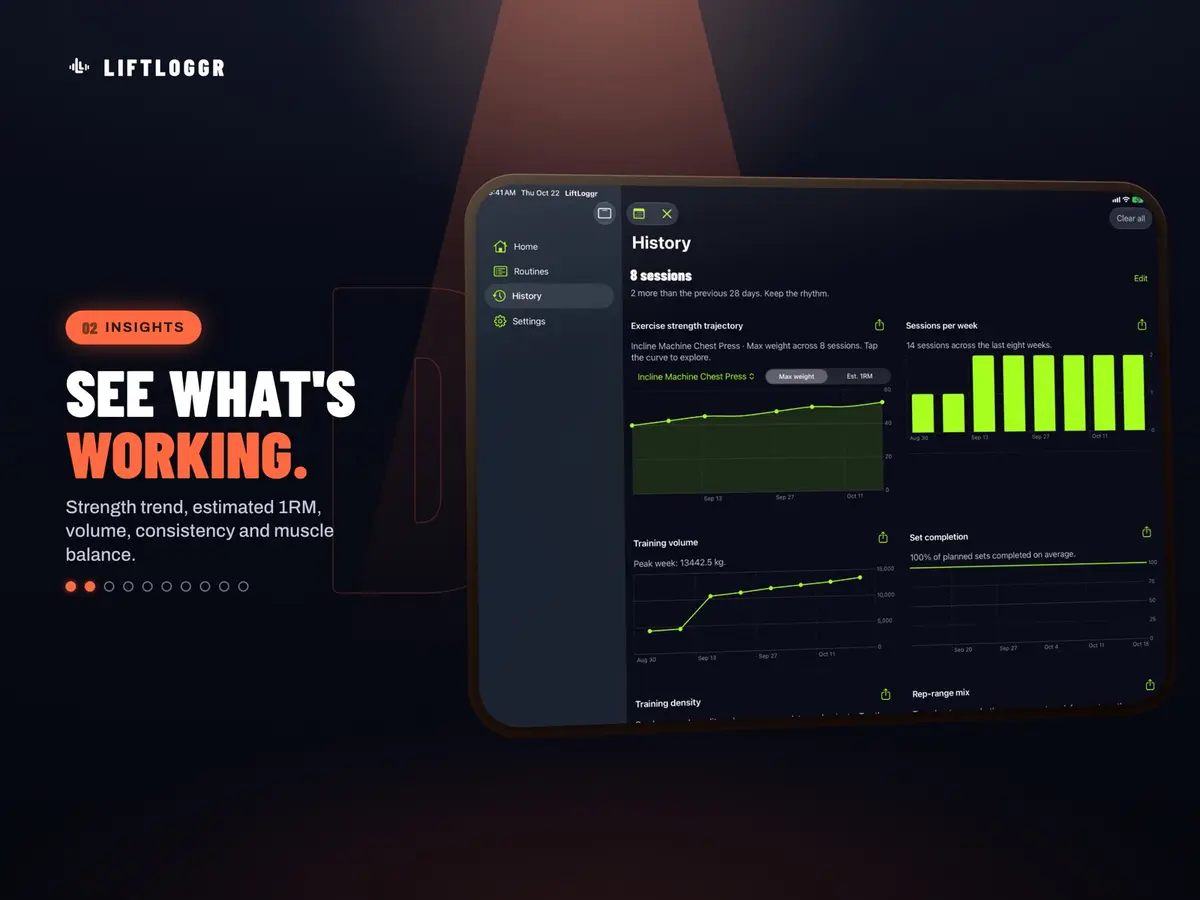
The listing says 499 exercises come built in, filterable by muscle group and equipment, and you can add custom ones. For tracking, there is a full workout history with a monthly calendar, automatic personal record detection with estimated 1RM, and full detail for every logged session.
Home Screen and Lock Screen widgets show your week and today’s plan, and a Control Center control starts a workout in one tap. Spotlight search and Handoff between iPhone and iPad are also listed.
What does the Apple Watch app do?
The Watch app mirrors the live session. You can check off sets, see the rest countdown and extend or skip it without taking out your phone, and the watch buzzes when rest ends. Heart rate and calories are tracked during the workout, and the session is saved to Apple Health as strength training.
What about privacy?
According to the developer, the app works fully offline with no account, no sign-in and no ads. Optional iCloud sync runs through your own iCloud account, and you can export your whole history as a single backup file and import it later.
The App Store privacy section says anonymous usage data may be collected and is not linked to your identity. The developer says these usage stats can be turned off in Settings and that workouts and Health data are never sent. Apple notes that this information has not been verified by Apple.
Prices
The App Store listing shows the app as free at the time of writing. New Mobile Life gives the original price as US $0.99. The listing says every feature is unlocked, with no subscription, no in-app purchases and no pro tier. No end date for the free period is stated, so the price could change at any time. We have not seen prices for other countries’ stores.
Who it suits
Lifters who hate fiddling with their phone. The one tap design and the automatic rest timer are aimed at people who want to log a set and get back to the bar.
Apple Watch owners. If you would rather keep your phone in your bag, the wrist controls, rest buzz and heart rate tracking cover most of what you do between sets.
People who keep their data to themselves. No account, no ads and offline use will appeal to anyone wary of fitness apps that sync everything to a server.
Anyone on older devices. The listing says iPhone needs iOS 26.0 or later, iPad needs iPadOS 26.0 or later and Apple Watch needs watchOS 26.0 or later. If your device is older, check before you download.
What is still unknown?
The developer has not said when the free period ends or what a future price would be. The app has not yet received enough ratings or reviews to show an overview, so there is no public track record to lean on. It is also a one person project, although the developer says it will be maintained for the long term.
Next step: open the LiftLoggr page on the App Store, check that your devices meet the iOS 26.0 requirement and download it while the free price is showing.