Zann Dictionary, an English vocabulary app for iPhone and iPad, is listed as free on the App Store. The tech site New Mobile Life reports that the usual price is US $0.99 and calls the free offer limited time, without saying when it ends.
The app is built around more than 30,000 high-frequency English words, each shown with audio and visual examples taken from real situations. It comes from Zann Limited, which also makes other English learning apps.
What does Zann Dictionary offer?
The App Store listing describes a dictionary that teaches words by how they are used rather than by memorising definitions. The features it names are:
- More than 30,000 high-frequency English words
- Audio and visual examples from authentic contexts
- Smart review cards and spaced repetition, so words stay in memory
- Several practice formats for deeper learning
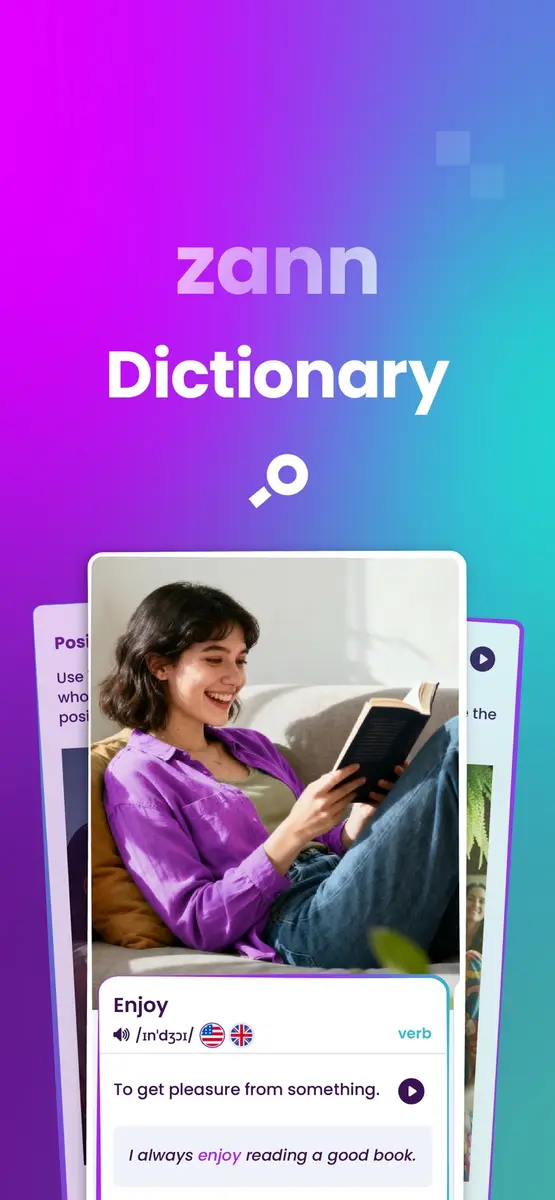
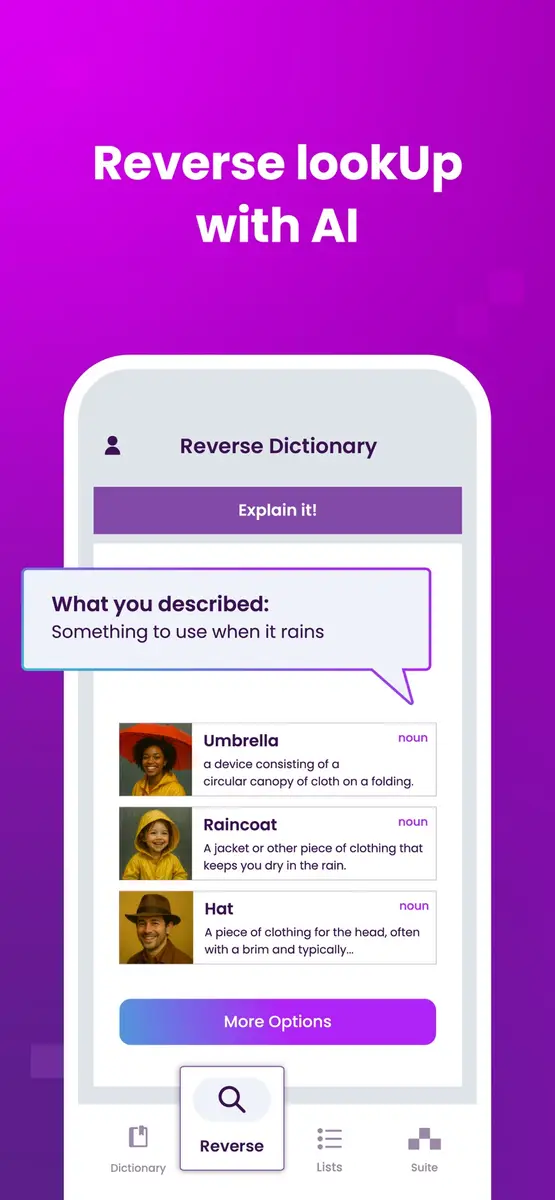
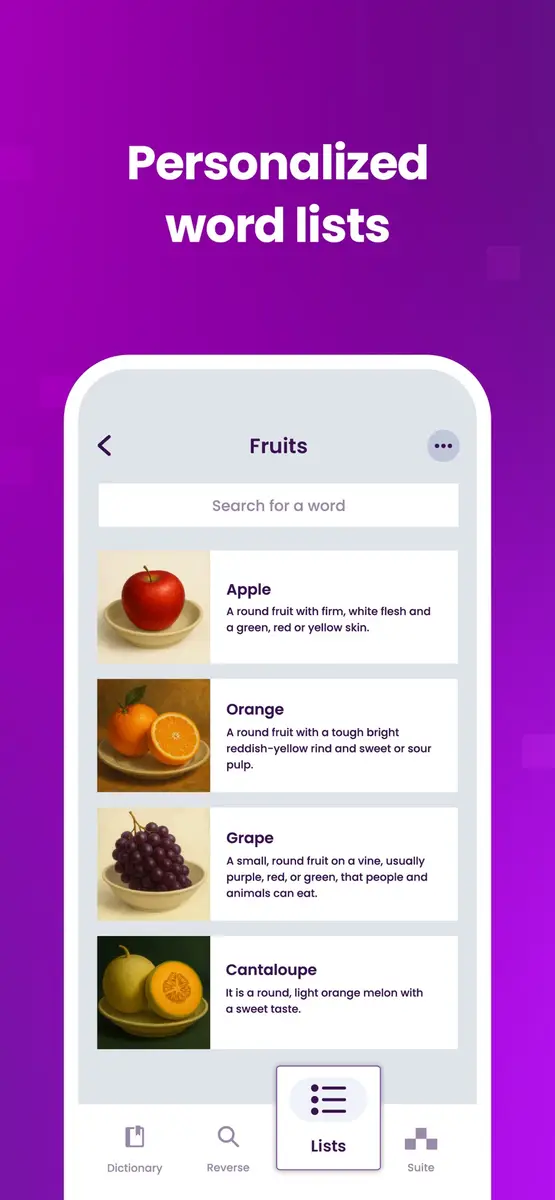
The listing screenshots show a few more details. A word card gives the part of speech, a pronunciation with US and UK flags, a short definition and an example sentence. A reverse lookup tab lets you describe a meaning, for example something to use when it rains, and returns matching words with pictures. A lists tab holds personalized word lists, such as a list of fruits.
The app is in English only, according to its language line, so it is aimed at people who already read enough English to follow the definitions.
Prices
According to New Mobile Life, the original price is US $0.99, and the app is free for a limited time. No end date is given in either source. The listing we read shows the price as Free.
There is a catch. The listing also says the app has in-app purchases. It names two plans for the dictionary, US $59.99 for a yearly plan and US $9.99 for a monthly plan, and two for the wider Zann Suite, US $79.99 yearly and US $14.99 monthly. The sources do not say which features sit behind those plans, so the free download may not include everything. All figures here are in US dollars, because the sources give no other currency.
How do I get it?
- Open the App Store on an iPhone or iPad and search for Zann Dictionary from Zann Limited.
- Check the button. If it says Get, the free offer is still on. If it shows a price, it has ended.
- Download it and open a few word cards to see what is included before you decide on any plan.
The listing says it needs iOS 15.6 or later and is about 97.9 MB. It also says the app runs on Mac with an Apple M1 chip or later. The age rating is 13+.
Who it suits
English learners building everyday vocabulary. The developer aims the app at people studying for fluency or daily communication, with review cards that adapt to your pace.
People who learn from examples. If definitions alone do not stick, the audio and picture examples tied to real contexts may help more.
Writers and speakers hunting for the right word. The reverse lookup, where you describe what you mean, is a different way to search than typing a known word.
Anyone cautious about subscriptions. Because plans are listed, treat the free download as a trial and check what each plan adds before paying.
What is still unknown
Neither source says when the free period ends or whether the price goes back to US $0.99. We do not know which features need a paid plan. The listing says the app has not yet received enough ratings or reviews to show an overview, so there is no user feedback to judge it by. The developer’s privacy labels, which Apple says it has not verified, list some usage data that may be used to track you across other companies’ apps and sites, so read them if that matters to you.
What to do next
Open the App Store listing, check that it still says Get, and read the in-app purchase section and the privacy details before you sign in or subscribe. If you only want the word cards, try the free version first.