MCBackup Pro, an app that backs up and restores the contacts on an iPhone or iPad, is listed as free on the App Store. The tech site New Mobile Life reports that the usual price is US $0.99 and describes the free offer as limited time, with no end date given.
The developer is Ravi Kotadiya. According to the App Store listing, the app needs iOS 15.6 or later, saves contacts as VCF (vCard) or CSV files, and works without an account, a server or a computer.
What does MCBackup Pro do?
The listing groups the app around backup, transfer and cleanup of the phonebook. The main features it names are:
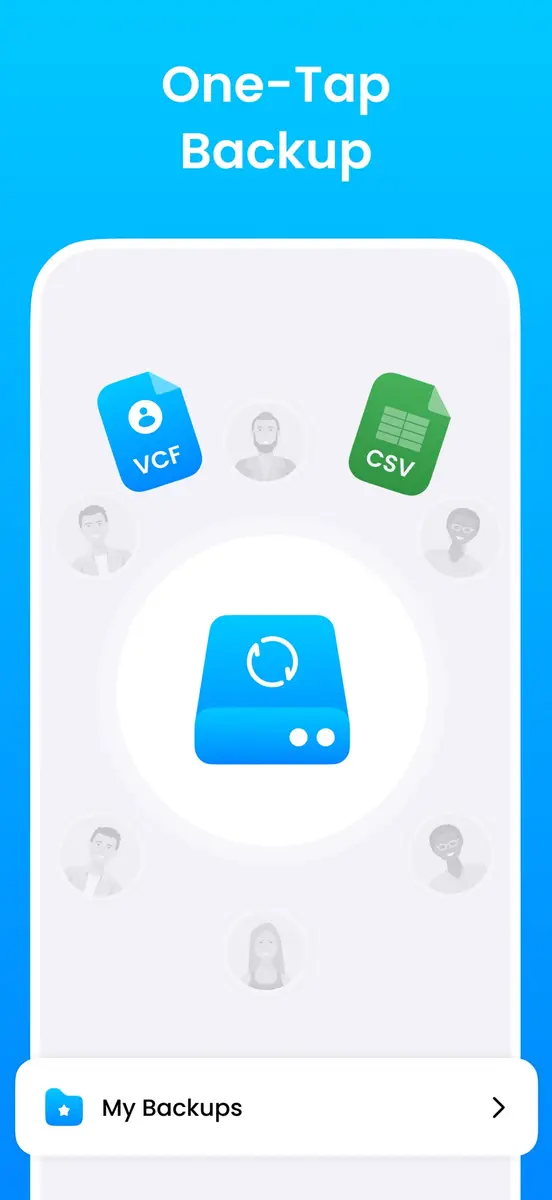
- One tap backup of the whole contact list to a VCF or CSV file
- Sending the backup to yourself by email or saving it to cloud storage
- Restoring contacts from a saved file after numbers are lost or deleted
- A duplicate remover that merges entries
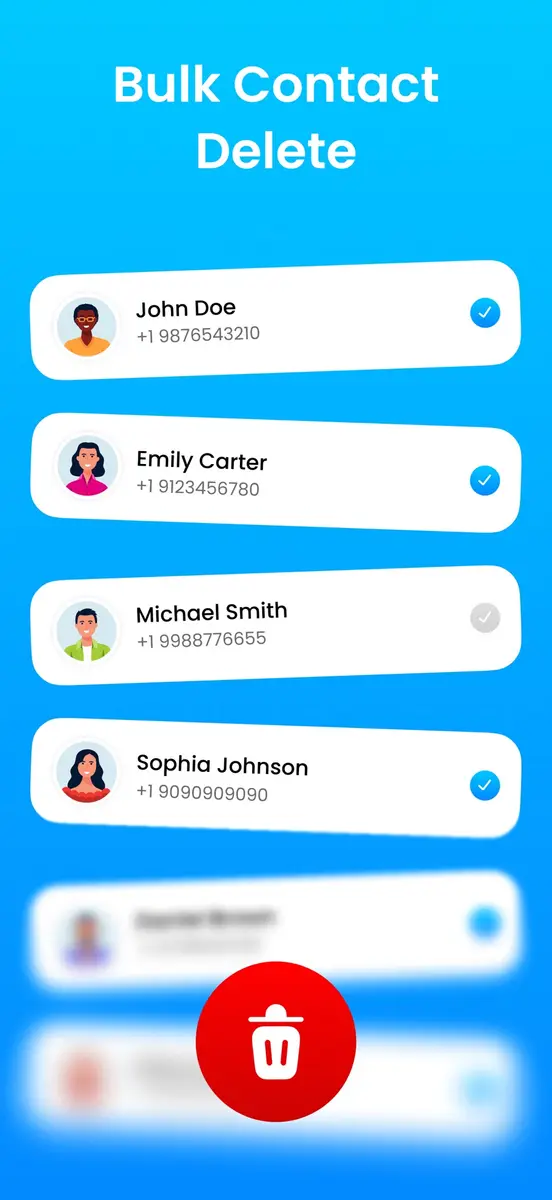
- Selective transfer, so you can import, share or delete only chosen contacts, including bulk delete
- Smart sync, which the listing says keeps the contact list updated across devices
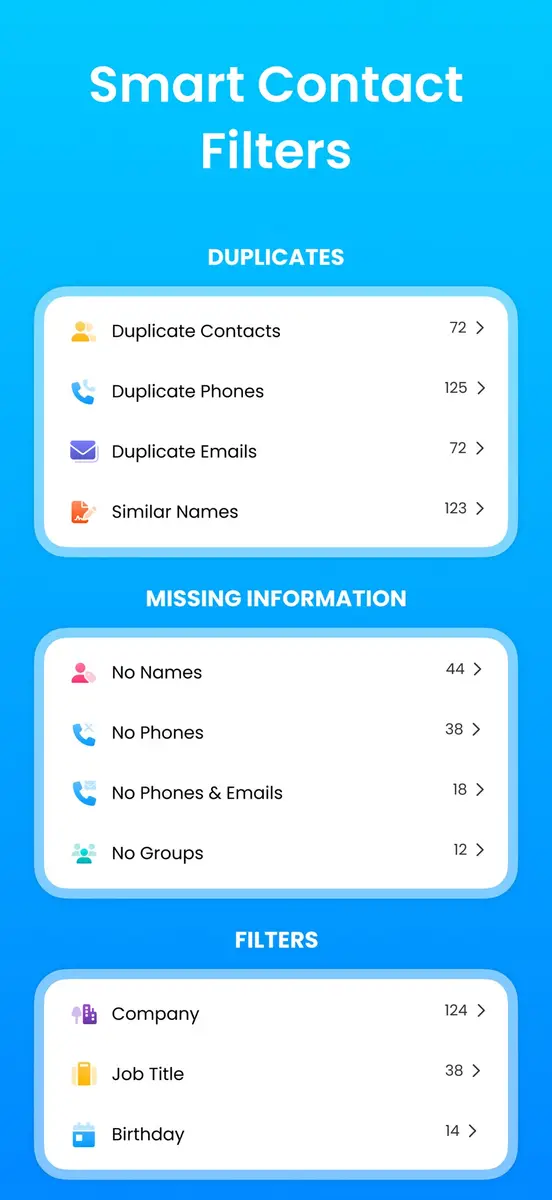
The screenshots on the listing also show filters for duplicate contacts, duplicate phones and emails, similar names, entries with no name or no phone, and groupings by company, job title and birthday.
The developer says backups and restores happen on the device, no internet connection is needed, and you decide where the files are saved or sent. That is the developer’s own description, not an independent test.
Prices
According to New Mobile Life, the original price is US $0.99, and the app is free for a limited time. The sources do not state when the offer ends. The listing we read shows the price as Free, and the figures here are in US dollars only, because the sources do not cover other currencies or storefronts.
The developer also lists a second app with a similar name, “MCBackup: My Contacts Backup Sync, Restore & Export Data”. Check that you open the one called MCBackup Pro.
How do I get it?
- Open the App Store on your iPhone or iPad and search for MCBackup Pro - Contacts Backup, from Ravi Kotadiya.
- Look at the button on the listing. If it says Get, the offer is still on. If it shows a price, the free period has ended.
- Download it, run a first backup, and save the file somewhere outside the phone, such as your email or cloud storage.
Who it suits
People changing phones. A VCF file is a common format for moving a phonebook, so a saved backup gives you something to carry to a new device.
Anyone with a messy address book. The duplicate remover and the filters for missing names and numbers are aimed at cleaning up a list that has grown over the years.
People who like to keep data offline. The developer says the app stores backups locally and needs no account, which may appeal if you do not want contacts passing through another service.
Anyone who relies on the notes field. One reviewer on the listing reported that the notes field is left out of both backup formats. Older reviews from 2019 also complained about merge results and missing backup deletion, and the app has since been redesigned in version 5.1, so it is worth testing before you trust it.
What is still unknown
Neither source says when the free period ends or whether the price returns to US $0.99. Prices in other countries are not given. The listing shows 4.7 out of 5 from 129 ratings, which is a small sample, and the developer’s claim that millions of people use the app is not backed by a figure we could check.
What to do next
If you want it, download it while the listing still shows Free, then try a backup and a test restore on a few contacts before you rely on it. Read the full description and privacy policy on the App Store page first.