StillRead: Private Reader, an offline reader for EPUB, PDF and TXT files on iPhone and iPad, is free to download on the App Store. Its original price was US $0.99, according to the tech site New Mobile Life, which flagged the offer on Nov 03, 2026. Neither the tip nor the App Store listing gives an end date.
The developer is Shaanxi Yunxin Industry Co., Ltd. The app reads books you already own, with no account, and says it keeps your books, progress, bookmarks, highlights and settings on your device.
What does StillRead do?
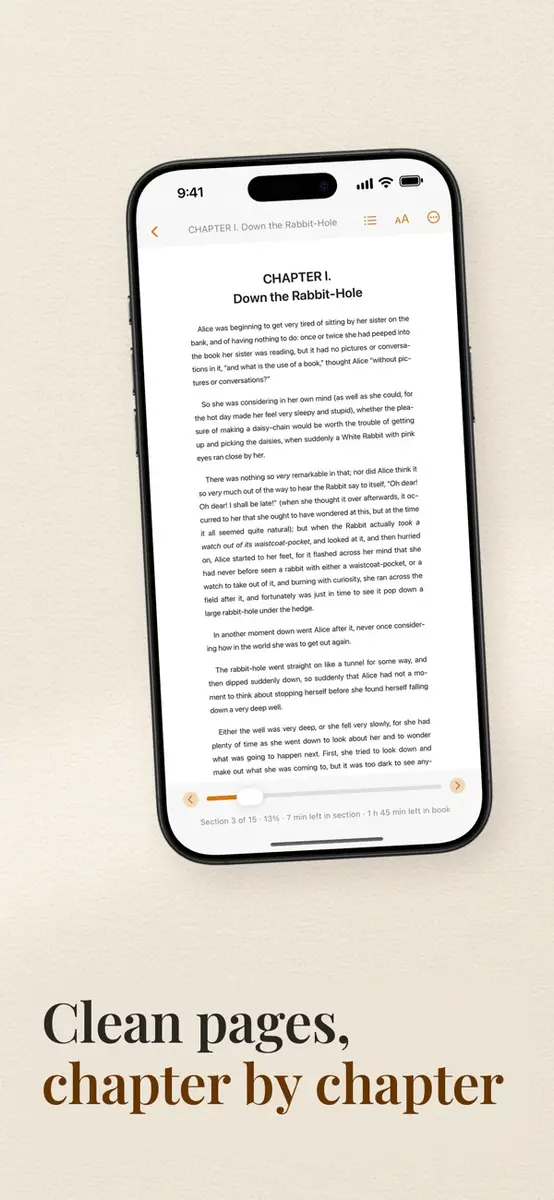
The listing describes a quiet place for your own book files, with a continue-reading shortcut so you can pick up where you left off. You bring files in from Files, Mail, Safari or Finder file sharing.
- Formats: EPUB, PDF and TXT
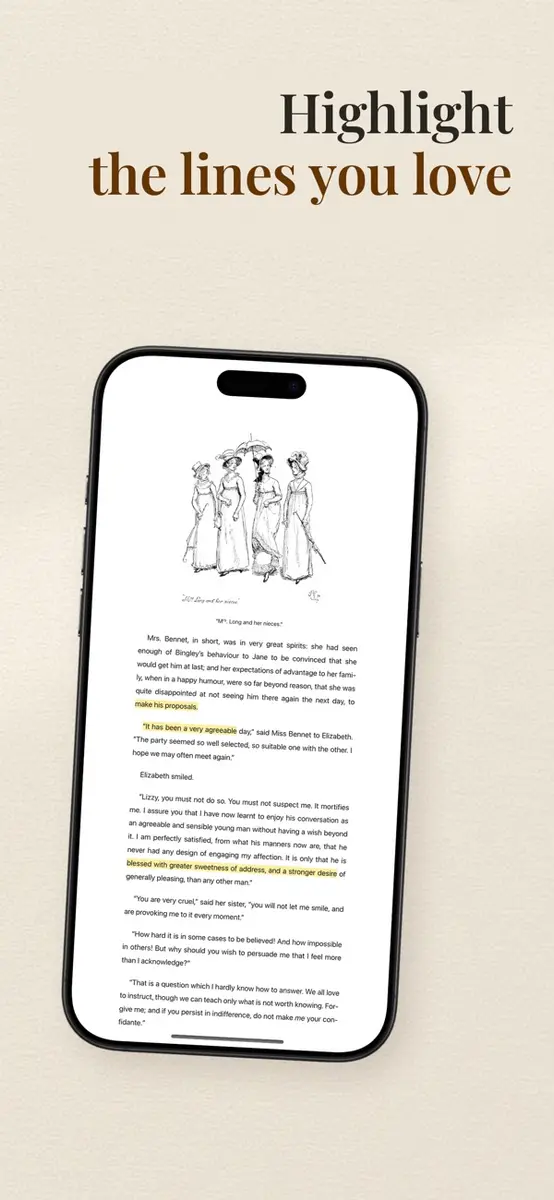
- Reading tools: bookmarks, highlights, search inside EPUB and TXT books
- Display: adjustable fonts, spacing, margins and reading themes
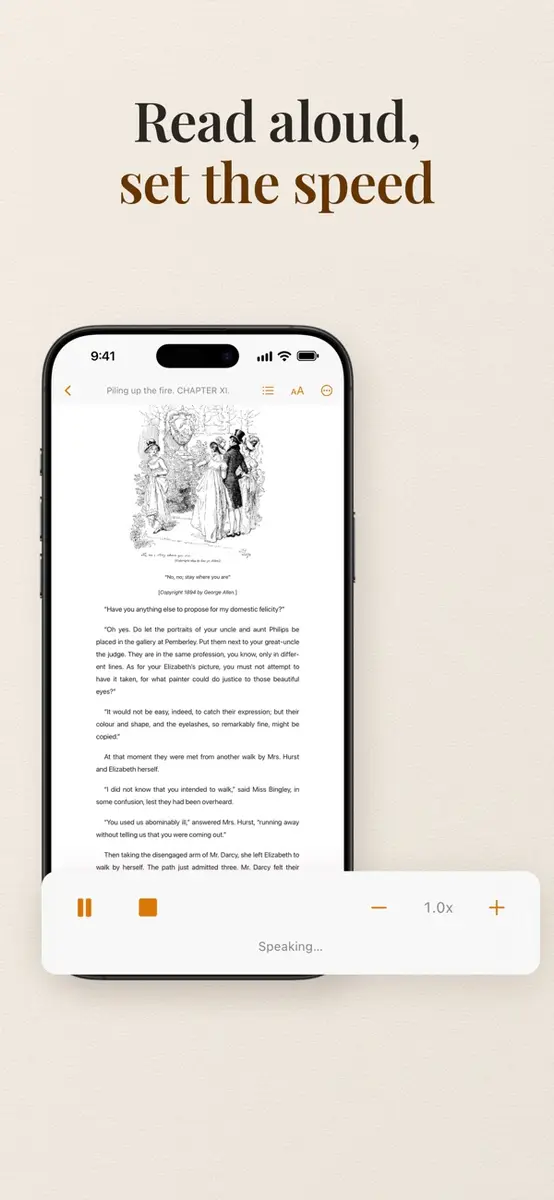
- Extras: on-device read aloud, auto-scroll, reading-time estimates and simple reading statistics
- Stated absences: no ads, subscriptions, analytics or third-party SDKs
The latest update, version 1.0.2, adds backup and restore, PDF text search, duplicate import choices, and better layouts and performance on iPhone and iPad. Its notes also say StillRead is now free to download. Earlier versions were 1.0 on Aug 18 and 1.0.1 on Oct 26.
Does it collect any data?
In the App Store privacy section, the developer says it does not collect any data from the app. Apple notes that this information is provided by the developer and has not been verified by Apple. The listing also says privacy practices can vary, for example with the features you use.
What do you need to run it?
The listing gives these requirements:
- iPhone: iOS 18.0 or later
- iPad: iPadOS 18.0 or later
- Mac: macOS 15.0 or later and a Mac with Apple M1 chip or later, though the listing says it is designed for iPad and not verified for macOS
- Apple Vision: visionOS 2.0 or later
- Size: 4.9 MB
- Age rating: 4+
- Languages: English and 16 more, including French, Spanish, Japanese, Korean, Vietnamese, Traditional Chinese and Simplified Chinese
How do you get it?
Open the App Store listing on your device while signed in with your Apple Account, then tap Get. Use the official listing only, and check the price shown there before you confirm. If your store shows a price instead of Free, the offer is not showing in your region or has ended.
Prices
The App Store lists StillRead as free to download. New Mobile Life gives the original price as US $0.99. Other countries and currencies are not stated, so check your own App Store. The listing describes the app as having no subscriptions and no ads. No end date for the free offer appears in either source, so the price can change at any time.
Who it suits
People who keep their own ebook files. If you have EPUB books, PDFs or text files in Files or Mail, this gives you one place to read them with bookmarks and highlights.
Privacy-minded readers. The developer says no account is needed and no data is collected, and the app has no ads or analytics SDKs. That claim is the developer’s own, so read its privacy policy if it matters to you.
Commuters and students with long PDFs. PDF text search arrived in 1.0.2, and the app estimates reading time. Offline reading also helps when you have no signal.
Readers who want a bookstore. The listing talks about importing files and does not mention a built-in book store, so you would need to source books elsewhere.
What is still unknown
The listing says the app has not received enough ratings or reviews to show an overview, so there is little public feedback to go on. How long it stays free is not stated, and neither is whether it will return to a paid price. The developer has not indicated which accessibility features it supports, and the listing does not say how protected files are handled.
What to do next
If it fits your reading habits, download it now while the listing shows Free, then use the new backup and restore feature once your library is set up. The official App Store listing is the place to confirm the current price in your country.