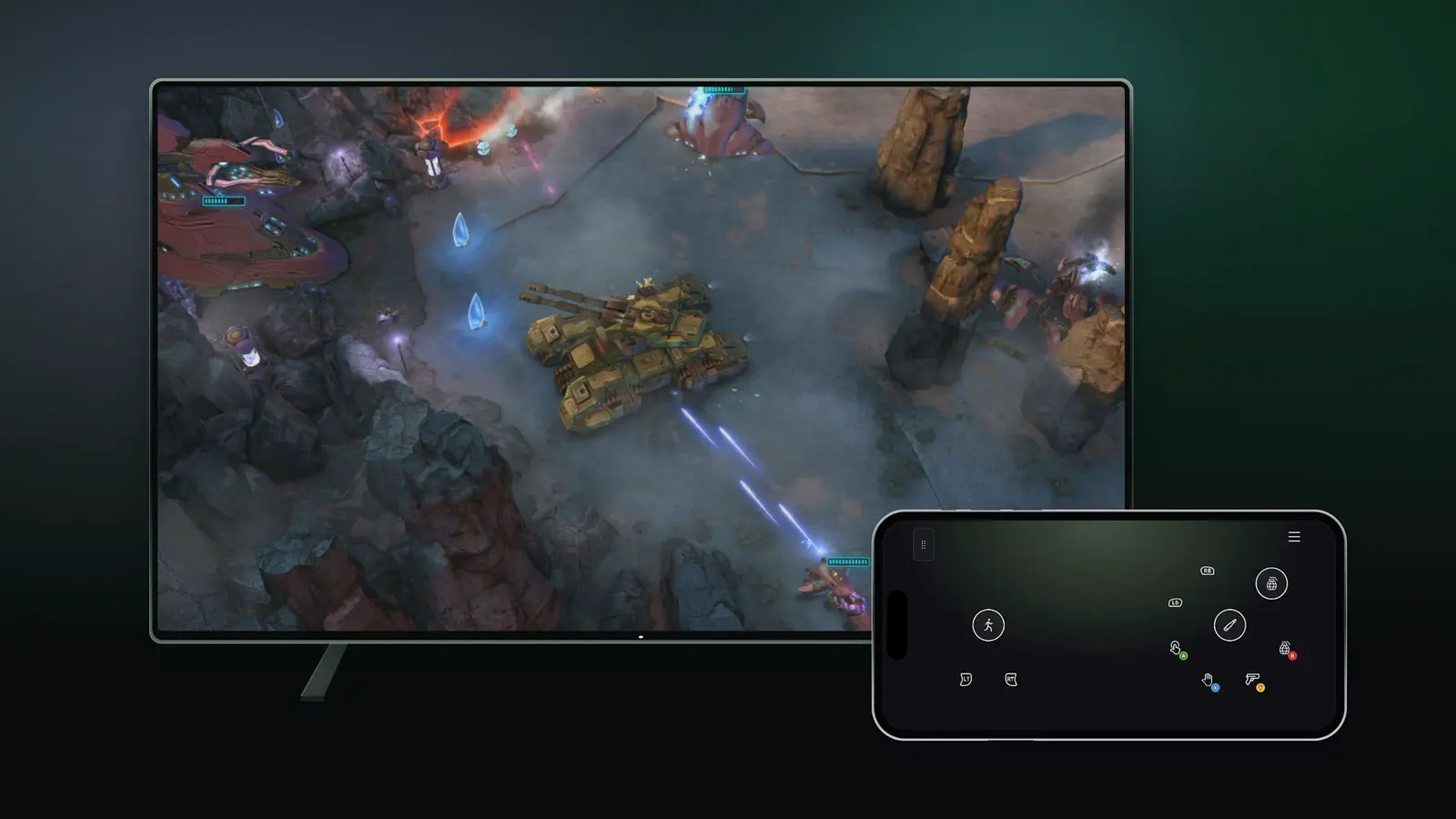
XBOX Cloud Gaming has two new preview features that began on November 4, 2026: you can use your phone as a controller on a supported Smart TV, and you can connect the XBOX Nano Controller straight to the cloud over Wi-Fi. Microsoft announced both on XBOX Wire the same day, and both are still early tests.
The phone feature is open to players in countries where XBOX Cloud Gaming is available. The Wi-Fi feature, called cloud connect, is for players in the U.S. only for now.
How does the phone controller work on a Smart TV?
You can start a cloud game on a supported Smart TV without any controller connected and choose to use your phone for that session. The controls then open in your phone’s browser, and some games get tailored control layouts.
What you need, according to XBOX Wire:
- A supported Android or iOS phone
- The latest supported Smart TV experience for XBOX Cloud Gaming
- Preview Features switched on under Settings, then Account
To send feedback, scan the QR code shown on the TV, tap the Xbox icon in the top-left corner of the phone screen and choose “Give Feedback.” Microsoft points readers to its list of verified devices for XBOX Cloud Gaming to check whether a TV qualifies.
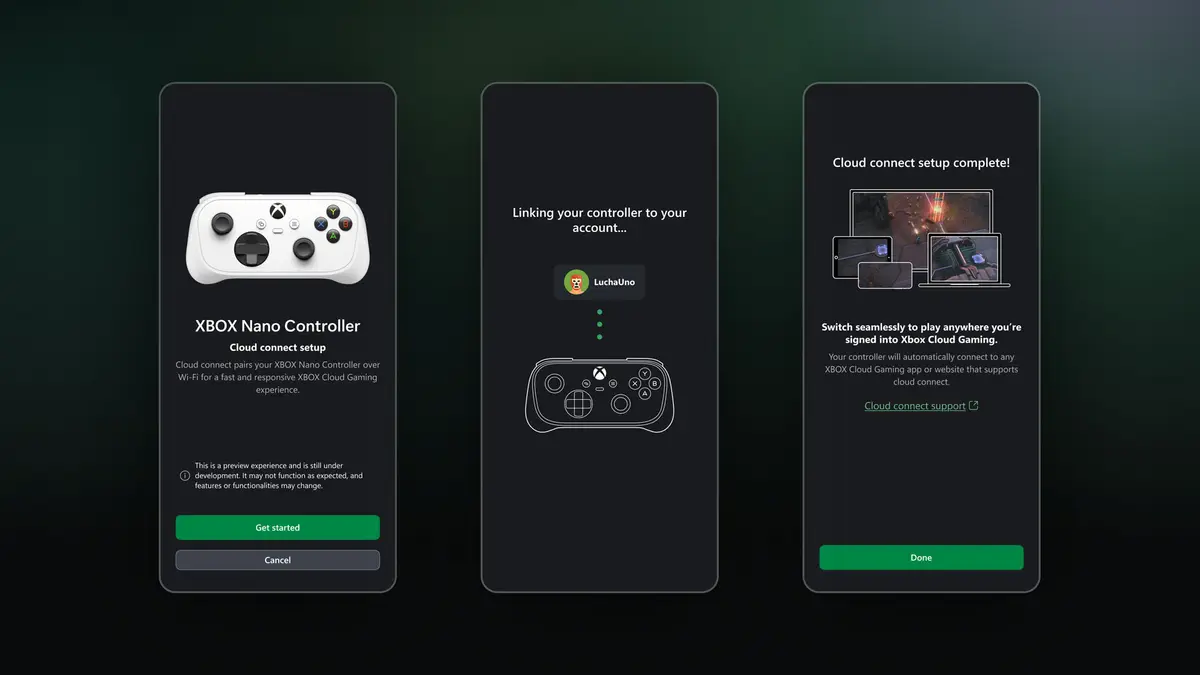
What is cloud connect for the XBOX Nano Controller?
Cloud connect lets the Nano Controller talk to the game server over your Wi-Fi network instead of reaching the TV through Bluetooth first. Microsoft says this can reduce input latency, which is the delay between pressing a button and seeing the result.
It works on supported Smart TVs and on the web, but Microsoft warns it “won’t work with every cloud gaming experience yet.” Microsoft’s in-app description of the feature, quoted by 9to5Google, calls it a preview that is still under development.
The setup has three steps:
- Set up the controller in the XBOX beta app on Android, or in the Xbox Accessories app on PC. Setting it up from the PC app requires XBOX Insider enrollment.
- Connect the controller to your Wi-Fi network through the app.
- Open a supported XBOX Cloud Gaming experience and sign in with the same XBOX account you used during setup.
Feedback goes through the Feedback icon in the Xbox Accessories app on PC or in the XBOX mobile app.
How does this compare with other cloud controllers?
9to5Google noted that the approach is similar to the Wi-Fi connection of the old Stadia Controller, and that Amazon’s Luna Controller also connects over Wi-Fi. 9to5Google also cited The Verge as reporting that the feature is expected in a future XBOX Elite Controller. Microsoft has not said that itself on the announcement page, so treat that as a report, not a plan.
How much does it cost?
The XBOX Wire post lists no price for either preview.
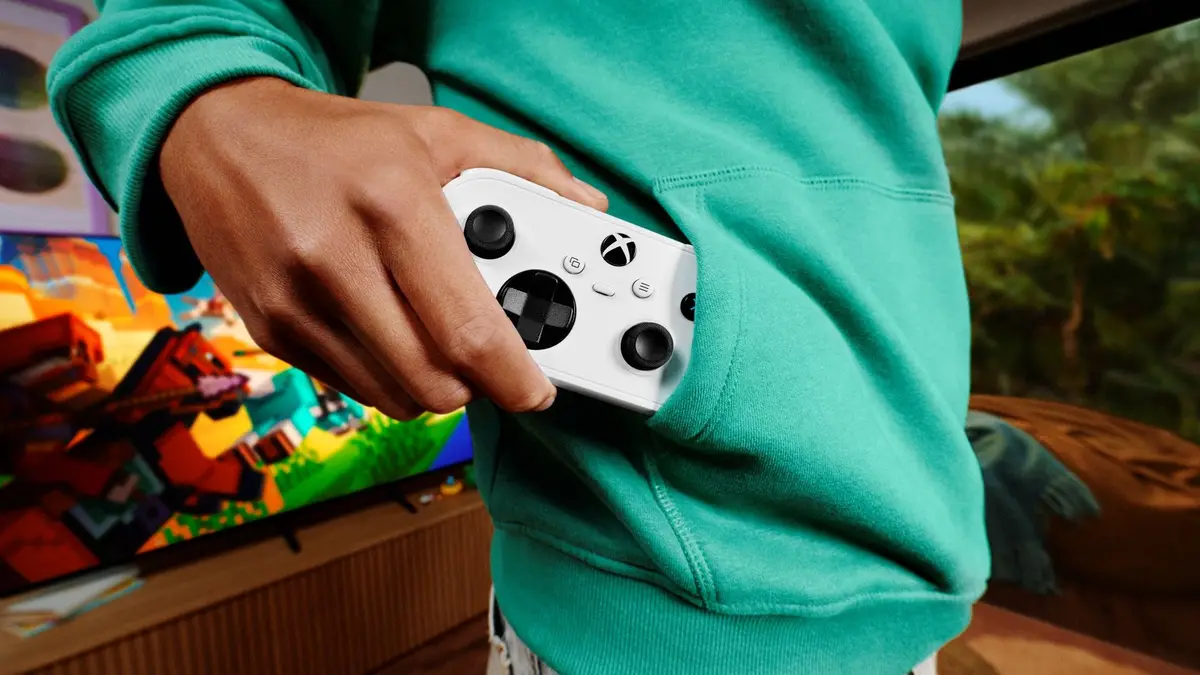
The controller is a separate purchase. Microsoft priced the XBOX Nano Controller at $49.99 USD when pre-orders opened on October 14, 2026, and said pricing varies by country. It is just over 5 inches long and weighs 3.5 ounces, which makes it the company’s smallest controller. 9to5Google says the controller launched in the week of November 3, 2026.
Who it suits
Players with a Smart TV and no controller. The phone option means a cloud session does not stop because the gamepad is in another room. It is a fallback, though, and not a replacement for a real controller in action games.
Nano Controller owners in the U.S. If you already own the Nano and play on a Smart TV or in a browser, cloud connect is the one to try, since the lower latency is the whole point. Expect gaps in game support while it is in preview.
Anyone outside the U.S. The phone feature is available wherever XBOX Cloud Gaming is, but cloud connect is U.S. only. The post gives no date for other countries.
Who should wait. If you rely on cloud gaming for competitive play, keep your current setup until Microsoft says more. Microsoft itself says availability and supported games or devices may be limited.
What is still unknown?
Microsoft has not listed which Smart TV brands support the phone controller beyond pointing to its verified devices page, and it has not named the games that work with cloud connect. There is no end date for either preview, and no timeline for leaving preview.
What to do next
Check that your TV appears on the verified devices page, turn on Preview Features in your account settings and try a game with your phone. Nano owners in the U.S. can follow the setup guide on the XBOX support site. Both features are tests, so expect them to change.