Luxa RAW Camera, an iPhone camera app that normally costs US $0.99, is listed as free on its App Store page. The Photo & Video app shoots ProRAW or 48MP photos, adds film inspired looks and gives manual control over focus, shutter speed and ISO.
The tip came from the tech site 流動日報 New Mobile Life, which describes the price as limited time free. The App Store listing shows the app as free today, but neither page says when the offer ends, so grab it sooner rather than later.
How does Luxa process photos?
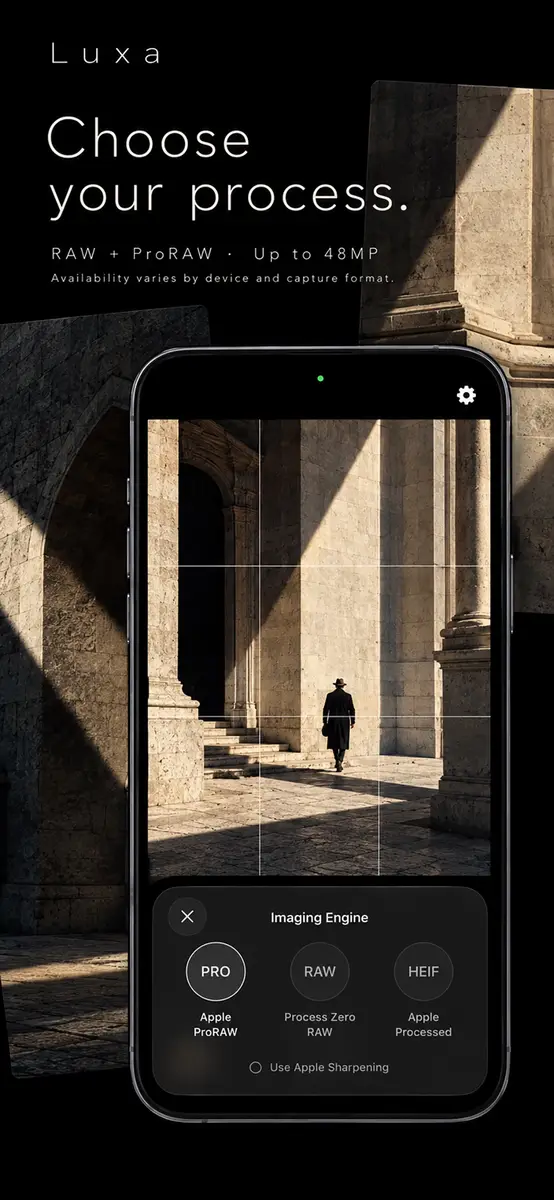
The app offers three imaging engines, and you pick one before you shoot:
- Process Zero RAW develops Bayer RAW with Luxa’s own rendering pipeline, which the developer calls a more restrained starting point.
- Apple ProRAW combines RAW flexibility with Apple’s computational photography on supported devices.
- Apple Processed uses Apple’s own processing to produce ready-to-share HEIF photos.
RAW and ProRAW availability depends on your device and camera, and the amount of Apple processing changes with the engine you choose.
What looks and styles are included?
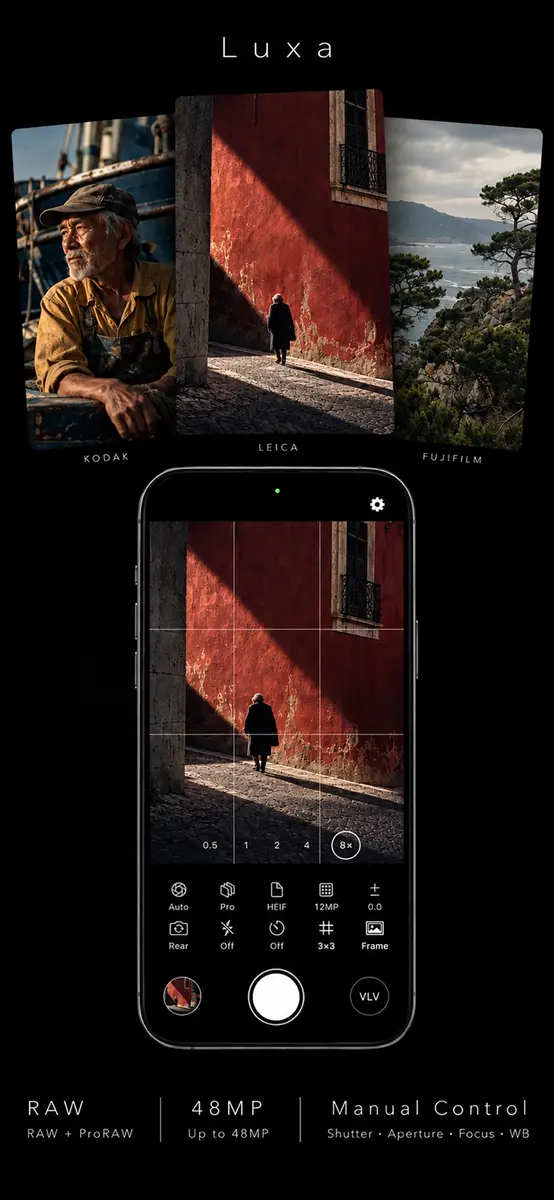
The listing describes styles inspired by Kodak, Fujifilm and Leica, from warm film color to expressive monochrome.
- Style intensity can be set lighter or stronger, though monochrome styles always use their full effect.
- Grain has separate controls for amount, size and roughness.
- Styles and grain are applied to the finished photo, so you can focus on the scene.
- Version notes mention Bloom, a soft glow on bright highlights, and Film Halation, a warm glow, each adjustable on its own.
What manual controls and saving options are there?
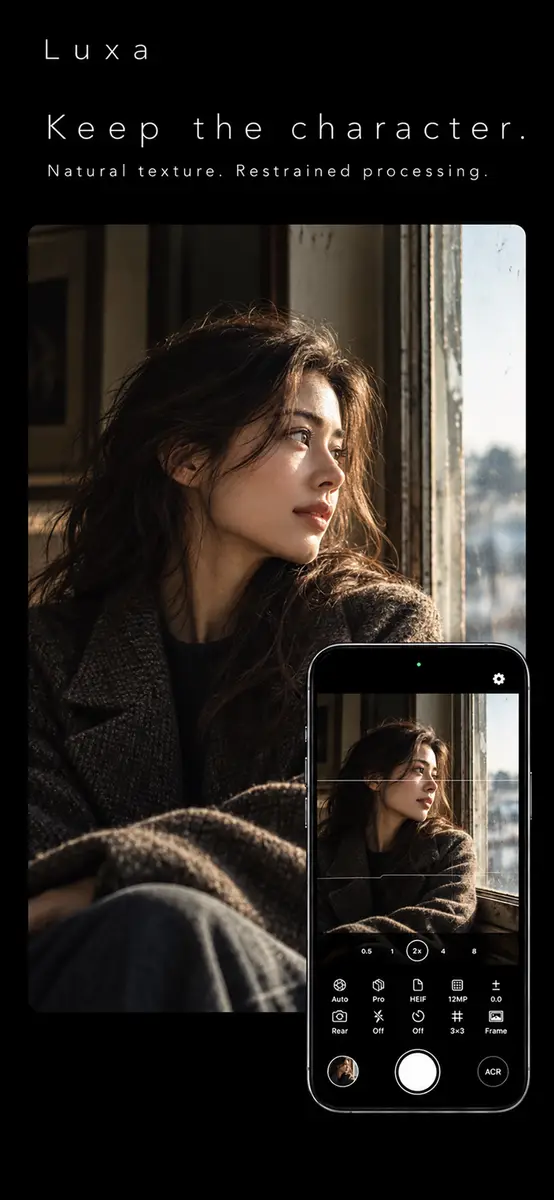
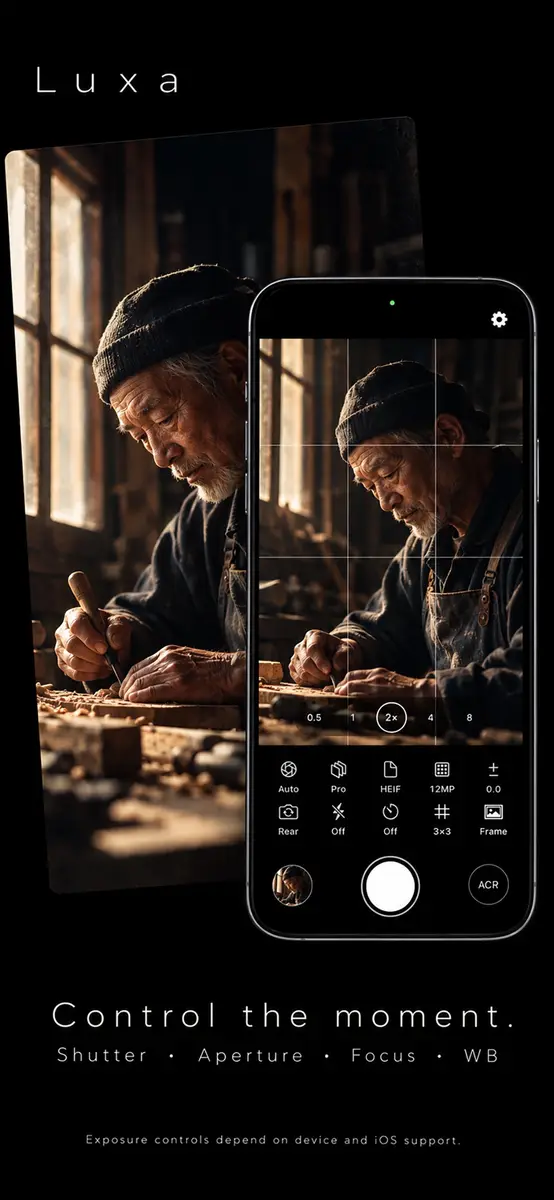
You can adjust focus and white balance, or set shutter speed and aperture where your device and iOS support it. Auto mode stays available for everyday shots.
- Save as RAW, HEIF or RAW + HEIF, depending on the selected engine.
- When a style or watermark needs a rendered image, Luxa can save a HEIF companion next to the RAW file.
- Composition grids and a horizon level help with framing.
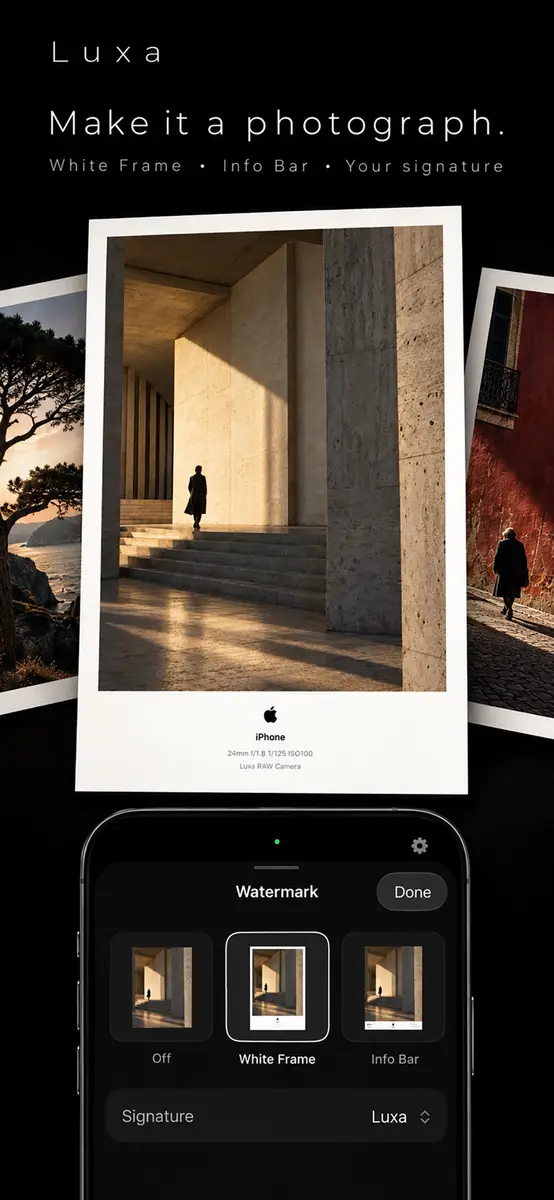
- An information bar watermark can show capture details and a signature.
- A built-in gallery lets you browse photos, mark favorites and view capture information.
Prices
- Free now on the App Store, according to the listing and the New Mobile Life report. The tip site gives the usual price as US $0.99.
- Platform: iPhone only. The app requires iOS 26.0 or later and is 45 MB in size.
- No end date is stated in the sources, so the price can return to normal without notice.
- The developer’s privacy label says it may collect analytics, identifiers and usage data that are not linked to your identity. Apple notes this information has not been verified.
Who it suits
iPhone owners who like to edit. If you want an original RAW or ProRAW file to adjust later in your own editing app, the choice of engines and the RAW + HEIF option give you both a working file and one ready to share.
Fans of film looks. The Kodak, Fujifilm and Leica inspired styles, with adjustable intensity and grain, suit people who want a finished look straight from the camera without a separate filter step.
Casual shooters who want a little more control. Auto mode is there for quick snaps, and the manual controls are optional, so you can learn them at your own pace.
People with an older iPhone or older iOS. Check compatibility first. The listing requires iOS 26.0 or later, and it says RAW, ProRAW and some manual controls depend on your device and camera.
What is still unknown
The sources do not say how long the free period lasts, or whether the offer applies in every country. The listing we checked shows the price in US dollars. The app is new, with 2 ratings at the time of writing, so there is little user feedback yet.
How to get it
- Open the App Store on an iPhone running iOS 26.0 or later.
- Search for Luxa RAW Camera, or open the official listing linked in the sources.
- Confirm that the button says Get and that the price shows as free.
- Tap Get and sign in with your Apple Account if asked.
- Open the app and pick an imaging engine before your first shot.
Next step: open the App Store listing today and download the app while it is free, then compare Process Zero RAW with Apple ProRAW on the same scene.