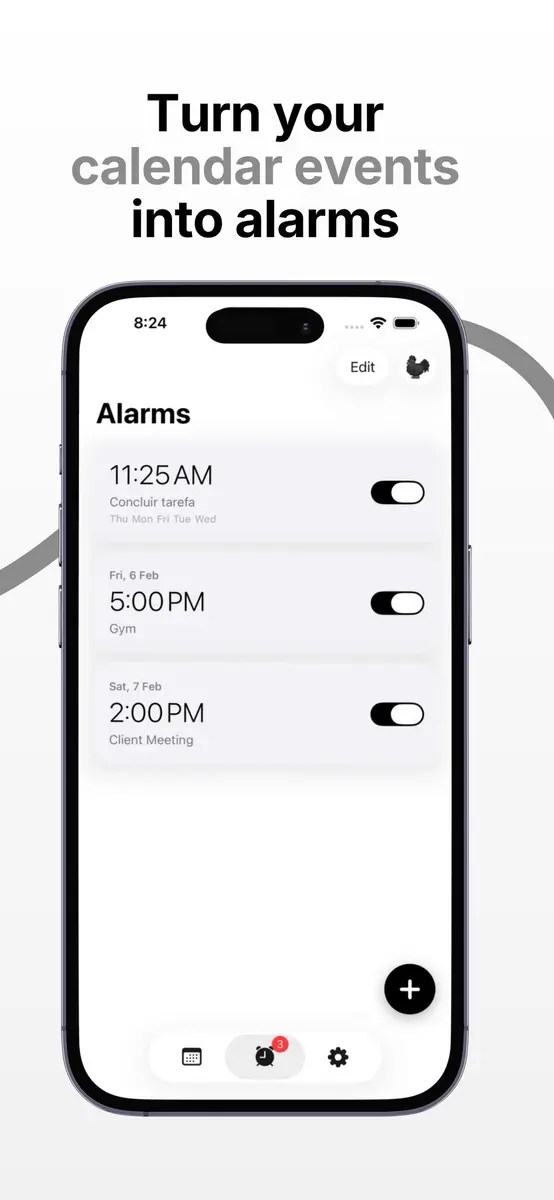
Rooster, an app that turns calendar events into custom alarms, is free on the App Store, according to its official listing. Hong Kong outlet New Mobile Life reported on October 26, 2026 that the app normally costs US $0.99 and is free for a limited time. Neither source says when the offer ends.
How Rooster works
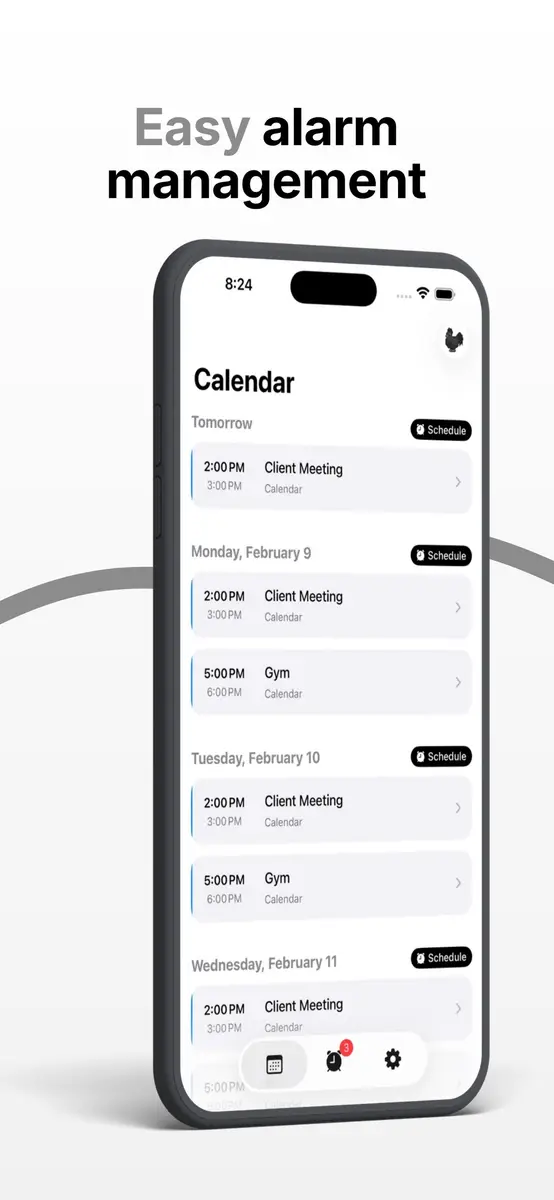
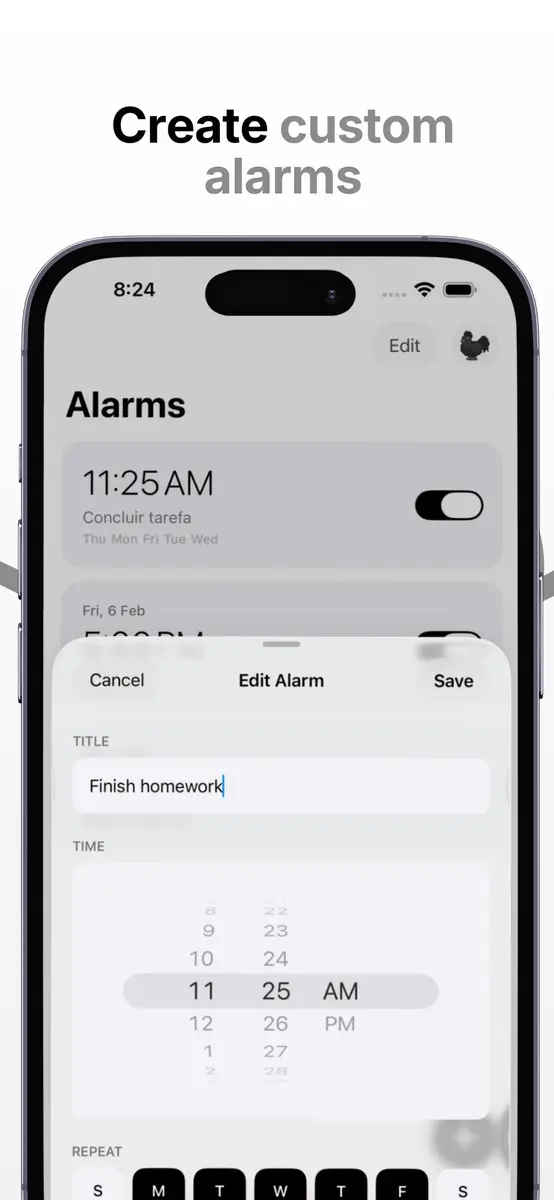
The developer, Pixelheart Digital S. de R.L., pitches the app at people who ignore ordinary calendar notifications and then miss a meeting, appointment or flight. After you connect a calendar, you can turn any event into an alarm in two taps. Key features from the listing:
- Alarms that fire at the event time or 5, 10 or 15 minutes before it
- Standalone alarms for daily habits such as “Jogging” or “Gym”, with flexible recurring schedules
- iCloud sync, so alarms stay consistent across your devices
- Designed to work even in silent mode
- A minimalist interface with simple navigation
Price, requirements and privacy
The App Store page shows the app as free, and the tip article gives the former price as US $0.99. The app is listed for iPhone and iPad in the Productivity category. It requires iOS 26.1 or later, is 7.1 MB in size and is available in English, Portuguese and Spanish. The Spanish and Portuguese translations arrived in version 1.1.0 on October 13, according to the version history.
The developer states that it does not collect any data from the app, although Apple notes that this information has not been verified by Apple. The listing also says the app has not yet received enough ratings or reviews to show an overview.
What it means for you
Rooster is aimed at anyone who relies on a phone calendar and wants something harder to ignore than a banner, such as commuters, office workers and travellers. The two sources quote the former price in US dollars only and do not say whether the Canadian storefront shows the same offer, so check the listing on your own device. Limited time offers can end at any time, and no end date has been published.
To get it, open the App Store on your iPhone, search for Rooster, Calendar Alarms and look at the price button. If it says Get, tap it. If it shows a price, the free offer has ended. The listing is the place to check for any in-app purchases before you rely on it for an important flight, and a calendar alarm is a useful backup rather than a replacement for checking your travel details.