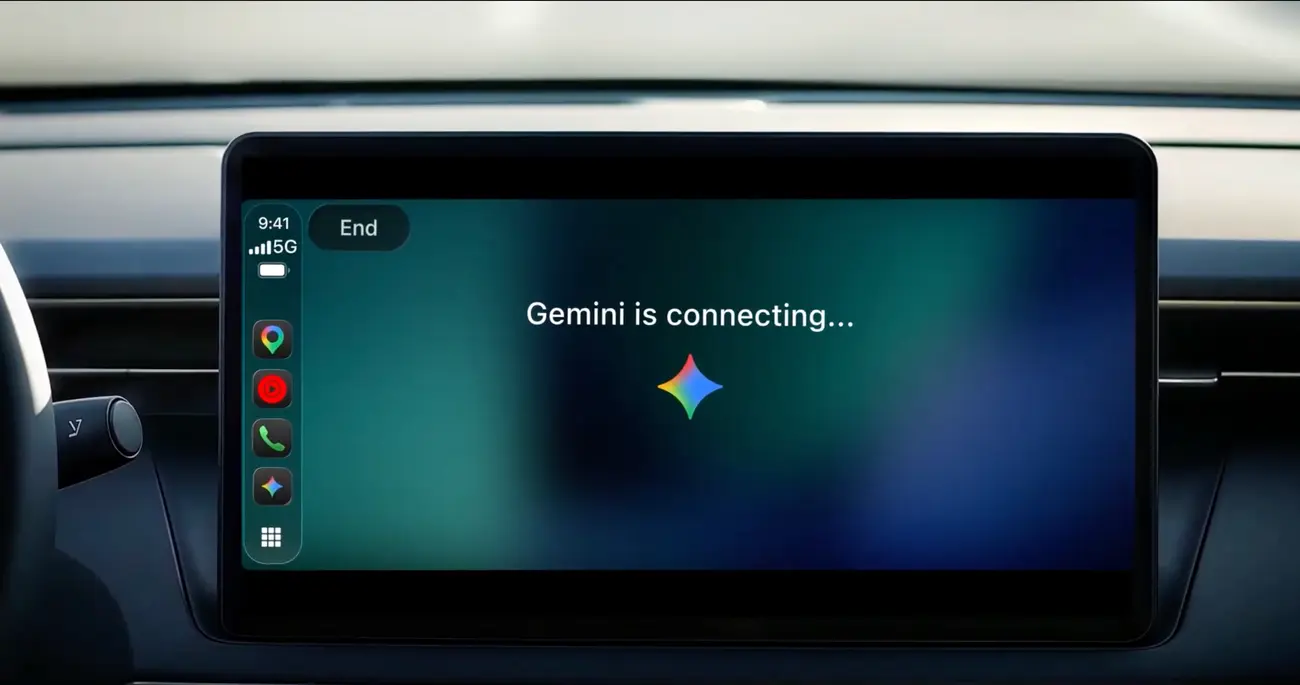
Gemini Live is now available on Apple CarPlay, so iPhone owners can hold a spoken, back-and-forth conversation with Gemini from the car display while they drive. Google announced the rollout on November 11, 2026, and says it is global: all Gemini users on iOS, in every language that Gemini Live supports.
The release follows Gemini’s earlier arrival on Android Auto and in cars with Google built-in. The Hong Kong outlet New Mobile Life, which covered the news a day later, adds that this is the second time Gemini has reached CarPlay in recent weeks, after Google put it into Google Maps on CarPlay in October.
What does Gemini on CarPlay actually do?
Google describes it as a conversational driving companion built to minimise distraction. You speak in plain language, and Gemini answers out loud. The main points from the announcement:
- Natural, hands-free conversation through the car’s own display
- You can interrupt to add a detail, change the subject, or pause when you need to focus on an exit
- A tap on the Gemini icon, on the CarPlay screen or the side rail, reopens a recent chat or starts a fresh one
- Conversations sync with the Gemini app on your iPhone, so they are waiting in your chat history when you park
Google frames the feature around the daily commute, which it says averages about an hour behind the wheel for millions of people. Its own pitch is hands on the wheel and eyes on the road.
What can you ask Gemini while driving?
Google lists four everyday uses, each with sample prompts in the announcement.
- Plan the day: ask what is on your calendar, when you need to leave for your next appointment, or talk through what you plan to say before a meeting.
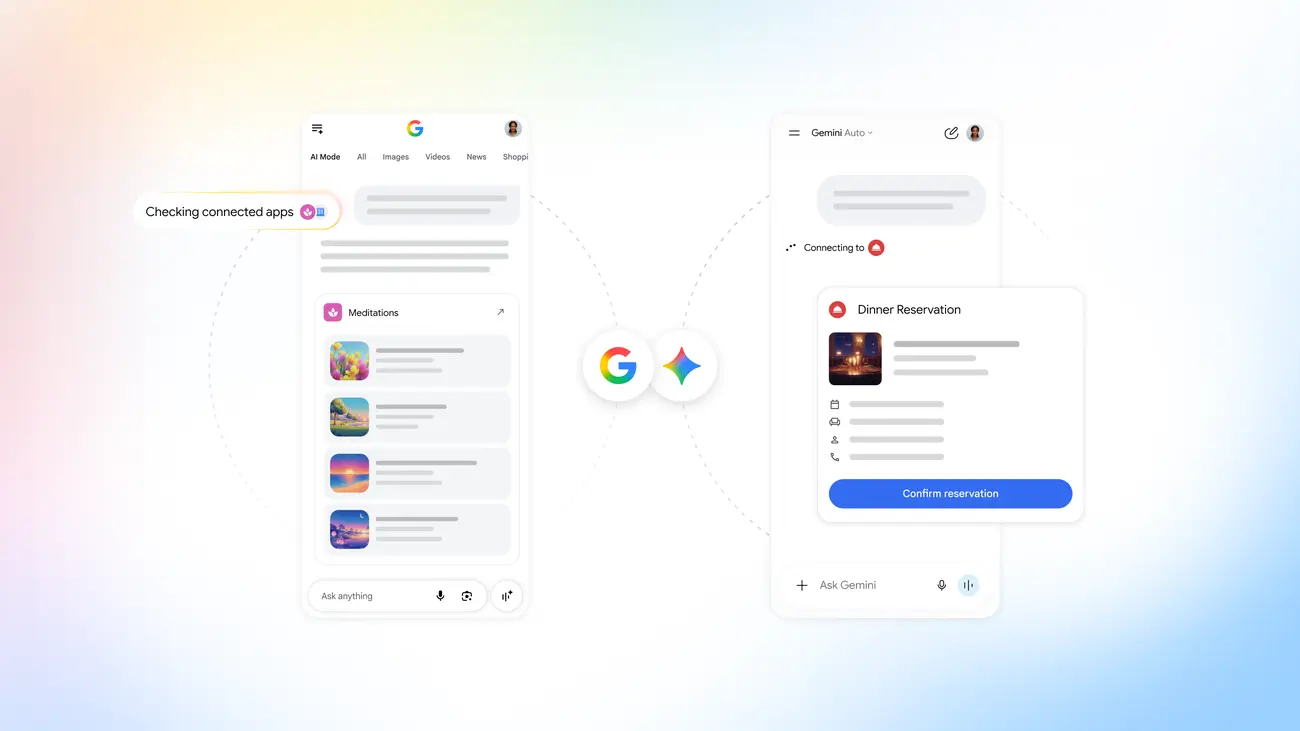
- Work through your inbox: because Gemini connects with Google Workspace apps such as Gmail and Google Calendar, you can ask for a daily brief, catch up on unread email, get a summary of a long thread and talk through a reply by voice.
- Explore where you are heading: ask for a quick lunch stop near your destination, or for the backstory of a local landmark.
- Think out loud: rehearse a presentation, prepare for a tough conversation or have a complex topic explained. One of Google’s examples is role-playing a pitch while Gemini plays a skeptical executive.
The daily brief has to be switched on first, according to Google’s footnote.
How do you set it up?
Google’s steps are short:
- Update the Gemini app on your iPhone to the latest version.
- Enable microphone permissions for the app.
- Use Gemini Live on your phone at least once. Google lists this as a requirement.
- Connect the phone to your car, tap the Gemini icon on the CarPlay display, then start a new conversation or pick up a recent one.
Because it is described as a rollout, the icon may take a little while to show up for every account.
Prices
Google’s announcement gives no price and no subscription tier for Gemini on CarPlay, so no currency applies. It says the rollout covers all Gemini users on iOS worldwide and every language Gemini Live supports. It does not say whether any part of the feature needs a paid Gemini plan, so check what your own account includes in the Gemini app.
One regional limit is stated. Google says certain personalization features, including Daily Brief, are not available to users under 18 or in the European Economic Area and Nigeria.
Who it suits
Commuters with a regular drive. If you spend a long stretch in the car each day, the chance to carry on a spoken chat that you can interrupt and pause is the main draw, and the chat history on your iPhone means nothing is lost when you park.
People who live in Gmail and Google Calendar. The inbox catch-up and calendar questions depend on your Google Workspace data, so this fits anyone who already runs their day through those apps. Remember that Daily Brief must be switched on first.
Presenters and anyone who thinks out loud. Rehearsing a pitch or talking through a hard conversation is a use Google highlights, and a quiet cabin suits it.
Readers under 18 or in the European Economic Area and Nigeria. The core conversation is meant to be available, but Daily Brief and some other personalization features are not, so expect a thinner version of the inbox and planning tools.
What is still unknown?
The announcement does not list the iOS versions or car models that support the feature, and it does not explain how driving conversations are stored or used. It also does not say how long the rollout will take to reach every account. Until Google publishes more, the safest next step is to update the Gemini app, open Gemini Live once on your phone, and then look for the Gemini icon the next time you connect to CarPlay. Keep your attention on the road and let the conversation work around your driving, not the other way round.