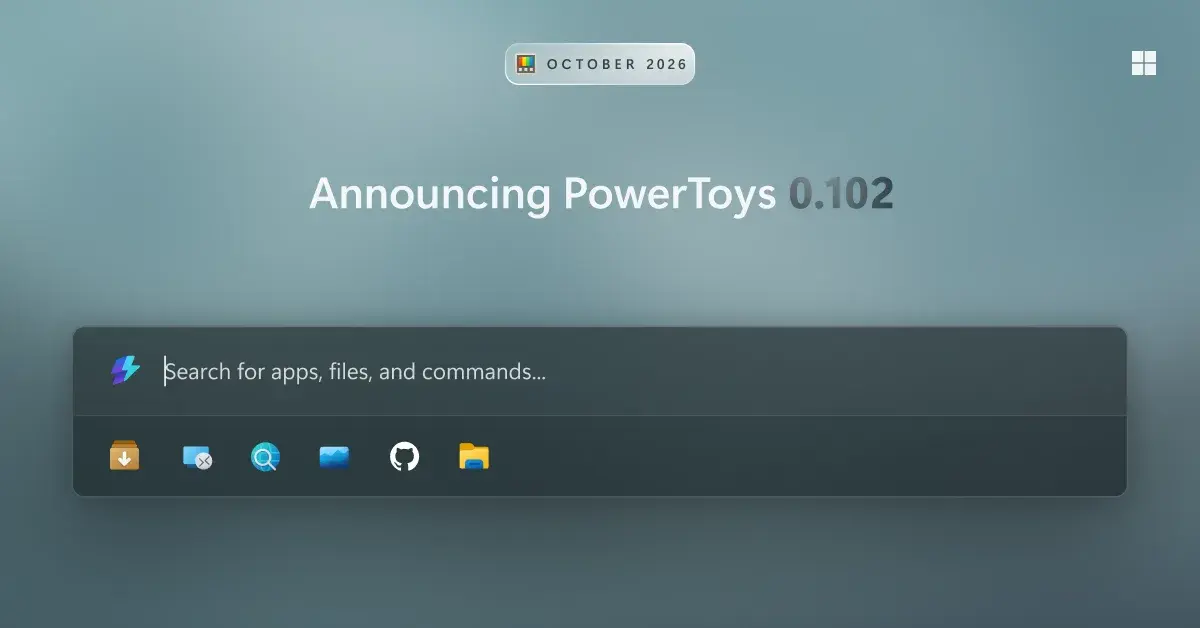
Microsoft released PowerToys 0.102 on October 21, 2026, a new version of its open source collection of utilities for Windows. The update adds two mouse tools, Mouse Button Lock and CursorHide, plus a quick-access shelf for Command Palette, spoken notes for screenshots in ZoomIt and a set of new command-line tools.
People who already use PowerToys can get the update by checking for updates inside the app. New users can install it from the Microsoft Store, the GitHub releases page or with WinGet, according to Microsoft’s installation guide.
Two new mouse utilities
Mouse Button Lock is built for long drags and selections. You press and hold a mouse button for a moment, then let go, and Windows keeps treating the button as held until you click again. Microsoft says this helps in games, in professional apps that involve a lot of dragging, and for people who find it hard to keep a button pressed for a long time.
CursorHide hides the pointer while you type, after a period without mouse movement, or both. The pointer comes back as soon as you move the mouse. The two join an existing mouse set that already includes Find My Mouse, Mouse Highlighter and CursorWrap.
Command Palette, ZoomIt and the command line
Command Palette, the launcher built into PowerToys, gets an optional shelf that shows your pinned commands under the search box while the palette is collapsed. Alt+1 through Alt+9 launch the pins. Other changes include:
- A settings search that finds options, extensions, commands and assigned shortcuts
- Win+Alt+J to move through the dock with the keyboard
- Support for the Copilot key, so pressing it again opens or closes the palette
- Several dock clocks, each with its own time zone and format
ZoomIt can now capture a spoken description while you drag out a snip. The speech is transcribed on the device, and a single paste drops in both the screenshot and the text.
New command-line tools let users script Advanced Paste, Light Switch, Peek, PowerDisplay and the main settings. The settings tool can turn individual utilities on or off even while PowerToys is not running.
Keyboard Manager and other changes
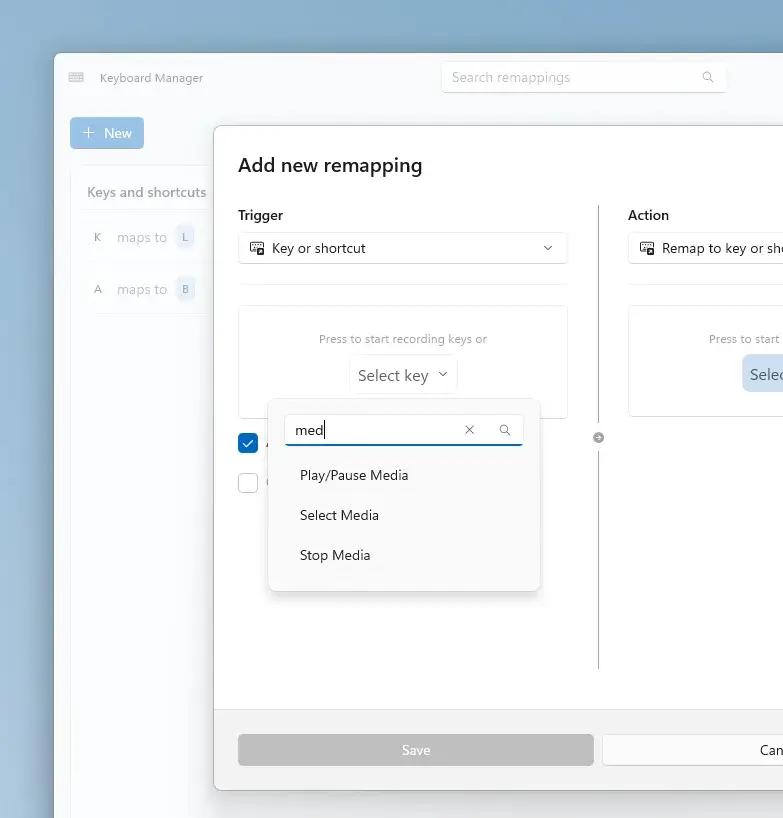
Keyboard Manager now supports tap-alone remaps: tapping a key by itself triggers a different action, while the key still works normally in shortcuts. Long remap lists gain search, filters and bulk deletion, and a searchable key picker lets you build a full shortcut with just the mouse.
Color Picker and Text Extractor move to WinUI 3 and keep existing shortcuts and settings. FancyZones lets you switch layouts with the scroll wheel while dragging a window, and Peek can now show read-only previews of SQLite files. Environment Variables gains an action that removes duplicate PATH entries while keeping the original order.
What it means for you
PowerToys runs on Windows 11 and on Windows 10 version 2004 or newer, with a 64-bit x64 or ARM64 processor, according to Microsoft. The update is the same for readers in Canada and the United States, and Microsoft has not announced any regional differences.
For most people, CursorHide and the Command Palette shelf are the quickest wins. Mouse Button Lock is worth a try if long drags in professional apps strain your hand. IT staff and power users get the most from the new command-line tools, along with DSC v3 support for deploying and exporting Keyboard Manager remap profiles.