InsPanorama, an iPhone app that lets you post panorama photos to Instagram without clipping them, is listed as Free on the App Store instead of its usual US $0.99, according to the tech site New Mobile Life on November 8. No end date for the free price appears on the store page or in the report, so the offer could change at any time.
What does InsPanorama do?
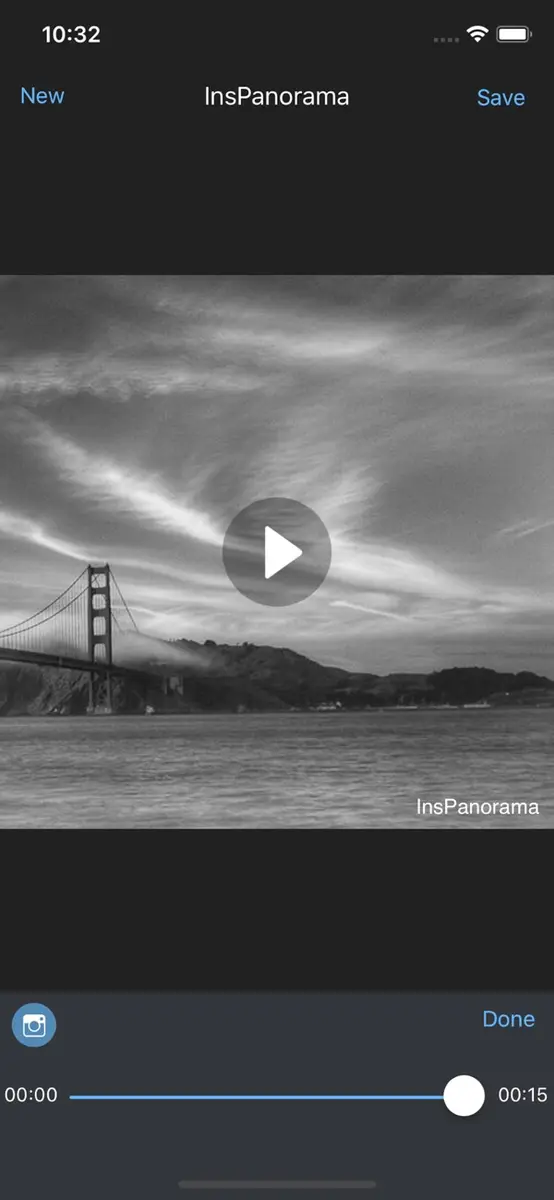
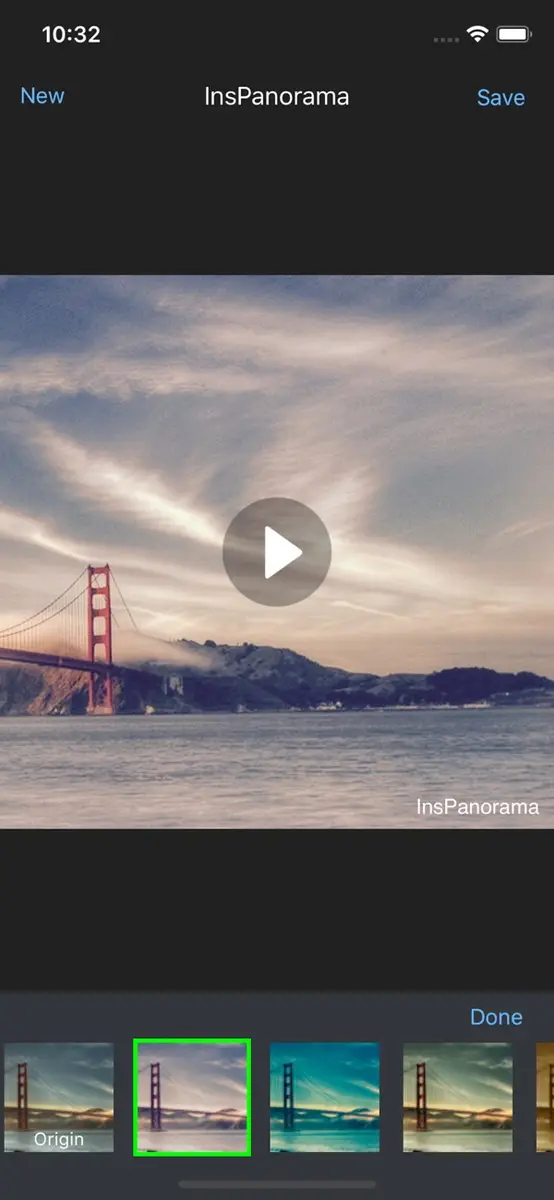
The developer describes it as a way to share a panorama photo to Instagram without it being clipped. Beyond that, the app turns a panorama into a video that can be shared to TikTok, which gives panorama shooters a second way to post the same picture.
The store listing lists these features:
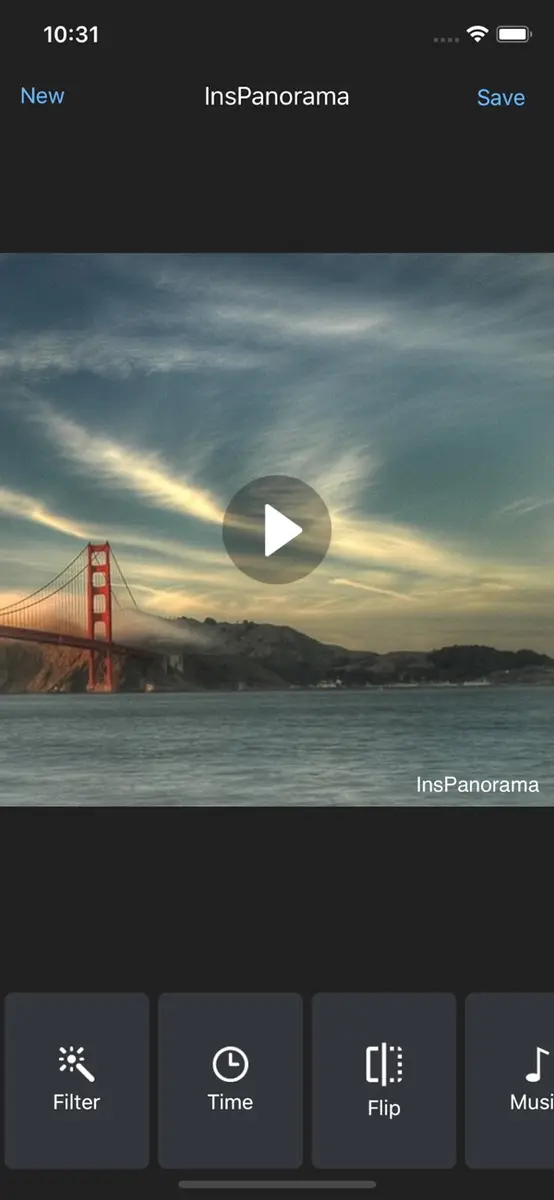
- 39 filters
- Converting a panorama into a video
- Changing the time and adding music to the video
- Adding a background to the view
- Many templates
- Adding text to the video
The developer also states that there will never be an advertisement in the app. New Mobile Life summarises the app as suited to people who like shooting panoramas and short videos and posting them to social platforms.
What exactly is free, and who can get it?
The app is the free part. The App Store lists InsPanorama as Free for iPhone, designed for iPhone and not verified for macOS. It is in the Photo & Video category.
The compatibility details on the listing:
- iPhone and iPod touch: iOS 11.0 or later
- Mac: macOS 11.0 or later with an Apple M1 chip or later
- Apple Vision: visionOS 1.0 or later
The size is 24.1 MB, the age rating is 4+, and the app supports English plus 21 more languages, including French, Spanish, Japanese, Korean, Vietnamese and both Traditional and Simplified Chinese.
On privacy, the developer says it does not collect any data from the app. Apple adds that this is the developer’s own statement and has not been verified by Apple.
New Mobile Life gives the regular price as US $0.99. The App Store page we read in the United States lists a price of 0 in US dollars. Prices and offers can differ between country storefronts, so check your own App Store before downloading.
Is the app any good?
The listing shows 4.4 out of 5 from 24 ratings, which is a small sample, so treat it as a rough guide. The written reviews on the page are older and mixed. One reviewer called it great, easy and fast. Another found it confusing at first. Several asked for the ability to import photos that are not flagged as panoramas, since the app is built around panorama pictures.
The developer has answered some of these requests over time. The version history shows the ability to choose your own music was added in earlier versions. The current version on the listing is 3.5.4, released on May 25 with a note that reads “Fix some bugs”.
The same developer also makes MusicPics, an app that turns photos into slideshows with music. New Mobile Life has listed MusicPics as free for a limited time as well, at the same US $0.99 regular price, so it may be worth a look if you like the video side of this app.
Who should grab it?
If you take panoramas on your iPhone and want to post them to Instagram or TikTok without cropping, the price of nothing makes this an easy test. It is also a good fit for people who want to add music, text and a background to a panorama video, since those tools are built in.
Skip it if you mainly edit regular photos. According to user reviews, the app works with panorama pictures and does not let you pick other photos. It is also not a full photo editor, and the listing does not describe features beyond those above.
The catch is the same as with any limited time offer. The sources do not say how long it will last, and they do not promise that every country’s App Store shows the same price. If it shows a price when you check, the offer may have ended in your region.
How to get it
- Open the App Store on your iPhone.
- Search for InsPanorama, or open the official listing at apps.apple.com.
- Check the button says Get and not a dollar amount.
- Tap Get and sign in with your Apple Account if asked.
After the download, the app stays in your Apple Account library, so you can reinstall it later on a compatible device even if the price changes. If you try it, test one panorama in a story or reel first to see how the framing looks before sharing more.