Camera Connect Image & Control, an iPhone and iPad app that pulls photos off a camera over the camera’s own Wi-Fi, is listed as Free on the US App Store. The Hong Kong site New Mobile Life reported on November 7, 2026 that its usual price is US $0.99. Neither source gives an end date for the free price, so treat it as a limited time offer that can end without notice.
What does the app do?
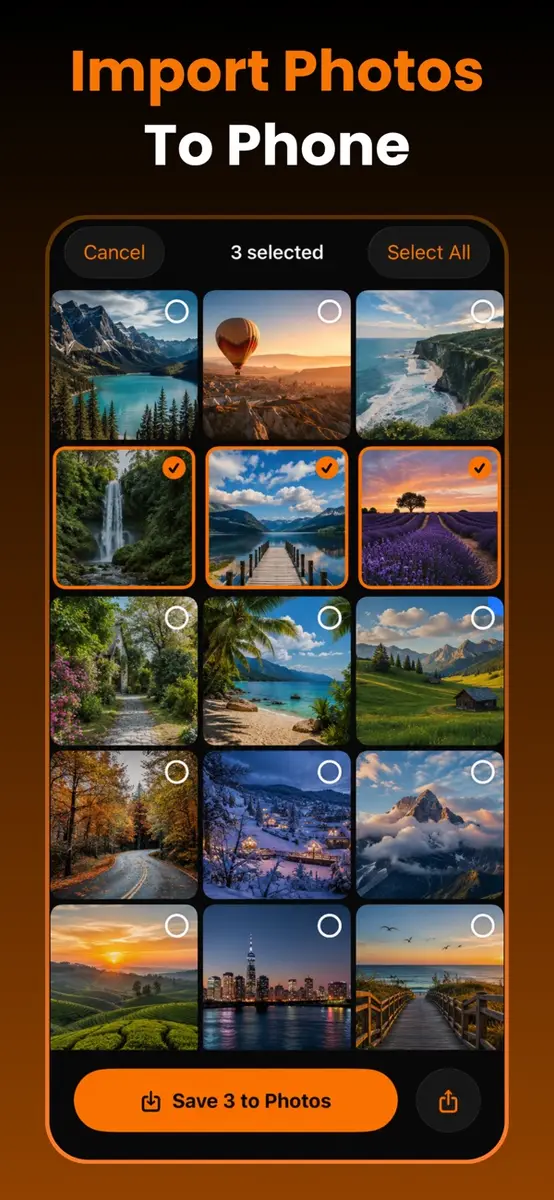
The app joins the Wi-Fi network that a camera creates, so no cable, card reader or laptop is needed. Once connected, you browse the memory card from your phone, pick the shots you want and save them to your photo library at full resolution. The developer, Hoang Duc, says the app stays smooth with thousands of files because thumbnails load as you scroll, and that an interrupted download resumes by itself when the connection returns. Because it uses the camera’s own network, no internet connection is required.
It also works as a remote:
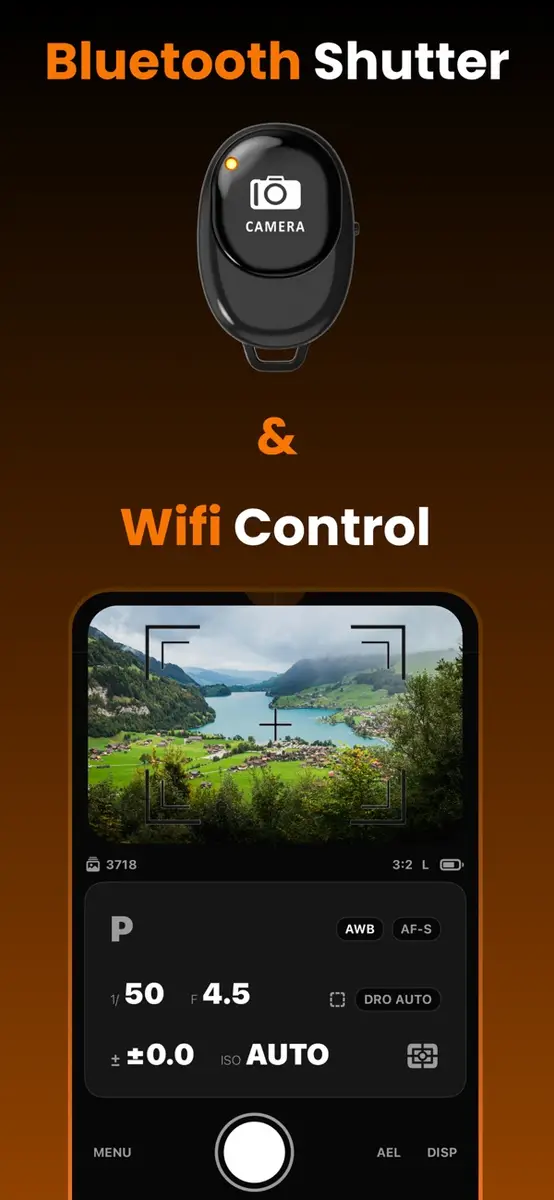
- Bluetooth shutter: pair once and fire the shutter without touching the camera, with no cable and no infrared line of sight. The listing suggests long exposures, macro, group shots and wildlife.
- Live view: over Wi-Fi the phone becomes a second screen that shows the camera’s view and lets you change shutter speed, aperture, ISO, exposure compensation, white balance, focus mode and autofocus, plus power zoom and movie recording.
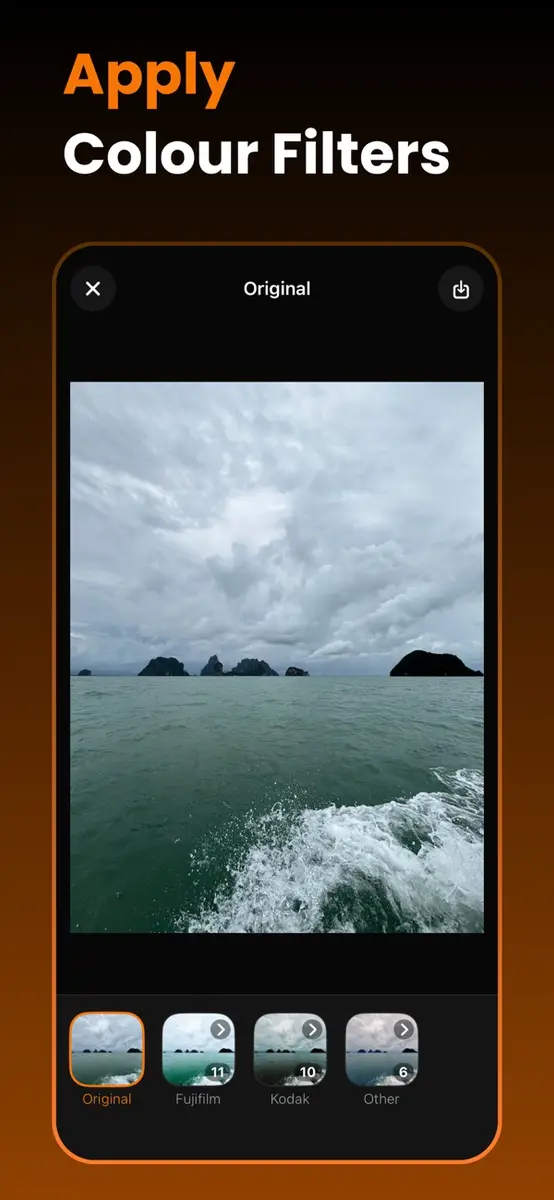
- Film looks: 28 color looks, built as 3D LUTs and applied on the phone, with adjustable strength and a before and after comparison. They include Teal & Orange, Classic B&W, Faded Film and Matte Fade, and they work offline.
Which cameras does it support?
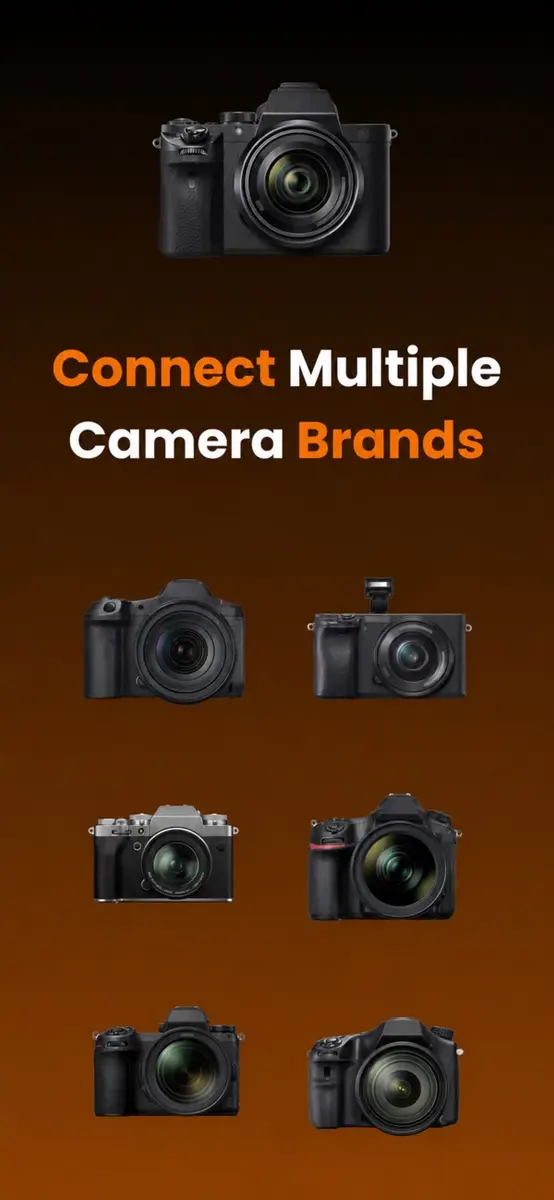
The App Store text says the app supports popular camera brands and that full remote control works on major camera lines, while other models connect for transfer and the Bluetooth shutter. The developer’s own site is more specific: Wi-Fi transfer is meant for Sony, Nikon, Canon, Fujifilm, Panasonic Lumix and Leica bodies that offer a wireless transfer or smartphone mode, and live view control is listed for Sony, Canon and Lumix. The same page warns that makers implement wireless features differently, so some older or entry-level bodies may not expose them at all.
The app is an independent product. Its listing states that it is not affiliated with or sponsored by any camera brand.
How do you get it for free?
- Open the App Store on an iPhone or iPad and search for Camera Connect Image & Control by Hoang Duc, or use the official listing.
- Check that the price button says Get rather than a price. The US storefront showed Free when we checked, and the sources do not say whether other regions match.
- Tap Get. The app needs iOS 17.6 or later on iPhone, iPad or iPod touch and takes up 56.2 MB.
- On the camera, switch on its wireless mode, which the app names as “Send to Smartphone”, “Remote Shooting” or “Connect to Smartphone” depending on the body.
- Scan the QR code shown on the camera screen so the app joins the network, or connect by hand. The app remembers the network afterward.
The listing is rated 13+ and the category is Utilities. Apple marks it as designed for iPad and not verified for macOS.
What is the catch?
The privacy label is the main thing to read. The developer states that identifiers and usage data may be used to track you across other companies’ apps and websites, and the listing says the app contains advertising. Apple notes that this information is supplied by the developer and has not been verified by Apple. The developer’s site takes a different angle: it says photos and videos travel directly from the camera to the phone, that it runs no image servers and that no account is needed.
The app is also young. The listing shows version 1.0 from August 18 and version 1.0.4 from October 17, which improved the Wi-Fi connection, and it has not collected enough ratings to show an overview. When we read the developer’s site it still carried a “coming soon to the App Store” banner, so the page appears to lag behind the store listing.
Who should download it?
If you shoot with a supported body and are tired of carrying a card reader, a free trial costs nothing but a download, and the film looks and remote shutter are a bonus. If your camera is a Nikon, Fujifilm or Leica, the developer lists transfer only, so check your model before you count on live view. The ad and tracking disclosures are worth a look if you care about privacy.
Next step: open the Camera Connect Image & Control listing on the App Store and confirm the price still reads Free before you tap Get.