ImageSweep, a photo cleaning app for iPhone and iPad, is listed as free on the App Store, and its regular price is US $0.99, according to the tip site New Mobile Life. Neither the store page nor that report gives an end date for the free offer.
The app is made by independent developer Jörg Bleymehl and sits in the Photo & Video category. It does not hunt for junk on its own: you decide which part of your library to look at, mark what you no longer want, and nothing is removed until you confirm a final list.
What is ImageSweep and what does it cost?
ImageSweep is a review tool for people who would rather decide for themselves than hand their camera roll to an automatic cleaner. The App Store listing says there are no ads and no user account. New Mobile Life reported the free offer on November 7, 2026.
Key details from the listing:
- Price: free at the time of writing, with a regular price of US $0.99 per New Mobile Life
- Developer: Jörg Bleymehl
- Category: Photo & Video
- Size: 69.6 MB
- Works on: iPhone and iPad, requiring iOS 17.0 or iPadOS 17.0 or later
- Languages: English and German
- Age rating: 4+
How does ImageSweep work?
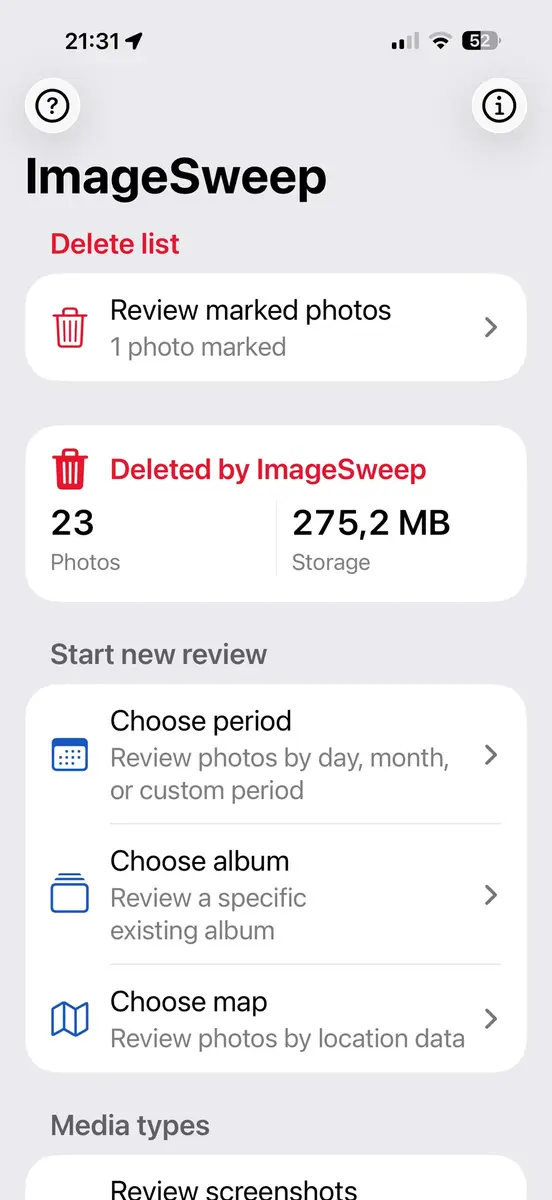
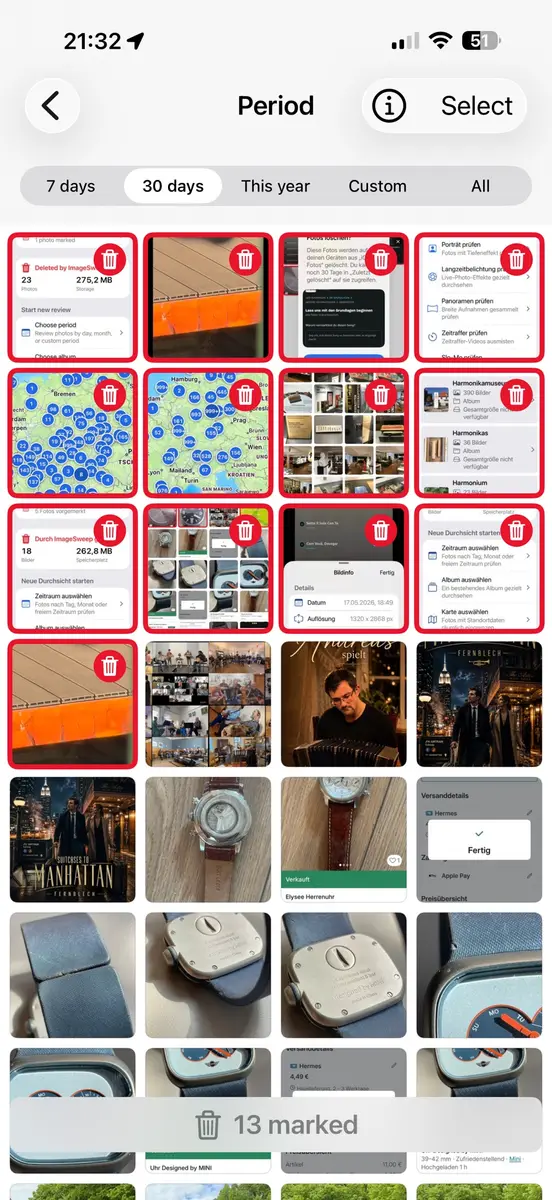
You start by choosing a scope. The listing says you can review photos by day, month, custom period, album or location, and you can also jump straight into screenshots and other media types. The developer singles out old photo periods, travel albums, screenshots, bursts, panoramas and RAW images as the kinds of collections that are easy to put off.
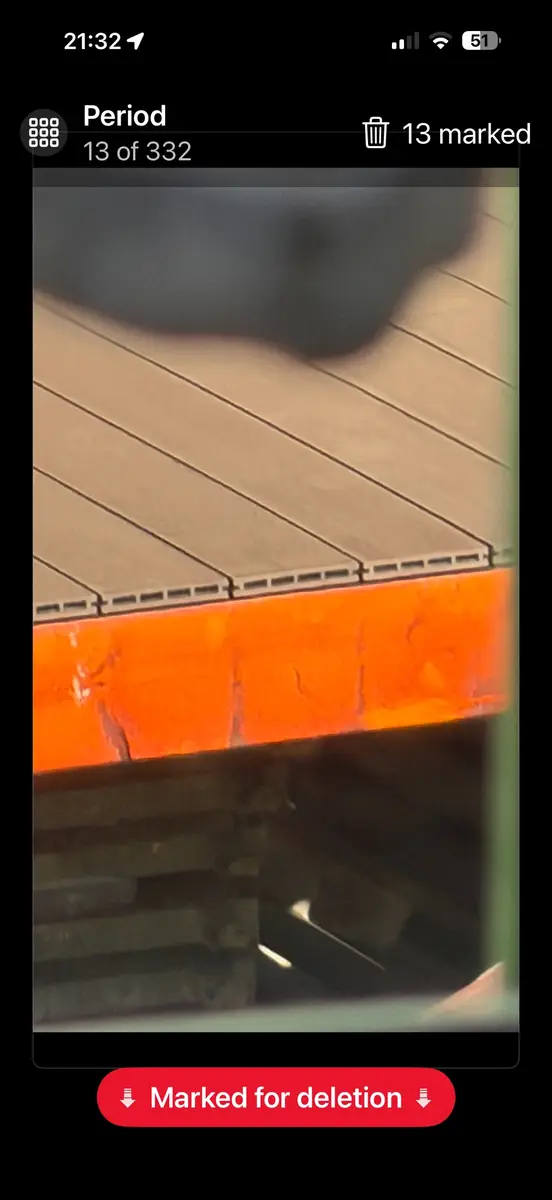
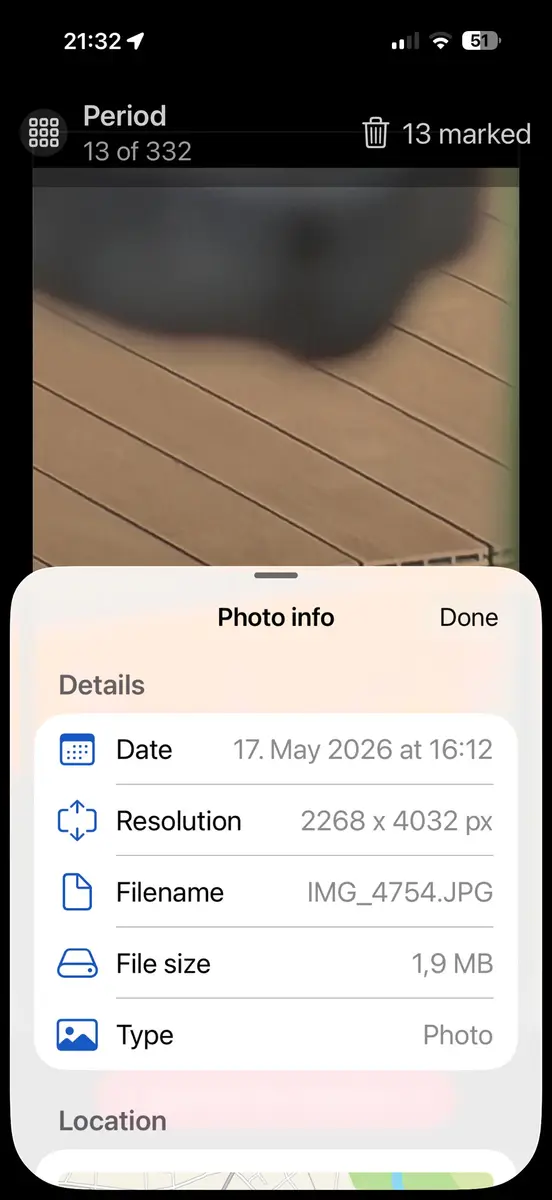
Once a scope is chosen, there are two ways to work through it. A grid view lets you select several photos at once. A full screen mode lets you swipe through pictures, inspect them and mark the ones to drop. Everything you mark lands in a single delete list, where you can look it over one more time before anything is removed.
The deletion itself goes through the standard iOS Photos flow, so the system step you already know still applies. The developer sums up the idea in one line: “ImageSweep is not an automatic cleaner.”
What has changed since it launched?
The version history on the App Store shows version 1.0 and 1.01 on May 19, then 1.02 on May 20. That update added review by year or by year and month, and improved period based review so matching photos turn up faster. Version 1.03 followed on Jun 3 and added keyword search.
The listing says the app has not collected enough ratings or reviews to show a summary yet. That means there is no public score to lean on, so the free price is a low risk way to try it rather than a bet on a proven favourite.
What about privacy?
On the App Store, the developer states that it does not collect any data from the app. Apple notes that this information is provided by the developer and has not been verified by Apple, and that privacy practices can vary with the features you use. The developer’s privacy policy is linked from the listing.
Prices
The App Store page shows ImageSweep as free in the US store at the time of writing. New Mobile Life gives the regular price as US $0.99. The sources list no prices in other currencies and no other charges, and the listing states there are no ads. Prices and offers can differ by country, so check the figure on your own App Store before you rely on it. If the price returns to normal, it can change at any time.
Who it suits
People with an old camera roll. If thousands of pictures have piled up and you never got round to sorting them, the period and album filters let you take the library in small slices instead of one giant job.
Travellers. Trip albums are full of near copies and misfires. Location and album scopes, plus the full screen swipe mode, suit a fast pass after a holiday.
Screenshot collectors. The dedicated screenshot category gets you to the clutter quickly, and the delete list gives you a last look before anything goes.
Who should skip it. If you want an app that finds duplicates and deletes them for you, this is not that. The developer says it does not judge photos automatically, so the work stays in your hands. Anyone who needs an app with proven reviews may also prefer to wait for ratings to appear.
What is still unknown?
Neither source says how long the free offer will run, or whether it applies in every country. The listing offers no accessibility details from the developer, and ratings are not yet available. The Mac listing line says it needs macOS 14.0 and an Apple M1 chip or later, but the page also says the app is not verified for macOS, so treat Mac use as untested.
How do you get it?
Open the ImageSweep listing in the App Store on your iPhone or iPad, check that the price reads Free, and download it. If you plan to use it, start with a small period or one album and read the delete list closely before confirming. The developer’s other titles, such as VideoSweep for large videos, are linked from the same page.