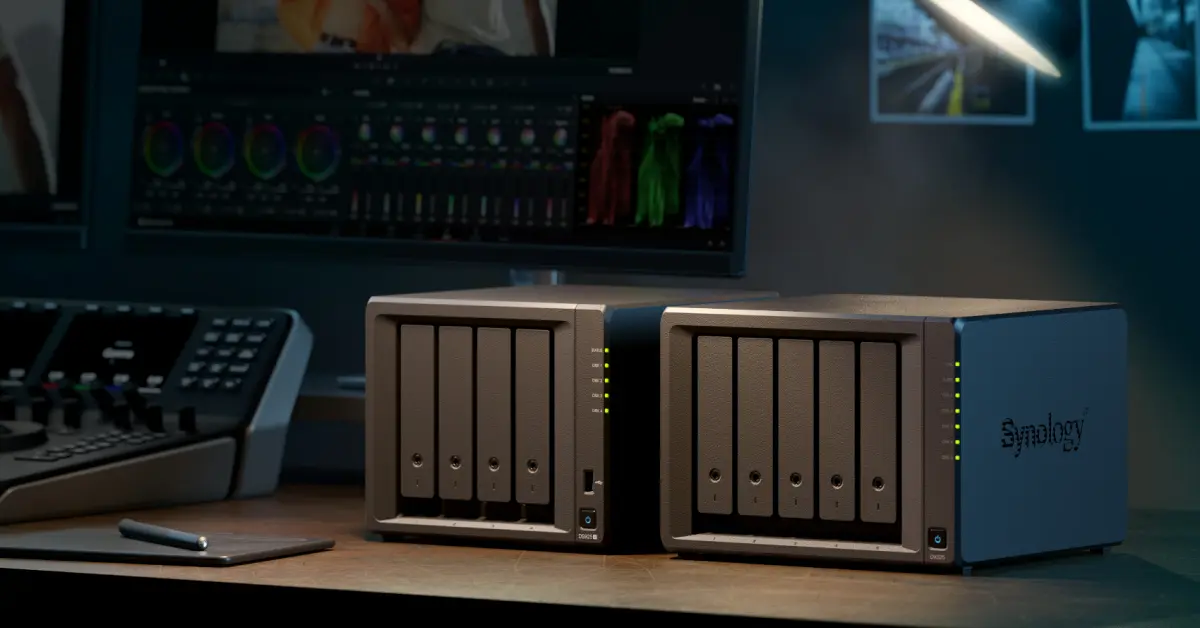
Synology says attackers are encrypting data on NAS devices that run outdated DSM, and the first fix is to update DSM now and switch on automatic updates. The company posted the warning on October 29, 2026.
The campaign is tied to the C3RB3R ransomware name, which PBX Science describes as a variant of the Cerber family. A separate open source project on GitHub now documents one recovery from an infected GitLab on DSM.
What is Synology warning about?
Synology says it has identified threat actors exploiting a vulnerability that it patched in December 2024. The attacks go after devices on outdated DSM versions, encrypt the data and demand a ransom. Its advice is to update DSM immediately, turn on automatic updates and read advisory Synology-SA-24:20.
PBX Science also points to two newer flaws, CVE-2026-13639 and CVE-2026-13684, both rated CVSS 9.8. They were disclosed on September 18, 2026 in advisory Synology-SA-26:13. The entry point in the current attacks is not confirmed: one victim reportedly ran DSM 7.4.1, so a newer flaw or another exposed service cannot be ruled out.
Which DSM versions fix the newer flaws?
The fixed builds listed for advisory Synology-SA-26:13 are:
- DSM 7.4: 7.4-90075
- DSM 7.3: 7.3.2-86009-4
- DSM 7.2.2: 7.2.2-72806-9
- DSM 7.2.1: 7.2.1-69057-12
Synology’s notice does not list build numbers for the December 2024 fix, so open Control Panel, then Update and Restore, and install the newest update offered for your model.
How do I know if my NAS was hit?
Encrypted files are renamed with the extension .L0CK3D, written with a zero instead of the letter O. A ransom note called read-me3.txt appears in the affected folders. Unusual logins or mass file changes in Log Center are another sign.
What should I do if my NAS is encrypted?
The c3rb3r-rescue project and PBX Science agree on the order of steps:
- Cut the NAS off from the network so the encryption cannot spread.
- Do not kill processes, reboot, upgrade DSM or boot a rescue disk first. The c3rb3r-rescue notes warn that this can destroy decryption material still held in memory.
- Keep the ransom note, the logs and a few encrypted sample files, and work only on copies, never on the original volume.
- Contact Synology support or an incident response specialist, and do not pay the ransom.
No free public decryptor for C3RB3R has been confirmed. The dependable way back is a clean backup that was kept off the NAS.
Can the GitHub tool decrypt my files?
Probably not. The c3rb3r-rescue project documents one incident, where a 16 GiB memory copy yielded 48 bytes of usable key material. With it, the author restored a weekly backup of about 49 GiB in an isolated GitLab of the same version, including 80 projects, 23 users, 16 groups and 9,253 LFS objects.
The project says plainly that it is not a universal decryptor for the C3RB3R family. It covers one analyzed sample, and the recovered key was a session key from RAM, not the attacker’s private key. The same attacker does not mean the same key.
What does it cost, and who should act first?
None of the sources lists a price or fee for the update. They do not mention Canadian or US specifics, so check Synology’s support pages for your model.
Anyone on an old DSM build. This is the group Synology is warning, so update first.
Owners with the NAS reachable from the internet. Remove port forwarding and use a VPN or Synology’s relay service instead.
Teams running GitLab or other containers on the NAS. The GitHub case involved a GitLab instance, so audit what the box exposes.
Anyone with only one copy of their data. A NAS with RAID is not a backup, so add an offline copy and test a restore.
Open Synology’s notice and advisory Synology-SA-24:20 today, update DSM, and check Log Center for logins you do not recognize.