Google is pointing Chrome users to a way to get answers without opening another tab: click the Gemini icon in the toolbar and a side panel opens next to the page you are reading. The company published the walkthrough on its Keyword blog on Nov 12, 2026.
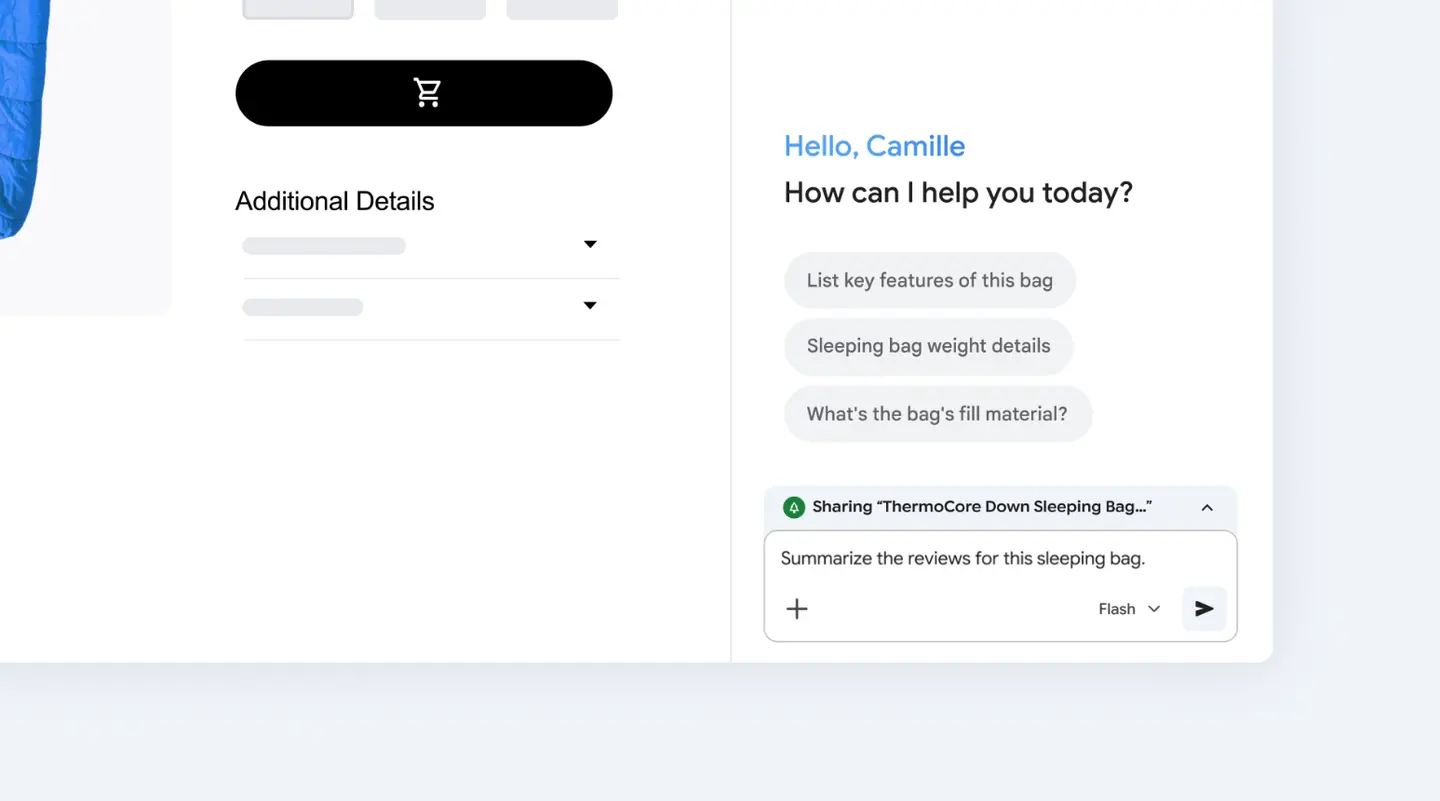
The idea is simple. You keep your place on the page, ask a question in the panel, and read the reply beside the content. Google’s own example shows a product page for a down sleeping bag, with the panel offering prompts such as listing key features and asking for the fill material.
How do you open Gemini in Chrome?
According to Google, you click the Gemini icon in the Chrome toolbar to open the side panel. From there you type a request about the page that is open.
What the panel offers, going by Google’s post:
- A summary of a dense report
- A comparison of product details
- A plain language explanation of a complicated topic
- A model picker in the prompt box, which shows Flash in Google’s example image
Google says the point is to do this while keeping your spot on the page, so you do not lose the article or shop listing you started from.
What else can it do inside Chrome?
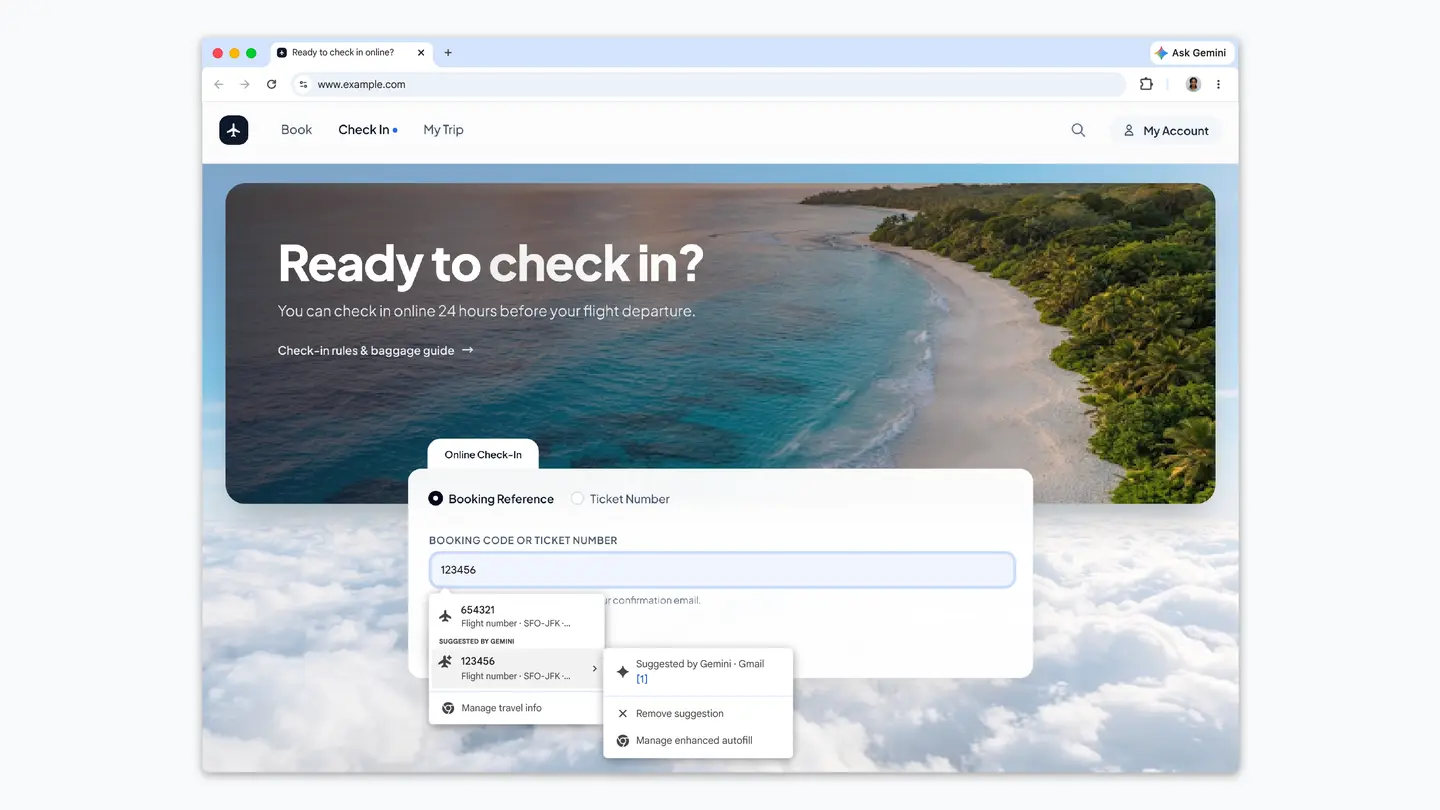
The Keyword post is short, but earlier coverage of the feature fills in the wider picture. TechCrunch reported in September 2025 that Gemini in Chrome can compare and summarize information across several open tabs, for example when you plan a trip or weigh up products. It also described links to Calendar, YouTube and Maps, so you can schedule a meeting or jump to a point in a video without leaving the page.
iPhone in Canada reported in January 2026 that Google was rolling the side panel out on macOS, Windows and Chromebook Plus. That report also said the panel can pull in details from services such as Gmail, Calendar, Maps, YouTube, Shopping and Flights, and that these connections can be switched on or off in Gemini’s settings. It added that Chrome asks for confirmation before purchases or posting content during multi step tasks.
Where is it available, and what does it cost?
Google’s new post does not list countries, languages or system requirements. TechCrunch reported that when Gemini in Chrome opened to all U.S. desktop users on Mac and Windows in 2025, it required the browser language to be set to English. Before that it had been limited to Google AI Pro and Google AI Ultra subscribers.
Prices
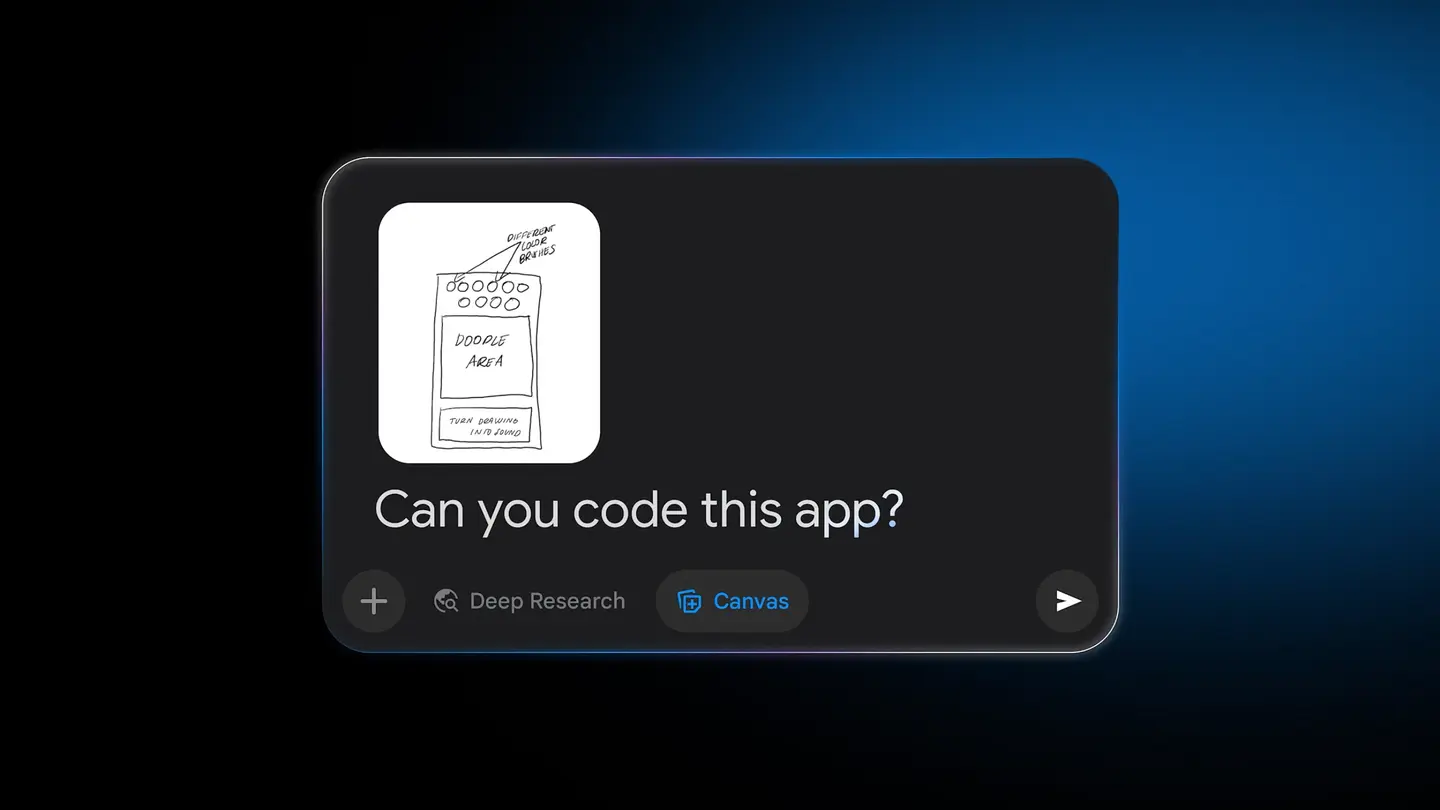
No prices are listed in Google’s post. TechCrunch noted that the earlier paid subscriber limit was removed for U.S. desktop users, and it gave no new price for the side panel. iPhone in Canada said that Chrome’s auto browse feature is limited to paid Google AI Pro and Ultra subscribers in the U.S., and it did not state a price for the side panel or its image tools. Check Google’s own pages for the plan that applies in your country.
Who it suits
Researchers and students who read long reports can ask for a summary first and decide whether the full document deserves their time. The side panel keeps the source open next to the answer, which makes it easy to check a claim against the page.
Shoppers comparing specs or reading through many reviews can ask for key features or a review summary in the same window as the product page, as Google’s sleeping bag example shows. The comparison still depends on what each page says, so it is worth confirming important details on the retailer’s listing.
People who tire of tab juggling may like having one panel for explanations of unfamiliar topics. If you already keep a dozen tabs open, the multi tab summaries described by TechCrunch may help more than the single page feature.
Privacy minded users should look at the connected app settings before turning anything on. The reports say integrations with services such as Gmail and Calendar can be turned off, so you decide what the panel can reach.
What is still unknown?
Google’s post does not say which countries, languages or devices get the side panel today, and it gives no pricing. It also does not describe limits on how many questions you can ask. Until Google publishes those details, the safest step is to look for the Gemini icon in your own Chrome toolbar and read the settings Google shows there.