XYZShareFile, an App Store utility for sending files, photos and text between nearby devices, is listed as Free on its App Store page. New Mobile Life reports that the app originally costs US $0.99 and is free for a limited time, but neither the store listing nor the report gives an end date.
The developer is Dalian Xinyuzhi Software Development Co., Ltd., and the app works on iPhone and iPad. According to the listing, local transfers work without an account.
What does XYZShareFile do?
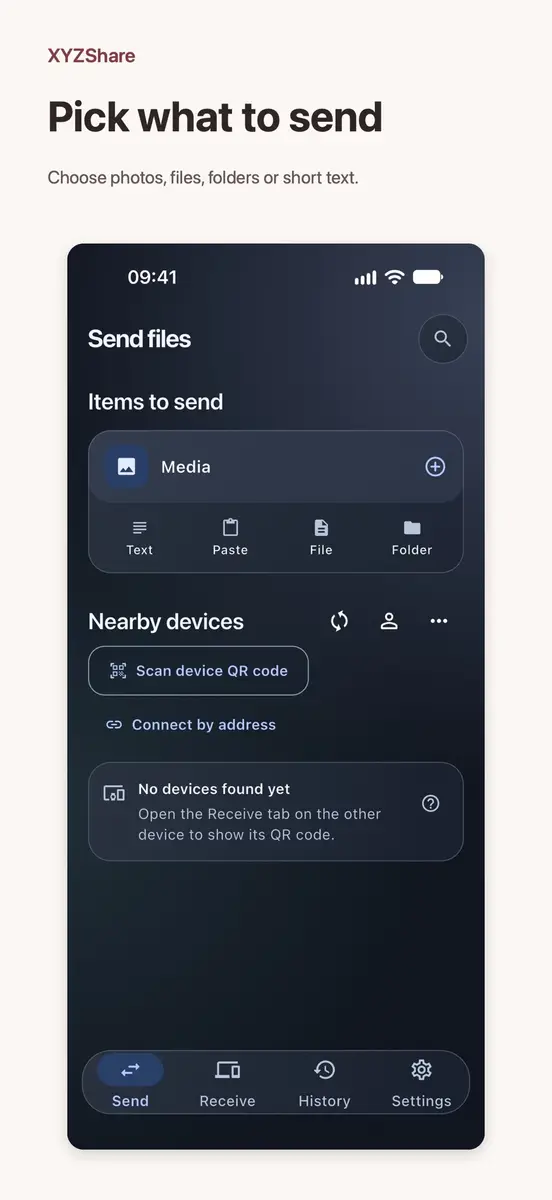
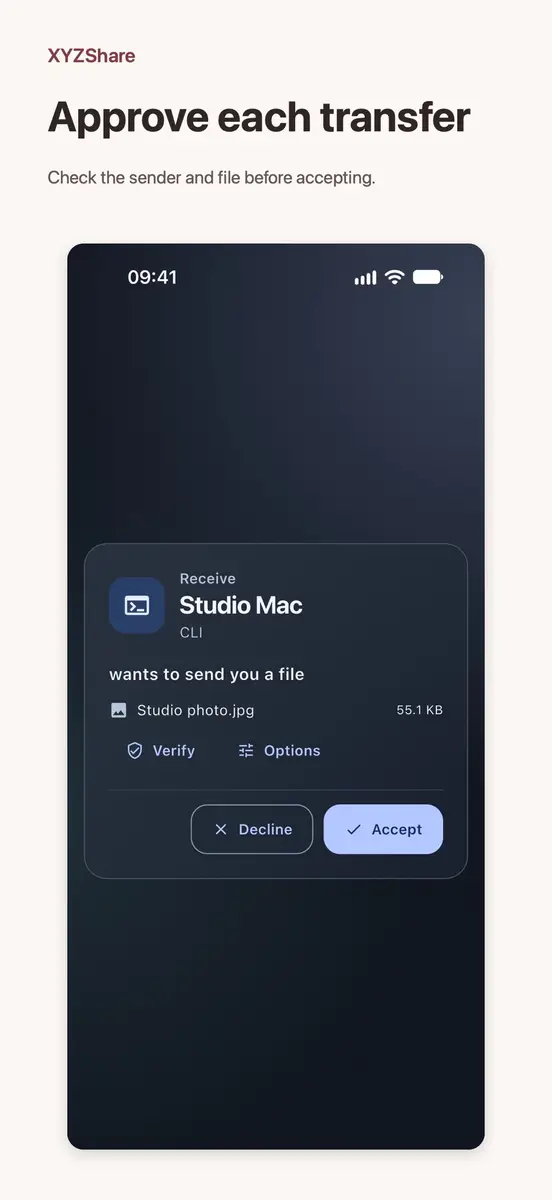
It moves content between devices on the same local network. You choose what to send and who should receive it, and the recipient accepts the transfer on their own device. The App Store description lists these features:
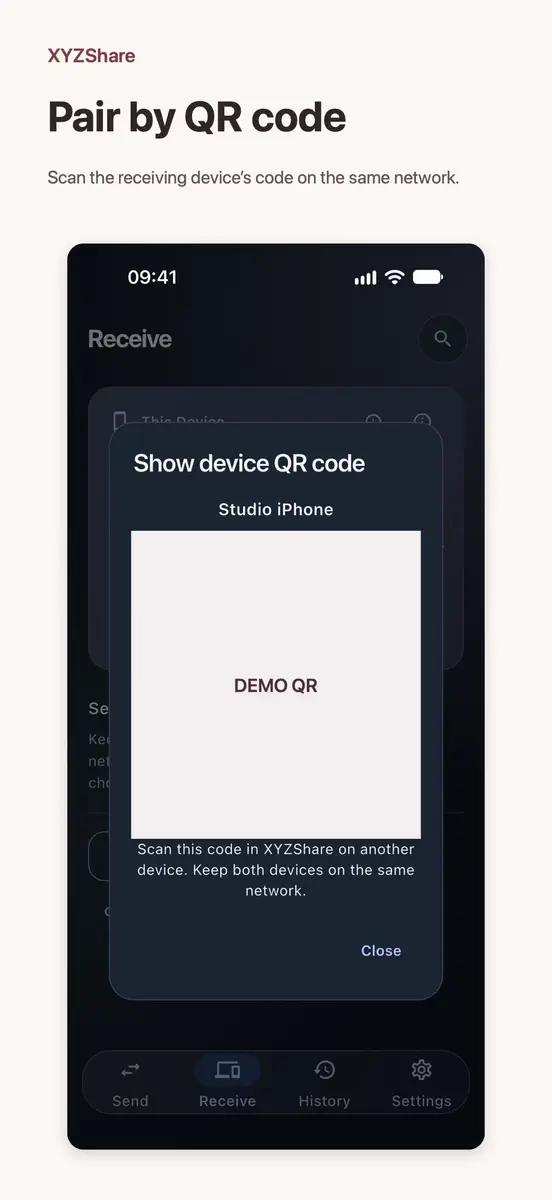
- Automatic discovery of devices on the same local network, or pairing by scanning a device’s QR code
- Sending the same batch to multiple devices
- A History screen to check acknowledgments, see missing items, or export a handoff record
- Sharing from the system share sheet on iPhone and iPad
- Files, photos and text as supported content
The History screen is the unusual part. Most quick-send tools stop at the transfer, while this one keeps a record you can check afterward, which helps if you send a batch to several devices and want to confirm each one got everything.
Prices: how much does it cost?
The App Store listing shows the price as Free. New Mobile Life says the regular price is US $0.99 and that it is free for a limited time. The offer’s end date is not stated anywhere we could read, so the price could change at any time. The price shown on the App Store page when you open it is the one that counts.
On privacy, the developer says in the listing that it does not collect any data from the app. Apple notes that this information has not been verified by Apple.
Which devices does it run on?
The App Store lists these requirements:
- iPhone, iPad and iPod touch: iOS or iPadOS 15.0 or later
- Mac: macOS 12.0 or later and a Mac with an Apple M1 chip or later
- Apple Vision: visionOS 1.0 or later
The download is 83.2 MB, the category is Utilities, and the age rating is 4+. The listing says the app supports English and Simplified Chinese. It also says it is designed for iPad and not verified for macOS, so Mac users should treat that support as unconfirmed.
How do you get it?
- Open the App Store on your iPhone or iPad and search for XYZShareFile, or use the developer’s listing.
- Check that the price shows Free.
- Tap Get and install it on each device you want to send between.
- Open the app on both devices while they are on the same local network.
- Pick what to send, choose the receiver, and accept the transfer on the other device.
What is the catch?
The listing says it has not received enough ratings or reviews to show an overview, so there are no reader opinions to lean on yet. The free price is temporary according to the report, and the end date is unknown. Local transfers are the only mode the listing describes without an account, so do not assume other kinds of transfer work the same way.
Who it suits
People who move files between their own Apple devices. If you send photos and documents between an iPhone and an iPad on the same Wi-Fi, a local transfer avoids uploading anything to a service.
Small groups sharing one batch. Sending the same batch to multiple devices and checking History for missing items suits a family or a small team.
Privacy-minded users. The developer states that it collects no data from the app, though that claim is the developer’s own.
Who should skip it. People who need to send files to Android phones or Windows PCs should look elsewhere, since the listing covers Apple platforms. Anyone who wants an app with a long review history may prefer to wait.
What is still unknown?
The end date of the free offer, any in-app costs and how the app behaves outside a local network are not covered by the sources. The developer also publishes XYZMoney, XYZPhoto, XYZMaker, XYZKeyboard, XYZQRBox and XYZRemote, which are listed on its App Store page. Open the XYZShareFile listing to confirm the price before you download.