LUMEVRA: Drawing & Painting, a drawing app for iPhone, iPad and Mac, is free on the App Store right now, down from its usual US $0.99. The offer was reported on November 23 by the site New Mobile Life, and the App Store page shows the app at “Free”.
If you have been meaning to try digital drawing on an Apple device, the price barrier is gone for now. The catch is that no end date has been published.
What is free, and for how long?
The app itself is free to download from the US App Store listing. New Mobile Life says the normal price is US $0.99 and calls this a limited-time offer. The App Store page does not show the original price or an end date, and the developer, Sergey Lyamin, has not announced one in the sources we read. Treat it as something that can end at any time.
We could only confirm the free price on the US listing. If you use another country’s App Store, check the price shown there before you tap download.
How do you get it?
- Open the App Store on your iPhone, iPad or Mac, or open the official listing page.
- Search for “LUMEVRA: Drawing & Painting” or follow the link from the listing.
- Check that the price button reads Get, then download it with your Apple Account.
Only use the official App Store listing. The listing says the app is a one purchase product with no subscription, so the free copy is the same one you would otherwise pay for, though the sources do not say whether the free version differs.
What does LUMEVRA do?
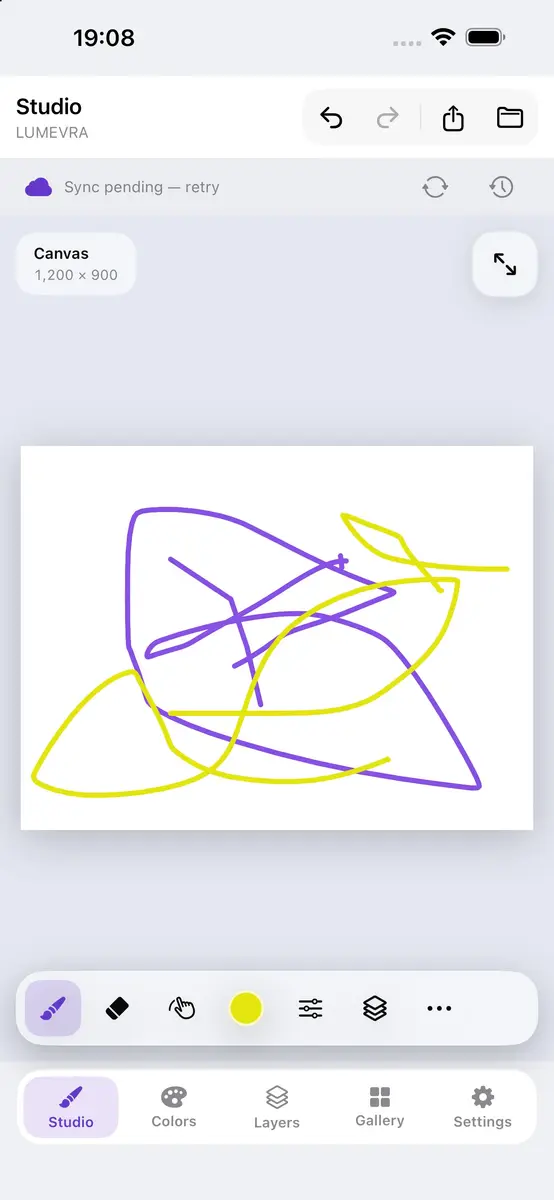
The listing describes a full drawing studio rather than a simple sketch pad:
- Brushes and canvas: customisable brushes, a full-screen canvas, and finger or Apple Pencil input with pressure and tilt on a compatible iPad
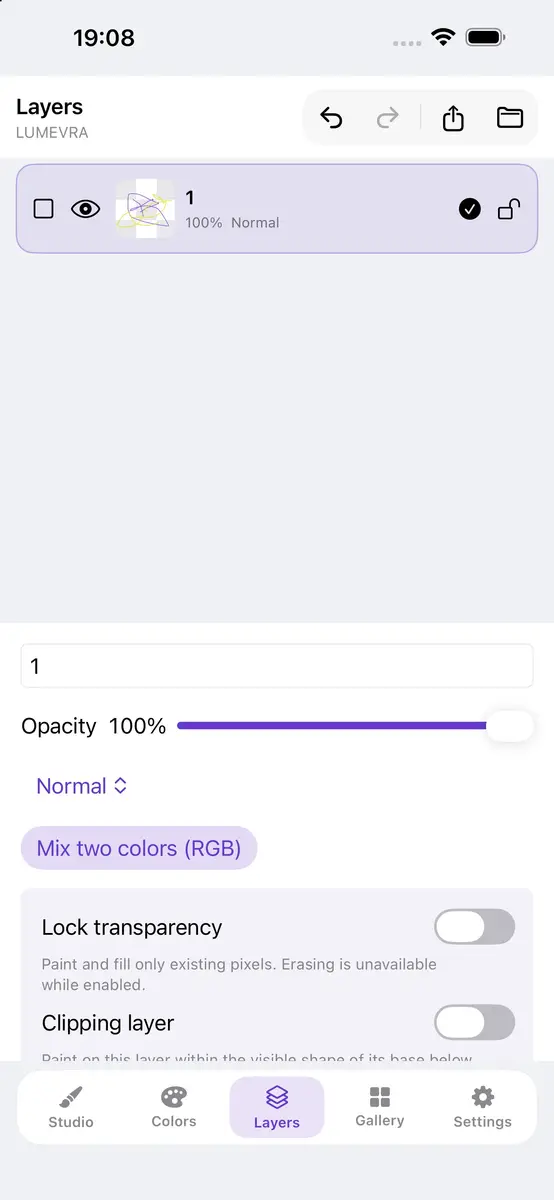
- Layers: opacity and blending modes, groups, masks and alpha lock
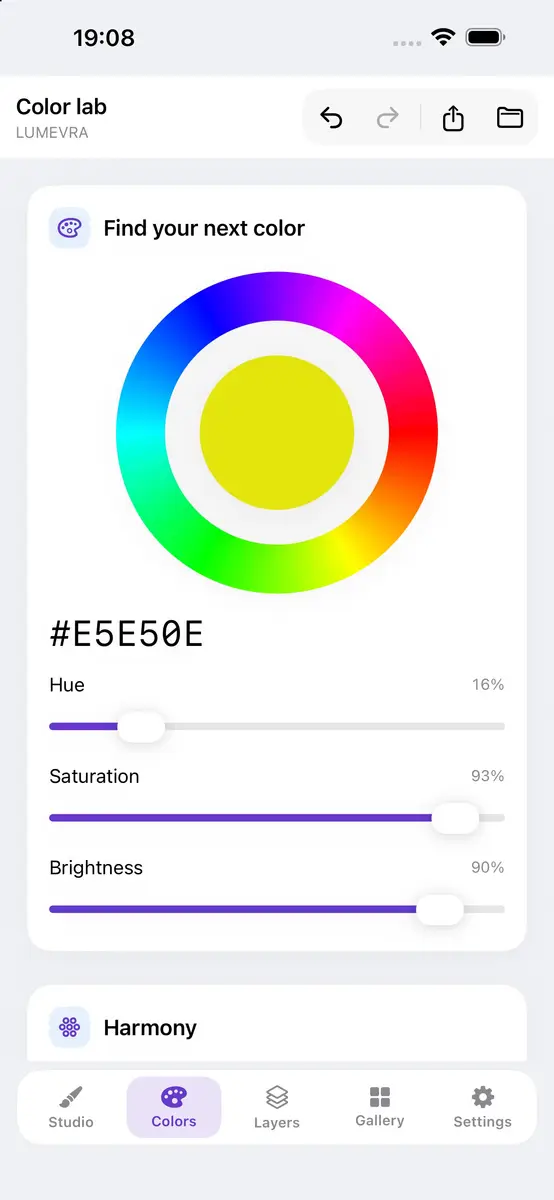
- Colour tools: palettes, colour extraction from a photo, brightness, contrast, saturation and colour curves
- Editing: selection, resize and reposition, distortion and perspective transforms, text, plus grid and perspective guides
- Sync and offline: iCloud sync between devices, offline drawing, and a separate cloud save for a chosen version
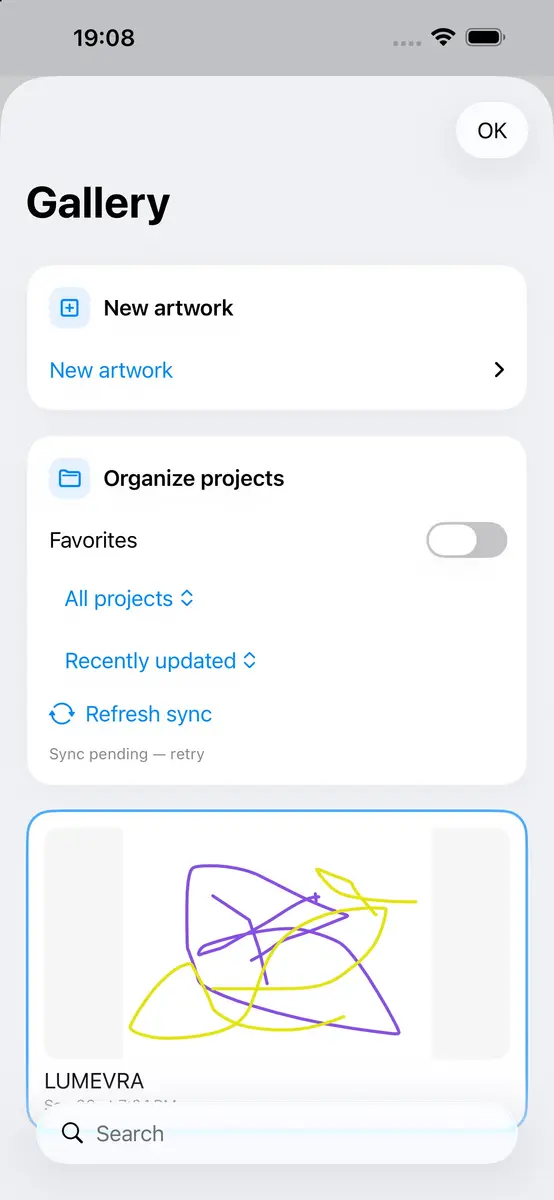
- Extras: a time-lapse recording you can export as a video, folders and favourites, and an Apple Watch app for small sketches
The Apple Watch version has a limited set of tools, and the listing says available controls vary by device.
Prices
- Now: free, per the US App Store listing
- Usual price: US $0.99, per New Mobile Life
- Subscription: none, according to the listing
Prices are those at the time of writing, and prices in other countries may differ.
What do you need to run it?
The listing names iOS 17.0 or later for iPhone, iPadOS 17.0 or later for iPad, macOS 14.0 or later for Mac and watchOS 10.0 or later for Apple Watch, and it also lists Apple Vision. The download is 17.3 MB and the age rating is 4+. The developer states in the listing that the app does not collect any data, though Apple notes it has not verified that statement. The page does not yet show enough ratings or reviews for an overview, so there is little outside feedback to go on.
Who it suits
Beginners and casual sketchers: a one dollar app is low risk, and it costs nothing at the moment.
People who draw on more than one Apple device: iCloud sync lets you start on an iPad, add details on an iPhone and finish on a Mac, provided every device uses the same Apple Account with iCloud turned on.
Serious illustrators: the layer and colour tools look capable on paper, but with so few ratings it is worth testing a real project before relying on it.
Android and Windows users: the listing covers Apple platforms only.
What to do next
Open the official App Store listing, check the price button, and download it soon if you want it, since the sources give no end date. Then open it and try a sketch before you decide whether to keep it.