Video Joiner & Trimmer Pro, an app that merges and trims video clips on iPhone and iPad, shows a price of Free on the App Store at the time of writing. The tip site 流動日報 New Mobile Life says its regular price is US $0.99. The listing gives no end date for the free price, so there is no stated deadline.
The app is a 131.9 MB download rated 4+, and it needs iOS 13.0 or later on iPhone, iPadOS 13.0 or later on iPad. It carries 4.7 out of 5 from 491 ratings on the US listing. The seller is listed as 丽譞 牛, with a copyright line naming Icestudio.
What does Video Joiner & Trimmer Pro do?
The App Store describes it as a way to combine several videos into one file, so you can watch or share a run of clips or episodes without handling each one separately. You can add as many videos as you like, either from your photo album or by shooting with the camera, and the merged result can be previewed straight away.
The listing names these features:
- Join and merge clips into one video
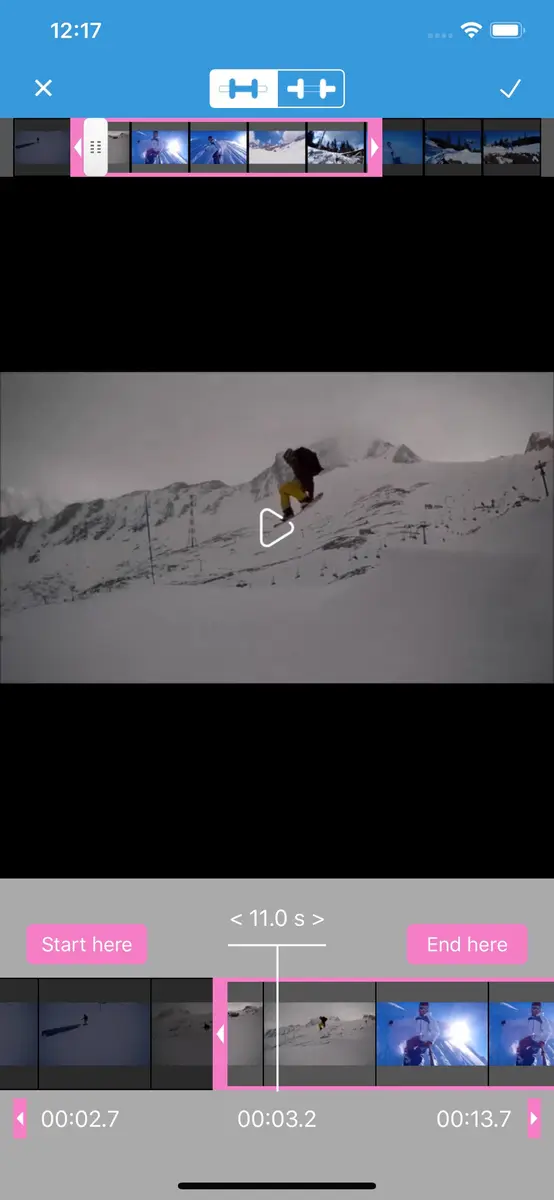
- Trim and cut by choosing a start time and an end time
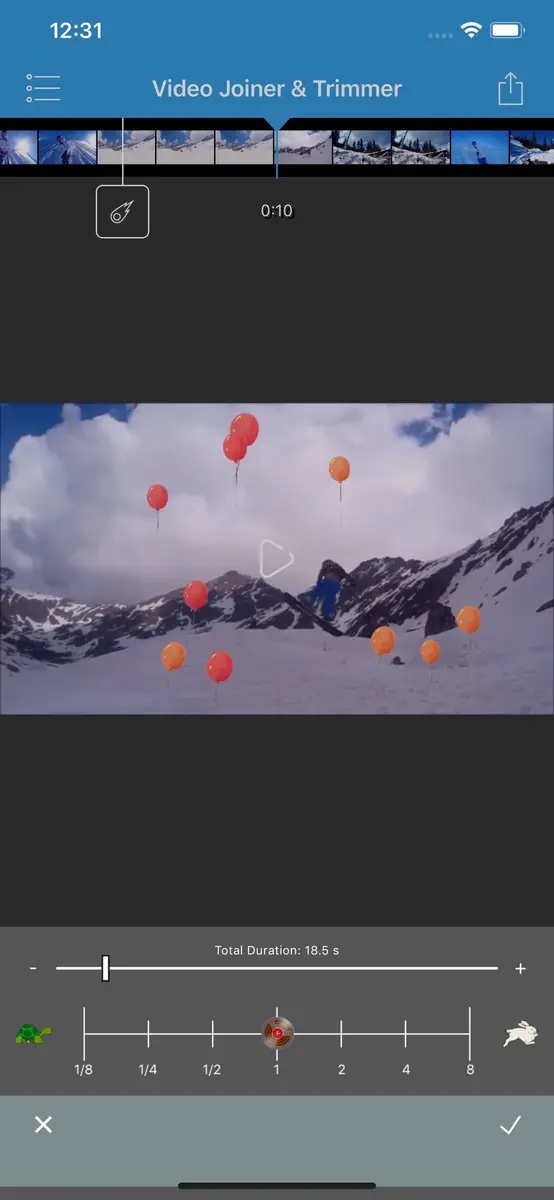
- Slow motion and fast motion
- Fit mode and full mode for how the picture fills the frame
- No watermark on the finished video
Is it only a joiner and trimmer?
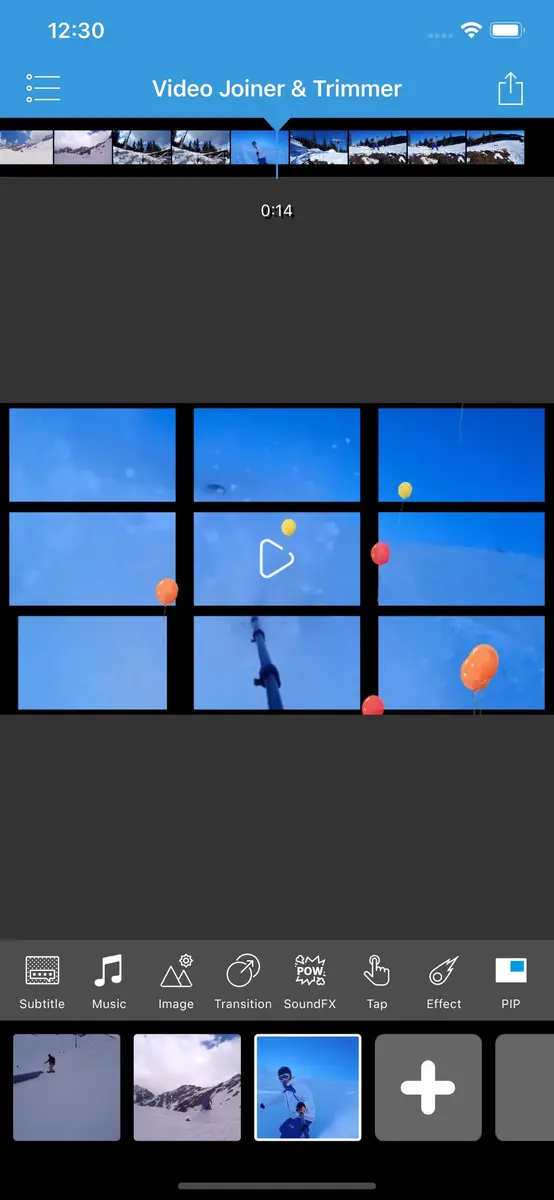
It looks like more than the name suggests. The version history on the listing mentions auto captions, subtitles, video effects and a title and chapter maker, and earlier updates list transitions, background music control, text and image overlays, an output resolution setting and 4K video support. One reviewer on the App Store page calls it a complete editor with effects, transitions and filters and a cheaper alternative to subscription apps. That is a user opinion, not a claim we could check.
The current version is 9.0, and the listing shows improvements to auto captions and compatibility. The app is offered in English and 32 more languages, including Traditional Chinese, French, Spanish, Japanese, Korean and Vietnamese.
What about privacy?
The developer’s App Store privacy label says Data Not Collected, though Apple notes that this information has not been verified by Apple. The listing does not say whether the app shows ads or sells add-ons, and we saw no in-app purchases listed on the page we read.
Prices
| Item | What the sources show |
|---|---|
| App Store listing today | Free |
| Regular price per 流動日報 New Mobile Life | US $0.99 |
| End date of the free price | Not stated |
The listing we read shows Free, and the US storefront page shows the same. Prices in other countries and currencies were not checked. If the price on the listing has changed by the time you open it, the free period has ended.
Who it suits
People with a pile of short clips: if holiday or event footage sits in your camera roll in pieces, merging it into one file and trimming the ends is the core job here.
Anyone who dislikes watermarks: the listing states that the output has no watermark, which matters for a free tool.
iPad owners: the app is built for both iPhone and iPad, and Apple lists it as designed for iPad.
Editors who need a full timeline or advanced colour work: the listing does not describe features at that level, so check the screenshots and the reviews before relying on it.
The app has been on the store for years, and the oldest version entry on the page dates to 2016. That gives readers a long record to read in reviews, though most reviews shown are older than the current version.
How to get it
Open the App Store on your iPhone or iPad, search for Video Joiner & Trimmer Pro, and check that the button says Get and the price reads Free. Tap Get and wait for the download. Apple also lists the app for a Mac with an Apple M1 chip or later (macOS 11.0) and for Apple Vision (visionOS 1.0), while noting it is not verified for macOS. If the listing shows a price, the offer has ended.