AiGoodbye, an AI assistant that runs entirely on an iPhone or iPad, is free on the App Store right now. The Hong Kong tech site New Mobile Life lists a regular price of US $0.99, and the developer’s own listing says every feature is free, with no subscriptions, no in-app purchases and no ads.
What is free, and for whom?
The whole app is free, for anyone with an iPhone or iPad running iOS 26 or later. It is aimed at people who care about privacy, record meetings, need on-device translation or want to scan documents. The developer, Dmitry Mikhaylov, also lists a Mac version for Apple silicon Macs through the Mac App Store.
The App Store lists these features:
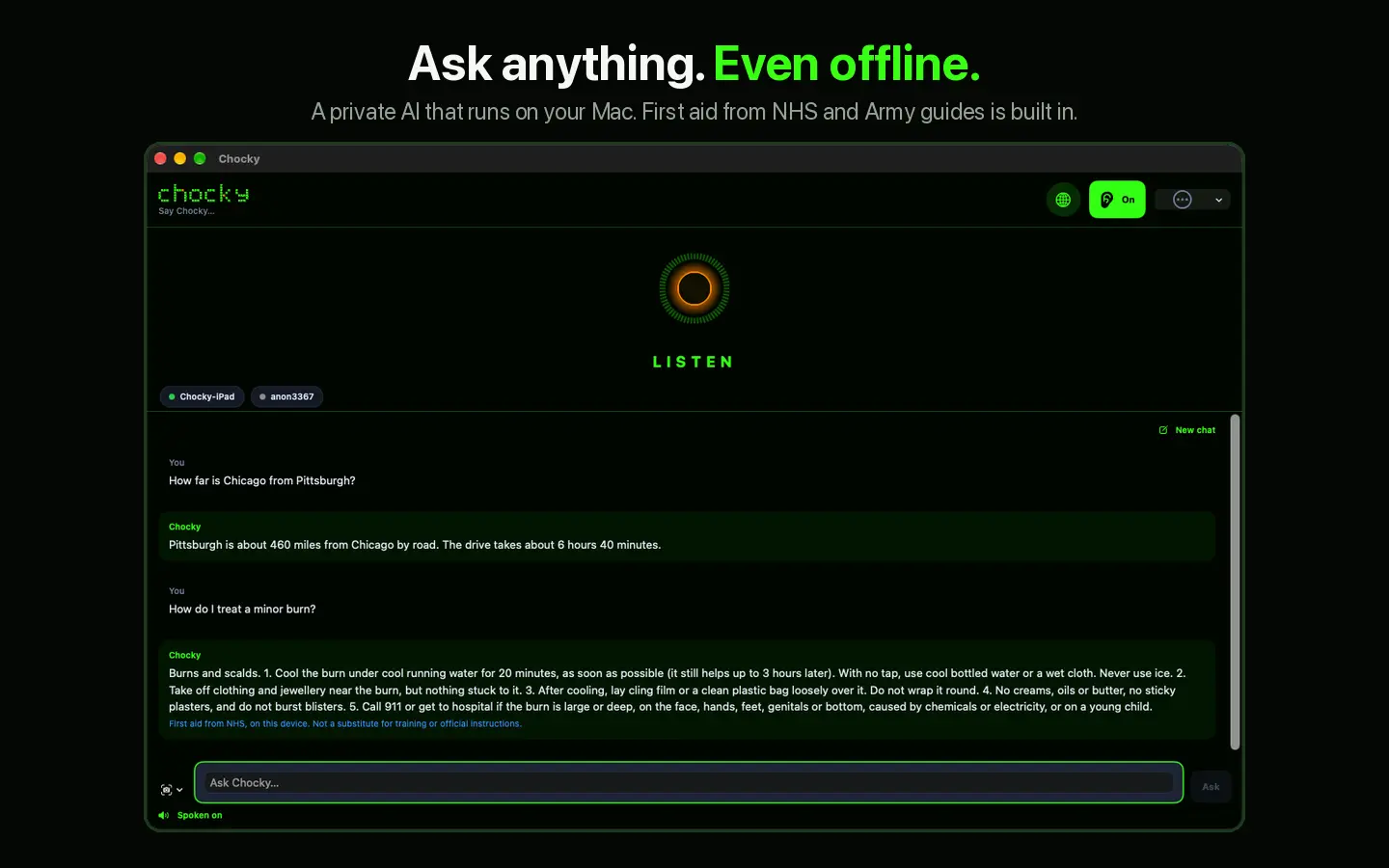
- Hands-free voice conversations that work offline
- Meeting recording with on-device transcription and a one-tap summary of key points and action items
- Two-way spoken translation between 13 languages, with a hands-free mode for conversations across a table
- Questions about photos, screenshots, handwritten notes and scanned paper documents
- Questions about PDFs and text files, plus a private Knowledge Library
- Face ID lock and a Privacy Center that shows what the app connects to
Until when is it free?
No end date is stated. The tip article calls it a limited time offer, while the App Store listing simply says the app is completely free. Because nothing is guaranteed, claim it soon if you want it.
How do you get it?
- Open the App Store on your iPhone or iPad and search for AiGoodbye by Dmitry Mikhaylov.
- Check that the button says Get and shows no price.
- Tap Get and wait for the app to install.
- Open the app and choose an AI model. Apple Intelligence works with no download on supported devices, while other models are a one-time download. The listing says downloaded models need 0.7 to 6 GB of free space and recommends Wi-Fi. Its recommended pick is Qwen3 Vision 2B, and the app only offers models your device can run.
If the button shows a price instead of Get, the offer has ended, and you should not pay without checking whether it is worth it to you.
What is the catch?
There is no account to create, but there are a few conditions worth knowing:
- iOS 26 or later is required, according to the App Store.
- Apple Intelligence needs a supported device with the feature turned on.
- Models have to be downloaded before offline use, and they take real storage.
- The privacy claims, including the “Data Not Collected” label, come from the developer, and Apple notes that it has not verified them.
The sources do not say whether the app stays free after the current offer, or whether future updates remain free for people who download it now.
Who is it for?
It suits iPhone and iPad owners who want an assistant for notes, translation and document questions without sending content to a server. Frequent travellers, students and people who sit in many meetings are the obvious fits, since the developer says it works with no connection once a model is downloaded. If your device is older and cannot run iOS 26, skip it.
A good next step is to open the App Store listing, read the requirements and the privacy section, and test the translation on a short conversation before relying on it for anything important.