Traxxtar Videoview, a stripped down video camera for iPhone and iPad, is free on the App Store for a limited time. It usually sells for US$0.99. The App Store listing showed it as free when we checked, but no end date for the offer has been given by the store or the developer.
The idea is simple: the whole screen is the record button. Tap anywhere on the live preview to start, tap again to stop, and the clip opens straight away in a looping replay. There is no mode dial, no shutter icon to find and no extra save screen in between.
Built for instant review
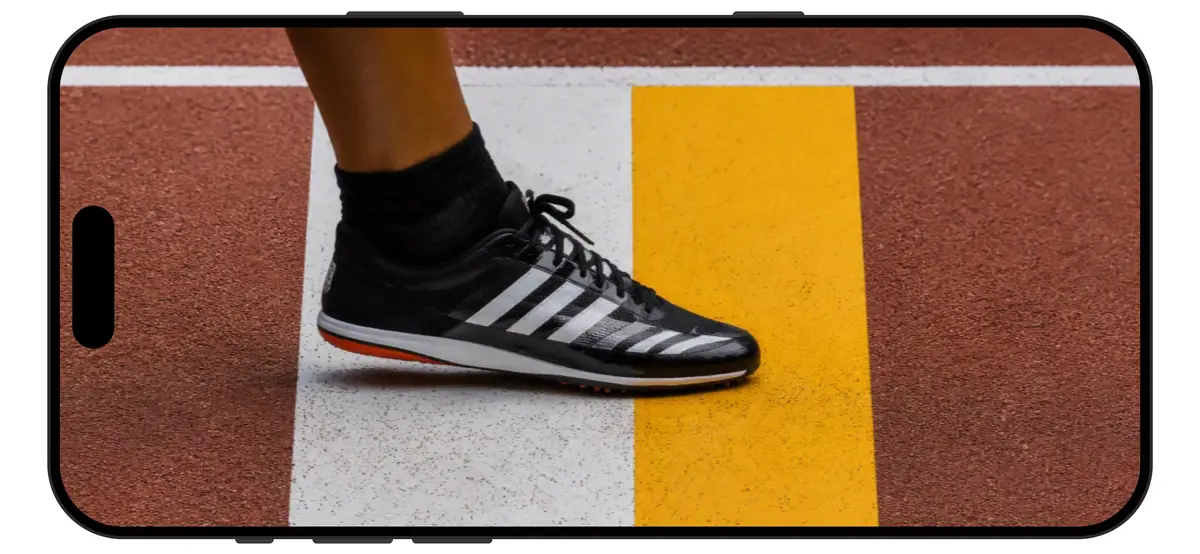
The developer, Darren Mathews, sells Videoview mainly as a review tool for track and field officials. On the Traxxtar website, the app is pitched as an instant replay booth for jumps and throws: put an iPad on a tripod next to the runway or the throwing circle, watch the athlete live, tap to record the attempt, then step through it one frame at a time to check takeoff or a foul. The site says the crew can show the referee exactly the same frames if a call is protested.
The same features work for anyone who needs quick reference clips, such as coaches checking technique, people filming a golf swing, or anyone documenting a task before taking it apart.
Key features
According to the official App Store listing:
- Tap anywhere to start and stop recording, with a pulsing dot as the only on screen indicator
- Clips start looping the moment you stop recording
- Pinch to zoom and drag to pan during playback
- A filmstrip at the bottom for scrubbing frame by frame, with playback pausing while you scrub
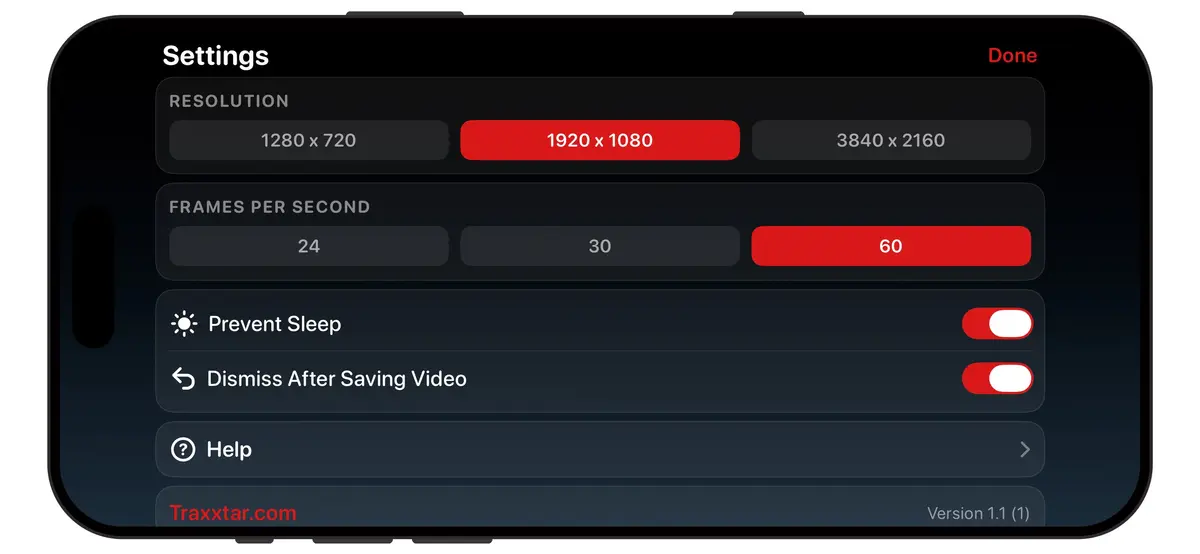
- A choice of 720p, 1080p or 4K at up to 60fps, limited to what your device’s camera supports
- A readout during playback that confirms the resolution and frame rate actually saved in the file
- One tap saving into its own VideoView album in Photos
- Focus lock, a composition grid and an option that keeps the screen awake
The app works in landscape only. Version 1.1 brought it to iPhone after it first launched on iPad.
Privacy and requirements
The developer states that Videoview makes no internet connections, collects no data, shows no ads and needs no account. It only uses the camera, the microphone and the Photos library. The listing asks for iOS 17.6 or later on iPhone, iPadOS 17.6 or later on iPad, or a Mac with Apple M1 chip or later on macOS 14.6. The download is 5.1 MB and the app is in English.
How to get it
- Open the App Store and search for Traxxtar Videoview, or use the official listing in our sources.
- Make sure it shows Free before you tap Get. Prices and offers can differ by country.
- After you claim it, it stays in your purchase history, so you can reinstall it later without paying.
Who it suits
Videoview is a good fit for officials, coaches and parents who film short attempts and want to check them right away, often with the device on a tripod. Because it is landscape only and has no manual exposure controls, it is not a replacement for the regular Camera app for everyday filming. As a small free download with no data collection, it costs nothing to keep on hand for the next practice or meet.