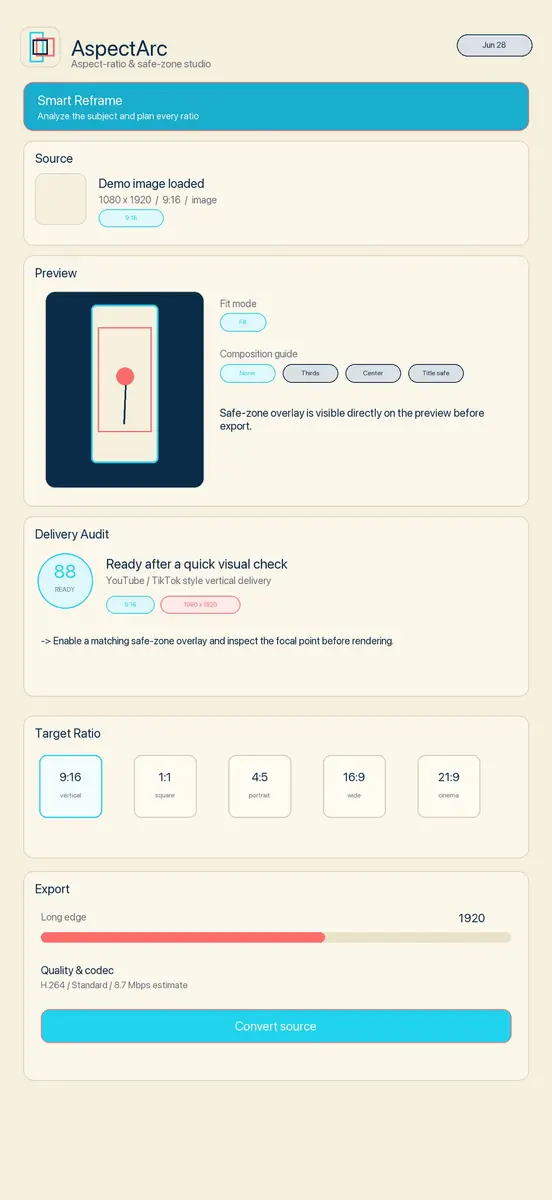
AspectArc, an iPhone and iPad app that resizes one video or photo for many different screen shapes, is free on the App Store for a limited time. It normally costs US$0.99. The App Store listing showed the app as free when we checked, and neither the store nor the developer has said when the offer ends.
The app comes from Shadowfetch, the studio of developer Robert Corbin. It is aimed at people who post the same clip to several platforms and keep losing faces, captions or logos when a widescreen video is squeezed into a vertical frame.
What AspectArc does
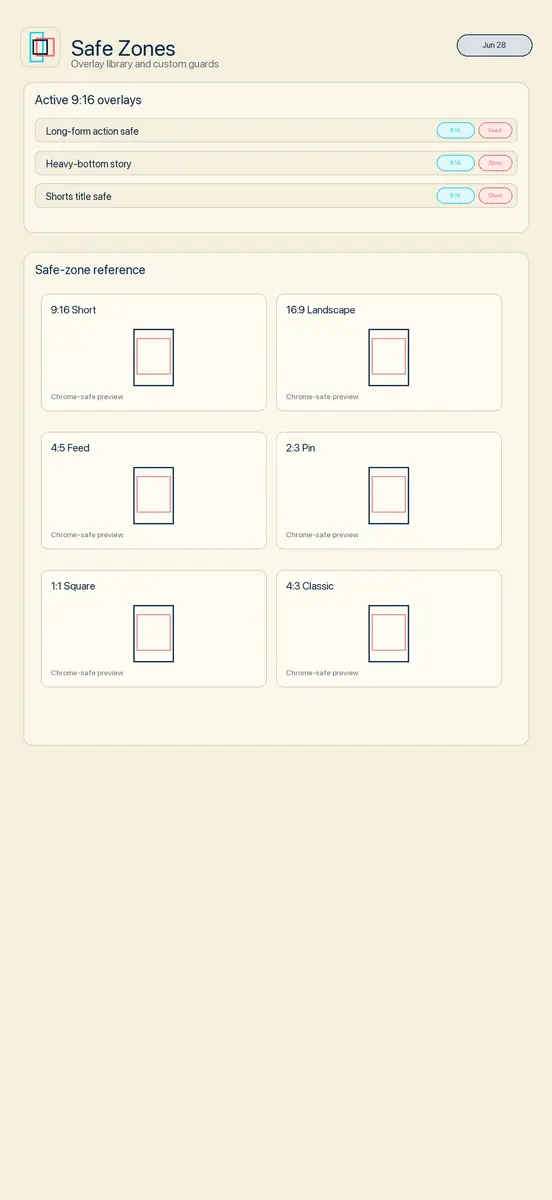
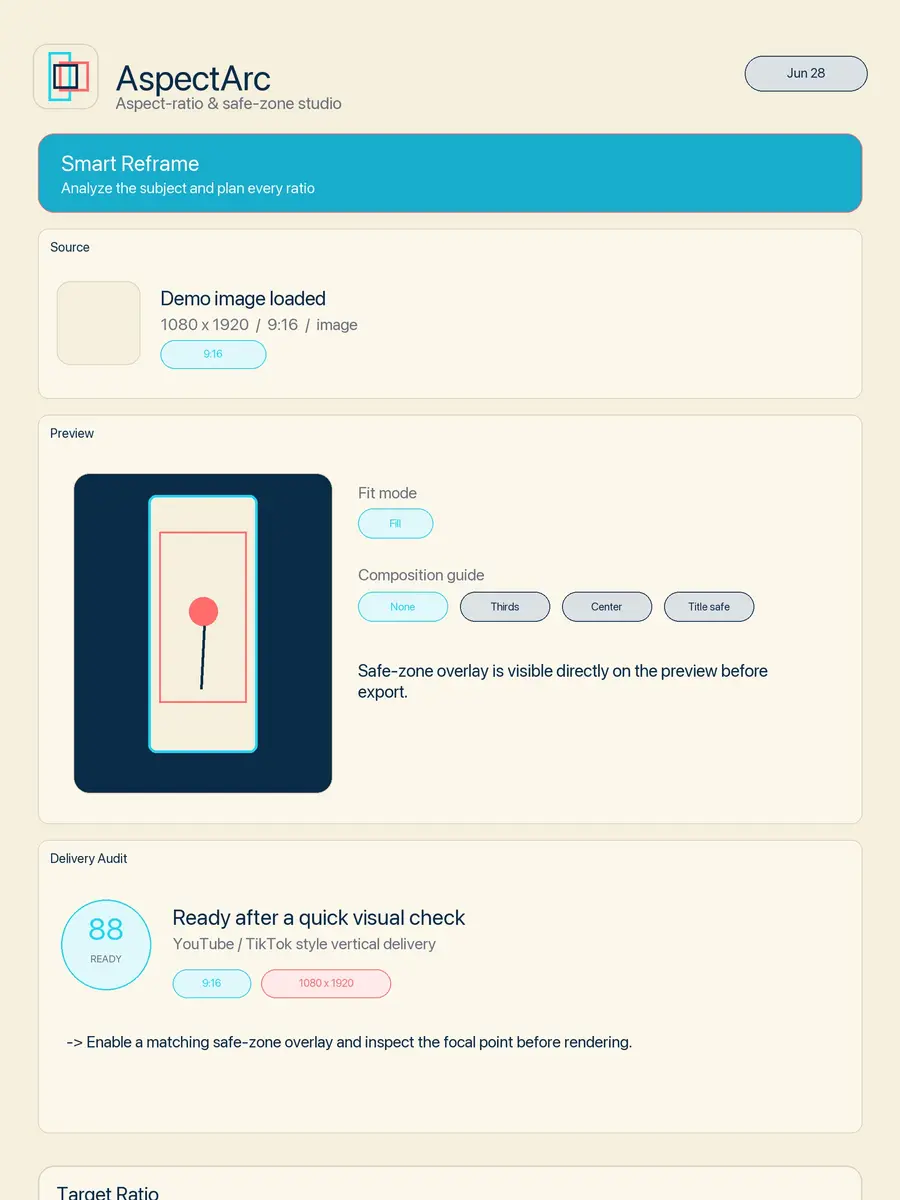
You pick a clip or a still, choose a target ratio, then move the focal point so the subject stays in frame. Safe zone overlays show where a platform’s buttons and captions usually cover the picture, so you can keep text and faces clear of them. Highlights from the official listing:
- Fit and Fill modes with manual focal point control
- Padding styles: blur, solid colour, gradient, mirror and source colour
- Smart Reframe and a Reframe Inspector that check whether the subject is kept or cropped away
- Multi ratio batch export, so one source can produce several versions in one go
- Saved workflow presets for jobs you repeat
- Quality and codec controls, with H.264 or HEVC output
- An offline reference with ratios, resolutions and file size caps for 8 platforms, including TikTok, Instagram, YouTube and LinkedIn
- 26 safe zone presets, according to the release notes
Version 2.1 added a Delivery Audit that runs before export. It looks at the format match, export resolution, safe zone coverage, crop risk and duration limits, then gives a score with short warnings and suggested fixes. A later update added a clip trimmer, so only part of a video is converted.
Privacy and requirements
All processing happens on the device, according to the developer. The app asks for Photo Library access only when you import media or save an export, and the App Store privacy label says the developer does not collect any data. There is no account to create.
The listing gives these requirements:
- iPhone with iOS 17.0 or later, or iPad with iPadOS 17.0 or later
- Also runs on a Mac with Apple M1 chip or later and macOS 14.0 or later
- Download size of 34.4 MB
- English only, rated 4+
The current version is 2.4.
How to get it
- Open the App Store on your iPhone or iPad and search for AspectArc, or follow the official listing linked in the sources.
- Check that the price shows Free before you tap Get. App Store prices can differ by country.
- Once you have claimed it, the app stays in your purchase history, so you can download it again later at no cost even after the price goes back up.
Who it suits
AspectArc makes the most sense for small creators, social media managers and anyone who cuts the same video into vertical shorts, square posts and widescreen versions every week. The batch export and presets save the most time there. If you only crop the odd photo, the built in Photos editor already handles basic ratios and you may not need it. As a free download with no account and no data collection, it is easy to try and remove if it does not fit how you work.