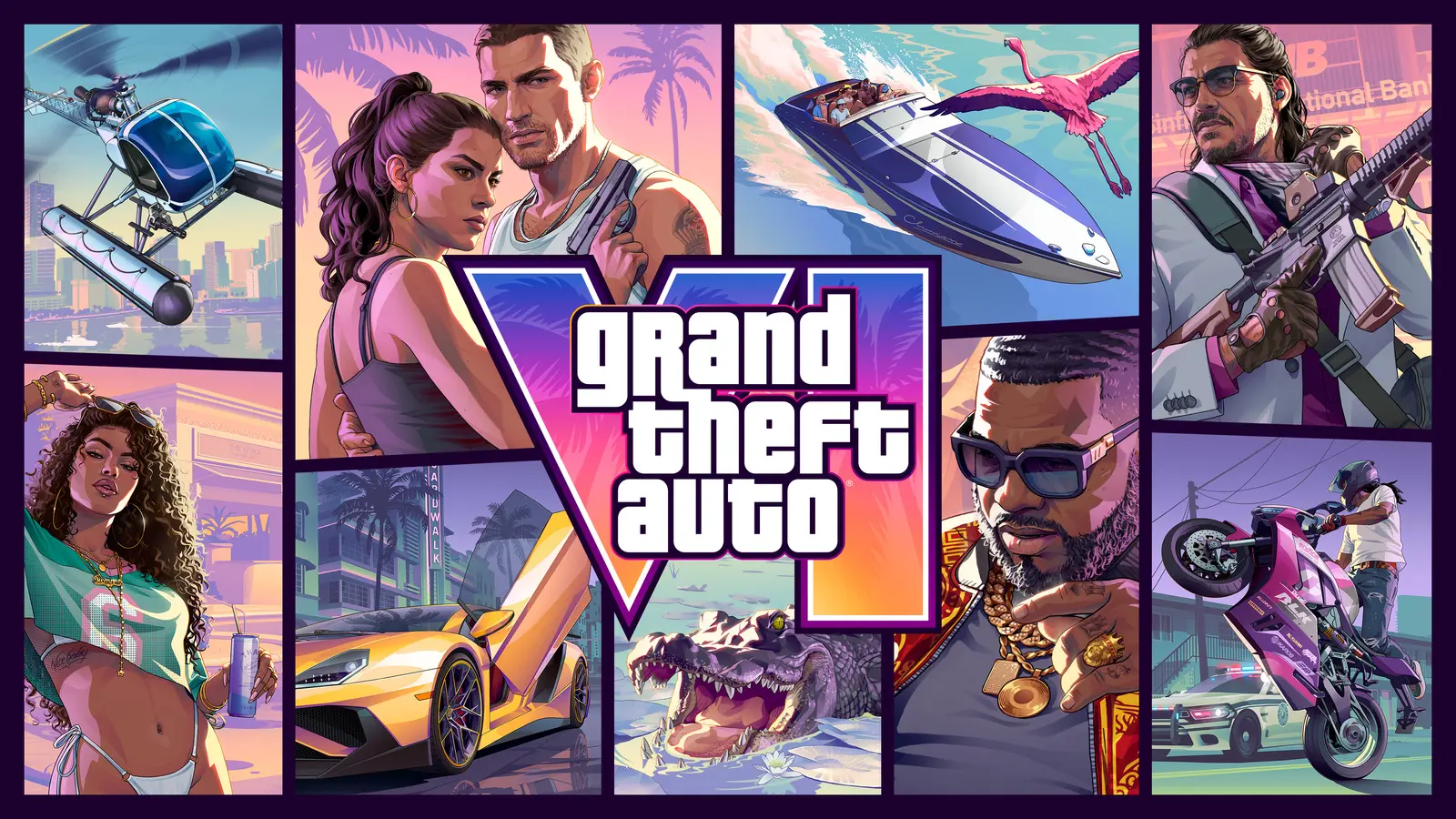
Grand Theft Auto VI has accessibility options in six areas of its menus, from adjustable enemy damage to an Auto Drive mode, according to Rockstar’s own accessibility article. PlayStation’s page for the game counts 30 accessibility features.
The game launched on PlayStation 5 and Xbox Series X|S on November 19, 2026. Rockstar updated its settings guide the day before, but that guide only mapped the menus. The accessibility article is the one that says what the options do, and it is worth reading before your first long session.
What accessibility options does Grand Theft Auto VI have?
Rockstar groups them by what they change:
- Controller: three control schemes, including a left handed layout, adjustable stick sensitivity and deadzones, inversion, vibration strength and, on DualSense, trigger resistance
- Gameplay: easier combat, reduced vehicle damage, simplified minigames, aim assists and Auto Drive
- Display: effect intensity, motion blur, High-Contrast Shaders and a brightness reduction filter
- UI: colorblind mode, text size, HUD size, subtitles and captions, a GPS turn indicator and reticle options
- Camera: follow speeds plus camera shake, bobbing and swaying
- Audio: separate volume sliders, mono output, tinnitus reduction, screen narration and audio descriptions

Can you make combat and driving easier?
Yes, and in several separate ways. Accessible Combat changes how much health enemies have and how much damage they deal, while Reduced Vehicle Damage changes vehicle health.
For aiming, Rockstar lists several lock-on types, an aim assist strength setting, Shooting Assist for nearby targets and Drive-By Assist, which targets automatically while you drive. Simplified Minigames cuts down the inputs needed for tasks such as exercising and hotwiring.
Auto Drive takes you to a set destination through the cinematic camera, and its restrictions can be switched from Restricted to Unrestricted. Hold inputs such as aiming and nitrous can be turned into taps, or the other way round, and hold times can be shortened with a multiplier.
How do you turn motion blur down?
Use the Motion Blur Strength slider. According to Engadget, you pause the game, open Settings, press the right shoulder button to reach the Display tab, and look about halfway down under the visual effects heading.
The default is 3 out of 10. Setting it to 0 turns the effect off, and anything above 3 makes it stronger. Engadget notes that the game targets 30 fps on consoles rather than 60 fps, so a little blur can hide a jumpy camera, while players prone to dizziness may prefer none.
Rockstar adds that Display also holds intensity controls for low health, being hit, nearby enemies and police pursuits, and that flashbangs can be changed from bright to dark. Camera shake, bobbing and swaying have their own controls under Camera.
Which options help with text, sound and brightness?
High-Contrast Shaders highlight the player, allies, threats and interactions while darkening the rest of the world, and their fill opacity can be adjusted. A separate Brightness Reduction filter softens the whole scene.
On the UI side, Rockstar lists adjustable text size, subtitles with a background and speaker names, a colorblind mode and granular control over which HUD elements show. Audio has tinnitus reduction for the ringing after a flashbang, mono output and separate volume for sound effects, interface and dialogue.
One limit to know: screen narration and audio descriptions are available only in English.

What is still unknown?
Rockstar’s article gives no numeric ranges for most sliders, and Engadget’s menu path covers motion blur only. Neither says whether every option is identical on PlayStation 5 and Xbox Series X|S, although the controller options mention DualSense features for PS5. Check the in-game menus on your own console.
Prices
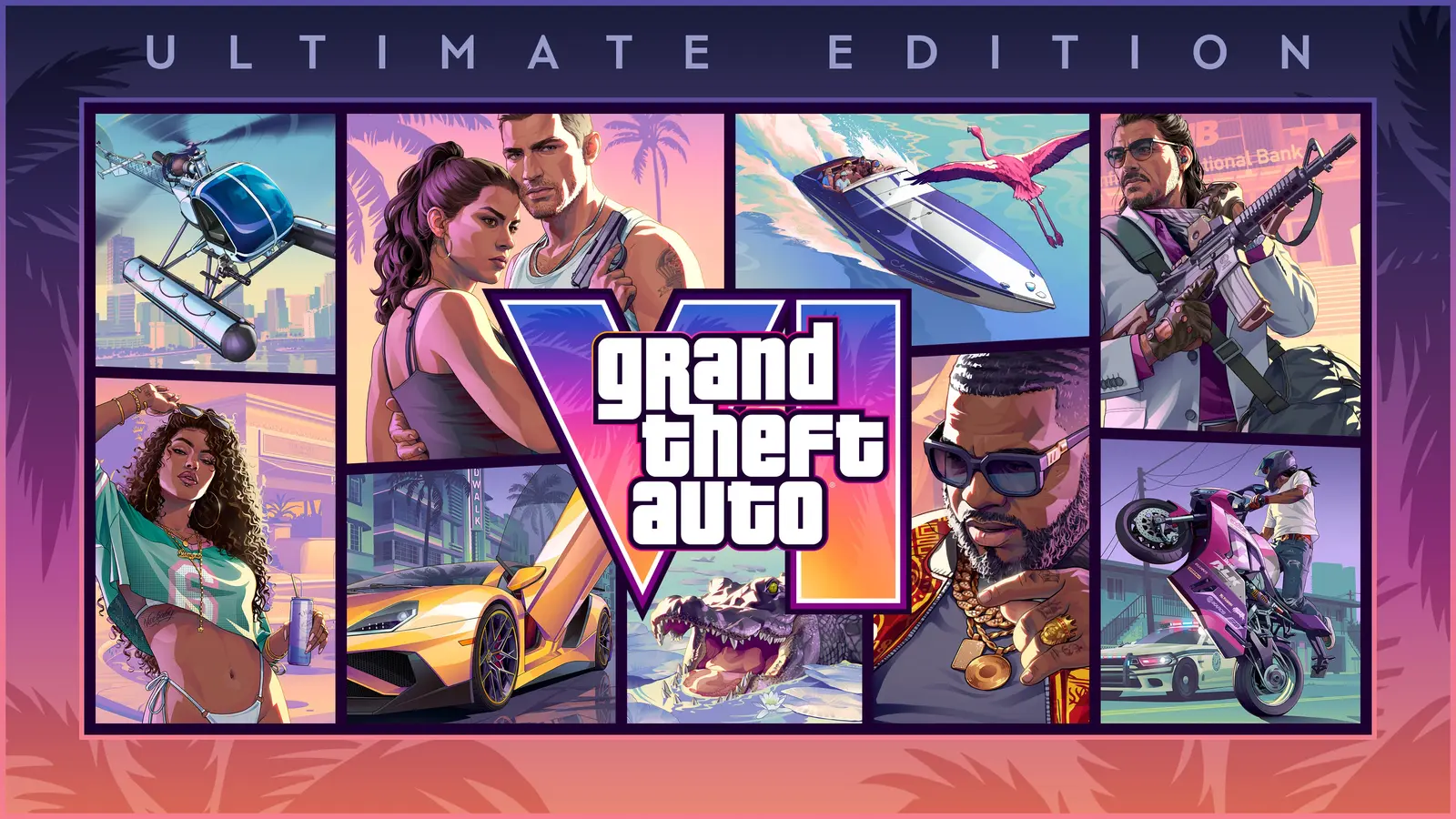
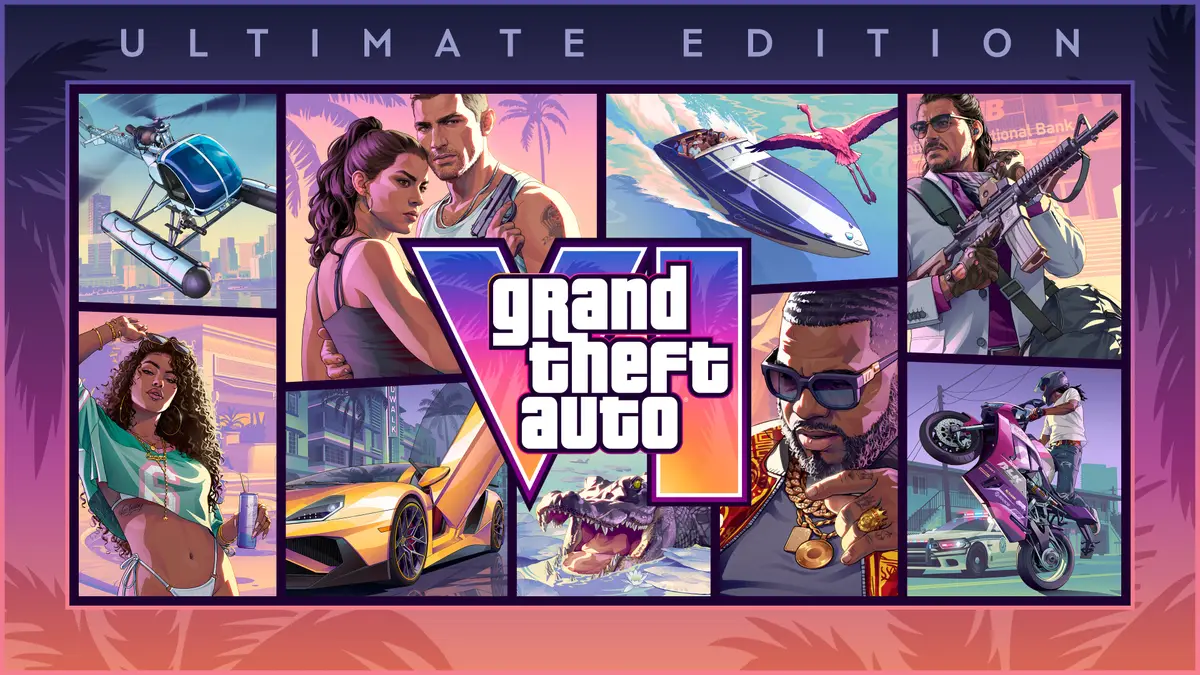
The accessibility options come with the game and have no separate price. PlayStation’s product page lists the Standard Edition at $79.99 and the Ultimate Edition at $99.99, and its Canadian page lists $109.99 and $139.99, with no currency code shown. Prices vary by store, edition and country.
Who it suits
Players with motion sensitivity. Start with Motion Blur Strength under Display and the shake, bobbing and swaying controls under Camera.
Players who want a lighter challenge. Accessible Combat, Reduced Vehicle Damage and Auto Drive let you shift the difficulty without changing the story.
Players with low vision or color vision differences. High-Contrast Shaders, text and HUD size, and the colorblind mode are the places to look.
Who should wait. Anyone who needs narration or audio descriptions in a language other than English, since Rockstar says those are English only.
Rockstar’s accessibility article is the page to read before you play, and the settings guide is the one to bookmark for the menu map.