Light Here, a world clock app for iPhone and iPad that colours each clock by whether it is a good time to call, is free on the App Store for now. The tip site 流動日報 New Mobile Life reported a usual price of US $4.99, and the official App Store page currently shows the app as Free.
The app is made by Brian Ukestad, who is also listed as the seller. It is in the Utilities category, has a 4+ age rating and is a 7.5 MB download. The listing describes it as a calm world clock for day or night.
How does Light Here show when to call?
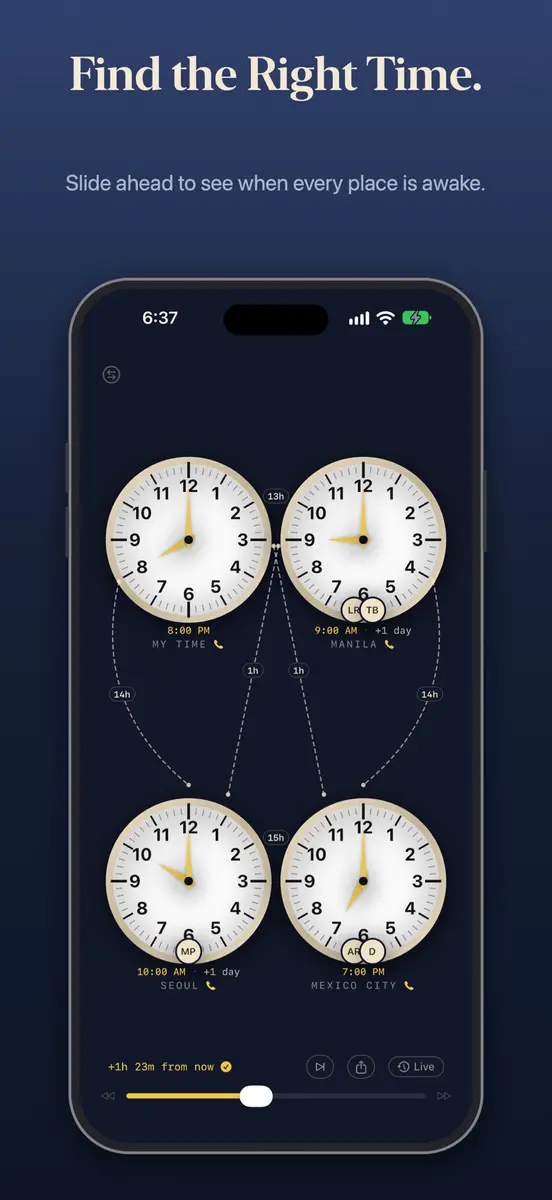
Each place you add appears as a clock, and its colour tells you whether to ring or text, according to the listing:
- Gold: a good time to call
- Coral: early or late, so maybe send a message
- Blue: the person is probably asleep
You can add up to four places, each with its own reachable hours. A “+1 day” label shows when someone is already into tomorrow, and a tap shows the time difference between any two places. Sliding ahead shows everyone’s time at once, and a “Find a time for everyone” button jumps to the next moment when every place is awake. You can also share a time with each place’s local time spelled out.
Can you call people from the app?
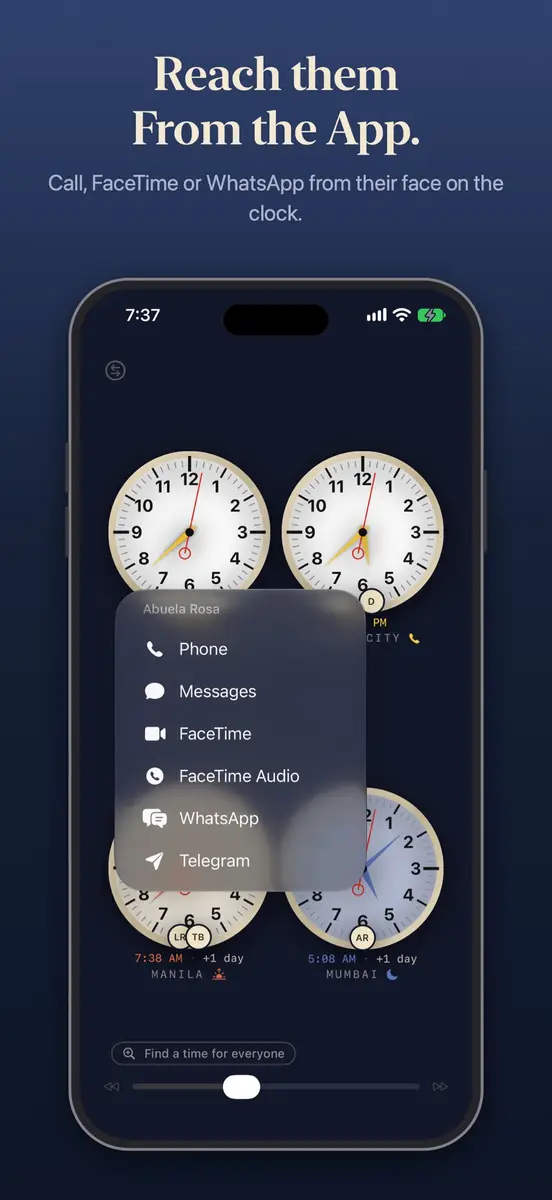
Yes, in a limited way. The listing says you can add people from Contacts without granting Contacts permission, then tap a person’s face to call, message, FaceTime, WhatsApp or Telegram. The app also adds a gentle check before you call someone who is likely asleep.
Can it be left on as a clock?
The developer pitches Light Here as something to leave running on a nightstand, a desk or an unused iPad. The listing says the screen stays awake while charging, a Night Look setting dims the faces after dark, and a slow drift of the display is meant to help protect the screen. Those are the developer’s claims.
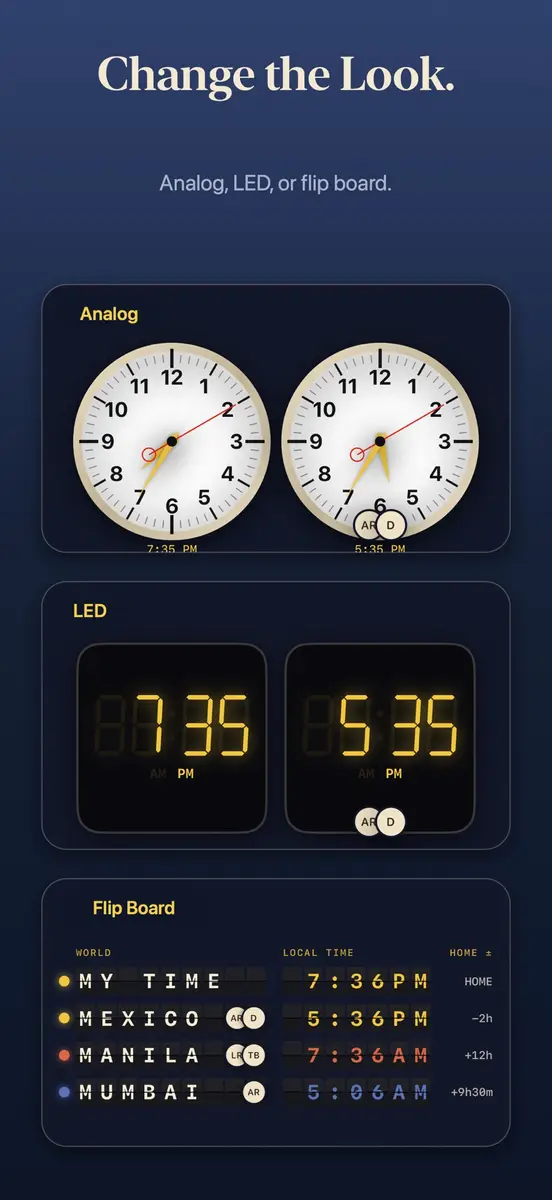
There are three designs, which are airport analog clocks, LED digits and a flip board. You can choose 12 or 24 hour time, and the app offers home screen, StandBy and lock screen widgets.
What about privacy and device support?
The developer says the app works completely offline, with over 159,000 cities and towns built in, and that it has no accounts, ads or tracking. The privacy section says no data is collected, and Apple notes that this label comes from the developer and has not been verified by Apple. Town names come from GeoNames.org under a CC BY 4.0 licence.
The listing requires iOS 18.0 or later for iPhone and iPadOS 18.0 or later for iPad. It also lists Mac (macOS 15.0 or later with an Apple M1 chip or later) and Apple Vision (visionOS 2.0 or later), but marks the app as designed for iPad and not verified for macOS. English is the only language, and the app has not yet collected enough ratings to show a summary.
Prices
The official App Store page shows the price as Free. 流動日報 New Mobile Life reported that the usual price is US $4.99. Apple’s Canadian App Store page also lists the app as free, but neither page gives a separate Canadian usual price. Neither source gives an end date, so the offer can end at any time.
To get it, open the App Store on a compatible iPhone or iPad, search for Light Here or use the link on the official page, and check that the button says Get rather than a price before you download.
Who does it suit?
People with family abroad. If relatives live several time zones away, the colour coding answers the “is it too late there?” question without mental arithmetic. The listing also puts calling and messaging shortcuts on each person’s face.
Remote and cross-border workers. Colleagues in up to four locations fit on one screen, and the “Find a time for everyone” button looks for the next time all of them are awake. It is a clock, not a calendar, and the listing does not mention meeting invites.
Anyone who wants a bedside or desk clock. The always-on display, dimming and widgets are aimed at this, though the claim that the drift helps protect the screen comes from the developer.
Who should skip it. Android users, anyone on an iPhone or iPad that cannot run iOS 18.0 or iPadOS 18.0, and people who need more than four places or a language other than English.
What is still unknown?
No source gives an end date for the free offer or a Canadian usual price. With so few ratings, there is little public feedback on how well the app works day to day.