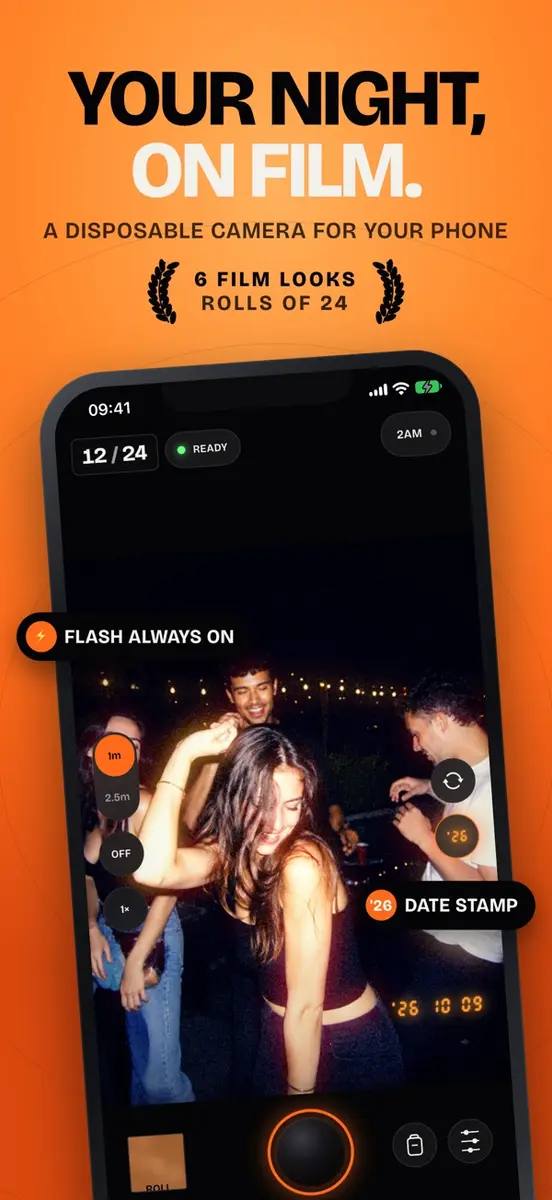
Afters: Night Flash Camera, an iPhone app that copies the feel of a disposable film camera at a party, is free on the App Store right now. The tip site New Mobile Life lists its normal price as US$0.99 and calls the offer limited time. The US App Store listing showed Free when we checked. No end date has been given, so the offer could end without notice.
How Afters works
Afters is built on a few strict rules, and that is the whole point:
- Flash on every shot. The rear camera flash always fires and cannot be turned off. With the front camera, the screen lights up as a flash instead.
- Fixed focus. You choose Portrait, at about 1 m, or Group, at about 2.5 m, and tap to shoot. There is no focusing delay.
- No editing. You pick a film look and a date stamp before you shoot, not after.
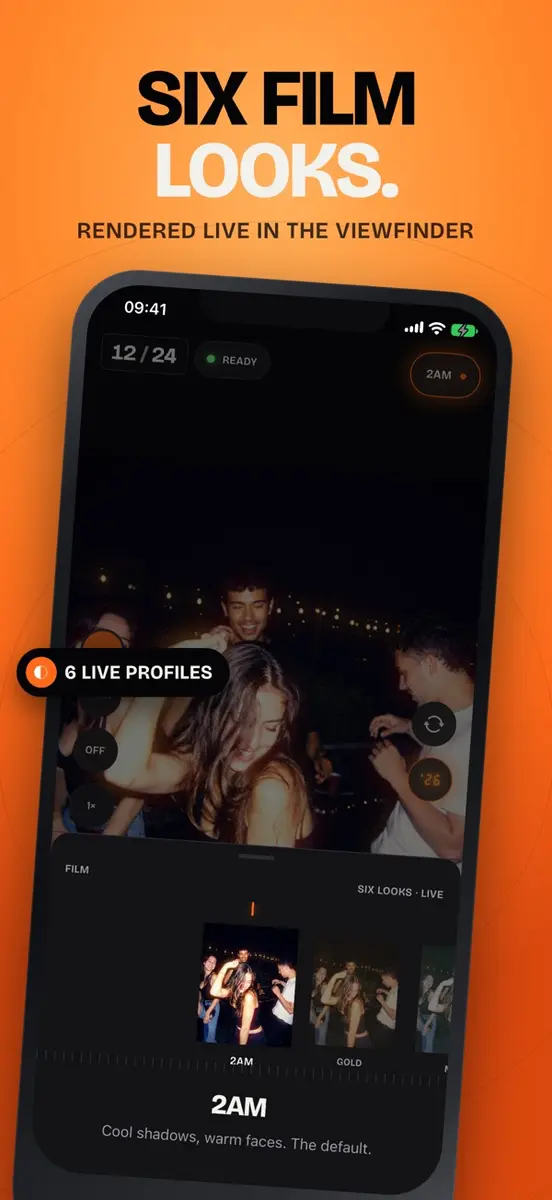
There are six film looks, named 2AM, Gold, Mint, Noir, Digicam ’04 and Xpro. Each is shown live in the viewfinder and baked into the photo with grain, halation and bloom.
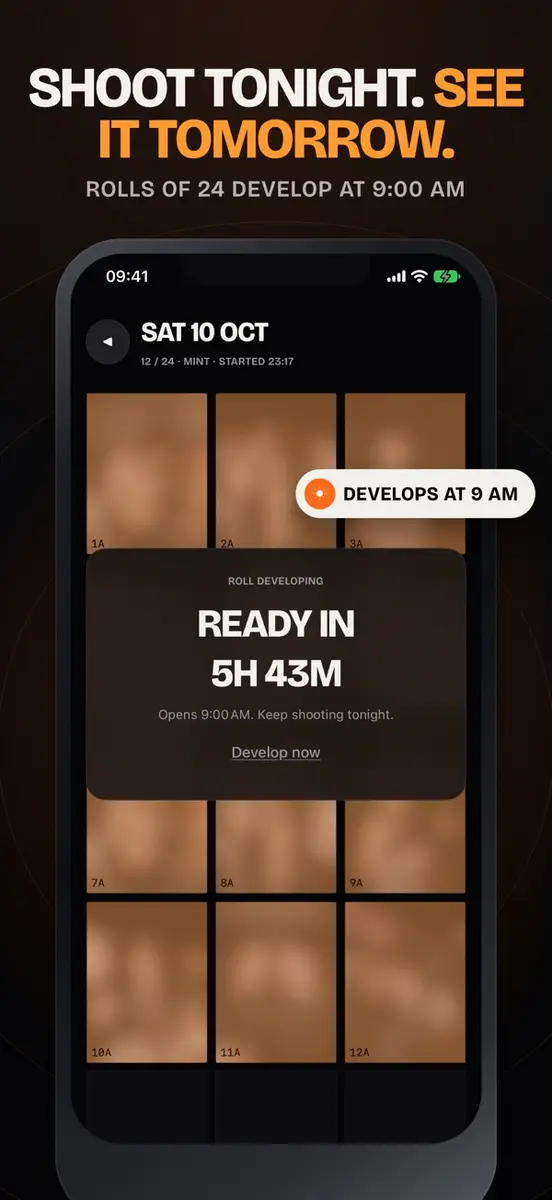
Rolls that develop the next morning
Each roll holds 24 shots. By default, a roll develops the next morning at 9:00 and you get a notification. If you cannot wait, you can switch to instant developing, and the developer’s support page says a “Develop now” button is always one tap away.
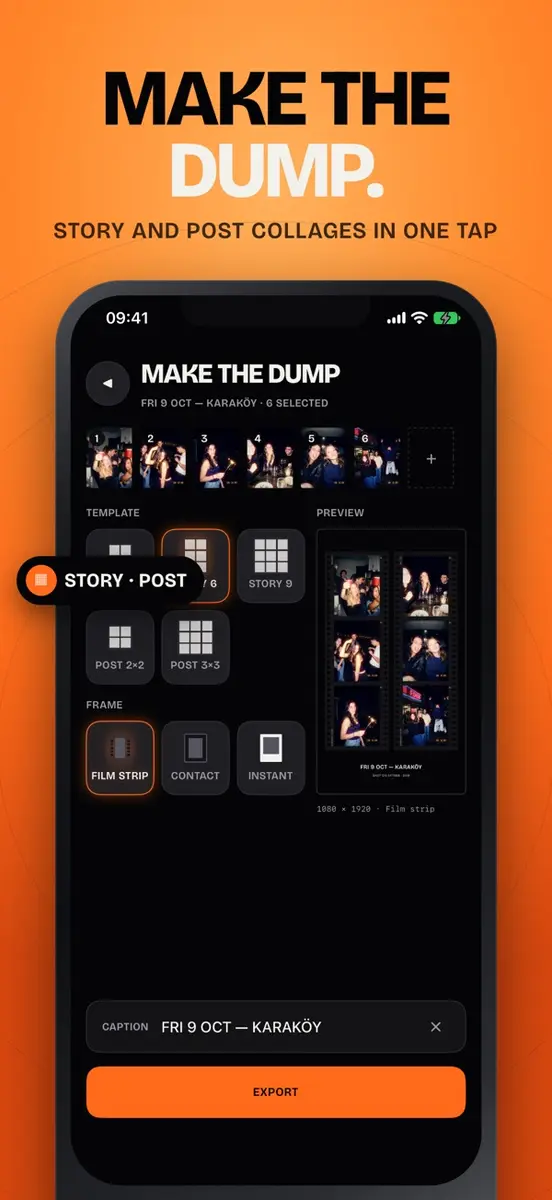
Once a roll is ready, you can build what the app calls a dump: choose four to nine shots and export a Story or Post collage with film strip, contact sheet or instant photo frames, sized for Instagram. Other details include an orange date stamp in three formats, a self timer for group shots, a Lock Screen widget with your roll counter, and an iOS 18 Control that opens the camera from Control Center or the Action button.
Privacy and requirements
According to the listing, Afters has no subscription, no ads and no account. Photos stay inside the app until you save them to your library, and the App Store privacy section says the developer does not collect any data. The developer’s privacy policy adds that the app has no servers and no analytics.
- Requires iOS 17.0 or later
- Size: 9.8 MB
- Designed for iPhone
- Languages: English, French, German, Japanese, Korean, Portuguese, Spanish and Turkish
How to get it
- Open the App Store on your iPhone and search for “Afters: Night Flash Camera”.
- Check that the button shows Get rather than a price.
- Tap Get, then allow camera access and, if you want the morning alert, notifications.
- Remember to save the photos you want to keep from each roll to your photo library.
Who it suits
Afters suits anyone who likes the harsh flash, grainy look of party snapshots and wants a camera that removes choices instead of adding them. It is not a general camera: there is no editing and the flash cannot be switched off, so keep the regular Camera app for everyday shots. The app is new, with version 1.0 released in September, and has too few ratings to show an average yet.