Tidal Arc: Tide Times High Low, an iPhone app that turns tide predictions into a single curve on your home screen and lock screen, is free on the App Store right now. The tip site New Mobile Life lists its usual price as US$0.99 and calls the offer limited time. The US App Store listing showed Free when we checked. Neither the developer, Spruzzo Labs, nor the listing gives an end date.
What Tidal Arc shows
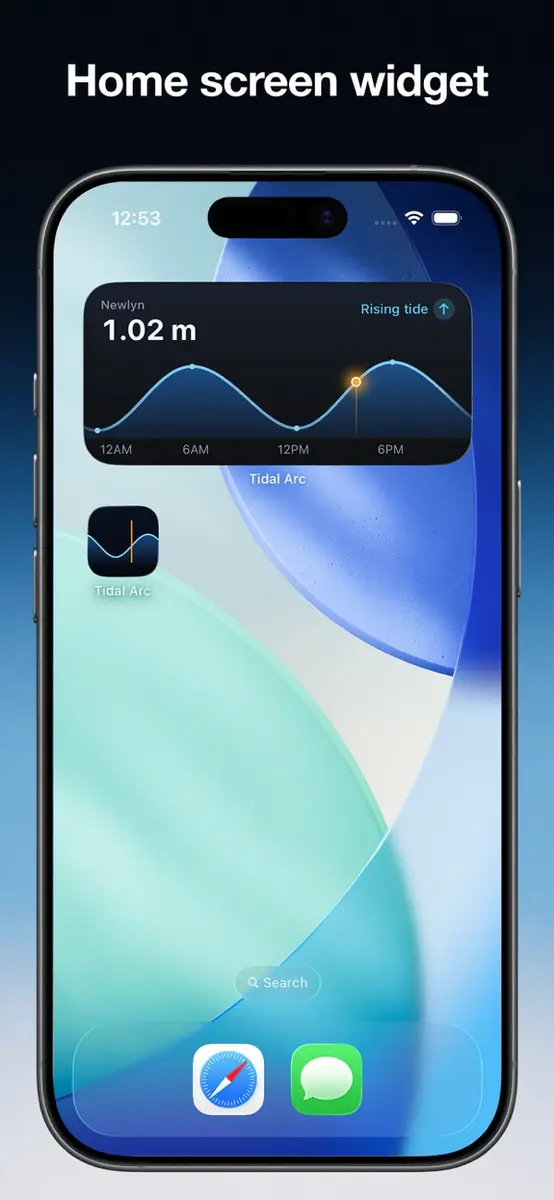
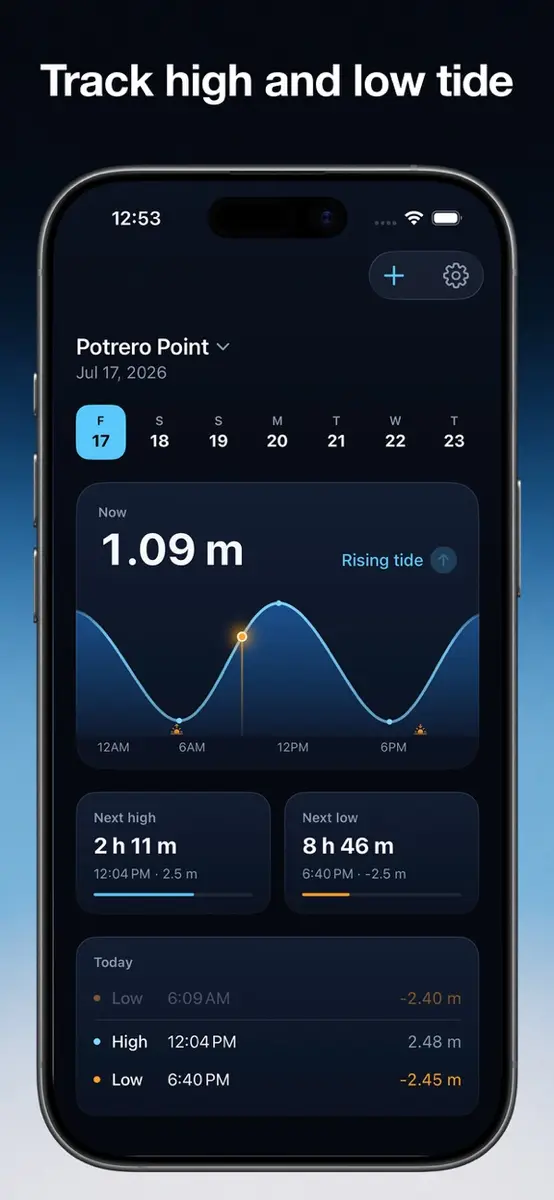
The app answers three questions at a glance: where the water is now, whether it is rising or falling, and when the next high and low tides arrive. It is designed widgets first:
- Medium widget: today’s full tide curve with a live “now” marker
- Small widget: a live countdown to the next high or low
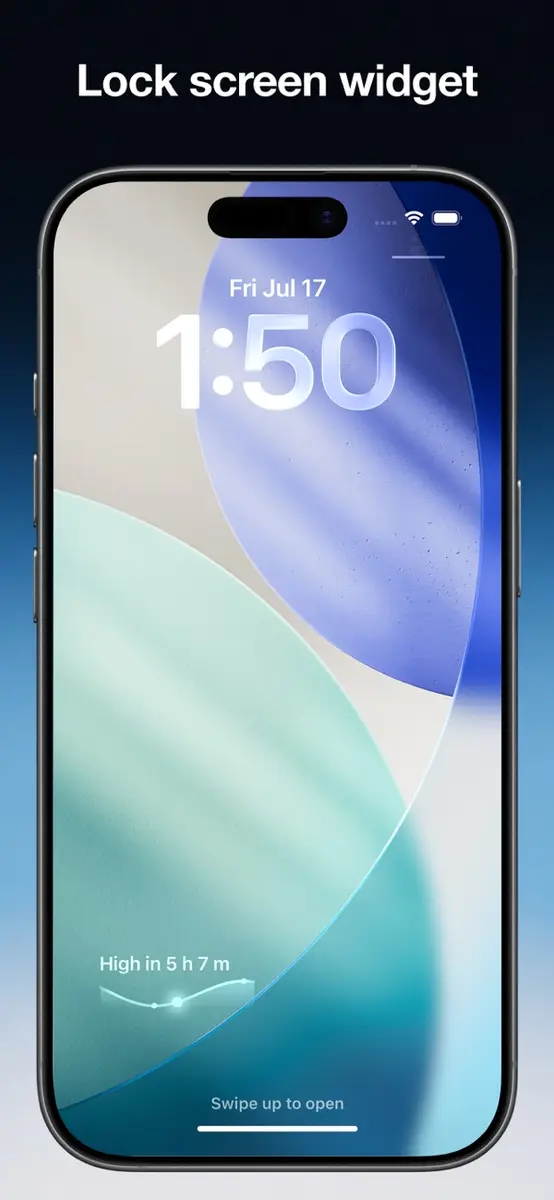
- Lock Screen: the next tide plus a tide level gauge
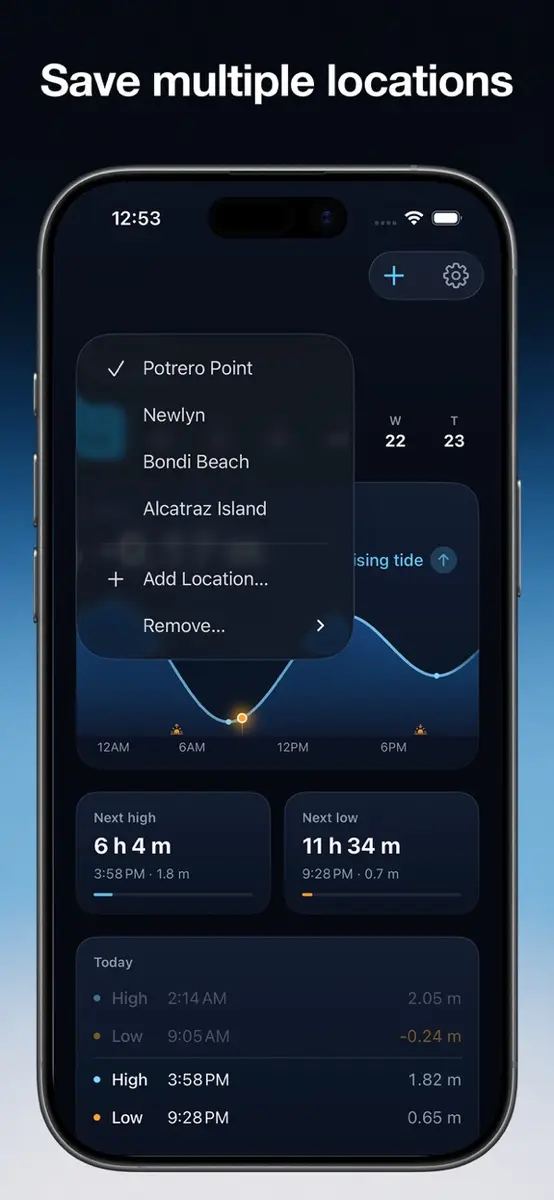
Inside the app you can save several locations, switch between feet and meters, and turn on optional alerts that notify you before the next high or low.
Where the data comes from
In the United States, Tidal Arc uses predictions from NOAA CO-OPS for more than 3,400 official tide stations, and it keeps a 7-day forecast cached for those stations. Everywhere else, you can search for any beach or harbor in the world, and the app computes the tides on your phone from a global satellite tide model, EOT20. Because those worldwide figures are calculated on the device, they work offline at the beach.
The developer is careful to note that worldwide locations are modeled estimates, labeled as such in the app, and not a substitute for official navigation products. Boaters and anyone heading into tidal water where safety matters should check official local tide tables as well.
Privacy and requirements
According to the listing, there is no account, no subscription and no ads, and the App Store privacy section says the developer does not collect any data from the app.
- Requires iOS 26.0 or later
- Size: 10.2 MB
- Designed for iPhone
- Languages: English, French, German, Italian, Korean, Simplified Chinese and Spanish
The iOS 26 requirement is the main catch: older iPhones that cannot run it will not be able to install the app.
How to get it
- Open the App Store on your iPhone and search for “Tidal Arc”.
- Check that the button shows Get rather than a price.
- Tap Get, open the app and add your beach or harbor.
- Long press the home screen or lock screen to add the widget size you want.
Who it suits
The developer pitches Tidal Arc at surfers, beach walkers, clammers, kayakers and anyone whose plans depend on the tide. It is a good fit if you want the answer on your home screen without opening an app full of charts and ads. If you only need tides once in a while, the free offer still makes it an easy app to keep for trips to the coast.