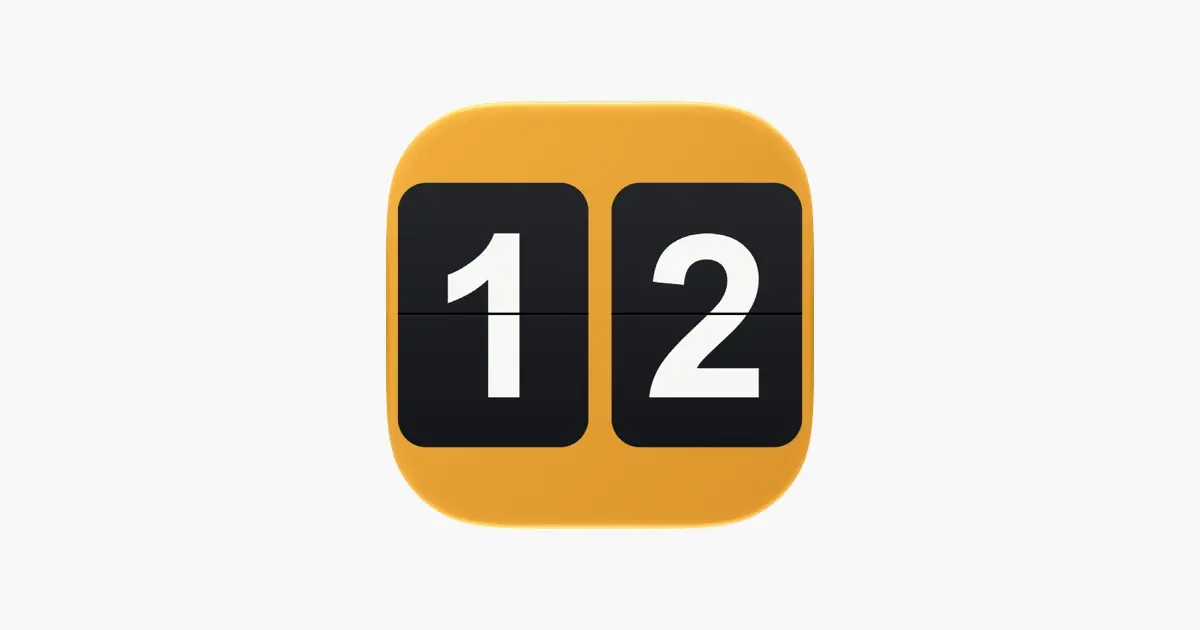
Flip Clock: Desk & Alarm Clock, an app that turns a spare iPhone or iPad into a split-flap clock for a desk or nightstand, is free on the App Store right now. Tip site New Mobile Life listed its usual price as US $0.99, and the US App Store listing showed the app as Free when we checked. The developer, Umesh Ghimire, has not stated an end date, so the price could change at any time.
What you get
The app draws a mechanical flip animation in two stages rather than fading one number into the next, which is the main thing its developer says sets it apart. According to the App Store listing, it includes:
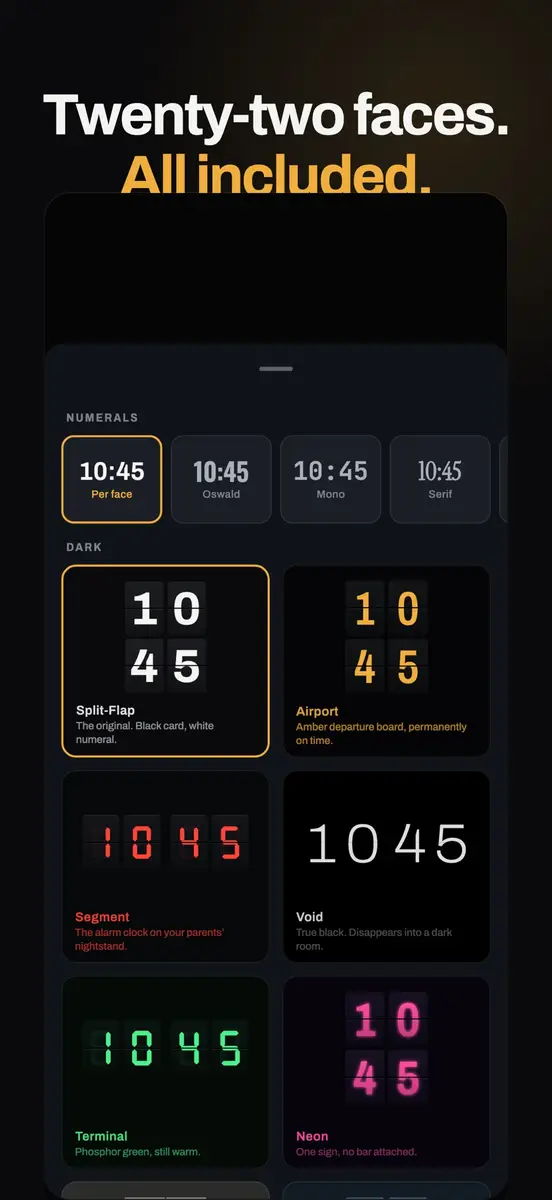
- 22 clock faces, from Split-Flap and Airport to E-Ink, Neon and Vintage Amber, plus five numeral typefaces
- Burn-in protection that shifts the clock slightly from time to time
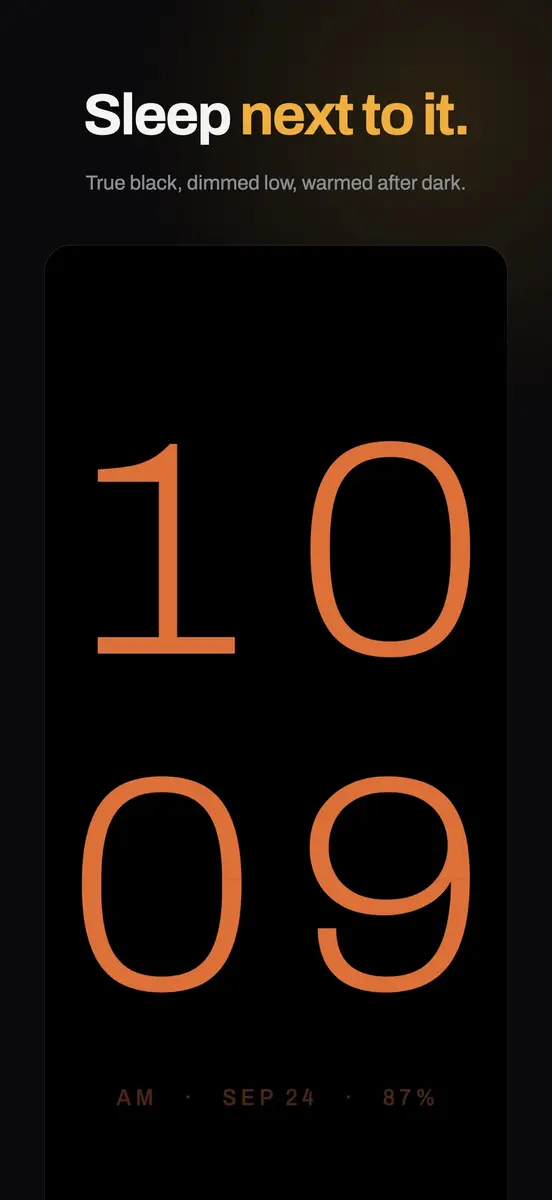
- A true black night mode that dims below the system minimum, and a night warmth setting that shifts the display towards red after dark
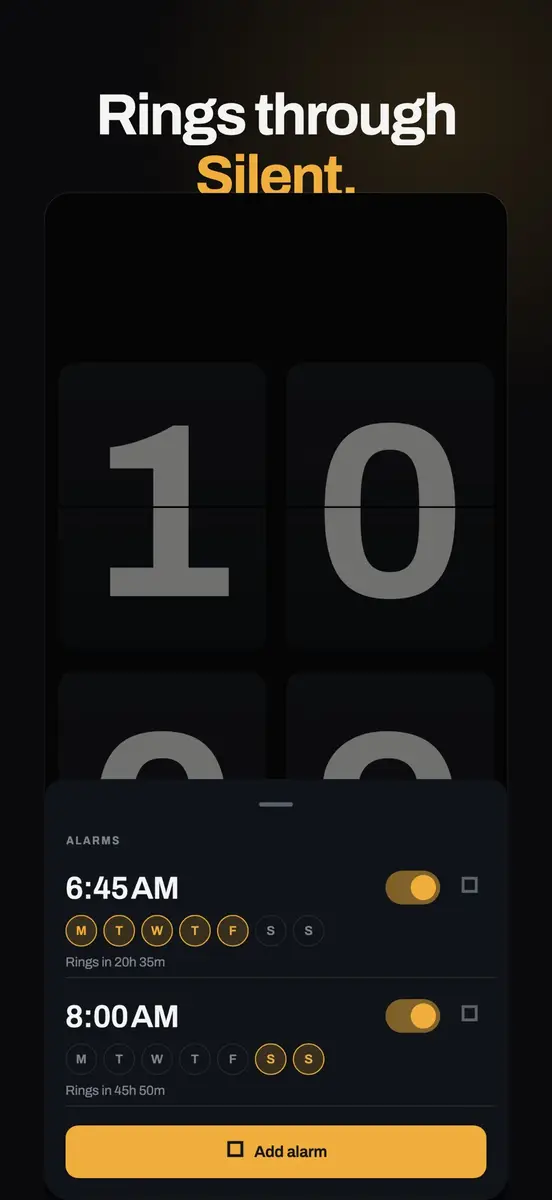
- System alarms that ring through Silent and Focus, appear full screen on the Lock Screen and support repeat days and your own snooze length
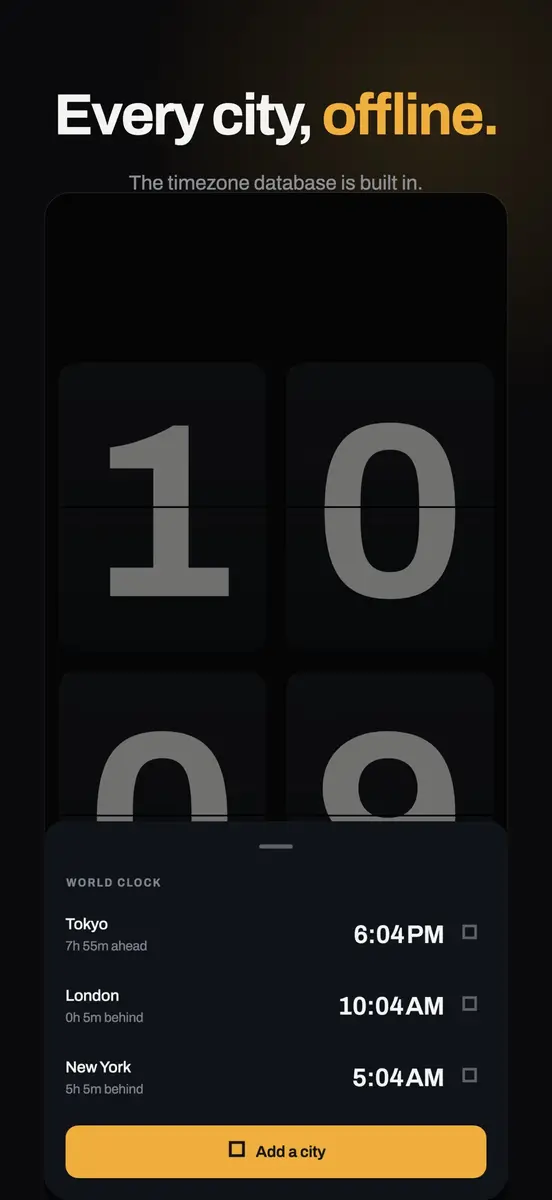
- An offline world clock, plus a focus timer, stopwatch and countdown on the same flip cards
- Landscape or portrait layouts in three sizes, and an optional flap sound that is off by default
Requirements
- iPhone and iPad with iOS 26.0 or iPadOS 26.0 or later; the listing also shows Mac support with macOS 26.0 and an Apple M1 chip or later
- 19 MB download
- English only, age rating 4+
The developer says alarms are built on iOS 26, which is why older versions are not supported. If your bedside device cannot update, this app will not install.
Privacy
The App Store privacy label says the developer does not collect any data from this app. Its privacy policy says there is no account, advertising or analytics, settings stay on the device, and the only network request is optional weather from Open-Meteo, which sends a latitude and a longitude for cities you pick and nothing else.
How to get it
- Open the App Store and search for “Flip Clock: Desk & Alarm Clock” by Umesh Ghimire.
- Make sure the button says Get, not a price.
- Tap Get, then stand the device on a charger and pick a face.
The catch
Pricing information does not line up across the official pages. The App Store description calls it an app you buy once, and the listing shows no in-app purchases. The developer’s website, however, describes the App Store version as free to download with seven days free, then $1.99 a year or one payment of $5.99, and says the Android version is free on Google Play. Check what the app asks for after you install it.
It suits anyone who wants a quiet bedside or desk clock from an old phone or tablet without ads or an account.