Calpaper: Today at a Glance, an iPhone app that turns your daily calendar into a Lock Screen wallpaper, is free to download on the App Store right now. Tip site New Mobile Life listed its usual price as US $0.99 when it spotted the offer, and the US App Store listing showed the app as Free when we checked. The developer, Daniel Garcia, has not said when the price will change, so there is no stated end date.
What Calpaper does
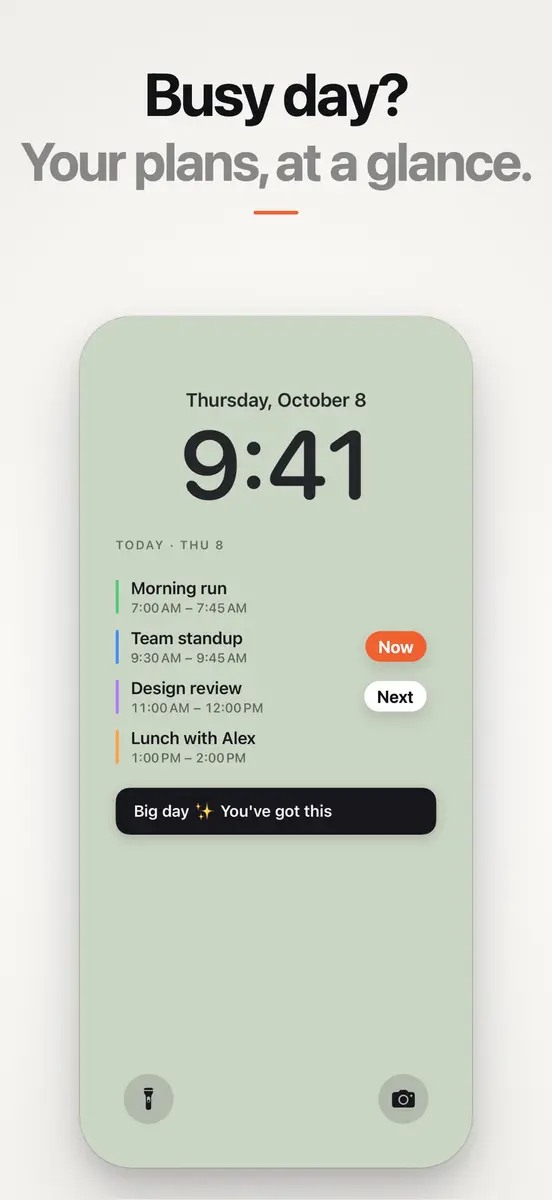
Each morning the app draws a new wallpaper with what matters today, so you can read your day without unlocking the phone. According to the App Store listing, it can show:
- Today’s events from the calendars already on your iPhone, including iCloud, Google and Outlook, with times, titles and calendar colors
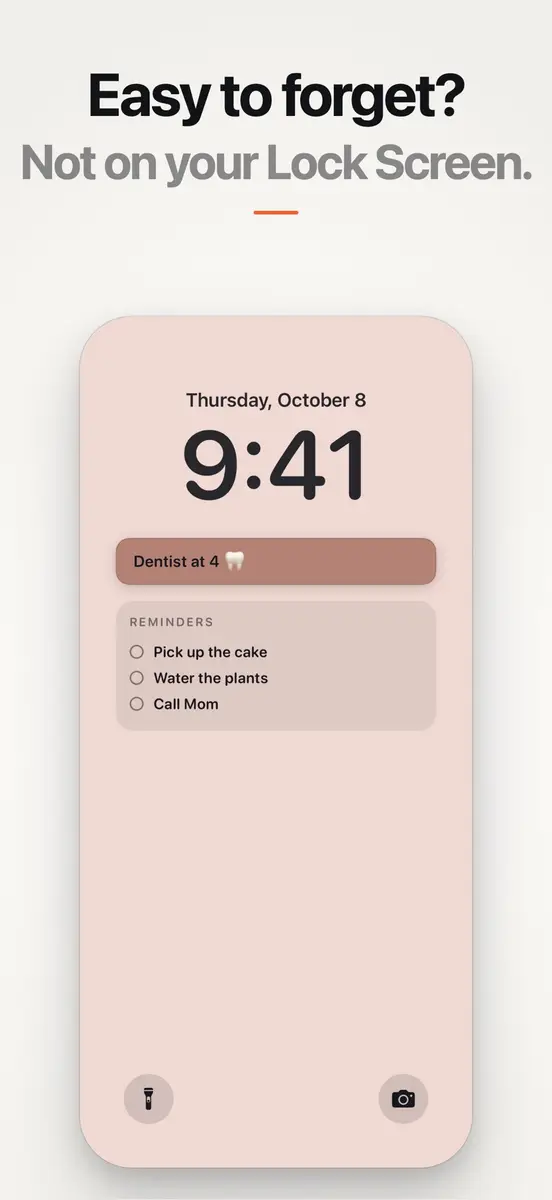
- Short reminders you type in the app, plus a one line note to yourself
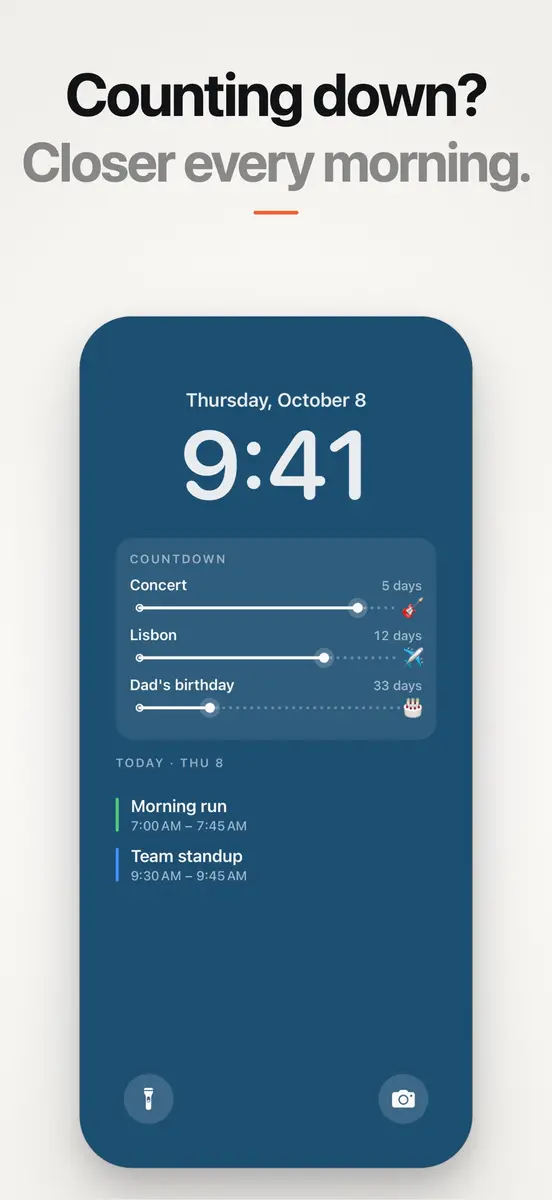
- Countdowns to the dates you are waiting for, with the days left
- A month card with today marked and optional week numbers
- A photo card from your own library, and emoji you can drag anywhere
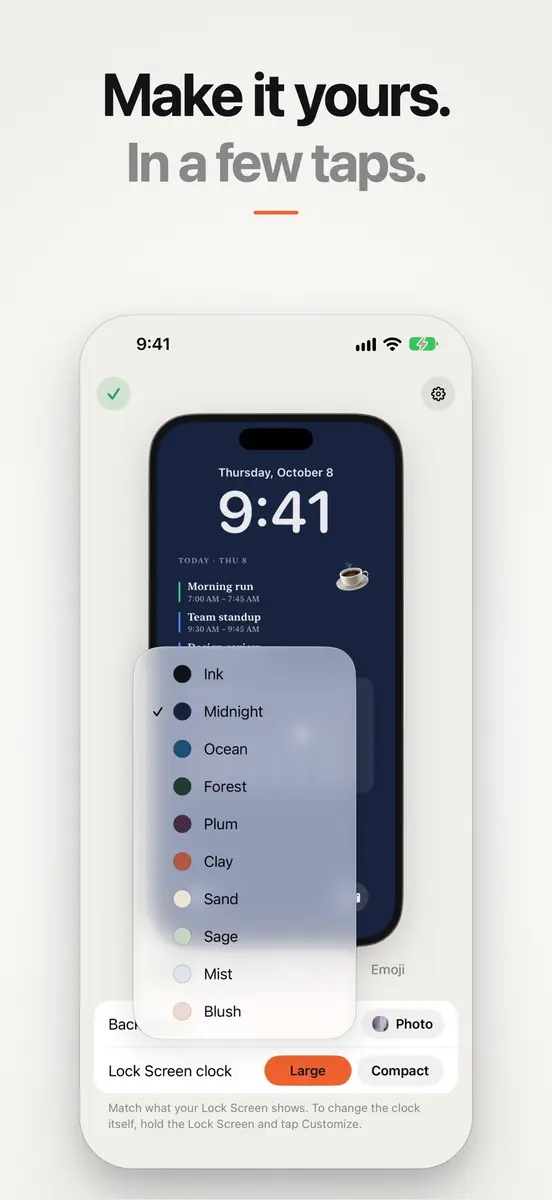
You can pick ten colors or your own photo, choose from four typefaces, reorder or hide each block and fade the whole layout with one slider. It works with both the large and the compact Lock Screen clock. Version 1.2 added a timeline view that draws each event as long as it lasts.
How the daily update works
iOS does not let apps change the wallpaper on their own, so Calpaper works with Apple’s Shortcuts app. The listing describes a one time setup of about three minutes that creates a daily automation, after which the wallpaper refreshes every morning. If your plans change during the day, one tap redraws it.
Requirements and privacy
- iPhone only, iOS 18.0 or later
- 15.8 MB download
- English, French, German, Japanese, Korean, Portuguese and Spanish
- Age rating 4+
Calpaper reads your calendar and draws the image on the device, and there is no account. Its privacy policy says anonymous usage stats are sent only if you allow them and never include your events, notes or photos. The App Store privacy label lists purchases, identifiers, usage data and diagnostics as data not linked to you.
How to get it
- Open the App Store on your iPhone and search for “Calpaper: Today at a Glance” by Daniel Garcia.
- Check that the button says Get, not a price.
- Tap Get, then follow the setup guide inside the app to create the Shortcuts automation.
Who it suits, and the catch
It suits anyone who checks the phone first thing to see what the day holds, from students to people with packed work calendars. One thing to watch: the developer’s support page mentions a paid Calpaper Pro upgrade and says the app “became free to download”, while the current App Store listing shows no in-app purchases. Features and pricing may change in later versions, so check what the free version includes before you set it up.