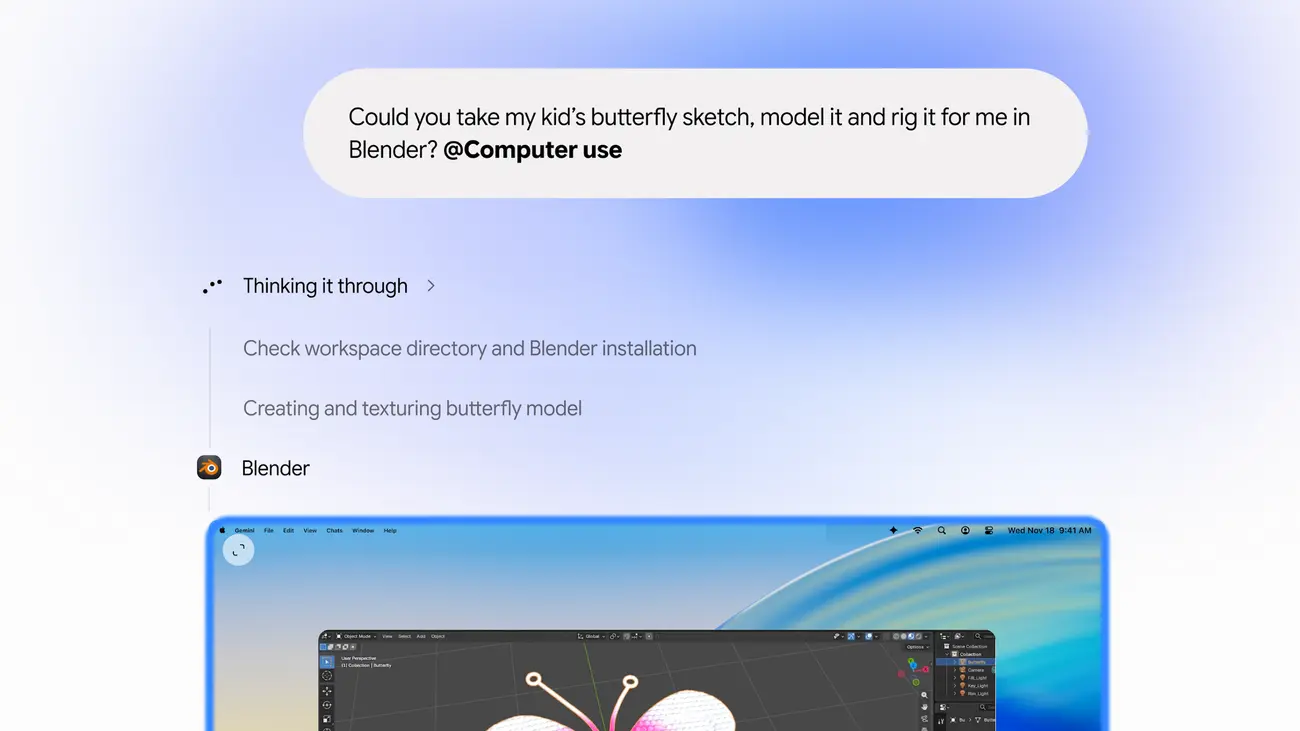
Google has published five projects built with Gemini 4 Neon, from a glowing 3D Earth to an interactive black hole shader, to show what the model can do when builders raise its thinking level. The post went up on November 24, 2026 and features five independent builders, most of whom worked in Google Antigravity.
Neon is the newest model in the Gemini 4 family. It arrived on November 18, 2026, and Google describes it as frontier-level intelligence with fast end-to-end task completion across software engineering, knowledge work and science. The Decoder counted it as the fourth new Gemini model in about a month.
What did the builders make with Neon?
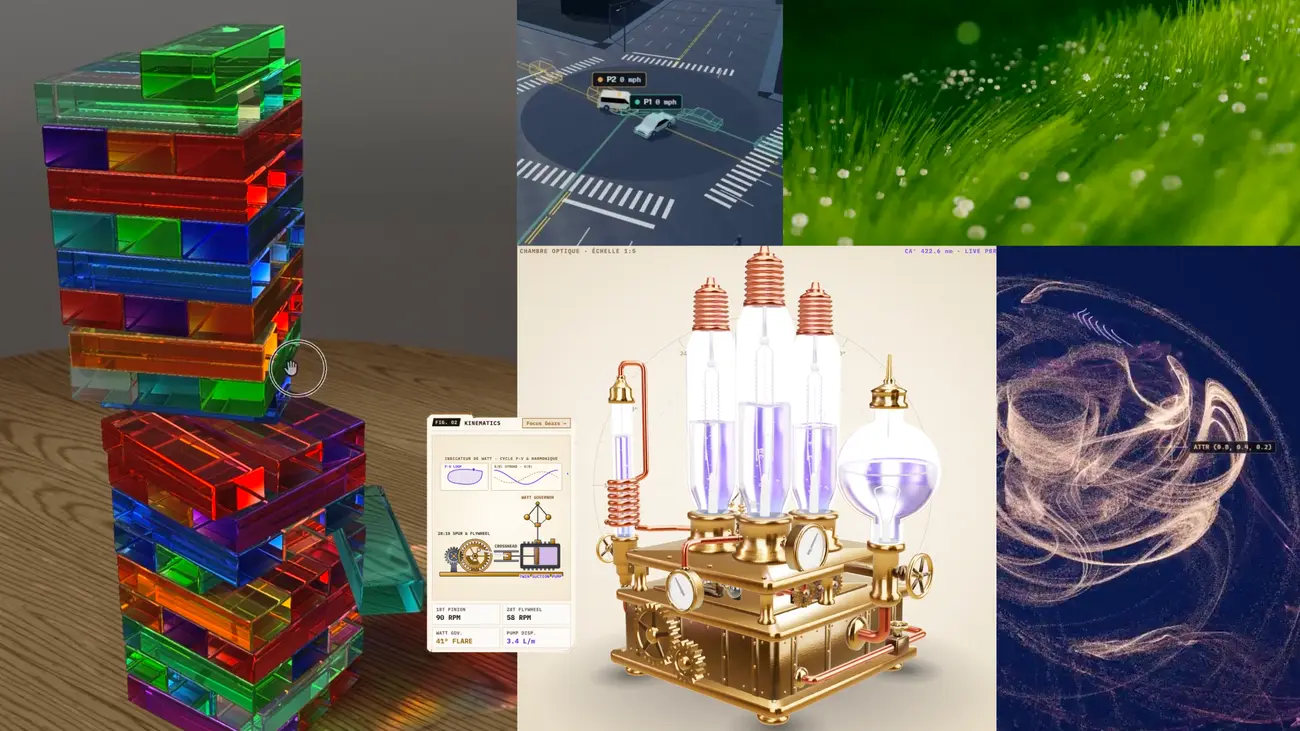
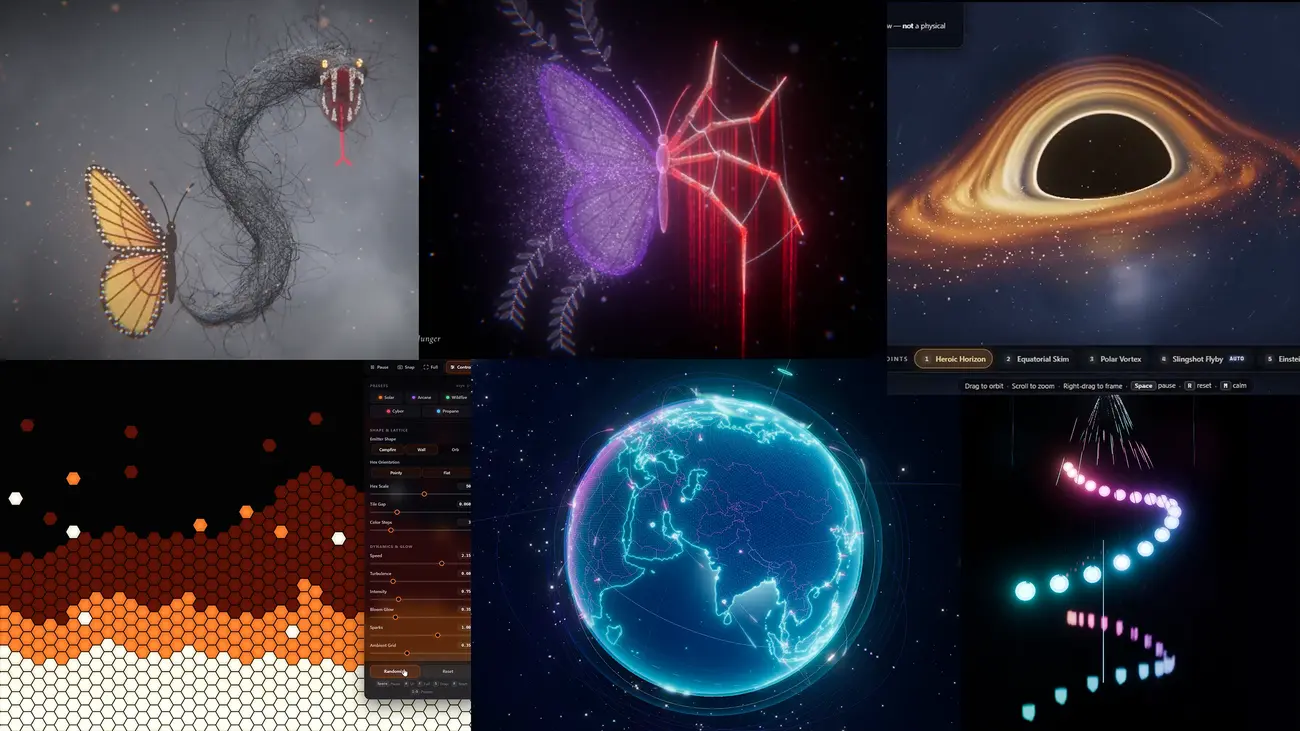
Google’s post walks through five demos, each paired with the settings used:
- 3D Earth: a glowing globe built on high thinking in Google Antigravity.
- Three.js butterflies: imaginative butterflies built on xhigh thinking, also in Antigravity.
- Hexagon flame shader: a glowing, interactive shader for the web, built in under five minutes with the /swarm command and Neon in Antigravity.
- Black hole shader: an interactive 3D black hole with switchable camera viewpoints and sliders that change the lensing warp.
- Pendulum wave: a 3D simulation where each sphere’s period creates traveling interference patterns.
Google says builders have been testing the balance of depth and efficiency in Neon, turning up the thinking level for complex coding and interactive 3D work. The five examples are a showcase picked by Google, not a test of how often the model gets such results right.
What can Gemini 4 Neon handle?
Reports from The Decoder and Digital Trends give a clearer picture of the model itself:
- Context window of about 1 million tokens
- Inputs: text, images, video, audio and PDFs
- No image or audio generation
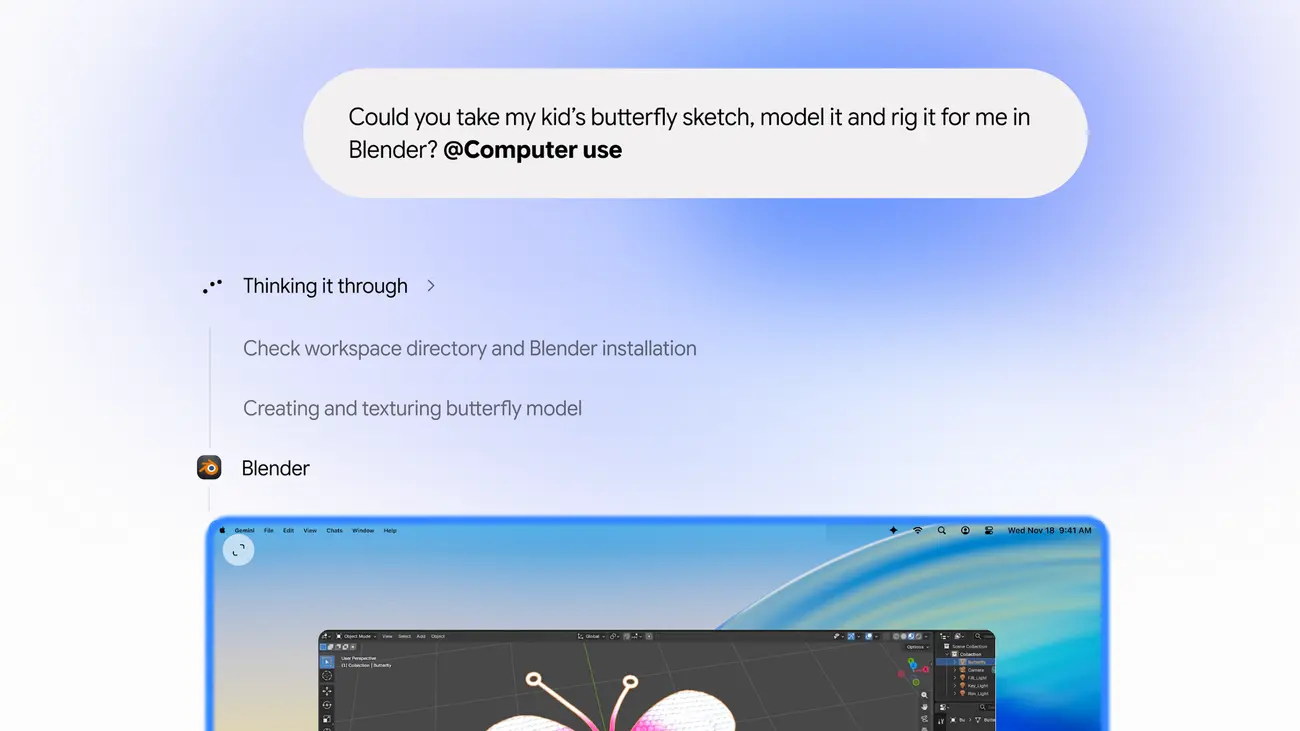
- Tools: Computer Use, code execution, file search and grounding with Google Search and Maps
- Four thinking levels, with high as the default, according to Digital Trends
Digital Trends also notes that Neon can take spreadsheets, PDFs, charts, audio and video in one prompt. In Antigravity, it reports an Orchestrator mode that pairs Neon’s planning with Hydrogen’s execution.
Where can you try it?
Google lists several routes. Developers can use the Gemini API paid tier in Google AI Studio and Android Studio. Paid Google AI Pro or Ultra subscribers can try Neon in Google Antigravity, and all Pro and Ultra subscribers can use it in AI Studio or by picking Gemini 4 Neon from the model drop-down in the Gemini app. Enterprise teams can use it in Gemini for business, through the API or the drop-down, and in Antigravity.
Prices
Google’s builders post does not list prices. The Decoder and Digital Trends both report API pricing of $3 per million input tokens and $15 per million output tokens, in US dollars.
For comparison, The Decoder lists Gemini 4 Hydrogen at $1.50 for input and $7.50 for output per million tokens. It lists Gemini 4 Carbon and Argon at an introductory $2.00 and $10.00, rising to $4.00 and $20.00 on December 1. Digital Trends reports Google’s claim that Neon at high thinking costs 32% less per task than Carbon. Subscription prices for Google AI Pro and Ultra are not given in the sources, so check Google’s plan pages for your country.
Who it suits
Front-end and creative coders. The demos are shaders, 3D scenes and simulations, the kind of work where a model has to hold geometry, motion and user controls together. If you build for the web, they show the type of project Google expects Neon to help with.
Developers already in Antigravity. Neon is available there to Pro and Ultra subscribers, and Digital Trends describes an Orchestrator mode that splits planning and execution between two models.
Teams watching API costs. At $3 and $15 per million tokens, Neon costs more than Hydrogen but is priced against the larger frontier models. Google’s per task savings claim is its own, so run your own workload before moving over.
Who should wait. If you need image or audio output from the same model, Neon does not offer it. Digital Trends also points out that the benchmark results are Google’s own and independent tests may differ.
What is still unknown
The post does not say how long each project took beyond the hexagon shader, how many tokens they used or how many attempts the builders made. It also does not link the examples to any benchmark. Treat them as demonstrations of range, not guarantees.
A practical next step: open Google AI Studio or the model drop-down in the Gemini app, pick Gemini 4 Neon and try one of these ideas, such as a small shader, at different thinking levels to see how the result and the cost change.