Google has started rolling out Gemini 4 Neon to Google AI Pro and Ultra subscribers in the Gemini app, where it appears in the model drop-down. Google announced the model on November 18, 2026, describing it as built for fast, end-to-end completion of complex software engineering, knowledge work and science tasks.
It is the newest model in the Gemini 4 family, sitting between the everyday Hydrogen model and the heavyweight Carbon. For app users it changes the model picker, and for developers and businesses it brings a new price point.
Where does Neon sit in the Gemini 4 lineup?
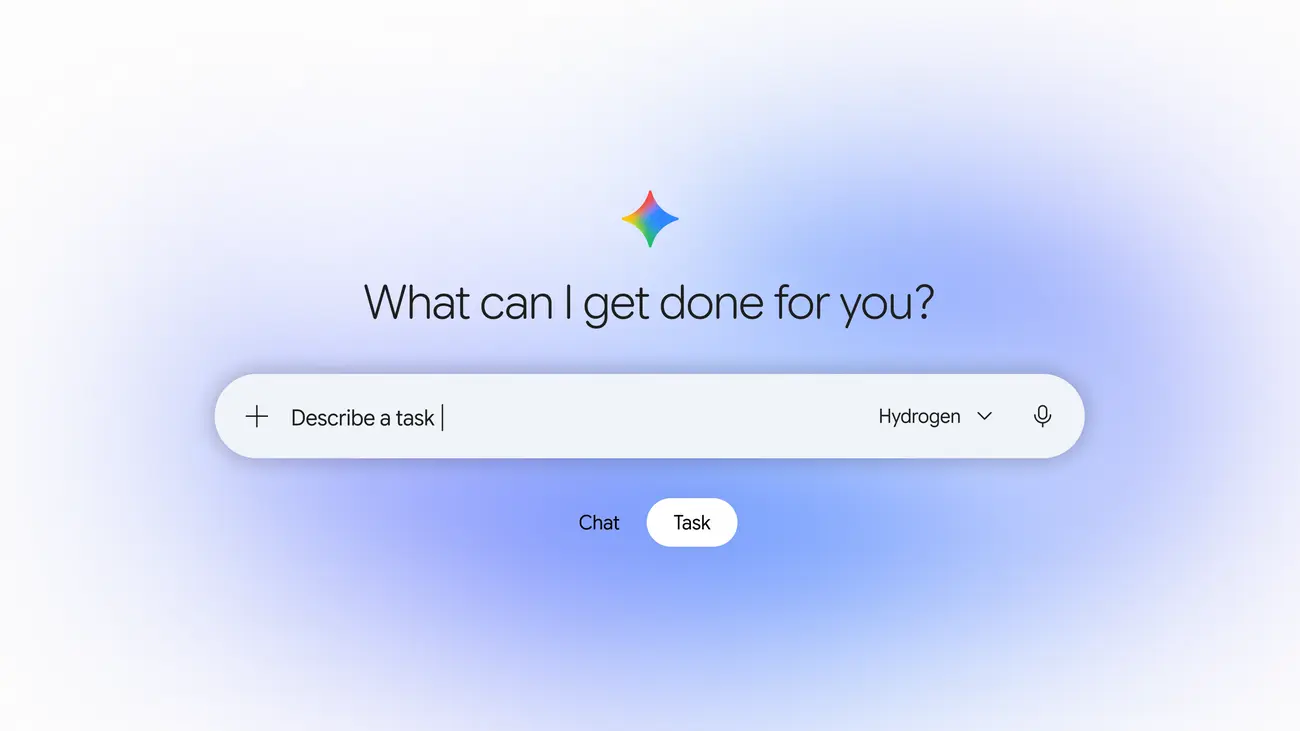
According to 9to5Google, the Gemini app picker for paid users now reads as follows:
- Auto: adapts to your needs
- Hydrogen: everyday help
- Neon: deeper analysis
- Carbon: code and complex work
Google says Carbon takes on the hardest, long-horizon projects, Hydrogen handles fast everyday execution, and Neon balances depth and efficiency. 9to5Google also reports that Neon replaces Argon in the app and that Gemini 3.1 Pro is going away.
Who can use it, and where?
- Gemini app: Google AI Pro and Ultra subscribers, from the model drop-down.
- Developers: the paid tier of the Gemini API in Google AI Studio and Android Studio. Paid AI Pro and Ultra subscribers can also try it in Google Antigravity.
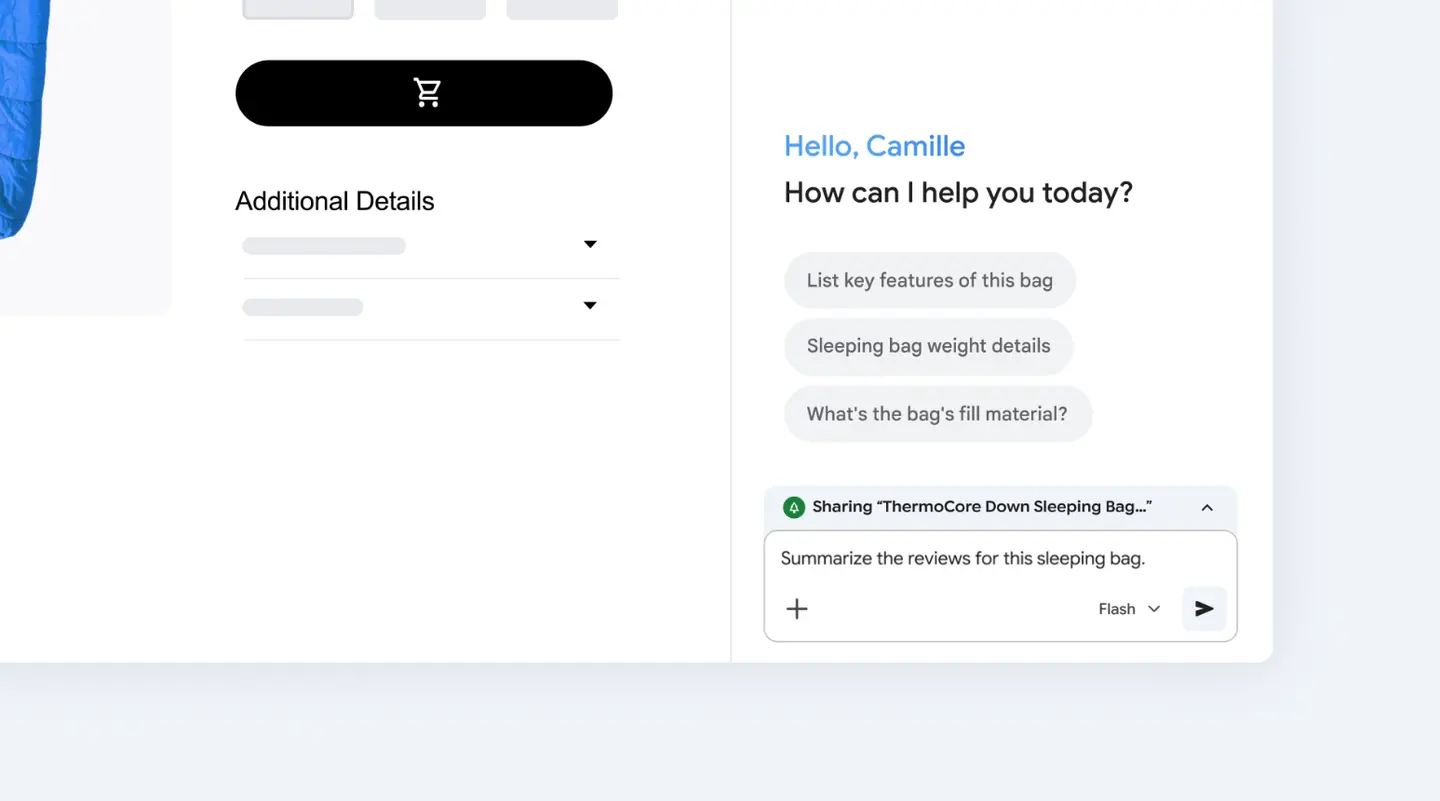
- Businesses: Gemini for business, through the API or the model drop-down.
- Security teams: a Neon version for cyber defense is due for eligible Fairwind Program members over the next few days.
What does it do in the Gemini app?
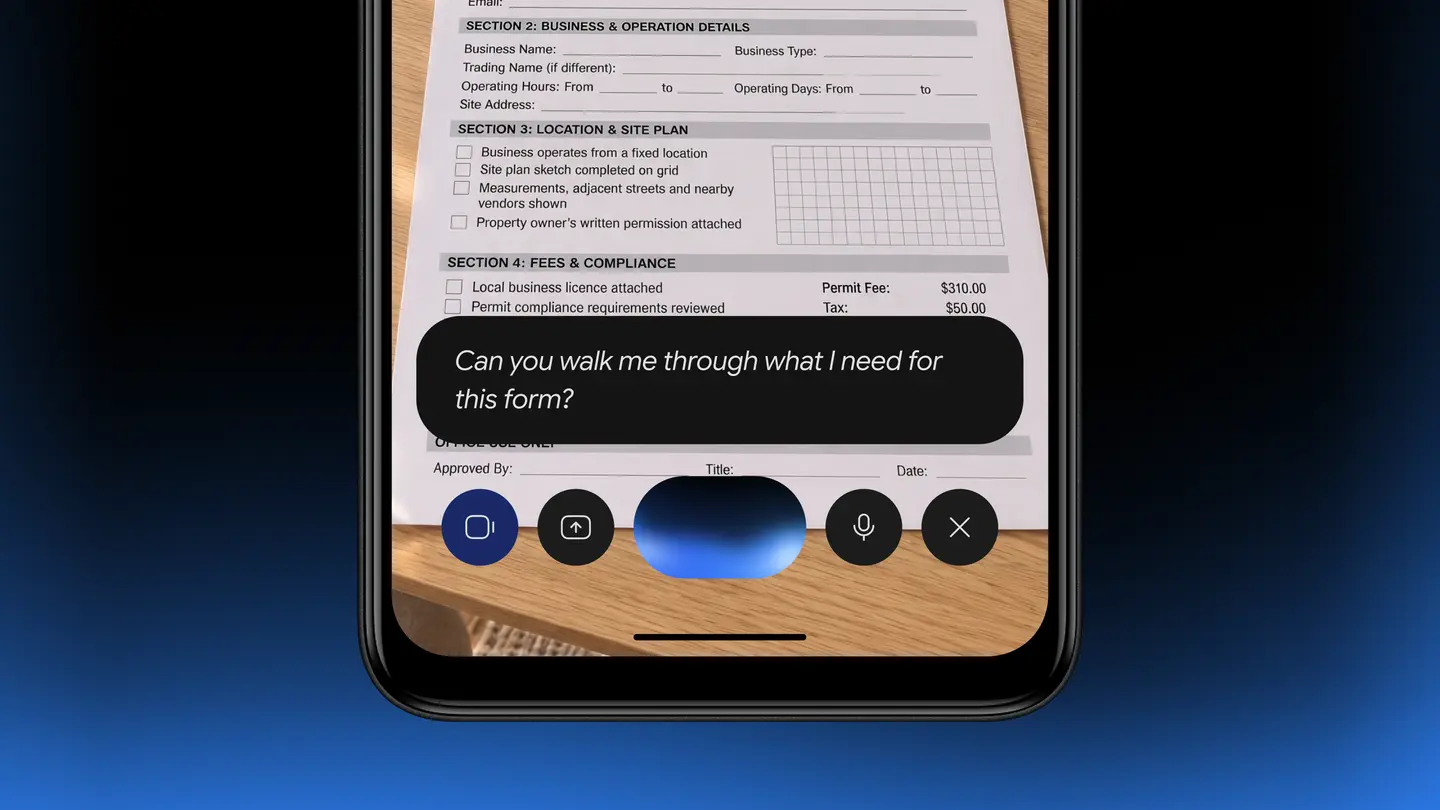
Google says Neon writes in a clear, direct tone, reads uploads such as spreadsheets, PDFs and photos more precisely, and can pull details from Gmail and Docs. For research it draws on sources across the web, for example when comparing prices from several vendors before a purchase.
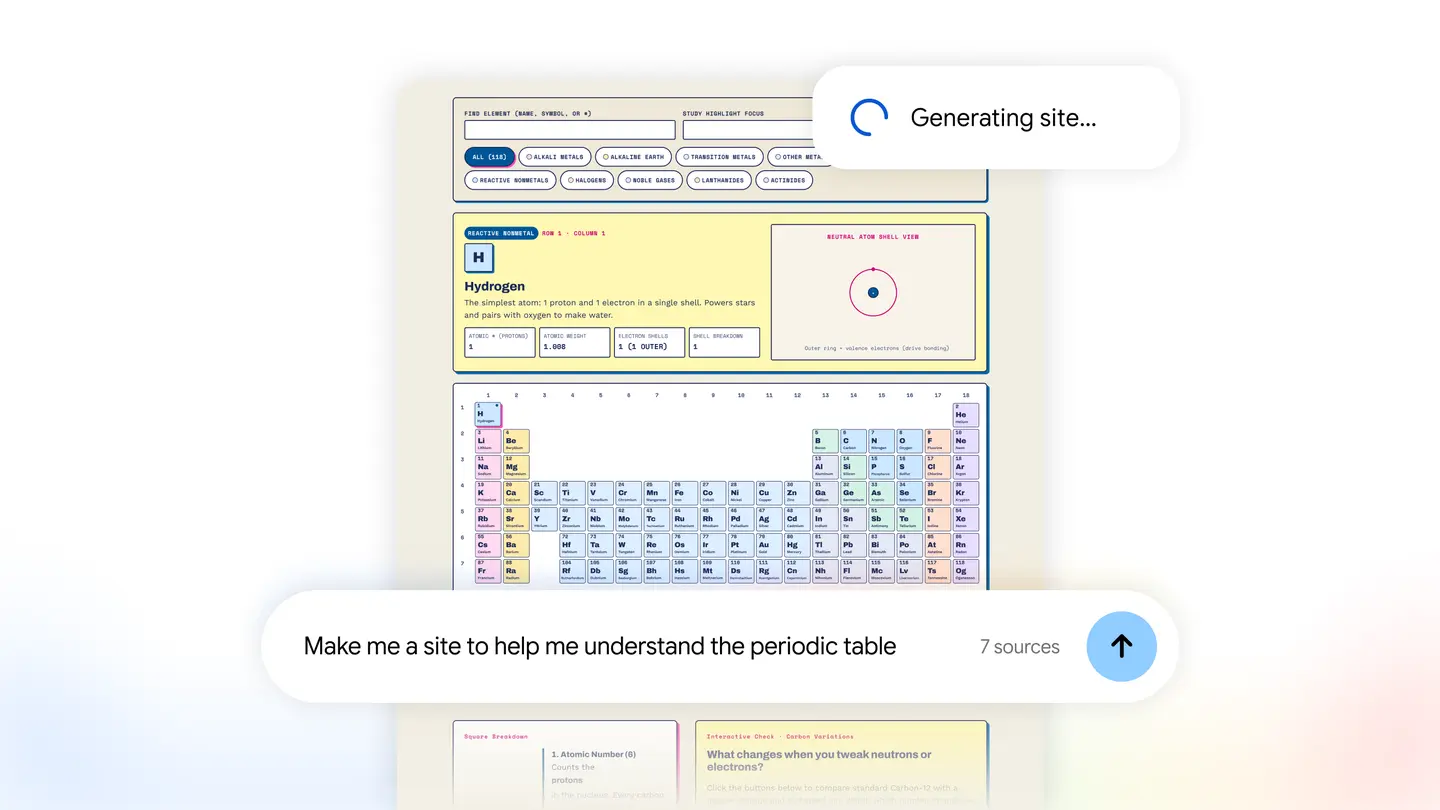
Tasks in Gemini can now run on Neon too. Google’s examples are analyzing billing statements to see why a utility charge rose, or cross-checking receipts and documents while negotiating a refund. The company says this is quicker than larger models and stretches usage limits further.
What do the benchmark results show?
Everything below is Google’s own reporting of third-party benchmarks, and independent testing has yet to catch up.
- Score of 61 on the Artificial Analysis Intelligence Index at its xhigh thinking level, ranked #3 overall
- Ranked #2 on the Vals Index, at 70.9%
- Ranked #2 on the new Agent Arena Index, with a score of 1336
- A 1 million-token context window
- At the default high setting, a 32% lower cost per task than Carbon, according to Google
Prices
Google’s post does not list subscription fees for AI Pro or Ultra. Check the Google AI plans page for your country. API pricing is stated:
| Item | Price per million tokens |
|---|---|
| Neon input | $3 |
| Neon cached input | $0.15 |
| Neon output | $15 |
Android Headlines puts Hydrogen at $1.50 for input and $7.50 for output, so Neon costs twice as much. It also reports Carbon and Argon at an introductory $2 input and $10 output, rising to $4 and $20, at which point Neon would be 25% cheaper. The sources disagree on the date: 9to5Google says the introductory price runs until November 30, while Android Headlines says December 1.
Who it suits
Subscribers who handle documents and research. If you regularly feed the app spreadsheets, PDFs or receipts and want a structured summary, Neon is the option Google labels for deeper analysis.
Developers and small teams. The API price sits between Hydrogen and the Carbon list price, and Google highlights lower cost per task. Test it on your own workload before moving anything over, since the benchmark claims come from Google.
People who mostly chat or ask quick questions. Hydrogen and Auto are positioned for everyday help, so there may be little reason to switch.
Security teams. The cyber version is limited to eligible Fairwind Program members and is requested through a Cloud account team.
What is still unknown?
Google’s post does not state usage limits for subscribers, and 9to5Google notes the same gap. The sources also do not say which countries get the Gemini app rollout, or whether the model reaches free accounts. Independent reviews of day-to-day behavior will take time.
Next step: open the model drop-down in the Gemini app to see whether Neon has reached your account, and read Google’s Gemini 4 Neon post for the model card link before relying on it for important work.