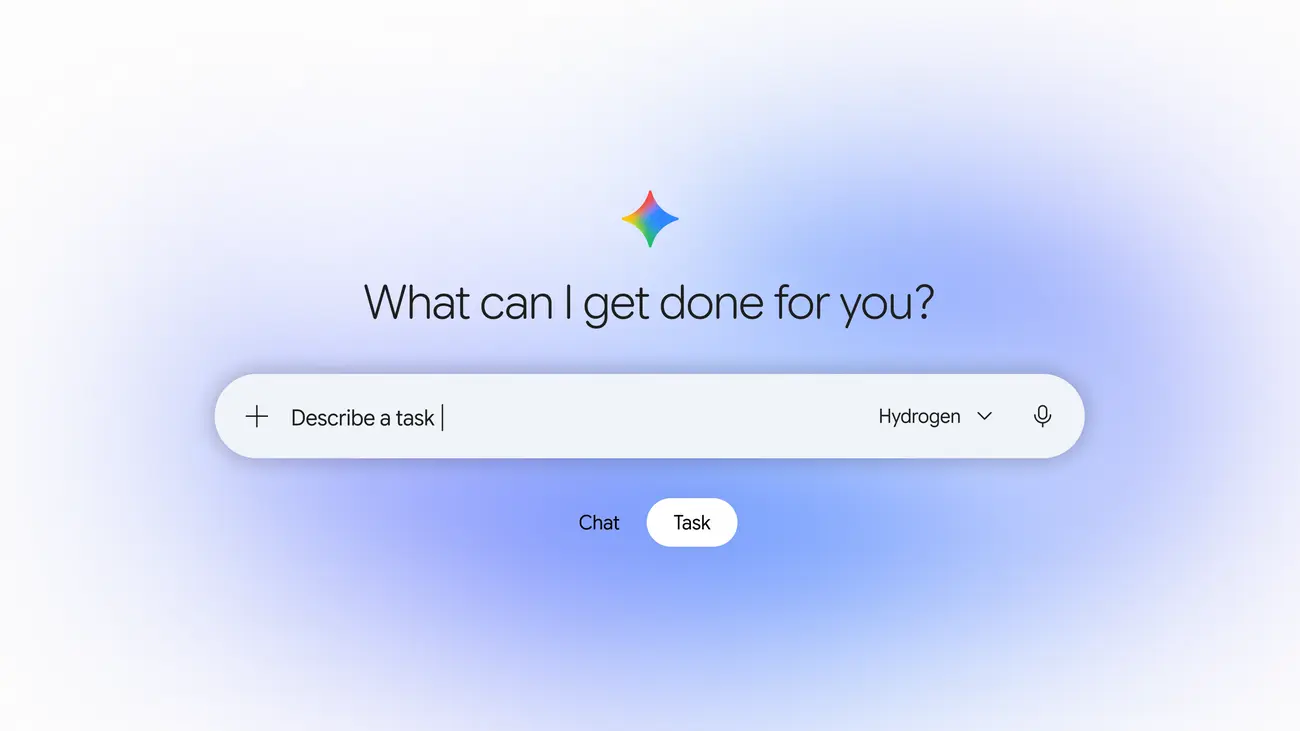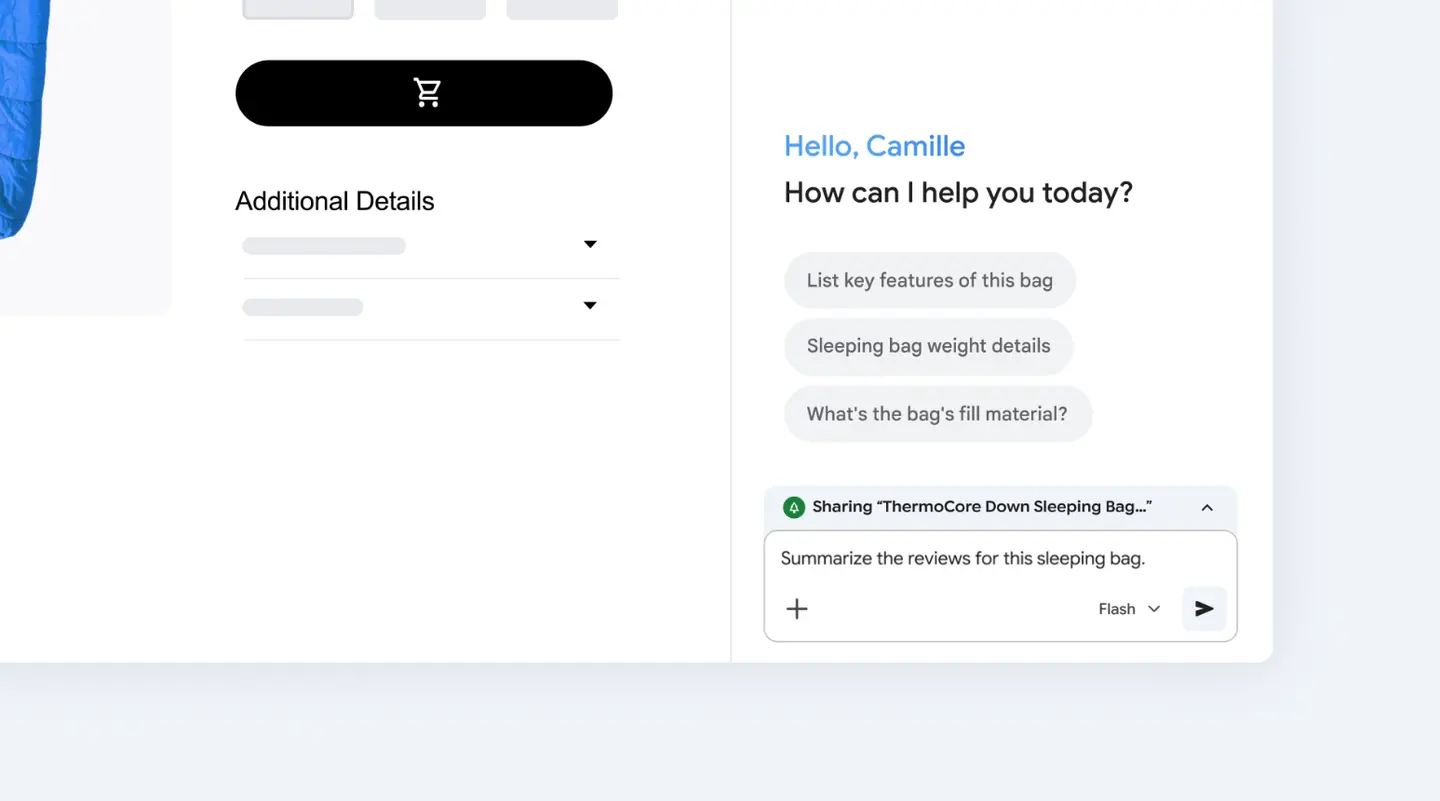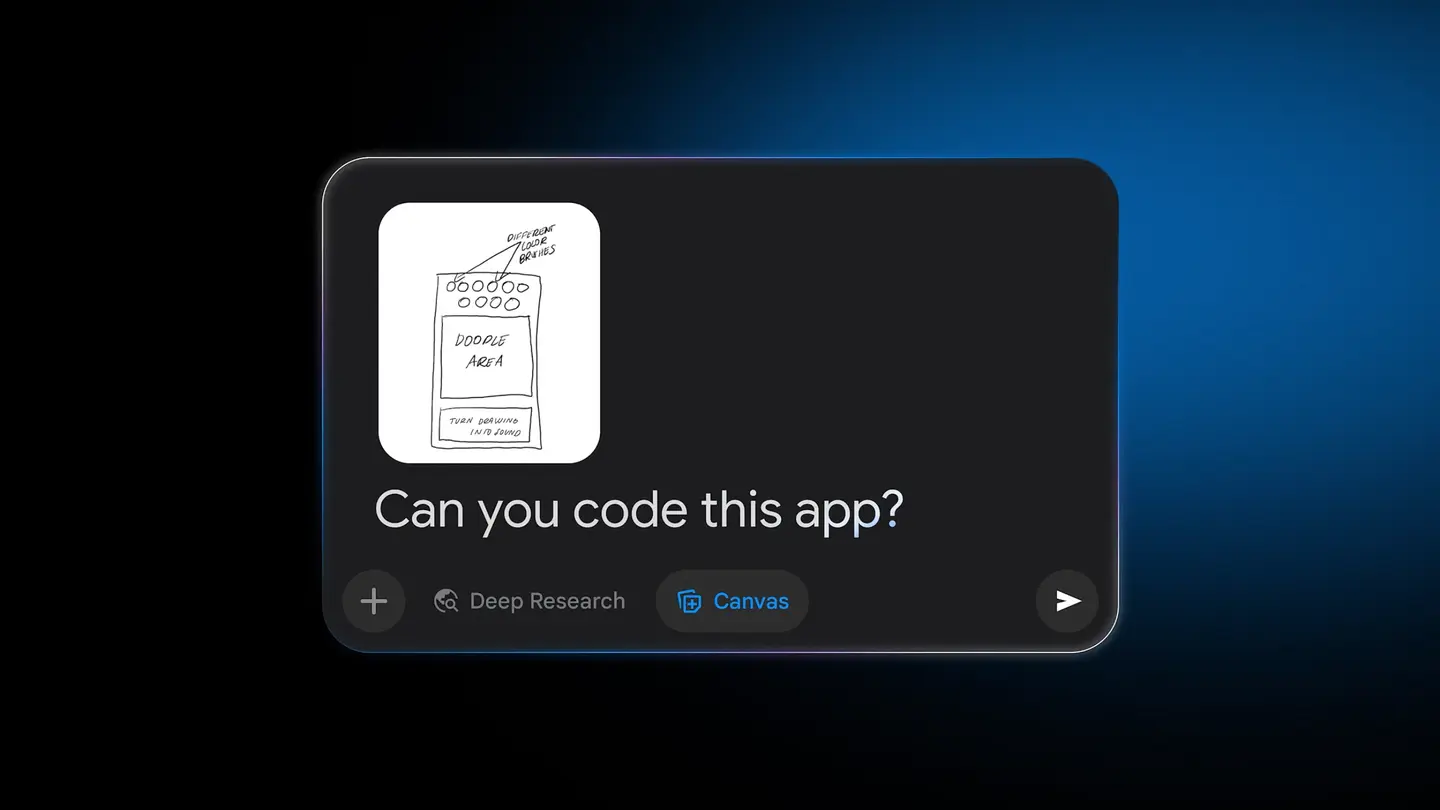
Google is bringing the Gemini app to eligible Android (Go edition) phones, the lower-memory handsets many people use as their main link to the internet. The company announced it on Nov 18, 2026, saying the app was re-architected so the core Gemini experience runs smoothly on hardware with less memory.
Until now, Google says, those phones only had basic voice commands. The company describes the change as putting its personal assistant in the hands of hundreds of millions more people. Here is what the announcement covers, how to get the app, and what Google has not said yet.
What can the Gemini app do on these phones?
Google highlights three things that fit everyday use on a modest phone:
- Gemini Live. Talk a task through out loud instead of typing long prompts, or practise for an interview, in more than 45 languages.
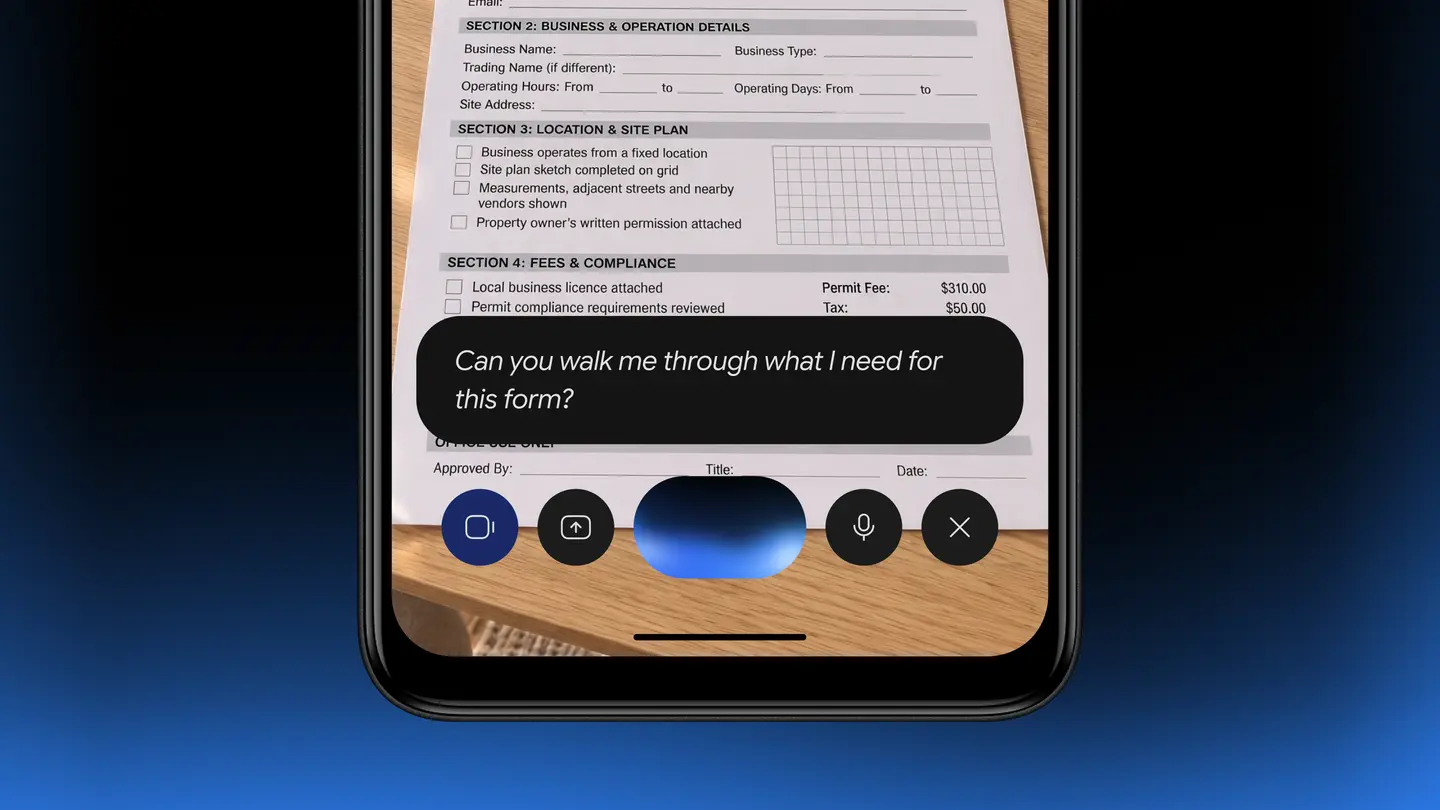
- Camera help. Point the camera at notes or forms to learn from them or translate them.
- Image creation. Make custom images with Nano Banana, such as a flyer for a weekend bakery sale (Google’s own example).
The focus on speech and the camera makes sense for readers who find typing slow or who work in more than one language. Google does not list every feature of the full app in this post, so check the app itself for the rest.
How do I get it?
Google names three routes:
- Download the Gemini app from Google Play.
- Press and hold the power button on supported phones.
- Look for it preloaded on upcoming devices from partners such as Transsion.
Google says the app is for eligible Android (Go edition) devices. It does not publish a list of eligible models or a minimum amount of memory in this announcement, so a phone that runs Android (Go edition) is a starting point, not a guarantee.
How is this different from the earlier Gemini Go?
This is not the first time Gemini has come to entry-level Android. On Jun 3 2026, 9to5Google reported that Google was rolling out Gemini Go, which it described as a streamlined version of Gemini for Android Go phones with 2GB of RAM or more. It replaced Assistant Go and was reached through the Google Search app, or by long-pressing the Home button or Power key.
That version handled practical jobs: calling or texting contacts, checking drive times, setting alarms and calendar events, uploading files for context and playing music by mood. Xataka Movil, writing in July 2026, added that the trimmed-down version lost media generation options and access to advanced Gemini models, and that it needs an internet connection because it does not work offline.
The new announcement is different in kind. Google is talking about the Gemini app itself, downloaded from Google Play, with Gemini Live, camera translation and image creation named in the post. Google does not say in the new post whether Gemini Go stays alongside it or is replaced, so we will not guess.
Prices
Google’s announcement lists no price. It does not say whether any feature sits behind a paid plan, and it does not give a price for the upcoming Transsion devices. For the app, check the Gemini listing on Google Play in your country. For a phone with the app preloaded, check with the maker or your carrier once models are announced.
Who it suits
People on an Android (Go edition) phone. If your phone is eligible, this is the first route to the full Gemini app that Google describes for your hardware. Look for the Gemini listing on Google Play and see whether your phone is offered the install.
Multilingual households and learners. Gemini Live in more than 45 languages, plus camera translation of notes and forms, are the features most likely to matter if you switch between languages or study on a budget phone.
Small business owners. Google’s bakery flyer example shows the idea: quick custom images from a phone you already own. Judge the results on your own screen before relying on them for customers.
Who should wait. If you are planning to buy a new budget phone, the preloaded devices from partners like Transsion are described only as upcoming. Wait for model names, specifications and prices before choosing on this feature alone.
What is still unknown
Google has not published which Android (Go edition) models are eligible, how much memory is needed, which countries get the app first, or how the app behaves on the slowest hardware. It also has not said how the new app relates to the earlier Gemini Go.
What to do next
Open Google Play on your phone and search for the Gemini app, then try pressing and holding the power button to see whether it launches. For updates on eligibility and the Transsion devices, follow Google’s announcement at blog.google.