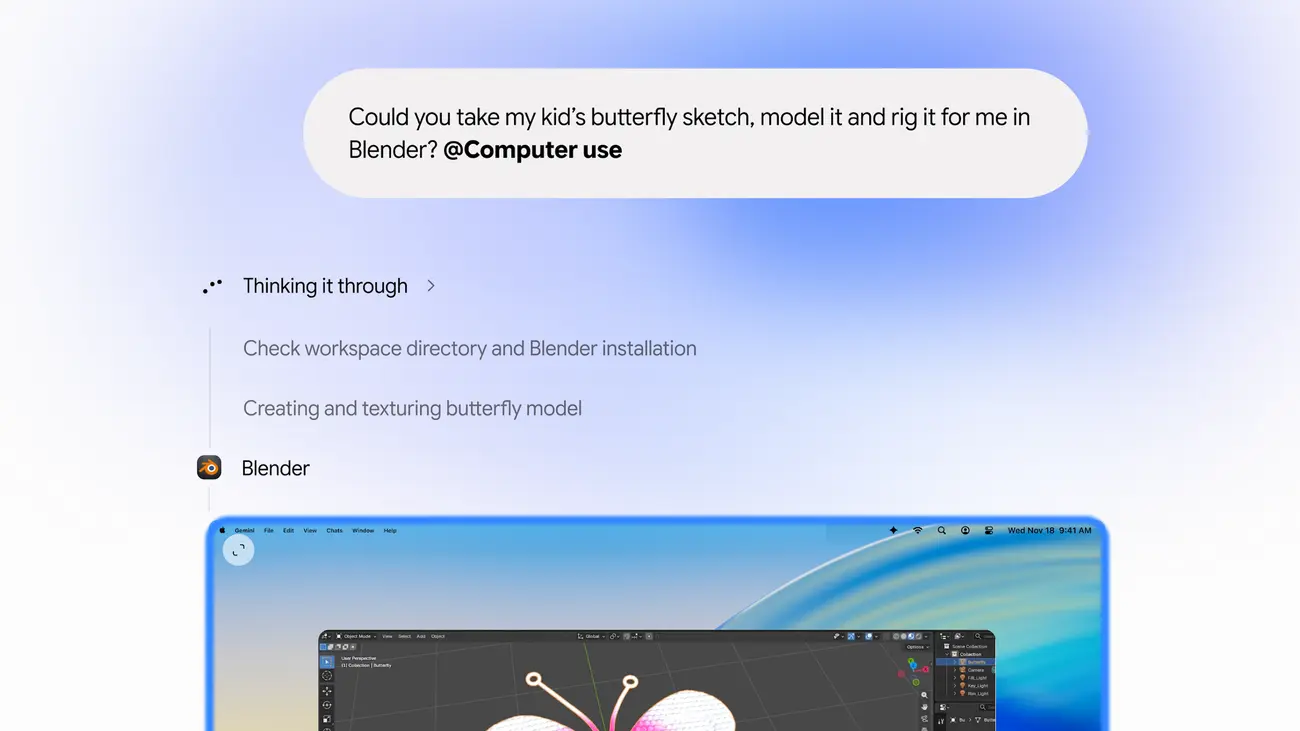
Google has added computer use to the Gemini app for Mac, so the assistant can click, type, use menus and fill in forms across your apps, files and websites while you keep working. Google announced it on November 19, 2026, and it is rolling out in English in the United States to Google AI Plus, Pro and Ultra subscribers.
What can Gemini do on a Mac now?
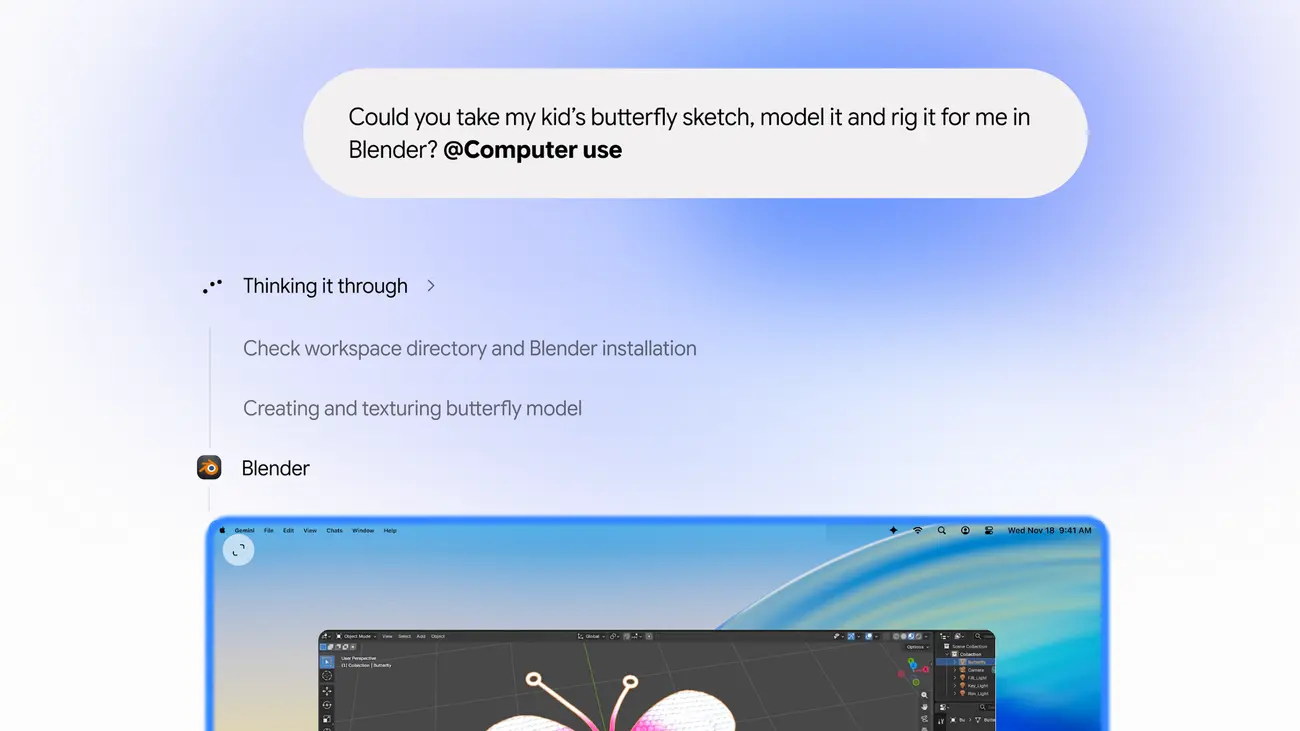
You describe a multi-step job in plain words and Gemini carries it out. According to Google, it runs in an isolated background window with a live preview inside the chat, so your main screen and cursor stay free for other work.
Google’s example tasks give a good idea of the target:
- Batch colour-grading photos in design software, or setting up complex 3D scenes.
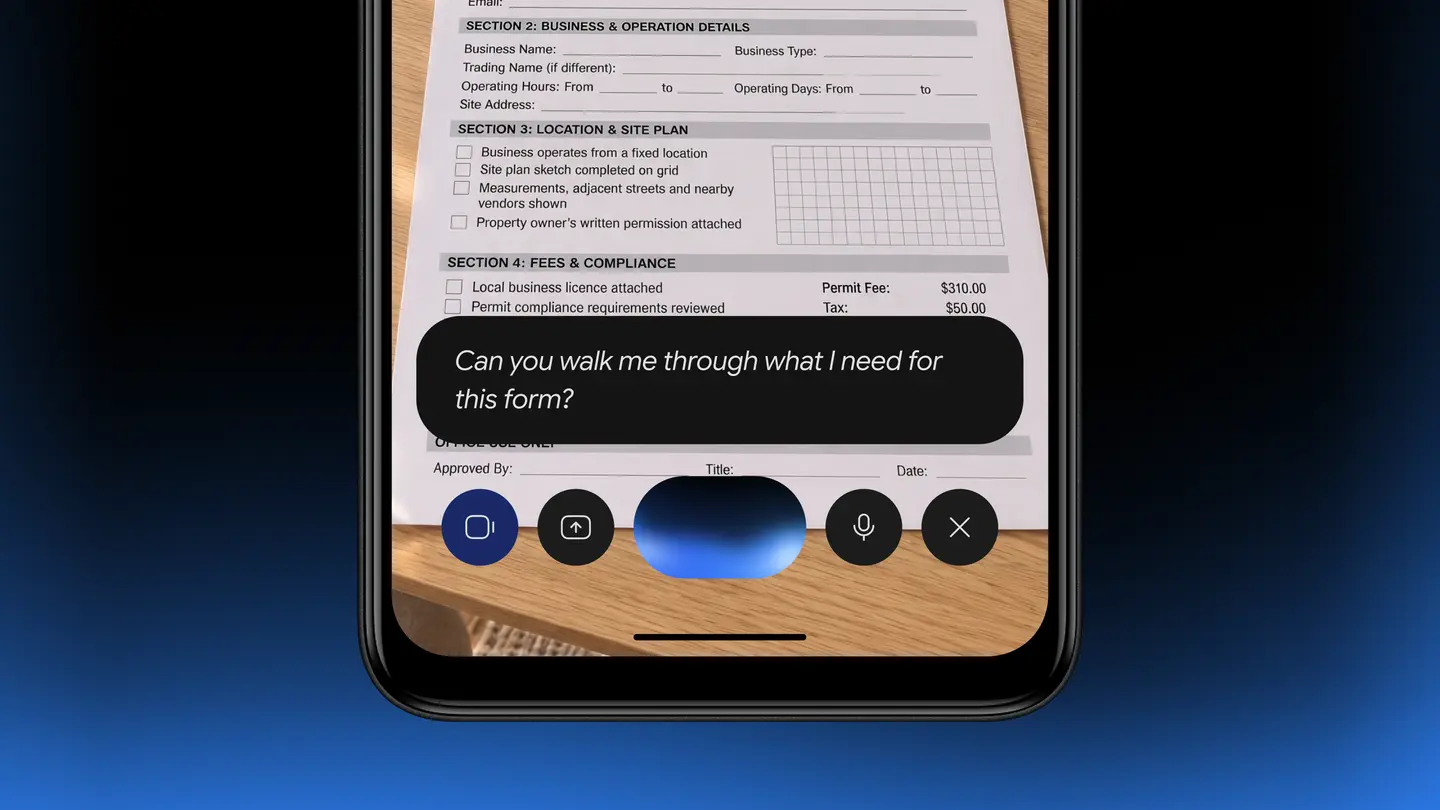
- Pulling weights, dimensions and addresses from local PDFs into shipping quote forms.
- Gathering metrics and screenshots from live dashboards and building a presentation in Google Slides.
- Going through clothing photos in a local folder, researching prices and staging listings on resale sites.
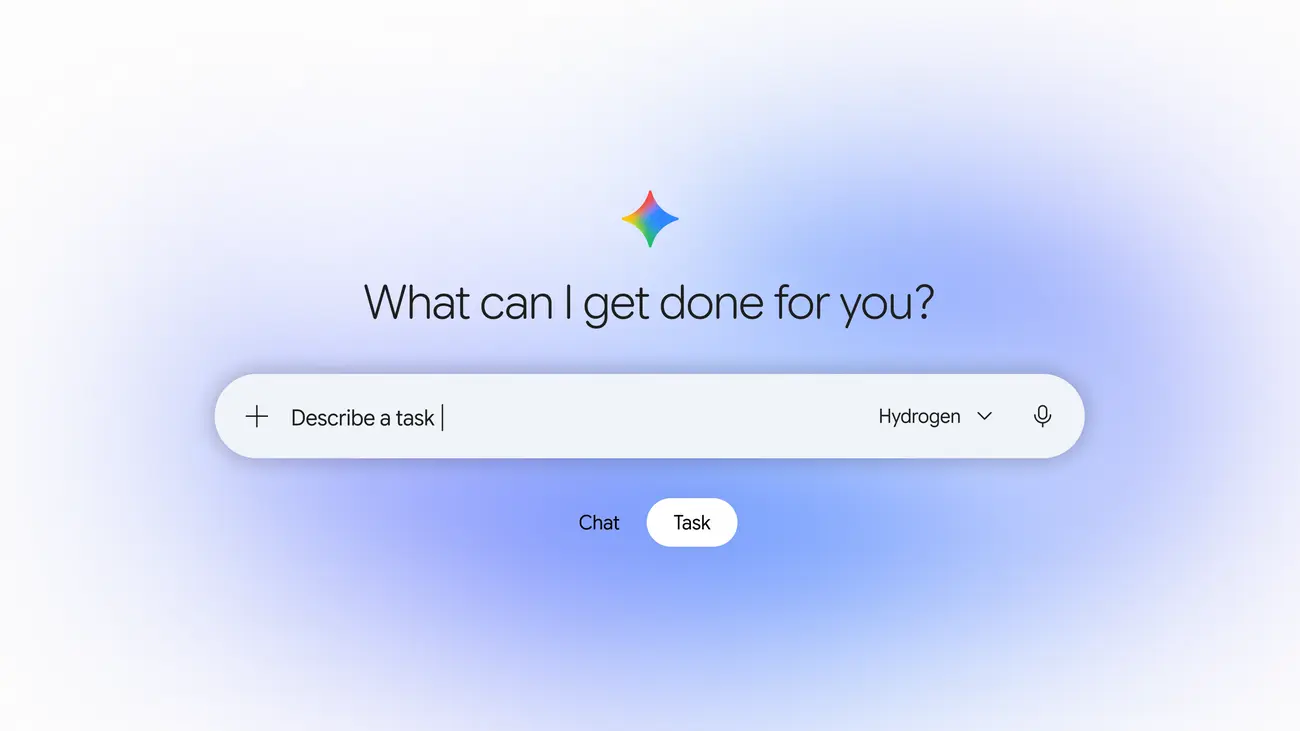
PPC Land adds that you invoke it by typing “@Computer use” in a prompt, and that desktop connectors such as Blender and Autodesk Fusion appear under Customize and Connectors, citing 9to5Google.
How much control do you keep?
Google says you choose which apps Gemini can reach, watch every step live, pause at any time and approve key actions before they happen. The company does not define what counts as a key action. PPC Land, citing 9to5Google, reports that Gemini also pauses for logins and payments and asks before sensitive steps.
TechCrunch notes that Google is arriving late to this kind of feature, since OpenAI, Anthropic and Meta already offer agent features in their desktop apps. It also reports that Google widened the rollout of Gemini Tasks this week.
Who can use it?
The limits are tight for now:
- An Apple Silicon Mac running macOS Sequoia 15.0 or later. Intel Macs are not supported.
- The Gemini app for Mac, which you download at gemini.google/mac.
- A personal Google account for users aged 18 or over. PPC Land reports that work and school accounts are excluded from this rollout.
- English, in the United States only.
PPC Land also cites Google’s help page for the Mac app itself, which lists 8 GB of RAM and 200 MB of free disk space.
Google did not say when other countries, languages or platforms will follow, and no source we read says free accounts will get it.
Prices
Google’s announcement does not list prices. PPC Land, recalling an earlier report, gives US prices of $4.99 a month for AI Plus, $19.99 for AI Pro and $99.99 or $199.99 for AI Ultra. Those are US dollar figures and may differ elsewhere, so check the Gemini app or Google One page for your own plan.
What is still unknown?
PPC Land lists several open points that Google has not covered: which model powers the feature, which macOS permissions it asks for, whether screenshots from the background window are kept, how it defends against malicious web content and what usage limits each plan has. If you plan to use it on sensitive files, those answers matter more than the demo tasks.
Who it suits
Mac users with repetitive desktop chores are the clear audience: renaming and sorting files, copying data between PDFs and forms, or building a deck from dashboards. The ability to keep using your own screen is the main practical gain over agents that take over the cursor.
People outside the US, on Intel Macs or with work accounts cannot use it yet and should wait for Google’s next announcement.
Cautious users should start with low-risk tasks, keep the approval prompts on and avoid handing over banking or confidential files until Google explains how screenshots and permissions are handled.
The next step is Google’s own post, “Let Gemini tackle repetitive chores on your Mac”, on the Gemini app blog, plus the help page for the Mac app, to confirm your Mac and account qualify.