Google has added computer use to the Gemini app for Mac, so Gemini can click, type and move through menus in other apps on your behalf. Google announced it on November 19, 2026, and it is rolling out in English in the U.S. first.
You describe a multi-step job in plain language, and Gemini carries it out across your local files, desktop apps and the web. Google says the point is to remove repetitive work that normally takes dozens of clicks.
How does computer use in the Gemini app for Mac work?
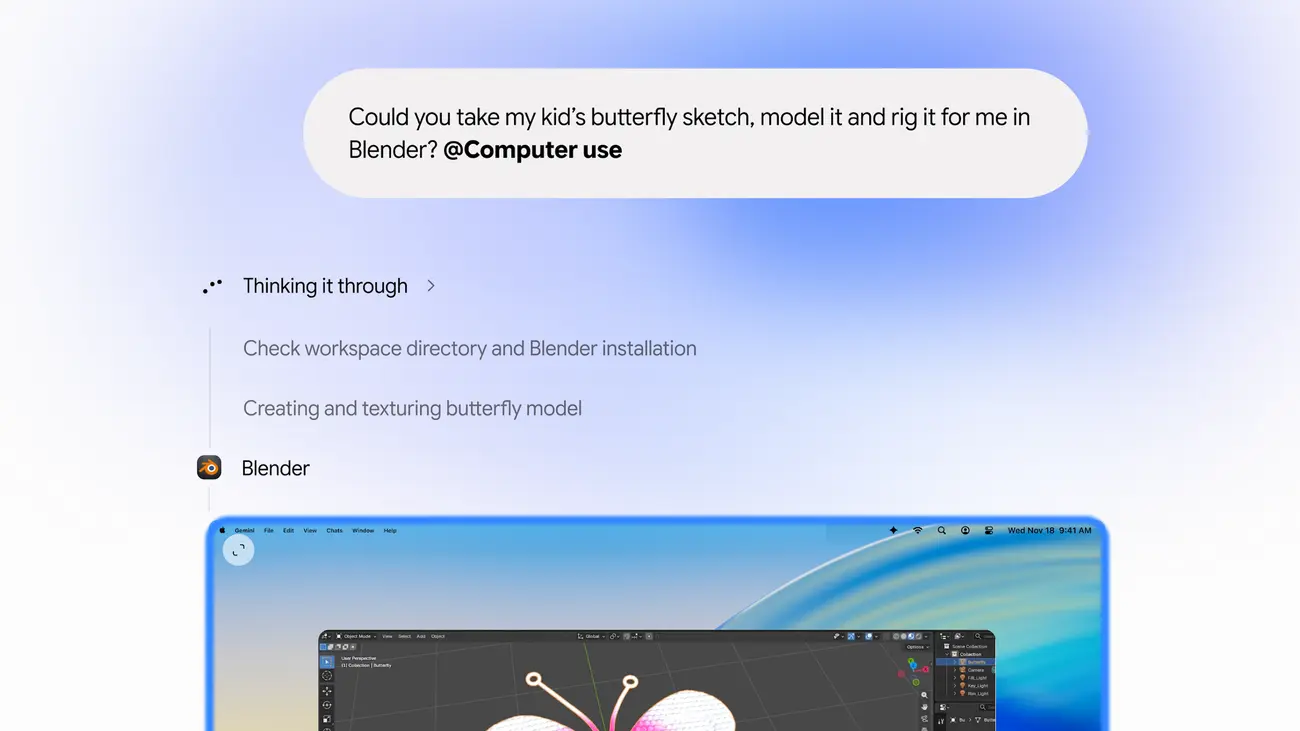
Gemini works inside an isolated background window, with a live preview shown right in your chat. Google says your main screen and cursor stay completely free, so you can keep typing, designing or taking calls while the task runs.
Google lists several controls that keep you in charge:
- You choose which apps Gemini can access
- You watch every step live
- You can pause at any time
- You approve key actions before they happen
Google’s Gemini for Mac page describes a similar flow for background tasks, with each action approved in one tap. That page also says tasks can organise local files and summarise them into Google Docs and Sheets.
What can Gemini do on your Mac?
Google gives four starting points for the feature:
- Creative work: batch color-grade photos in your favorite design software, or set up complex 3D scenes. The launch image shows a request to model and rig a butterfly sketch in Blender.
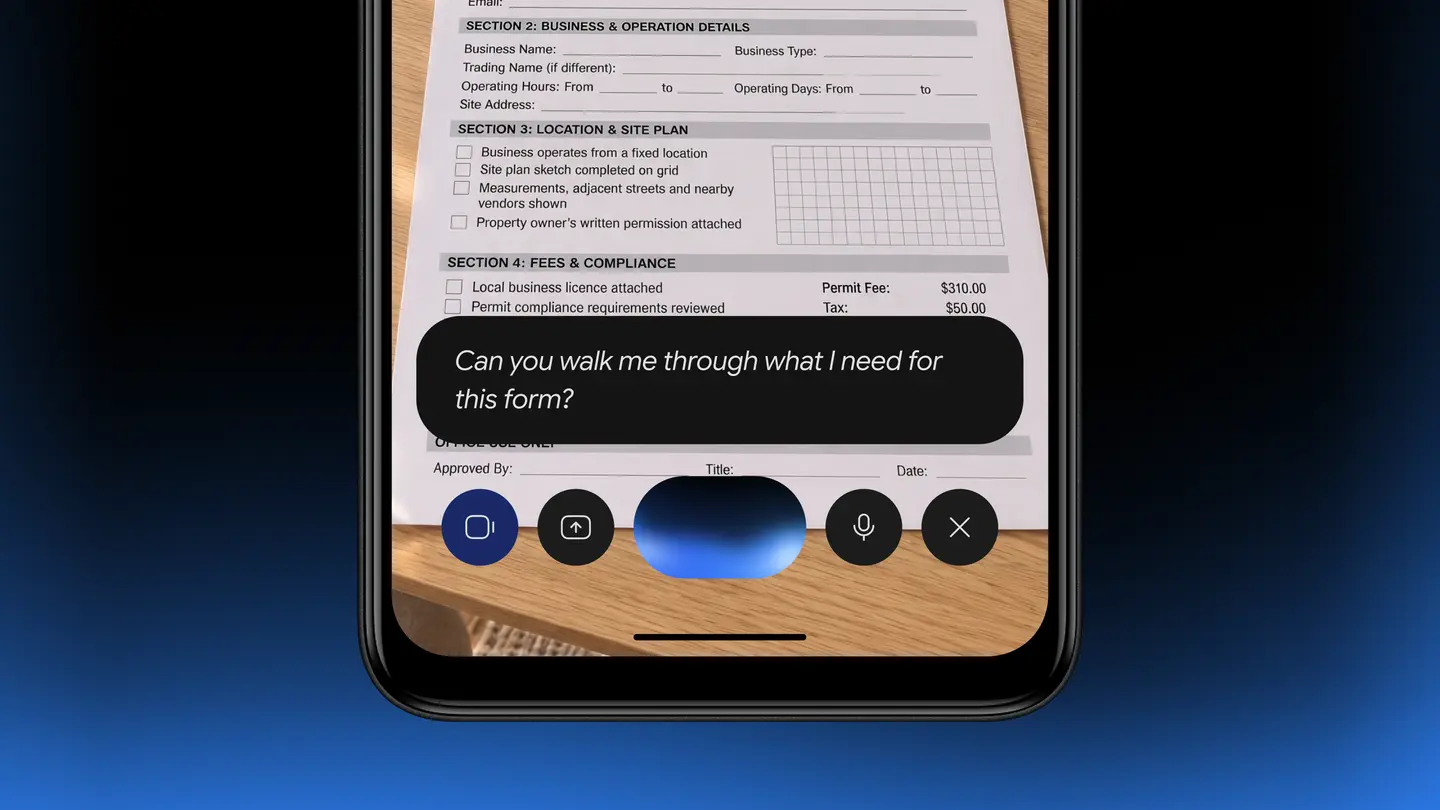
- Forms: extract weights, dimensions and addresses from local PDFs to fill out multi-box shipping quotes.
- Reports: pull metrics and screenshots from live dashboards across multiple regions and build a presentation in Google Slides.
- Reselling: analyze clothing photos from a local folder, research pricing, log item details and stage listings on resale platforms.
What do you need to use it?
The requirements come from Google’s own footnote and download page:
- An Apple Silicon Mac running macOS Sequoia 15.0 or later
- A personal Google account, with the user aged 18 or older
- A Google AI Plus, Pro or Ultra plan
- English language, in the U.S., for this rollout
- The Gemini app for Mac, downloaded at gemini.google/mac
The Gemini for Mac page says the app itself is available in the languages and countries where Gemini is supported, but that feature availability varies. Computer use follows the narrower rollout above.
How much does it cost?
Google does not list a separate price for computer use. It is available to Google AI Plus, Pro and Ultra users, and the sources used here do not state subscription prices for any country. Check the plan page in your Google account for the current price and currency where you live.
Who is Gemini computer use for?
Creators who repeat the same edits. Batch color grading and scene setup are the kind of jobs Google highlights, where the steps are the same across many files.
Small sellers and anyone listing items. The resale example covers photos, price research and listing drafts in one request, which suits people who list many items at a time.
Office workers who copy data between tools. Pulling figures from PDFs into forms, or from dashboards into slides, is the repetitive work Google targets.
People who want to stay in control. Because you pick the apps, watch the live preview and approve key actions, the setup suits users who do not want an assistant acting unseen.
What is still unknown?
Google has not said when computer use will reach other languages or countries, or whether it will come to Macs with Intel chips. It has not published how many usage limits apply to each plan, or which actions count as key actions that need approval. Results will also depend on the apps involved, and the sources include no independent testing.
If you meet the requirements, download the Gemini app for Mac from gemini.google/mac and start with a small, low-risk task, such as renaming or sorting a folder of files, so you can see how the live preview and approval prompts behave before trying a longer workflow.