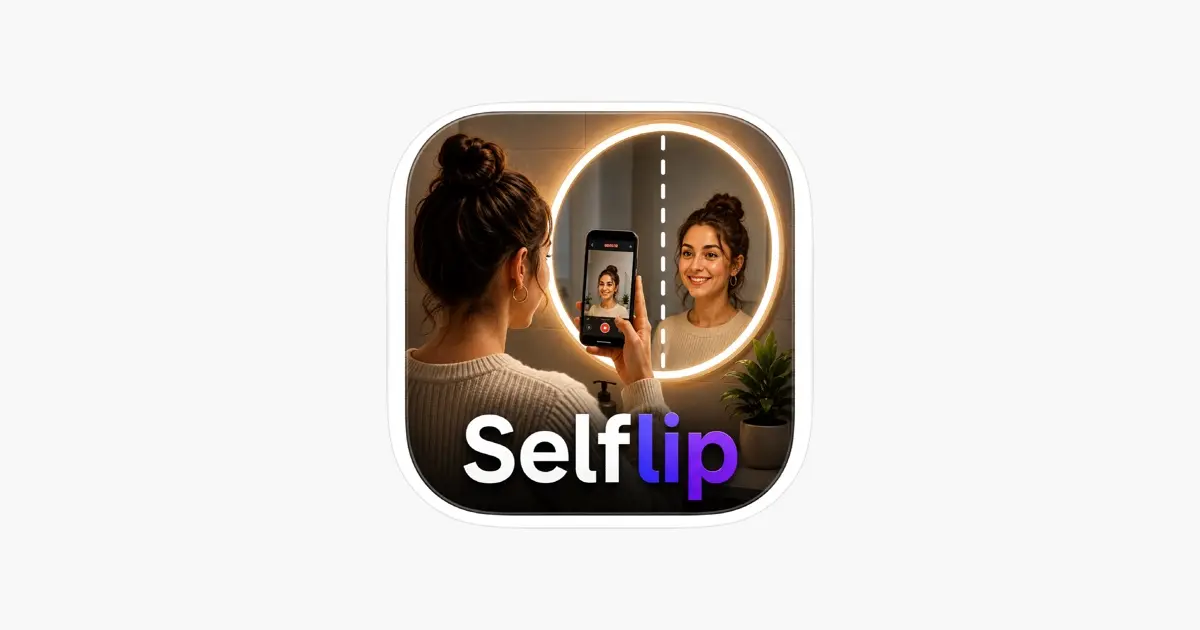
Selflip Video Mirror, a small app that flips a video horizontally so text and signs stop appearing backwards, was reported free for a limited time on November 28, 2026. The tip source gives its regular price as US $0.99.
The developer is Jeff Fluckiger, and the app is part of what the listing calls the Basic Originals Creator Apps collection. Because the offer was reported on November 28, 2026, treat it as temporary: the price can change at any time.
What does Selflip Video Mirror do?
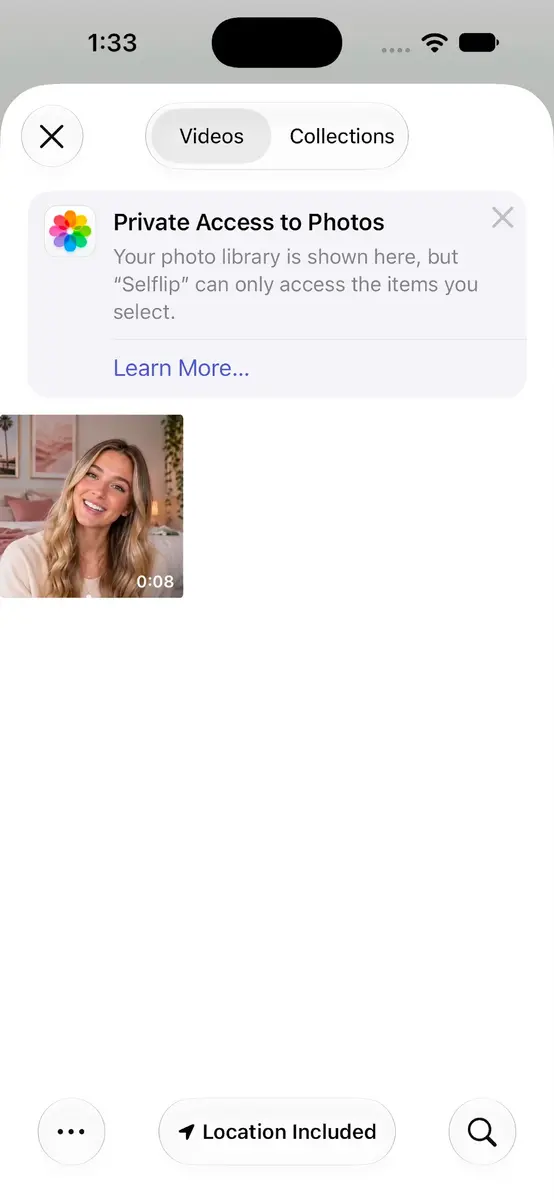
It does one job. You import a video, flip it horizontally, preview the corrected version and save it. The App Store listing says it is meant for selfie videos, front-camera recordings, social media clips, tutorials and presentations, and for any video where text, logos, signs or your surroundings appear backwards.
The listing lists these points:
- Flip videos horizontally
- A simple, focused interface
- A preview of the corrected video before export
- Export of the flipped video
- No complicated editing timeline
The listing says the app is designed to do one thing quickly without making you open a full video editor. It is listed for iPhone, iPad and Mac, and it is 4.8 MB in size.
Prices
The tip article from New Mobile Life lists the regular price as US $0.99 and says the app is free for a limited time. None of the sources states an end date. The App Store listing shows the app as Free at the time of writing.
How do you get it?
- Open the App Store on your iPhone, iPad or Mac and search for Selflip Video Mirror, or use the link on the official listing.
- Check that the button says Get rather than a price.
- Tap Get and confirm with your Apple account.
- Open the app, import the video, flip it and export the corrected copy.
What are the catches?
The app needs iOS 17.0 or later on iPhone, iPadOS 17.0 or later on iPad and macOS 14.6 or later on Mac. The listing also names visionOS 1.0 or later.
It only flips video horizontally. If you also want trimming, captions or filters, you will need another app. The sources do not say whether there are in-app purchases, so look at the listing before you assume everything is free. The developer’s privacy label, which Apple has not verified, says no data is collected from the app.
Who it suits
Selfie and social creators. If your front-camera clips show reversed signs or lettering, a one step flip saves opening a full editor.
Teachers and presenters. Tutorials and presentation clips with text on screen or on a board read correctly after the flip.
People who dislike clutter. There is no timeline to learn, only import, flip and export.
Who should skip it. If you need a full editor, a single purpose tool will not be enough.
Before you download, open the App Store listing and confirm the price still reads Free.