Photolean, an iPhone app that finds similar photos, blurry shots, old screenshots and large videos so you can free up storage, was reported free for a limited time on November 28, 2026. The tip source gives its regular price as US $0.99.
The app sits in the Photo & Video category of the App Store and is built for iPhone. Treat the free price as temporary: the offer was reported on November 28, 2026, and the price can change at any time.
What does Photolean do?
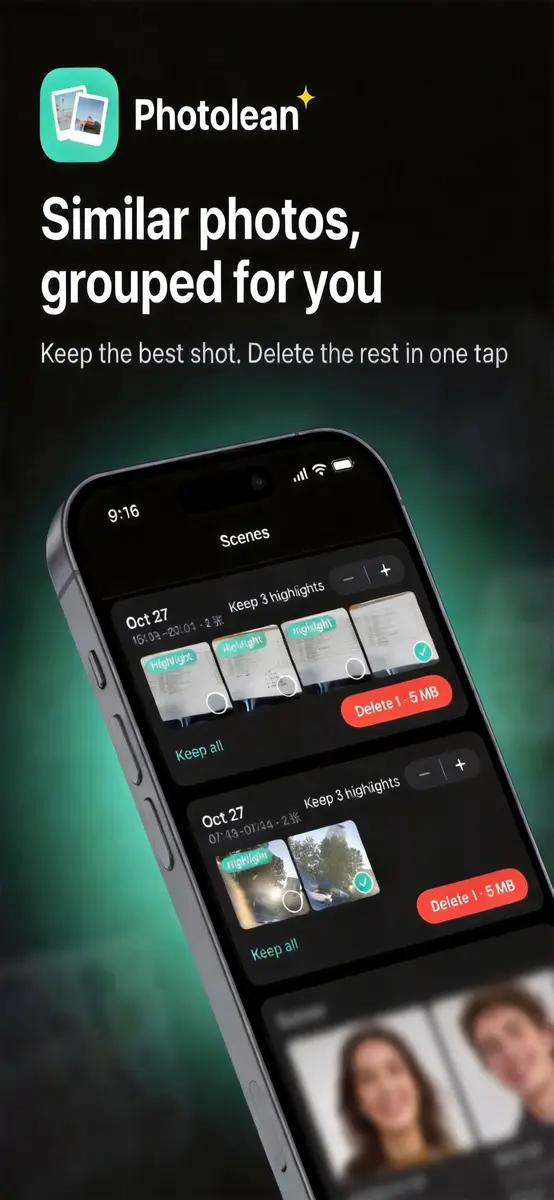
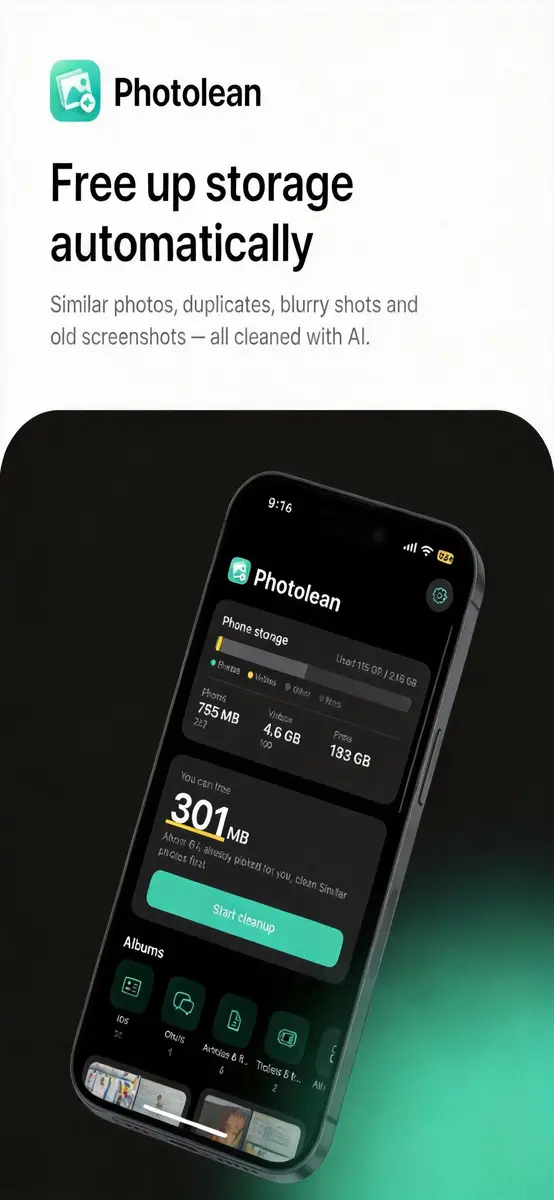
According to its App Store listing, Photolean scans your library and sorts what it finds into groups: similar photos and bursts, blurry photos, screenshots and large videos. You can compare similar shots side by side, pinch in to check details, and either follow the suggested highlights or choose for yourself.
The listing also describes these features:
- Batch deletion of single items, whole groups or several groups, with a confirmation before anything is removed
- Video compression that makes a smaller copy of an eligible video, so you can compare it with the original before deciding whether to delete it
- A text check that keeps identity documents and business licenses out of cleanup suggestions, although the listing warns that recognition can miss content and tells you to review your selections
- Storage figures with estimated savings, plus settings for similarity and blur detection
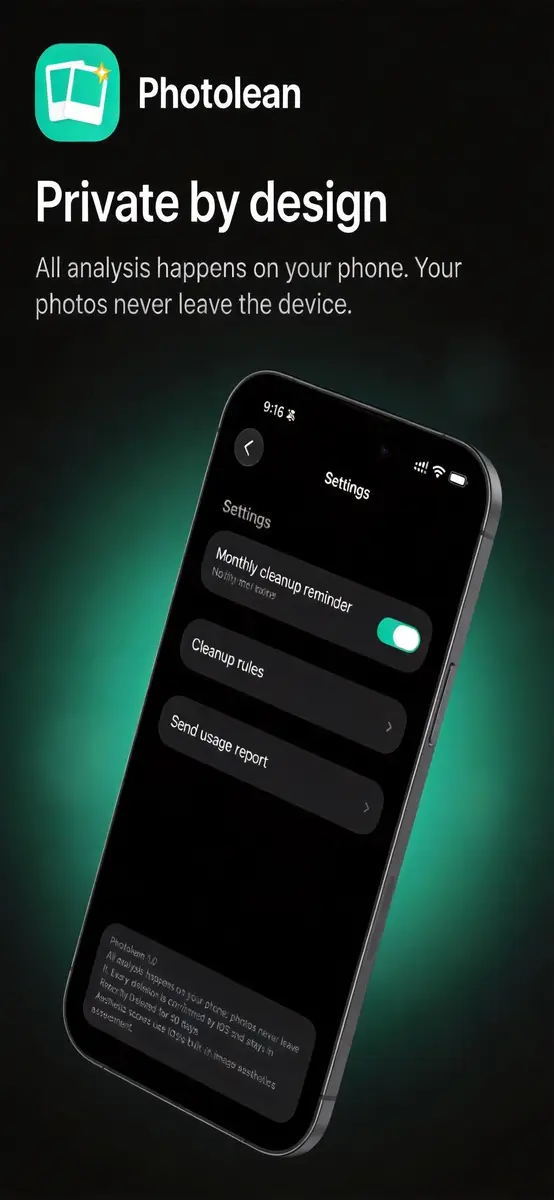
On iOS 26 or later you can tap Continue in Background so the scan keeps running while you use other apps. The listing says photo analysis runs on the iPhone and that photos and videos are not uploaded for analysis.
Prices
The tip article from New Mobile Life lists the regular price as US $0.99 and says the app is free for a limited time. None of the sources states an end date. The App Store listing shows the app as Free at the time of writing.
How do you get it?
- Open the App Store on your iPhone and search for Photolean: AI Photo Cleaner, or follow the App Store link on the official listing.
- Check that the button says Get rather than showing a price.
- Tap Get and confirm with your Apple account.
- Open the app, start a scan and review each group before deleting anything.
What are the catches?
The app needs iOS 18.0 or later. Background scanning needs iOS 26 or later, and earlier iOS versions give only limited background processing time, according to the listing.
The free tier has limits. You can scan, explore and preview for free, but deletion is capped at 18 photos or videos per day, and you get one successful video compression to try. Unlimited cleanup and compression come with Photolean Pro, a one-time purchase, so check the listing for its price before paying. Deleted items can also keep using space in the Recently Deleted album until they are removed for good.
Who it suits
People with a full iPhone. If storage warnings keep popping up, the category view makes duplicates and old screenshots quicker to spot.
Careful cleaners. Every deletion needs your confirmation and videos can be compared before the original goes, which helps anyone nervous about losing memories.
Privacy minded users. The listing says analysis stays on the device.
Who should skip it. If you want to clear thousands of items in one sitting, the daily limit of 18 deletions will slow you down unless you buy Pro.
Before you download, open the App Store listing and confirm the price still reads Free.