Lumora: Photo Cleaner & Feed, an iPhone and iPad app that turns your camera roll into a swipeable video-style feed and clears out duplicate photos, is free on the App Store until Dec 3, according to its official listing. The tip site 流動日報 New Mobile Life says it normally costs US $0.99.
The developer is Chongqing Keyuan Jisuan Information Technology Co., Ltd. The app is a 13.6 MB download rated 4+, with the interface in English plus 17 more languages, and it requires iOS 26.0 or later on iPhone and iPadOS 26.0 or later on iPad. The listing says it is not verified for macOS.
What does Lumora do with my camera roll?
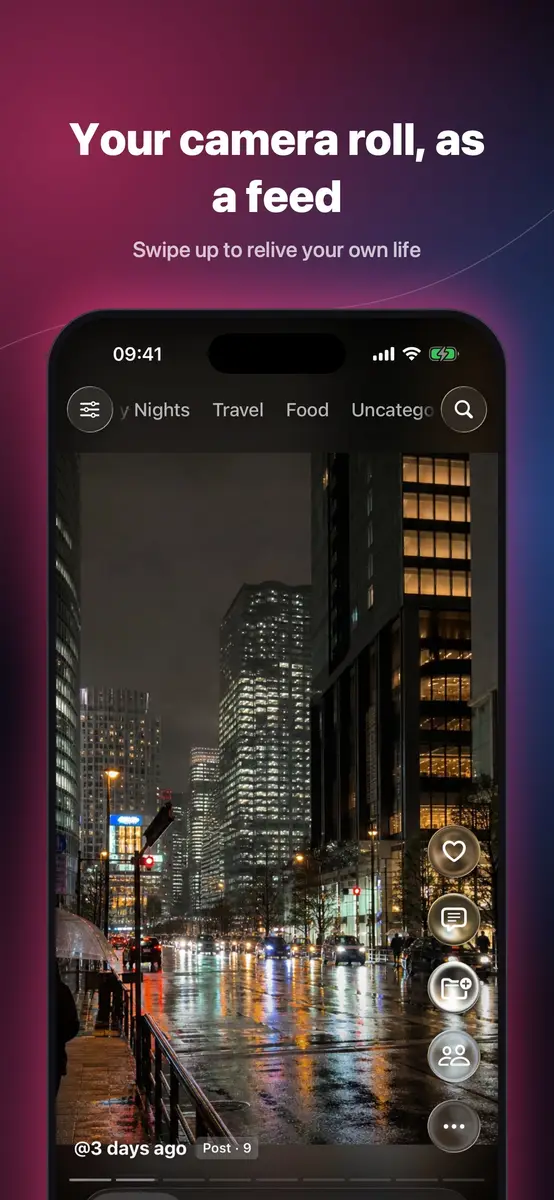
It plays your own library like a vertical feed. You swipe up and down and your videos and photos play back to back, with no ads, according to the listing.
The feed has a few gestures worth knowing:
- Long-press for 2× speed, and slide up while holding to lock it
- Drag sideways to seek through a video
- Double-tap to like
- Landscape videos go full screen in one tap
- Browse Favorites, Uncategorized, On This Day or any category, and long-press channels to reorder them
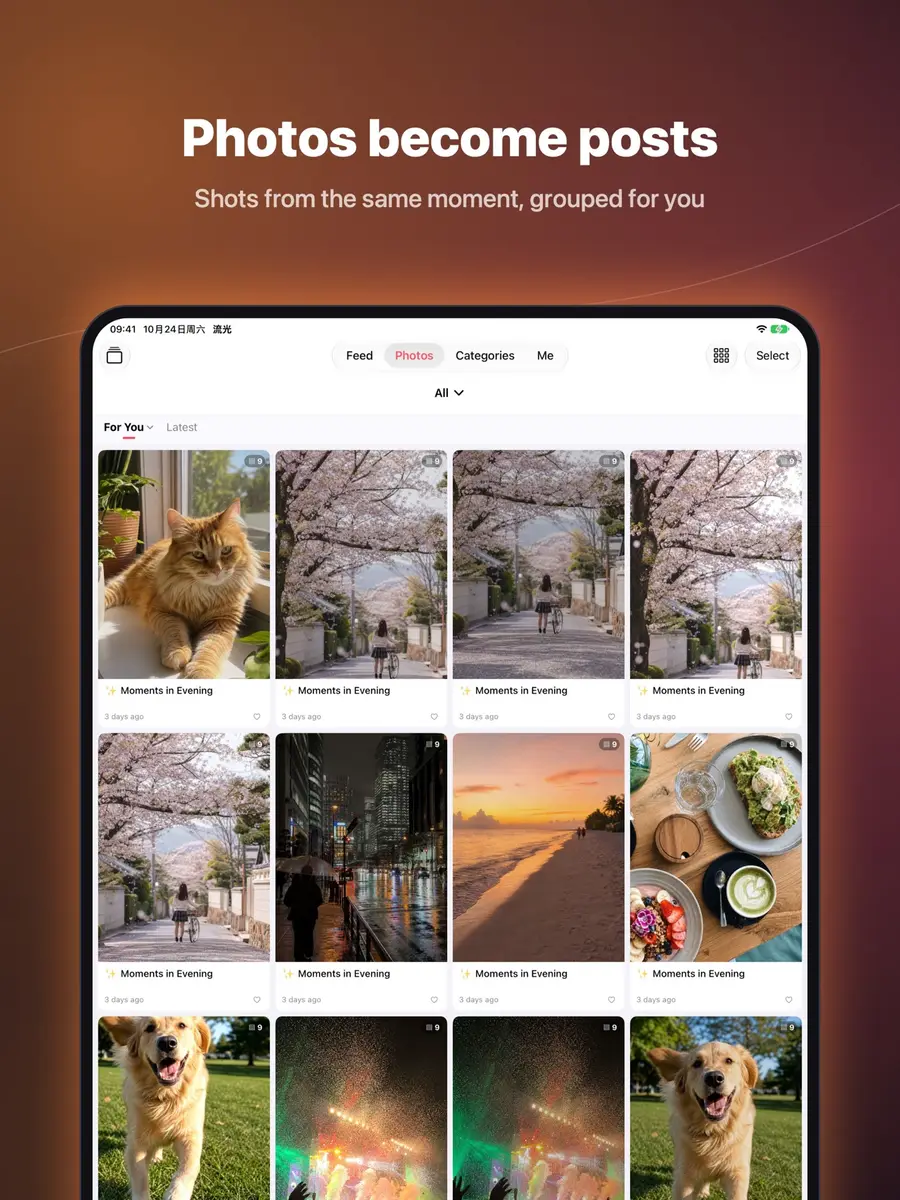
Photos taken around the same time are grouped into a post with a title and tags, shown in a two-column grid. Open a post to swipe through the set and pinch to zoom. Live Photos and GIFs play inside posts, and you can add songs from your Music library to photo slideshows. An On This Day view shows what you shot on the same date in past years.
How does it help free up space?
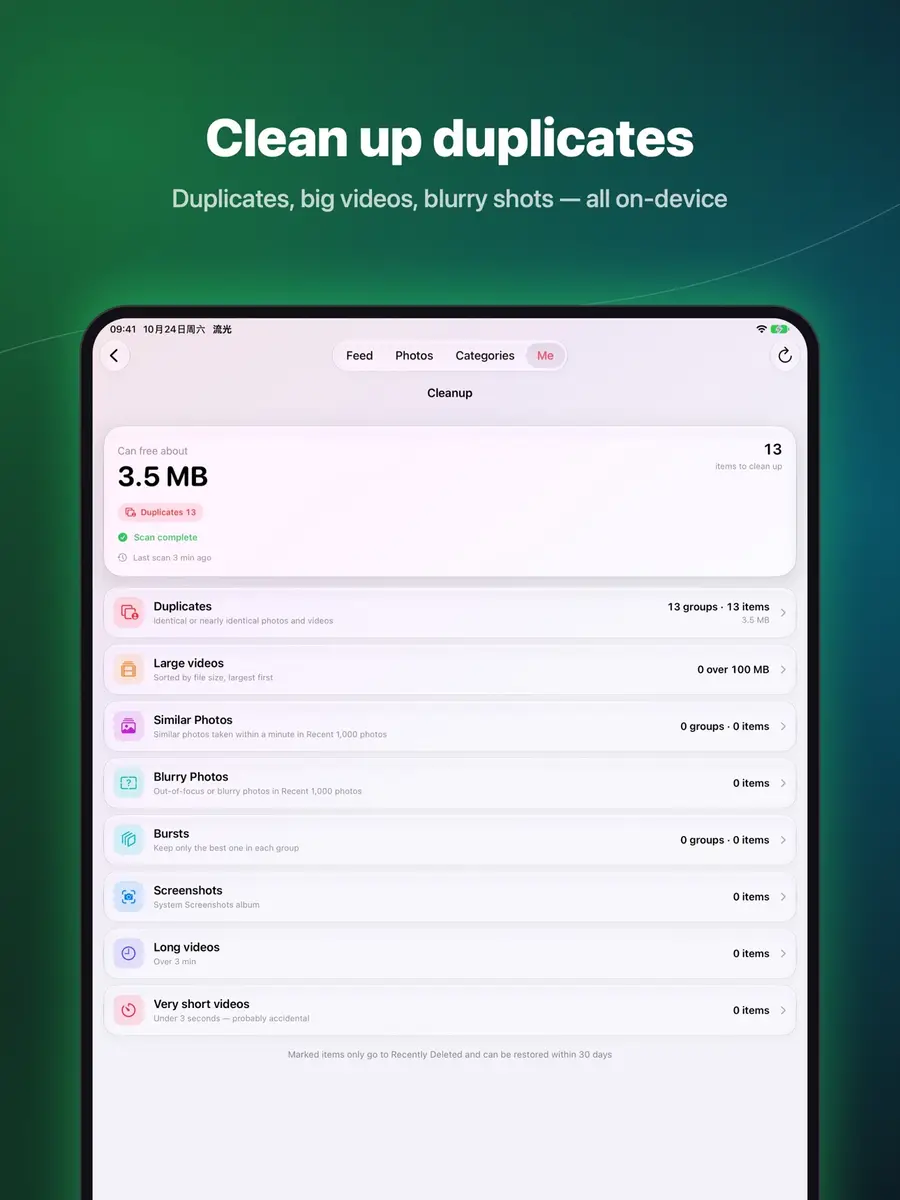
Lumora has a sort mode built from cards: swipe left to delete, right to keep, up to favorite. For bulk cleanup it looks for identical and near-identical photos and videos and keeps the best one automatically.
The listing also names similar shots, blurry photos, bursts, screenshots and large videos as categories, and says the app shows exactly how much space you can free in each. You can compress videos while keeping their date, location and favorites. The one-tap categories are real system albums, so they stay in sync with the Photos app.
Deleting is gentler than it sounds. Items only move to Recently Deleted, where they can be recovered for 30 days.
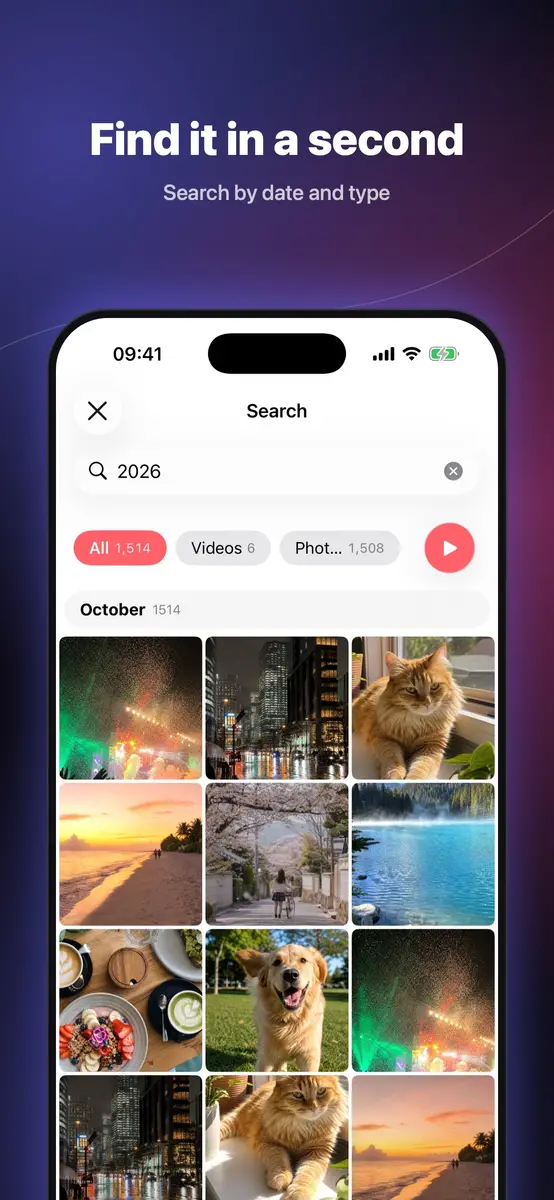
Search covers date, video or photo type, content such as food or pets, and comment text.
Is it private?
The developer says everything is processed on your device, with no uploads, no account, no ads, no tracking and no third-party SDKs, and that the app works fully offline. You can lock the app with Face ID, and Private Space has its own lock. Comments and sharing with family go through your own iCloud.
On the App Privacy section, the developer reports that it does not collect any data. Apple notes that this information has not been verified by Apple.
Prices
The App Store listing says the app is free for a limited time, until Dec 3. The regular price of US $0.99 comes from 流動日報 New Mobile Life, not from the listing text.
Both sources state US dollars only, and the listing does not say how the end date applies in other countries. Check the price on your own country’s App Store page.
How do I get it?
- Open the App Store on an iPhone or iPad running iOS 26.0 or iPadOS 26.0 or later.
- Search for “Lumora: Photo Cleaner & Feed” or open the official listing linked at the end of this story.
- Check that the button shows Get, not a price, and tap it.
Open it once, grant photo access only if you are comfortable doing so, and start with the Duplicates view if space is your main goal.
Who it suits
People with a full camera roll. The duplicate, burst, blurry, screenshot and large video categories show the potential savings before you delete anything, and deleted items can be recovered for 30 days.
People who like looking back. The On This Day view and the swipeable feed turn old clips into something you will actually rewatch.
Privacy minded users. The developer says nothing is uploaded and no account is needed, though that privacy information is the developer’s own and not verified by Apple.
Who should wait. Anyone on an older phone: the app needs iOS 26.0 or later. It is also a new app with too few ratings for the App Store to show an overview, so cautious users may want to see reviews first.
What is still unknown?
The listing does not say what the app will cost after Dec 3, and the US $0.99 regular price rests on one tip article. The app first appeared in the version history on Oct 27 and has had several updates since, with version 1.4 the latest we read, so it is early days. Ratings are not available yet.
Next step: open the official listing, confirm the Free label in your region, and download before Dec 3 if it suits you.