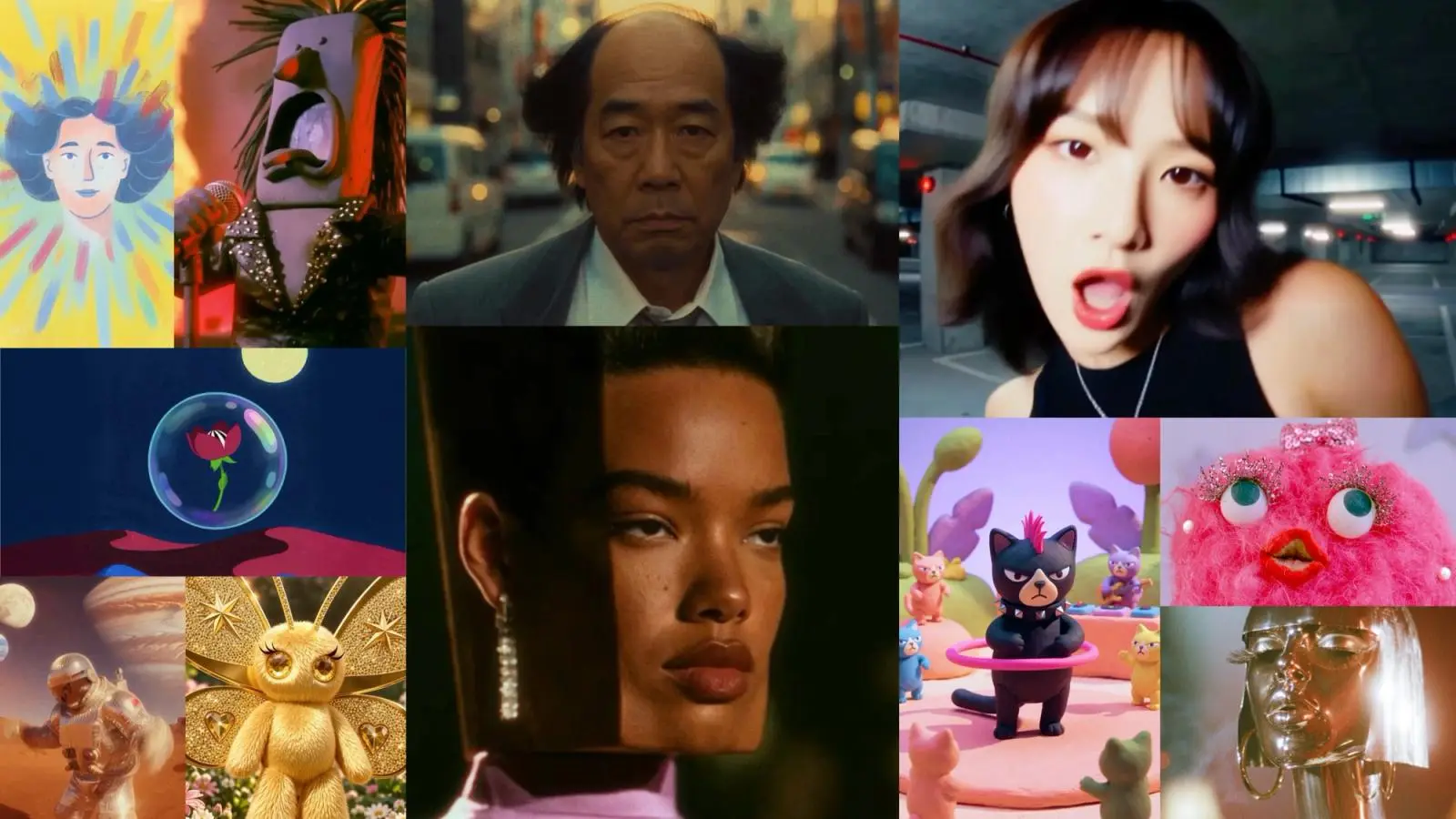
Suno has added Visuals, a tool that turns songs from a user’s library into video clips of up to 15 seconds, along with lyric videos and album art. The company announced it on November 17, 2026, extending its music app beyond audio.
What does Suno Visuals do?
Visuals makes new images and videos from a song, a text prompt or a photo. Suno names three main uses: lyric videos that move with the beat, album art that matches the sound of a track, and a photo re-imagined as a video clip.
To start, you drag a song from your Suno library into the Visuals tab. Suno says the clips follow the structure of the song, pick up on its lyrics and lip sync along with them. Each clip runs up to 15 seconds, and you can then extend it, edit it or re-prompt it with text.
If you would rather not begin with a blank canvas, Suno includes original characters, or you can start from an original image of your own. The Visuals page also mentions custom fonts and colors for lyric videos, and a choice of clip duration and aspect ratio for the place where you plan to share.
Where is it available, and what does it cost?
Suno’s launch post says Visuals is arriving on web, iOS and Android. The Next Web described it a little differently, reporting that Visuals is on the web now and that the iOS and Android apps are due in the next few weeks. If you mainly use the phone apps, check the store listings for the current state.
Visuals runs on its own credits. Visual credits are bought separately from song credits, so a Suno plan that covers songs does not automatically cover video. Suno says Visual credit packs are sold at suno.com/pricing/visuals and that purchased credits do not expire. For a limited time, its Visuals page says, Pro and Premier subscribers get a limited number of Visual credits to try the tool.
Suno has not published a single price per clip. Its FAQ says the credit cost depends on factors such as the duration of a video and the quality you choose. There are two quality options: fast, which Suno describes as good for quick ideas and brainstorms, and standard, meant for more complex ideas. Fast costs fewer Visual credits than standard.
Which model is behind it?
According to Suno’s Visuals page, the model is called H3 Move. It is based on H3 from MiniMax, and Suno says it optimized the model for its community, including added protections and safeguards. In the launch post, Suno says it tuned the model to complement music, which is why clips follow a song’s structure and lyrics.
What safeguards come with it?
Suno says it built Visuals with extra protections meant to stop artists’ likenesses and works from being used without permission. The company says it adopted new text and visual filters that block uploads and prompts that try to depict specific artists, public figures, copyrighted works and IP. One consequence it names directly: prompts that work on other video platforms may not work on Suno, “and that’s by design.”
Generated images and videos are checked against the Community Guidelines before they are shown to the user. Suno also says it continues to work with Audible Magic, ACRCloud and Musixmatch to block uploads that contain copyrighted audio, and that embedded watermarks are applied to Visuals before they can be shared off the platform. The first time someone uploads a video or image to use with Visuals, the app reminds them that the tool is for original creation and asks them to confirm they have the rights to the file.
If Suno detects misuse, or if it is reported, the company says its Trust and Safety team investigates and can remove content, restrict an account or, in the most severe cases, terminate it.
Why does it matter for people who make music?
Visuals follows Speech, a tool for spoken audio such as poems and meditations that Suno launched in October. Suno’s own explanation is that video generation used to be too slow and too expensive for anyone but enterprises, and that a new generation of models changed that. That is Suno’s view, not an independent measure.
For people who already make songs in Suno, the practical change is that a track can now come with a short matching clip or lyric video without a separate video editor. Anyone who needs more than 15 seconds in a single generation should plan to extend clips one step at a time. Anyone who wants to depict a real artist or a well-known character should expect the filters to block it, since they were built for exactly that.
Because Suno has not said how many Visual credits a clip uses, the sensible next step is to open the Visuals tab, check your credit balance on your account page, and read the pricing page at suno.com/pricing/visuals before you generate anything.