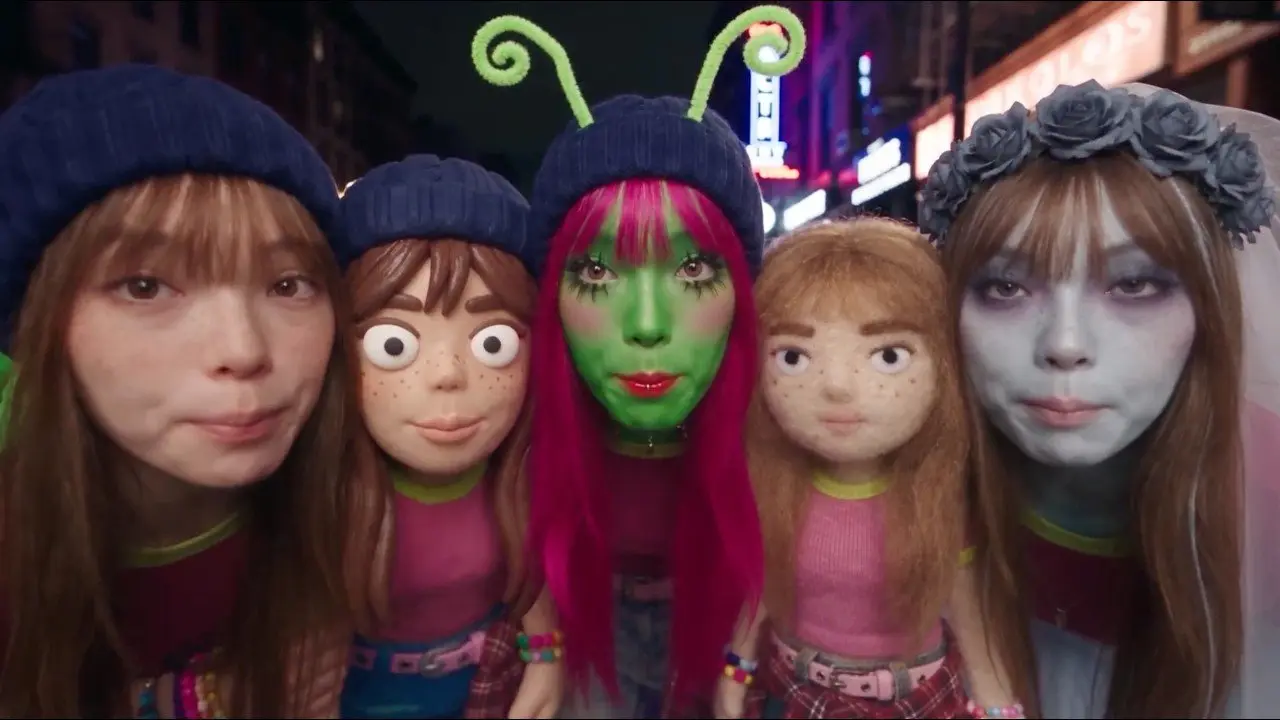
Google has released Gemini Omni 1.2 Flash, a video model that makes clips up to 15 seconds long and costs $0.07 per second for 720p video through the Gemini API. The company says that price is 30% lower than Gemini Omni 1.1, and that the model is now generally available on the Gemini API and for business customers on Google Cloud.
The update lengthens clips from 10 seconds to 15 seconds and keeps characters, products and scenes more consistent from the first frame to the last. It also lets you change a clip through follow-up instructions instead of generating it again.
How long can Gemini Omni 1.2 Flash clips be?
Clips can run up to 15 seconds, up from 10 seconds with Omni 1.1. You can set the length in one-second steps anywhere from 3 to 15 seconds, so a single request can cover a short product explainer or a full social ad spot.
Google says the model keeps faces, garments, packaging text and brand colors steady across camera angles. It accepts character, product or style images, short motion clips of up to three seconds, and audio cues as references.
What else is new?
Google lists four changes besides the longer clips:
- Conversational editing. You can swap a product or background, change the lighting or weather, or switch the aspect ratio turn by turn, and this works across full 15-second clips.
- Better consistency. Google says there is less visual drift or morphing across motion and camera transitions, including when you connect a first and a last keyframe or extend a clip.
- More natural speech. Dialogue should sound more fluid, with clearer lip-sync and separate voices for multiple speakers.
- Smoother camera work. Google says continuous moves such as FPV flythroughs, zoom-outs and orbits now have significantly fewer unwanted jump cuts.
The company also notes that work continues on fast sports action, rapid script changes and complex physics, which are still weaker areas.
How much does it cost?
The listed price is $0.07 per second for 720p video, a 30% cut from Gemini Omni 1.1, according to Google. Google gives that figure in US dollars and names no other currency or country price in its announcement.
The company suggests a workflow to keep the bill down:
- Draft quickly at 360p or 720p.
- Fix details with a follow-up edit rather than regenerating the whole clip.
- Upscale the best result to 1080p or 4K.
Google’s developer documentation for the earlier Omni Flash model lists 360p, 720p, 1080p and 4K as output options, and labels 1080p and 4K as upscaled. Check the current pricing page before you plan a project, because the announcement only states the 720p rate.
Where can you use it?
Developers can prototype in Google AI Studio and build with the Gemini API. Businesses can try it in the Google Cloud console, where Provisioned Throughput is available. Google says this is the first time Gemini Omni is generally available, backed by Google Cloud’s enterprise infrastructure and security.
For people using Google apps, the company lists these routes:
- Flow, for directing scenes and multi-turn edits.
- Google Vids, where 15-second clips come at no additional cost with a Google account or a Google Workspace subscription.
- The Gemini app, where 15-second videos are rolling out to Google AI Ultra subscribers.
Every output carries an imperceptible SynthID watermark, which Google uses so generated video can be identified later.
Who it suits
Developers and studios. The longer clip length, the lower per-second price and the ability to edit one clip over several turns suit teams that produce many variants, such as ads for different audiences and placements.
Marketers and small businesses. Google Vids offers 15-second clips with no extra charge for people with a Google account or Workspace subscription, which makes it the easiest place to try the model without an API setup.
Casual creators. The Gemini app version is rolling out to Google AI Ultra subscribers first, so most people may not see it right away.
Who should wait. If you need fast sports action, rapid script changes or complex physics, Google says those areas are still being improved.
What is still unknown?
Google does not say in this announcement how the rollout in the Gemini app will reach other subscription levels, or what prices apply outside the 720p rate. It also gives no list of countries for each product.
Next step
Open the Gemini API documentation and pricing page, run a 360p draft to test your prompt, then decide whether the 720p rate and the upscaling steps fit your budget.