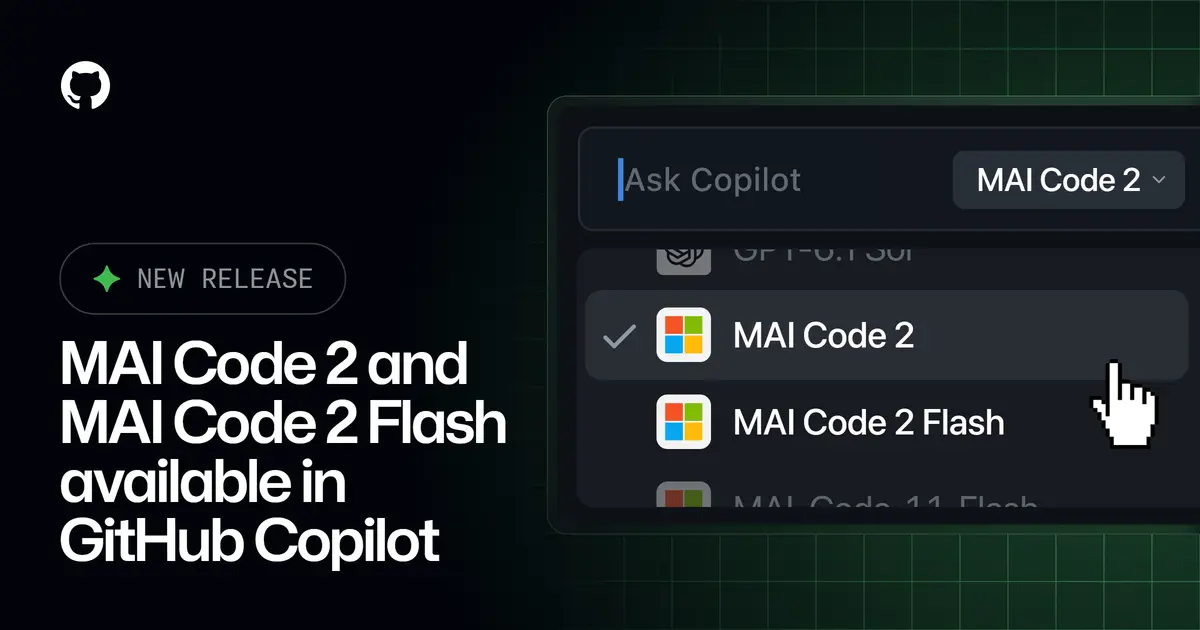
Microsoft has released two coding models, MAI Code 2 and MAI Code 2 Flash, and put both into GitHub Copilot on the day it announced them. Microsoft AI introduced them on November 17, 2026, at its Ignite event, aiming them at everyday enterprise coding work at a lower cost than rival models.
What are MAI Code 2 and MAI Code 2 Flash?
MAI Code 2 is the larger of the two. Microsoft calls it the frontier of price-performance for common enterprise coding tasks and lists taking code to production, deep debugging, multi-file implementation, repo-wide reasoning and UI work as its strengths. GitHub’s changelog adds refactoring to that list.
MAI Code 2 Flash is the lightweight option for high-volume work: code explanations, targeted edits, routine fixes and rapid iterations. Microsoft says it delivers quality at a much lower cost.
Microsoft also states the limits. The models are “explicitly not yet tuned for harder problems,” it says, such as fundamental science research and very long-horizon agentic work. In other words, they target the routine bulk of daily development work rather than the hardest problems, which is why Microsoft leads with cost in its comparisons.
How do they compare with other models?
Every comparison below comes from Microsoft rather than independent testing, and most of them are about cost as much as quality.
Averaged over four benchmarks that Microsoft says reflect everyday enterprise coding in GitHub Copilot (DeepSWE 1.1, Terminal Bench 2.1, SWE-Atlas and FrontierCode v1.1), MAI Code 2 delivers 98% of the performance of GPT-6.1 Sol at 40% of the cost. Against Claude Opus 5.5, it delivers 96% of the performance at 5% of the cost.
Microsoft also says MAI Code 2 is tuned for dashboards and visualizations. In blind frontend app evaluations, developers preferred its results over GPT-6 Sol 64% of the time.
For MAI Code 2 Flash, Microsoft reports performance comparable to GPT-6 Luna and Claude Haiku 5.5 across three coding benchmarks, at 65% and 20% of the cost respectively. The New Stack, which covered the launch, named those benchmarks as DeepSWE 1.1, Terminal-Bench 2.1 and SWE Atlas.
The sources we reviewed give relative cost only. None of them states a per-token price or a context window.
Where can you use them?
In GitHub Copilot, according to GitHub’s changelog dated November 17, 2026:
- MAI Code 2: Copilot Pro, Pro+, Max, Business and Enterprise
- MAI Code 2 Flash: Copilot Free, Student, Pro, Pro+, Max, Business and Enterprise
You pick them from the model picker in Visual Studio Code, Visual Studio, Copilot CLI, the GitHub Copilot cloud agent, the GitHub Copilot app, github.com, GitHub Mobile on iOS and Android, JetBrains, Xcode and Eclipse.
On Copilot Business and Enterprise, administrators control access through the model policy in Copilot settings. Under default model enablement, new models switch on automatically unless an administrator has turned off the global default or disabled the model. GitHub says the models are billed under usage-based billing and points to its Models and pricing documentation for the details.
Outside GitHub, The New Stack reported that MAI Code 2 Flash is in limited preview on Microsoft Foundry, with OpenRouter, Vercel, Hermes, Open Code and Kilo listed as coming soon.
Who should try them?
A team already paying for Copilot can switch the model picker to MAI Code 2 Flash for routine edits and code explanations and compare the results with the model it uses now. That is the cheapest test, and Copilot Free and Student users can run it too, since Flash is open to those plans.
Teams with research-heavy work or very long agent runs should not treat the benchmark claims as a reason to move, because Microsoft itself says these models are not tuned for that work. The figures also depend on Microsoft’s choice of benchmarks and competitor versions, so try a few of your own repositories before changing a default.
For a next step, open the model picker in your editor to see which plan lists the models, then read the usage-based billing notes in GitHub’s Models and pricing documentation before enabling them across an organization.