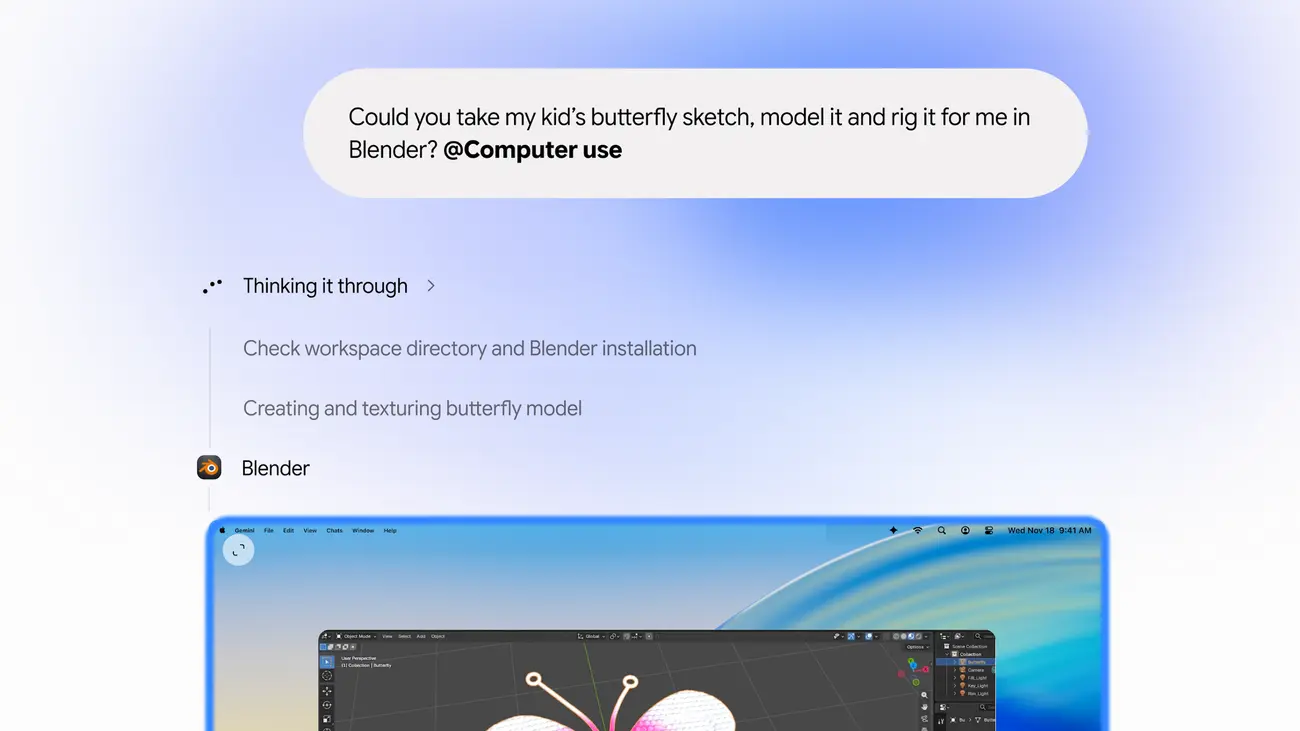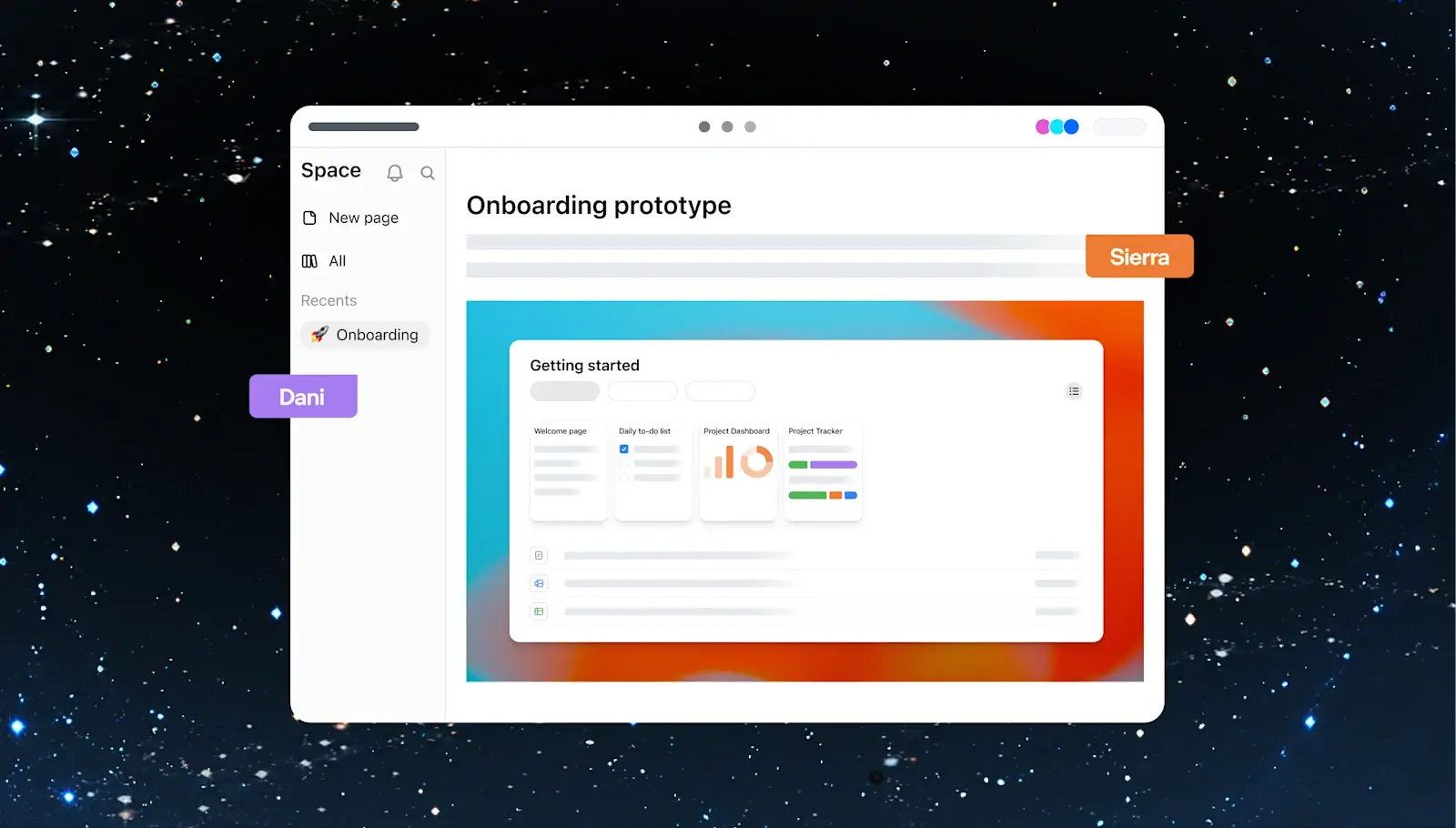
ChatGPT Space, OpenAI’s shared workspace for pages and slides, is now rolling out worldwide to Plus subscribers aged 18 and older. OpenAI’s release notes date the rollout to November 20, 2026, and say Space replaces Library in the ChatGPT sidebar.
Space first launched for higher tiers. IT Brief UK reported that OpenAI announced it on 2 October 2026 for Pro, Business and Enterprise users, so the Plus rollout widens access to the cheaper paid plan. It is a team-oriented feature that now also reaches individuals who pay for Plus.
What is ChatGPT Space?
OpenAI’s product page describes Space as a shared workspace where people and ChatGPT work together on documents. Project context, files and shared pages sit in one place, and you can ask ChatGPT, Codex or a dot for help while you work.
The features the page lists:
- Living pages that can be updated from information in connected tools
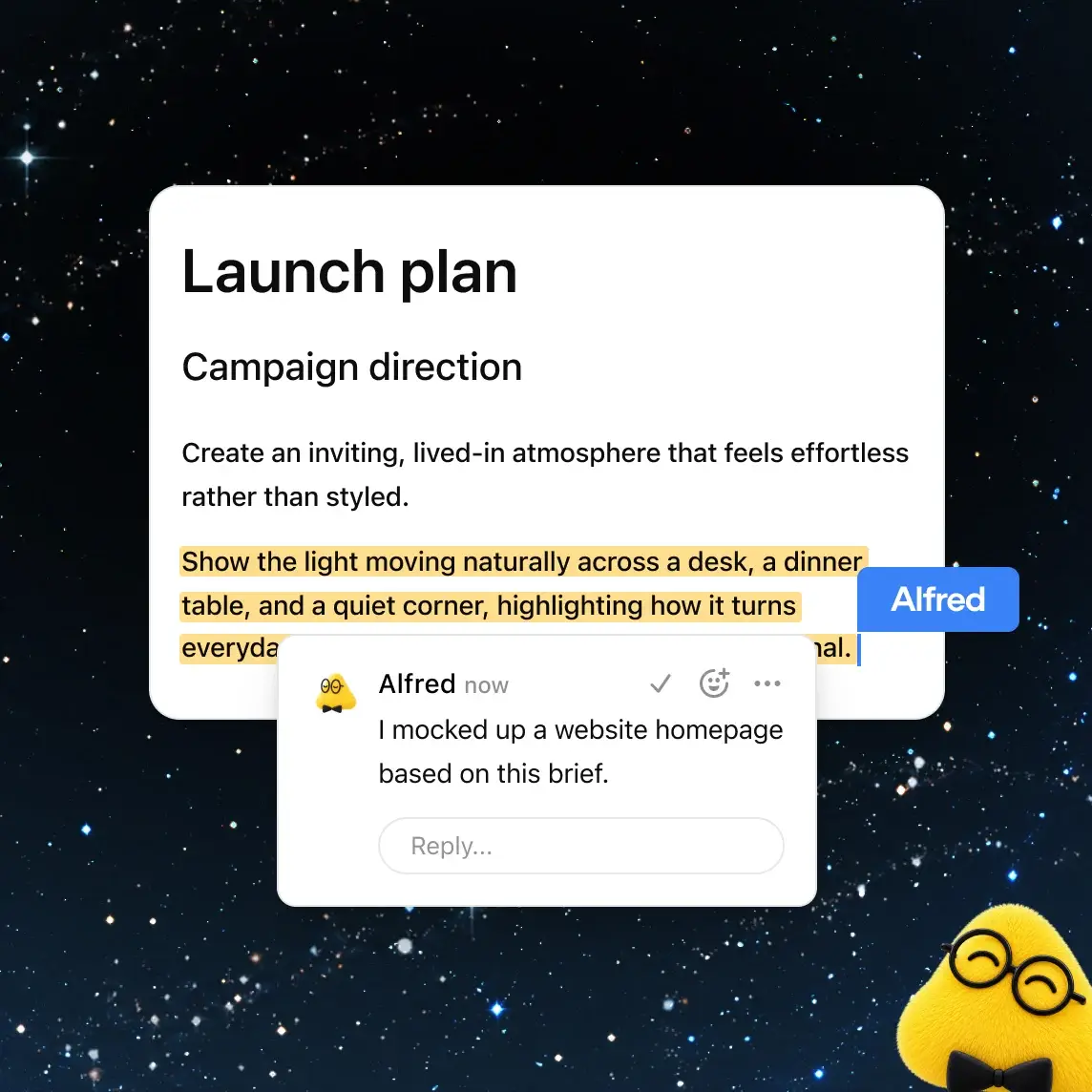
- Real-time editing with comments, where teammates can also ask ChatGPT or a dot to make changes
- Shared visuals, so sketches, research, data and decisions can sit on one page
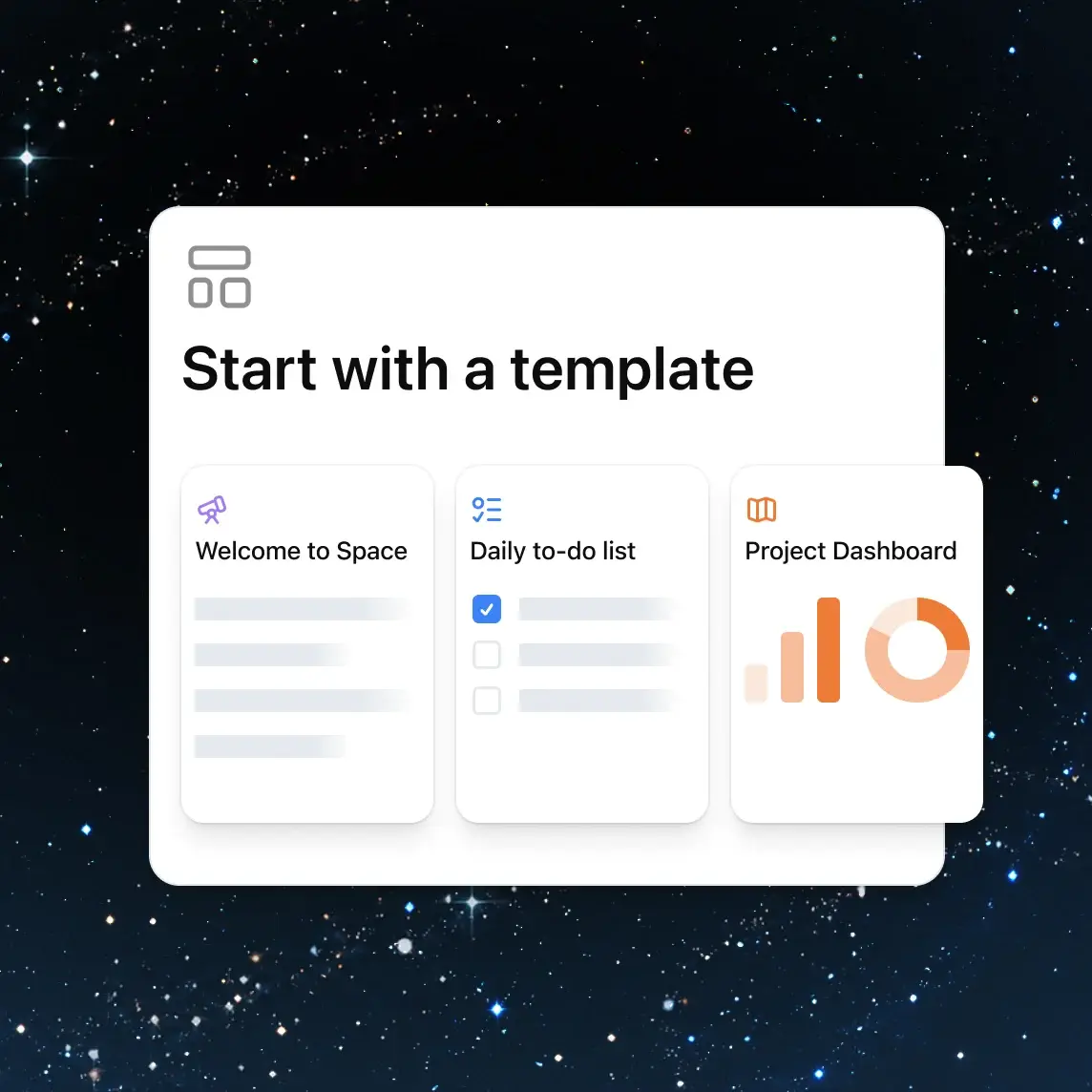
- Slides built from a conversation using a team template
- Shared goals, plans and a task list gathered from Slack, email and calendars
- A Meetings plugin that makes private meeting notes and suggests follow-up tasks, in beta on the macOS desktop app
Collaborative slide editing is listed as coming soon, so slides are not yet a fully shared experience.
What changes for Plus users?
According to the November 20 release note, Plus users can create interactive pages and presentations, invite others to build on them, and set pages and slides to update automatically from connected apps and tools. Pages can be created and edited on web, desktop, iOS and Android.
OpenAI’s product page is more cautious about phones: it says mobile is for finding, reading and sharing pages, with mobile editing and collaboration coming soon. The two pages disagree, so check what your own app offers before relying on editing on the go.
Who can open a shared page?
Sharing has limits. Shared pages and presentations need a signed-in Plus, Pro, Business or Enterprise account that has Space access. Free users cannot open them, and public links are not available.
On personal plans, the product page says pages can be shared by email invite, and by link where that option is available. On work plans, sharing follows the admin settings.
How does Space handle privacy?
OpenAI says it does not use Business or Enterprise data to train its models by default. Personal accounts follow their own training and memory settings.
One point deserves attention: sharing a page does not share your private chats or personal memory, but anything written on the page, including personal details that ChatGPT pulled from memory, is visible to everyone with access. Read a draft before you invite people.
Prices
OpenAI’s release note and product page do not list a price for Space. It is tied to paid plans, so access depends on holding Plus, Pro, Business or Enterprise, and neither source states plan prices in any currency or says whether availability differs by country beyond the global rollout for Plus. Check OpenAI’s plan page for your own market.
Who it suits
Freelancers and small teams on Plus. If you already pay for Plus and share project notes or client updates, living pages that refresh from connected tools can save the copying between apps.
Students and study groups. Everyone who needs to open a shared page must hold a qualifying paid account, which may rule out a mixed group that includes free users.
Presenters. Slides from a conversation using a team template are handy for drafts, but collaborative editing is still marked as coming soon.
Who should wait. Anyone who needs public links, or who must share pages with free users, and anyone uneasy about personal details from memory ending up on a page others can read.
What is still unknown
The sources do not say how many Plus users get access on day one, how quickly the rollout reaches every region, or when mobile editing and collaborative slides will be finished. The release note says the rollout is global and does not name excluded regions for Space.
Next step
Open the ChatGPT sidebar and look for Space where Library used to be. If it is not there yet, wait for the gradual rollout and read OpenAI’s release notes for updates.