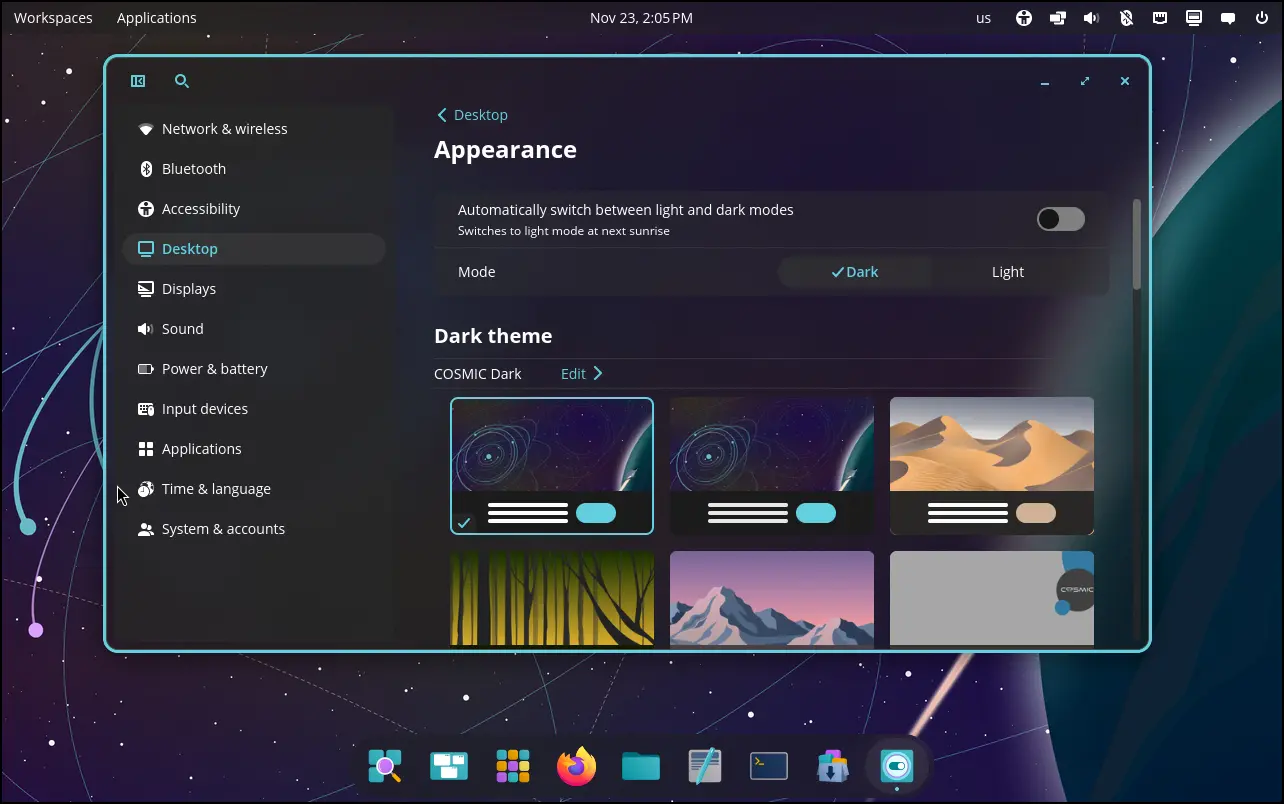
System76 has released Pop!_OS 26.04 LTS, the long term support edition of its Linux distribution built around the COSMIC desktop. The headline additions are bundled themes called Constellations, drawing tablet support and remote desktop. System76’s blog post is dated November 24, 2026, and GamingOnLinux reported the release on 25 November 2026.
The download is free. People already running 24.04 LTS will not see an automatic upgrade yet, because System76 says those are scheduled for December.
What is new in Pop!_OS 26.04 LTS?
System76 lists these changes in its announcement:
- Constellations, a one click theme bundle system
- Drawing tablet support with pen tilt sensitivity
- An on-screen keyboard that works with touch and gamepad input
- Automatic updates, which can be switched on during first setup
- Remote desktop
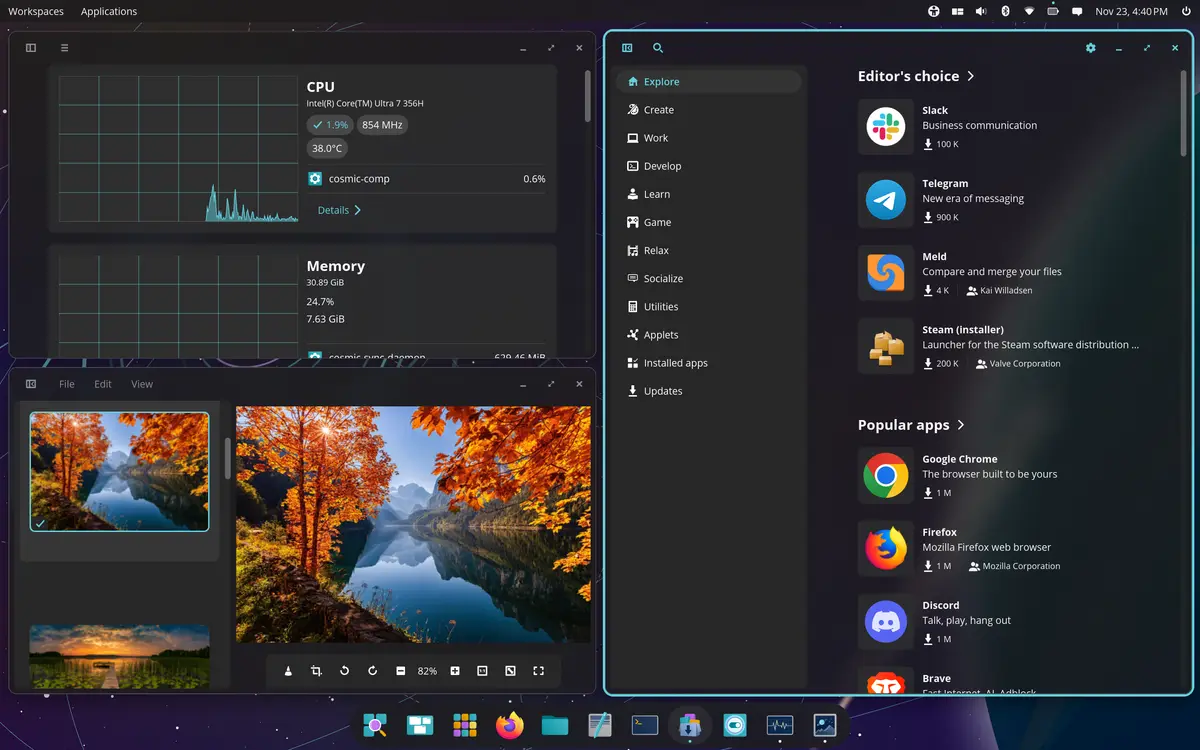
- New native apps, including COSMIC Viewer, COSMIC System Monitor and a redesigned COSMIC Store
Accessibility gets attention too: a shake to find the cursor feature, scalable cursors and improved screen magnification. Workspace wrapping is now configurable.
What are Constellations?
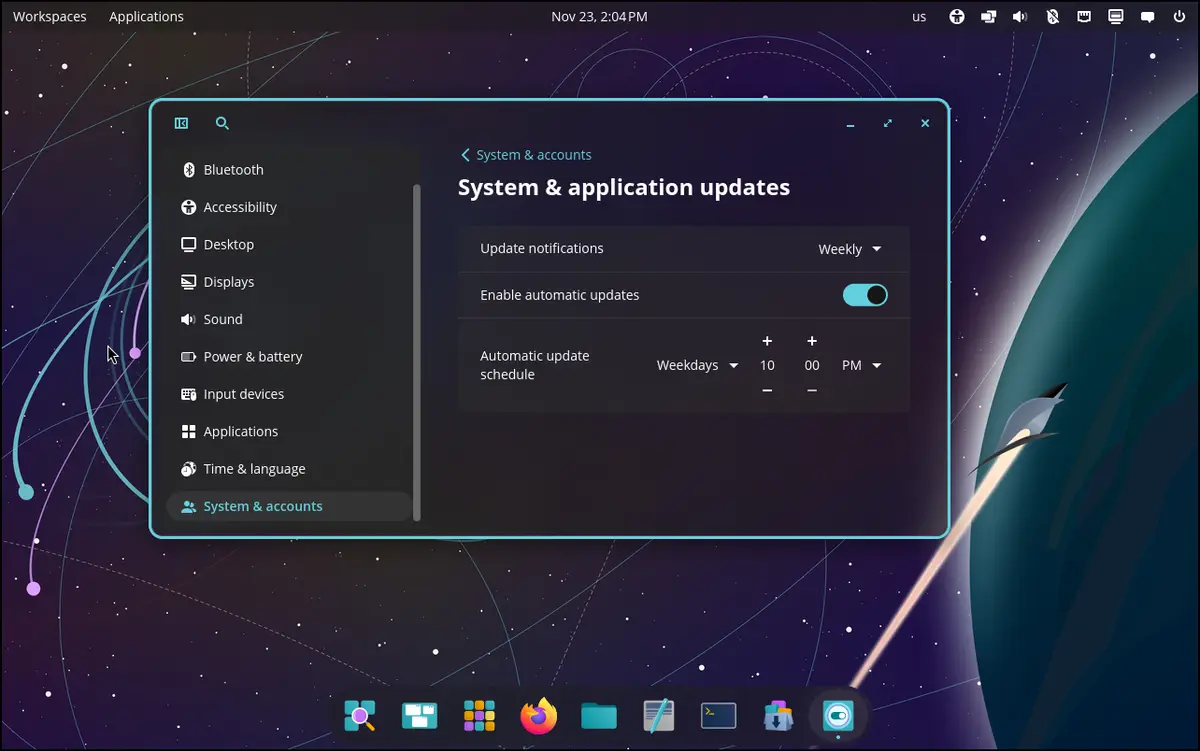
A Constellation is a bundle that changes the wallpaper, accent colors, icons and fonts together. According to System76, you can choose dark or light mode, let the system switch between them automatically, add a Frosted Glass effect, edit nearly every part of a bundle and export your setup.
Export matters for anyone who configures several machines, since a look you have tuned once can be reused.
Which component versions ship with it?
GamingOnLinux gives these versions for the release:
| Component | Version |
|---|---|
| COSMIC Epoch | 1.12 |
| Linux kernel | 7.2.15 |
| Mesa | 26.2.3 |
| Wayland | 1.26 |
| NVIDIA driver | 595.104.02 |
System76’s own post does not list these versions, so treat them as GamingOnLinux’s reporting until you check the installer.
What changes for gaming and graphics?
Both sources mention pointer constraints for games and fullscreen improvements, plus better automatic GPU selection on hybrid graphics laptops. The on-screen keyboard also accepts gamepad input. Neither source explains these changes in detail, so there are no benchmarks or compatibility lists to quote.
Drawing tablet support is aimed at graphic design, photo editing, animation, note taking, CAD and GIS applications, according to System76.
Should 24.04 LTS users upgrade?
System76 says COSMIC is a rolling release, so people on 24.04 LTS have already received many of these features through updates. The company recommends a fresh install for the full 26.04 LTS experience. Automatic upgrades from 24.04 LTS are scheduled for December.
If you rely on your current setup, back up your files before reinstalling. The sources do not describe a manual upgrade method, so wait for the official December upgrade or follow System76’s instructions.
Prices
Pop!_OS is free to download from System76, and no price is listed in either source for any country or currency. System76 sells computers separately, but the sources give no hardware prices or hardware availability tied to this release.
Who it suits
Linux users who want a polished desktop. The Constellations system and the redesigned COSMIC Store make the desktop easier to customize and to fill with software, and automatic updates reduce maintenance.
Artists, designers and note takers with a pen tablet. Pen input with tilt sensitivity is now part of the system. How well it works with a particular tablet model is not covered, so check your device before switching.
Gamers on Linux. Pointer constraints, fullscreen improvements and hybrid GPU selection sound useful, but the details are thin. Expect to test your own games and drivers.
Current 24.04 LTS owners. You already have many of the features. A fresh install is the cleanest route, and the automatic upgrade arrives in December.
What is still unknown
Neither source covers hardware support beyond the NVIDIA driver version, known issues or how the upgrade process will work in detail. System76 has not published, in the pages we read, any figures on performance.
For the next step, read System76’s announcement and download page at system76.com/pop, then make a backup before installing.