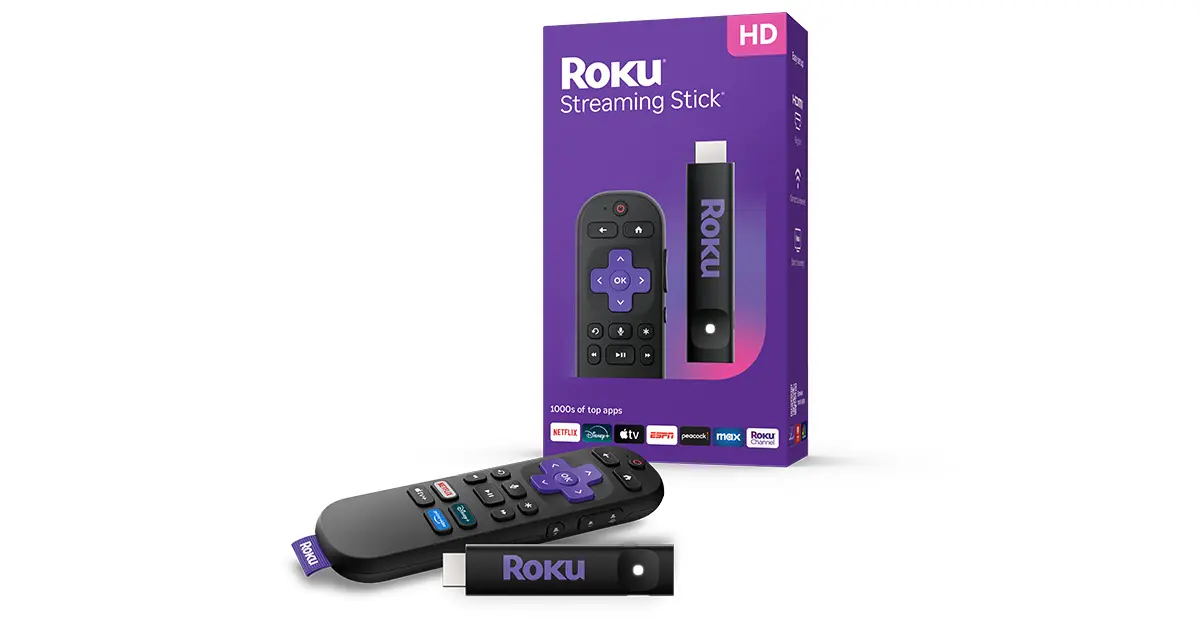
If your TV is older and its built-in apps have stopped updating, a streaming stick is the cheapest way to fix it without replacing the screen. Tom’s Guide lists the Roku Streaming Stick HD at $19 at Amazon, down from $39, and ranks it second among its picks from Amazon’s Black Friday deals, behind the AirPods Pro 3 at $149.
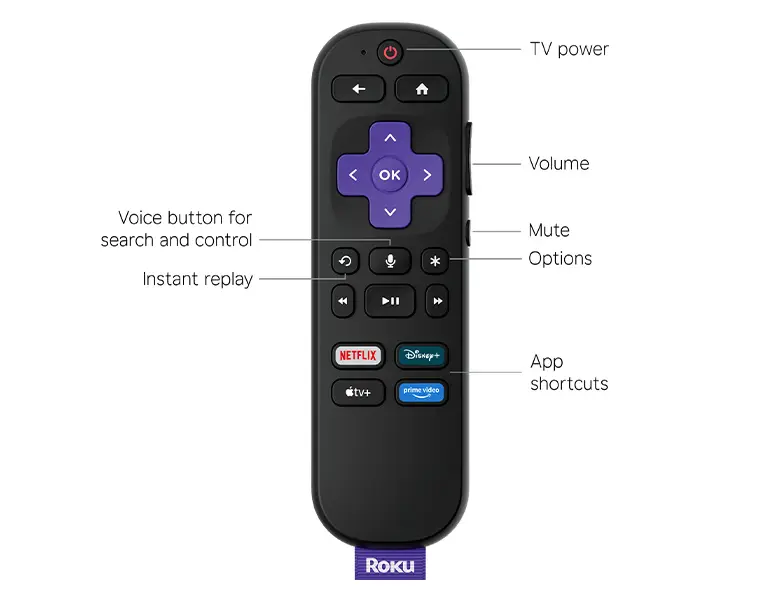
The stick is Roku’s entry model. It plugs into an HDMI port, gets its power from the TV through a USB-C cable and comes with a voice remote that also controls the TV’s power and volume. Roku’s own product page lists no price, so the Amazon figure is the one to check.
What does the Roku Streaming Stick HD do?
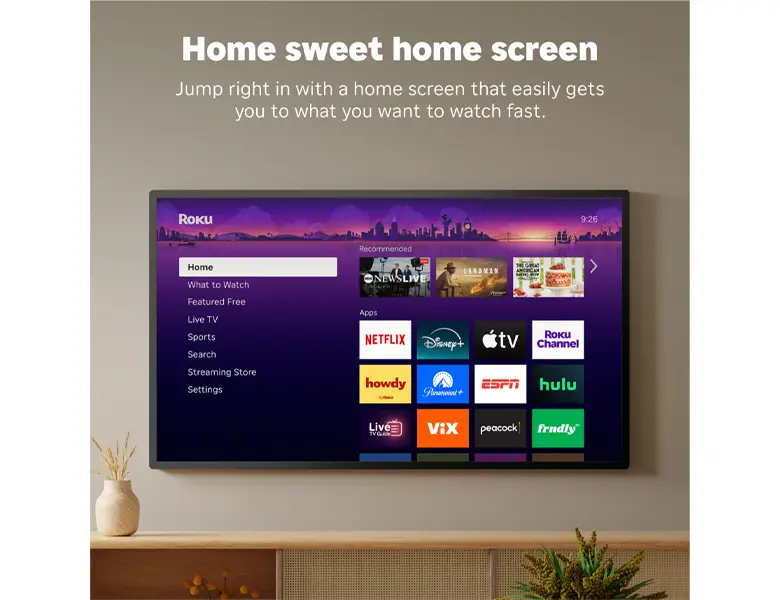
It turns any TV with an HDMI port into a smart TV. Roku says it streams up to 1080p (1920 x 1080), with upscaling from 720p, and gives access to 500+ free TV channels with live news, weather and sports.
- Up to 1080p video on HD TVs
- Dual band Wi-Fi, 2.4 GHz and 5 GHz
- Built-in HDMI plug and USB-C power input, so no separate power brick
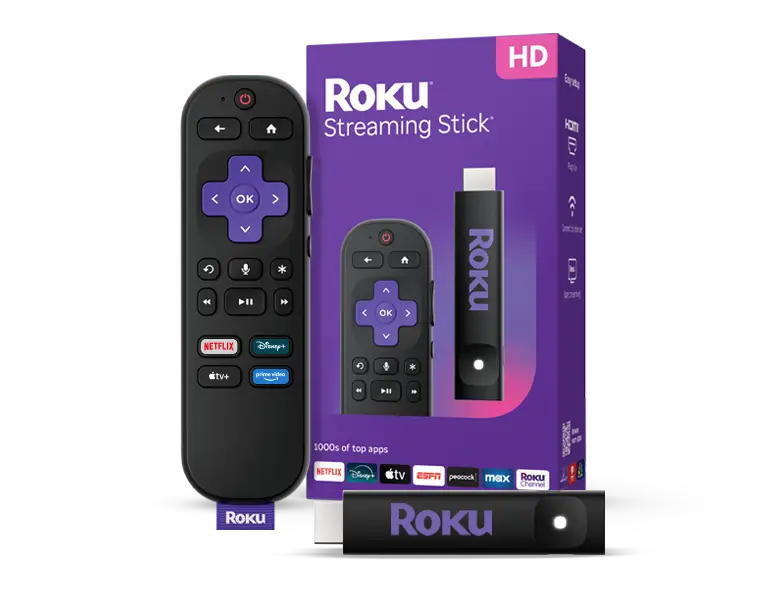
- Roku Voice Remote with TV power, volume and mute buttons
- Bluetooth Headphone Mode for private listening
- Works with Apple AirPlay and HomeKit, Google Home and Alexa
Roku lists the stick at 3.7 x 0.80 x .45 inches and 0.90 ounces (26.0 g), with typical power use of approx 2.2W while streaming. In the box you get the stick, the remote, two pre-installed AAA batteries and a USB-C to USB-A power cable. The model number is 3840R.
How much does it cost?
Tom’s Guide shows it as “was $39 now $19 at Amazon”. The article does not name the Amazon country store for that listing and gives its prices in dollars, so check the price on your own Amazon store, which may differ.
Roku’s page does not print a price, and Roku’s own comparison says the sticks differ mainly in picture quality and Wi-Fi range. The article does not say when the Amazon price ends, so prices can change at any time.
Why is it getting attention?
It is the lowest priced item in a week full of bigger deals. Tom’s Guide pushes it as a no new TV needed fix: its writer has an older TV that is losing out on certain app updates but still has a good OLED panel, and the stick solves that at a small cost. The outlet describes it as budget friendly and notes that the remote controls the TV’s power and volume, which removes one more remote from the coffee table.
HD or 4K: which Roku stick should you pick?
Pick the HD stick only if your TV is a 1080p set or if you do not care about 4K. Roku’s FAQ says the HD stick tops out at up to 1080p HD, while the Streaming Stick Plus adds 4K with HDR10+, and the Streaming Stick 4K adds Dolby Vision on top of that, plus a long range Wi-Fi receiver for stronger streaming farther from your router.
Roku recommends 25 Mbps for 4K streaming, and 4K playback needs a compatible 4K TV and content. If you own a 4K TV and have the option, the Plus or the 4K stick is the better match, and the Wi-Fi receiver on the 4K model helps if your router is in another room.
Who it suits
Owners of older TVs. If the built-in apps no longer update, a stick adds current apps without a new screen.
Second TV and guest room users. A small stick that takes its power from the TV is easy to set up in a bedroom or a rental.
Travelers. Roku says you can take your TV on the go, and the stick weighs 26.0 g.
Who should skip it. Owners of 4K TVs who want 4K or Dolby Vision, and people whose router is far from the TV, should look at the 4K stick instead.
What is still unknown?
Tom’s Guide does not state how long the $19 price lasts, and Roku’s page does not give a list price. Prices for the Plus and the 4K stick were not part of the article, so compare them yourself before deciding.
Next step: open the Roku product page to confirm the model you need, then check the Amazon listing for the current price and the exact model name before you order.