Ten Fingers, an iPhone and iPad game that teaches children to touch type, shows as free on the US App Store on November 27, 2026. New Mobile Life reports its regular price is US $0.99 and calls the free download a limited time offer.
The listing gives no end date. It does state that the app has no ads and no in-app purchases, so there is no hidden upgrade after you download it, according to the developer, LUIS ALVAREZ ACOSTA.
How does Ten Fingers teach typing?
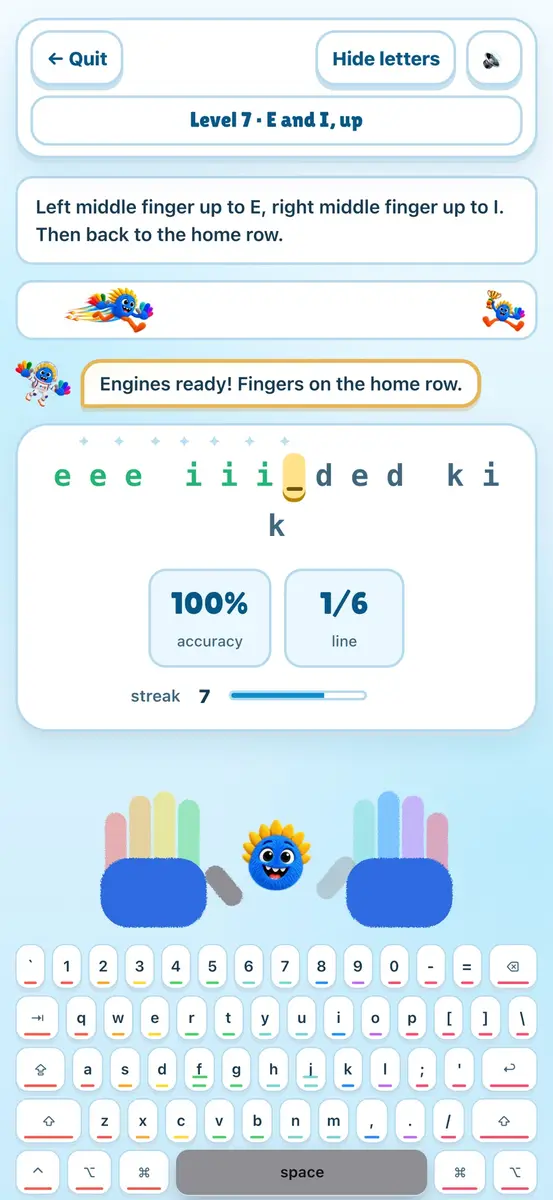
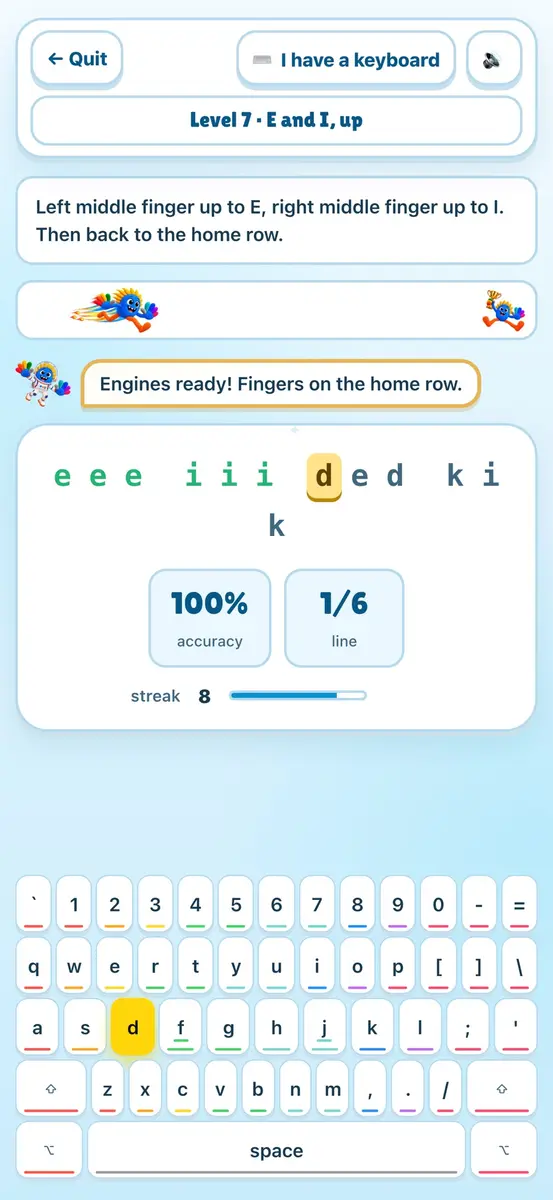
The app covers 28 levels across six worlds. Lessons start with the home row, one finger at a time, then move to the top row, the bottom row, capitals, punctuation and finally numbers. Technique comes first: in the first three worlds only accuracy counts, and children are asked to use the finger shown by the colour. Speed only starts scoring in world 4.
Key features listed on the App Store page:
- An on-screen keyboard that shows which finger goes where, with hands that light up
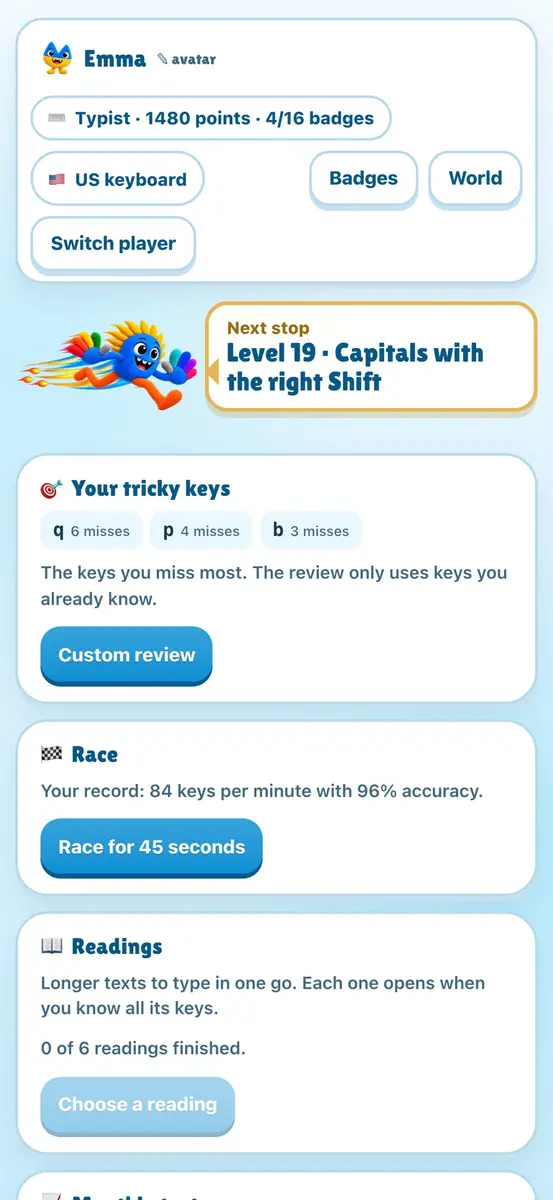
- Counts of misses per key, used to build a custom review from the keys that give trouble
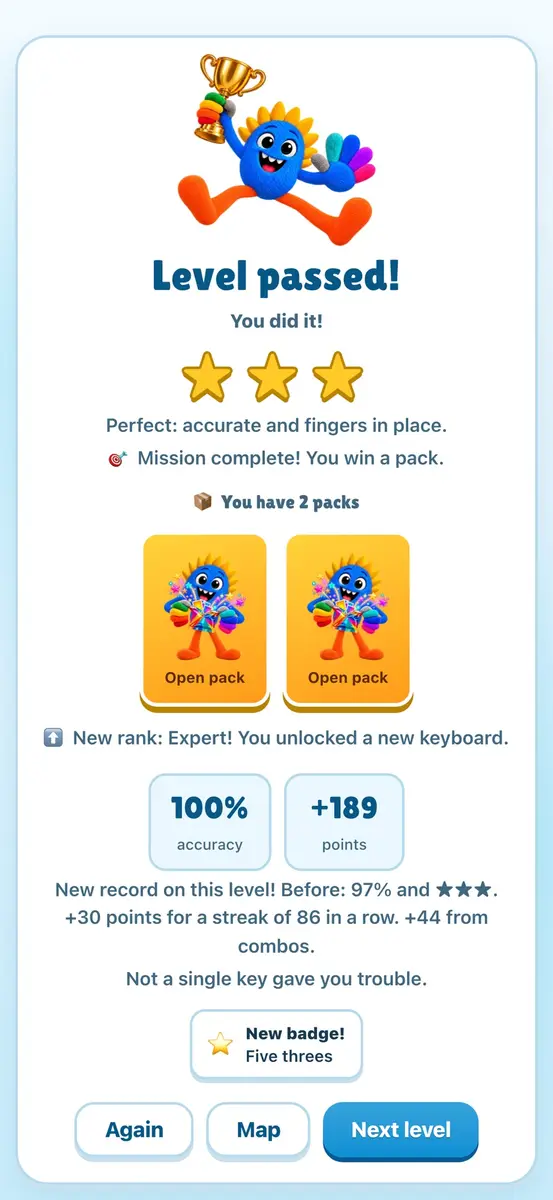
- Streaks, records, badges, a practice calendar and a 45 second race
- Readings to type in one go, and a one minute test every month to measure progress
- A certificate to save or print
- Collectible cards and three worlds to choose from: Galaxy, Magic Forest and Open Case
What else is in it?
Seasonal challenges are built in. The listing says the Christmas typing challenge runs until January 6, with Christmas words every day and a golden card pack when a child passes. From December 1 to January 6, the challenge returns with a golden pack for each day completed, according to the version notes. There are also spring, summer and back to school challenges.
Parents get a progress report, and the app lets you add school words and practise them as a dictation, hearing each word without seeing it. Several players can share one device, each with their own progress. Version 2.0 added progress sync with iCloud across iPhone, iPad and Mac. The app works offline.
Which keyboards and languages are covered?
Six languages come with their own keyboards: English (US and UK), Spanish, French AZERTY, German QWERTZ, Italian, and Portuguese (Portugal and Brazil). That makes it usable for families who learn on a layout other than the American one.
How do you get it, and what does it cost?
The US listing shows Free in US dollars. Open it on an iPhone or iPad, check the price, and tap Get. The app is 7 MB, rated 4+, and designed for children from age 8. Prices in other countries were not confirmed. The developer says it collects no data, a claim Apple labels as not verified.
Who is it for?
Parents of children around age 8 and up. The step by step levels suit beginners who have not yet developed hunt and peck habits.
Families with a physical keyboard. The developer says you can play by tapping the on-screen keyboard, but to really learn to touch type a physical keyboard, Bluetooth or a keyboard case, is best.
Teachers and homeschoolers. School words, dictations and the progress report give structure for a weekly routine.
Children who already type quickly. The early levels deliberately ignore speed, so fast typists may find the first worlds slow.
What is still unknown?
When the free offer ends, and whether it applies outside the US store, was not confirmed. The app is new, first released in October 2026 according to the version history, and it has not yet received enough ratings for Apple to show a score.
If you have a child learning to type, download it while it shows Free and let them try the first world with a keyboard attached.