PicPost EZ, an iPhone and iPad app for adding notes to photos and sharing both together, currently lists its Lifetime Album Access in-app purchase at $0.00 on the App Store. The Chinese language outlet New Mobile Life says that unlock normally costs US $0.99 and is free for a limited time. Neither the App Store page nor the tip gives an end date.
The app download is free, no account is required, and the developer says it collects no data. The one thing to watch is the paywall screen: the tip says to claim the lifetime unlock only when it shows $0.
What exactly is free?
The Lifetime unlock. The listing shows the app as Free with in-app purchases, and the single purchase named is Lifetime Album Access at $0.00. New Mobile Life describes it as a lifetime version that is free for now, with a regular price of US $0.99.
The official page only shows the current price, so the US $0.99 figure comes from the tip site alone. The listing does not spell out what Lifetime Album Access adds, which is covered under what is not known below.

How do I get the Lifetime unlock?
- Open the PicPost EZ listing on the App Store from an iPhone or iPad and download the app.
- Finish the first run setup. According to New Mobile Life, a paywall then appears.
- Look at the Lifetime price. If it shows $0, you can take it for free.
- If it shows any other price, the tip says the offer has ended, so do not confirm the payment.
What does PicPost EZ do?
The developer, JAESIK YOUN, describes a camera, an album and a notes tool in one app:
- Camera and album. A simple camera with front and rear switching and pinch to zoom, plus a built-in album where you can select and delete several photos. Photos are also saved to Apple Photos.
- Photo notes. Add a note to any photo and swipe left or right to browse photos with their notes. Notes stay in PicPost and are not added to the Apple Photos library.
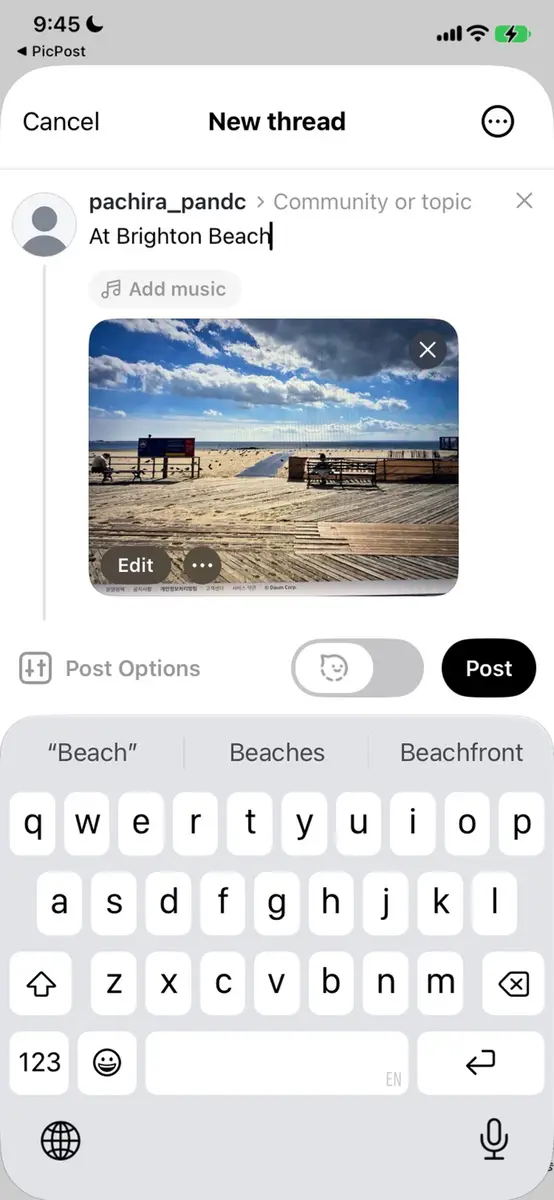
- Sharing. Select several photos and their notes are combined into one text. For Threads, photos and notes go straight into the post composer. For Instagram and Facebook, the notes are copied to the clipboard so you can paste them into a caption. Messaging apps work too.
- Mac sharing. A separate Mac button sends photos and a TXT file with the notes over AirDrop.
- Reminders and places. Each photo can have its own reminder, which you must mark complete by hand, and photo locations can be viewed on a map.
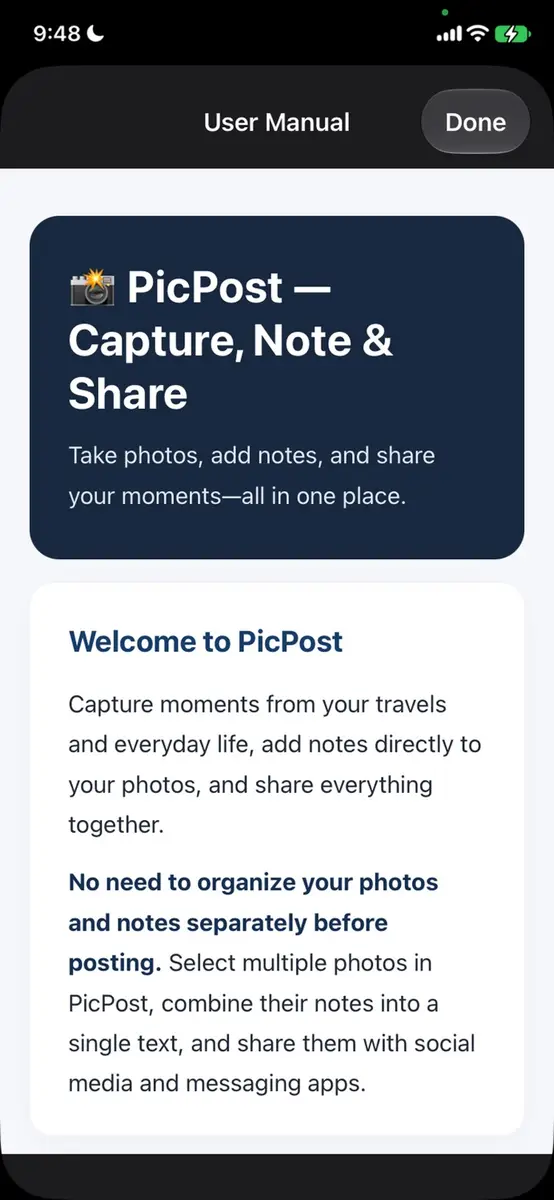
A built-in user manual works without an internet connection. The listing supports English and 51 more languages, including Punjabi, Traditional Chinese and Vietnamese.
Which devices does it run on?
- iPhone: iOS 17 or later
- iPad: iPadOS 17 or later
- Mac: macOS 14.0 or later on a Mac with an Apple M1 chip or later, though Apple’s page says the app is designed for iPad and not verified for macOS
- Apple Vision: visionOS 1.0 or later
- Size: 7.4 MB
What is the catch?
- The offer can end. There is no stated end date, so the price may change at any time. Check the price on the paywall every time.
- Very few reviews. The page shows a single rating, 5.0 out of 5, so there is little feedback to judge the app by. The current version is 1.24.
- Privacy. The developer indicates that no data is collected. Apple notes that the developer’s privacy answers have not been verified by Apple.
Prices
- United States App Store: app Free, Lifetime Album Access $0.00 at the time of writing.
- Regular price of the lifetime version according to New Mobile Life: US $0.99.
- Other countries: the sources give no prices, so check the listing in your own App Store, where prices appear in your local currency.
Who it suits
Travelers and people who keep a visual diary. Notes sit with each photo, and combining notes from many photos into one text saves retyping a caption for a trip post.
Anyone who posts on Threads, Instagram or Facebook. The Threads hand off is direct, while the other two need a paste of the copied notes.
People who want reminders tied to a picture. A photo of a receipt, a parking spot or a whiteboard can carry its own reminder and map location.
Mac users who share with an iPhone. The AirDrop button sends the notes as a TXT file, though the listing is not verified for macOS.
What is not known
The listing does not say what Lifetime Album Access unlocks, and it does not say what limits apply without it. The end date of the $0.00 price is not stated. The sources also do not say whether the offer is the same in every country.
Next step
Open the official App Store listing for PicPost EZ, download the app and check the Lifetime price on the paywall. Take it only if it reads $0, and read the in-app user manual to see what the unlock covers.