Chore Miner, an iPhone and iPad app that turns household chores into gem-earning quests for kids, is free to download right now. It normally costs US $0.99, according to New Mobile Life, and the U.S. App Store listing shows it as Free.
No end date for the free offer is given. Apple’s listing describes the app as a one-time paid download, so the price can change at any time.
What does Chore Miner do?
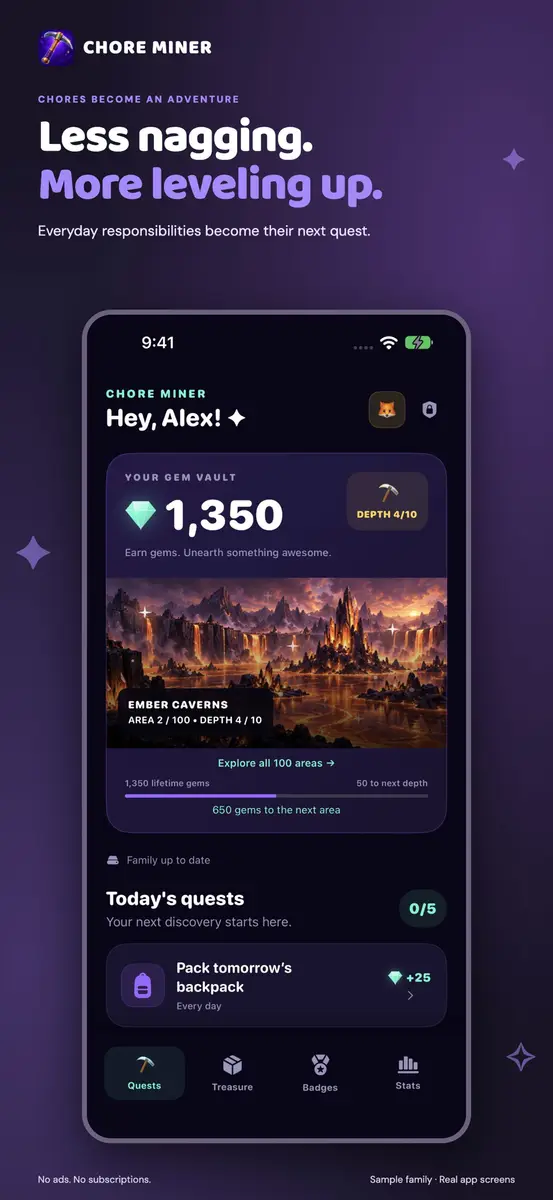
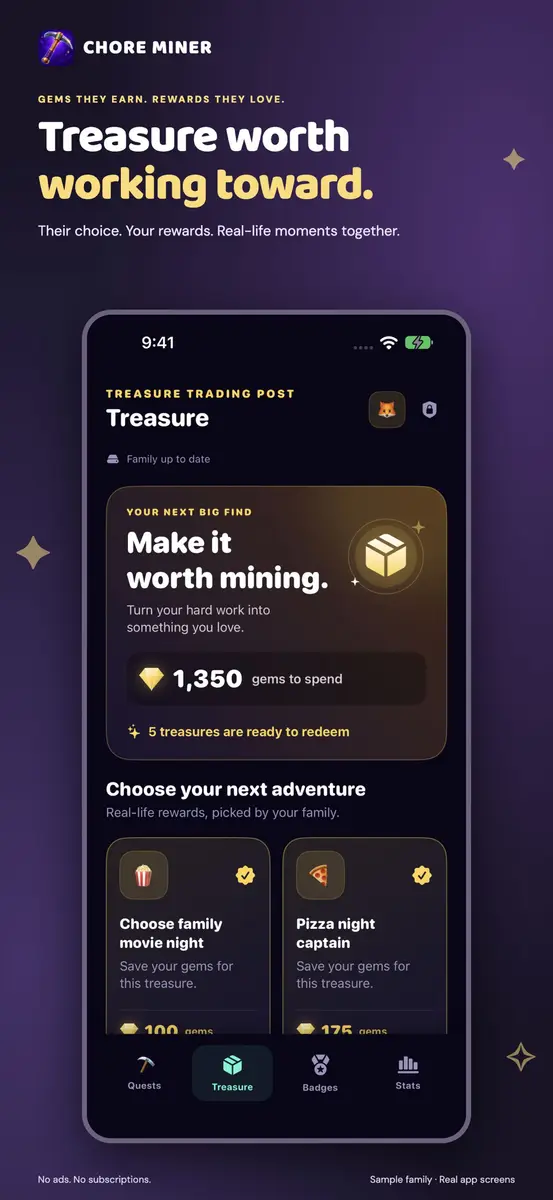
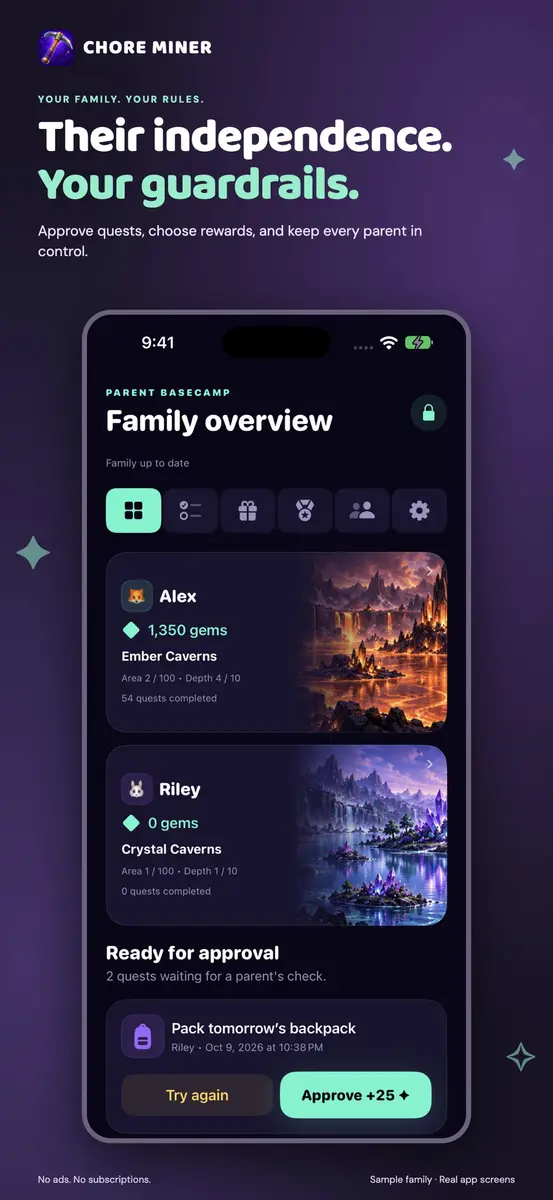
Parents choose the chores and the real-life rewards. Kids and teens mark a task as done, earn gems and move through 100 illustrated mining areas. According to the listing, a new area opens every 1,000 lifetime gems, and each area has 10 depths.
- Chore templates, or your own tasks with instructions and gem values
- Schedules: daily, every other day, weekdays, weekly or one time
- Tasks for one child or shared across several children
- Badges for effort and consistency, plus streaks
- Spending gems never reduces lifetime mining progress
How do approvals and rewards work?
By default a parent approves finished work before gems are awarded, and automatic approval can be switched on for individual tasks. Parents can ask for a retry, undo an approval or give bonus gems.
Rewards come from you: the listing mentions choosing movie night, an ice cream trip, extra play time or an allowance. Kids spend gems on them, or unlock a reward through task-count and streak requirements. The app does not transfer money or control screen time.
What about privacy and syncing?
The developer states that the app needs no email address, sign-up or cloud account, and that profiles, chores and gem balances stay on your family’s devices. Its App Privacy label says the developer collects no data. Apple notes that this information has not been verified by Apple.
Family devices pair with a short-lived QR invitation and parent confirmation. Syncing is nearby only: keep the apps open close together with Wi-Fi and Bluetooth on. Internet alone does not enable remote syncing or background notifications, and work saves offline until devices meet again. Backups are password protected and exported only when you choose.
How much does Chore Miner cost?
Prices below are as listed at the time of writing, and no end date was found.
- United States (U.S. App Store, USD): Free now. The usual price is US $0.99, per New Mobile Life.
- Other countries: not stated in the sources, so check your local App Store.
The listing says there are no in-app purchases, subscriptions, monthly fees or paid gem packs.
How do I get it?
- Open the App Store on an iPhone or iPad running iOS or iPadOS 16 or later.
- Search for Chore Miner, or open the official listing.
- Check that the button says Get, not a price, then download it. The download is 21.3 MB.
- Create chores and rewards, then add your children’s profiles.
Who does it suit?
Parents of younger kids and teens who want a visual chore chart. The listing gives it a 9+ age rating, and it is in English only.
Families who dislike accounts and ads may like that there is no sign-up, advertising, tracking or analytics, according to the developer.
Families with one shared device can use it on a single iPhone or iPad, using a parent PIN and locking parent mode before handing it back to a child.
Families who want remote syncing should note the limit: devices sync only when nearby, so a parent away from home will not see updates until the devices meet.
What is still unknown?
The end date of the free offer has not been stated. The listing also says it has not received enough ratings or reviews to show an overview, so there is no public track record yet. Accessibility features have not been declared.
What to do next
If it suits your household, open the App Store listing now and download it while the price shows Free. Read the developer’s privacy page before pairing family devices.