Easy Notes, a plain text notepad for iPhone, iPad, Mac and Apple Watch, is listed as Free on Apple’s US App Store today. The tip site New Mobile Life says the app was originally US $0.99 and describes the free price as a limited time offer.
The developer is SUMMERCLOUDE PTE. LTD., the category is Productivity and the age rating is 4+. Neither the App Store listing nor the developer’s page gives an end date for the free price, so it can change at any time.
What is Easy Notes?
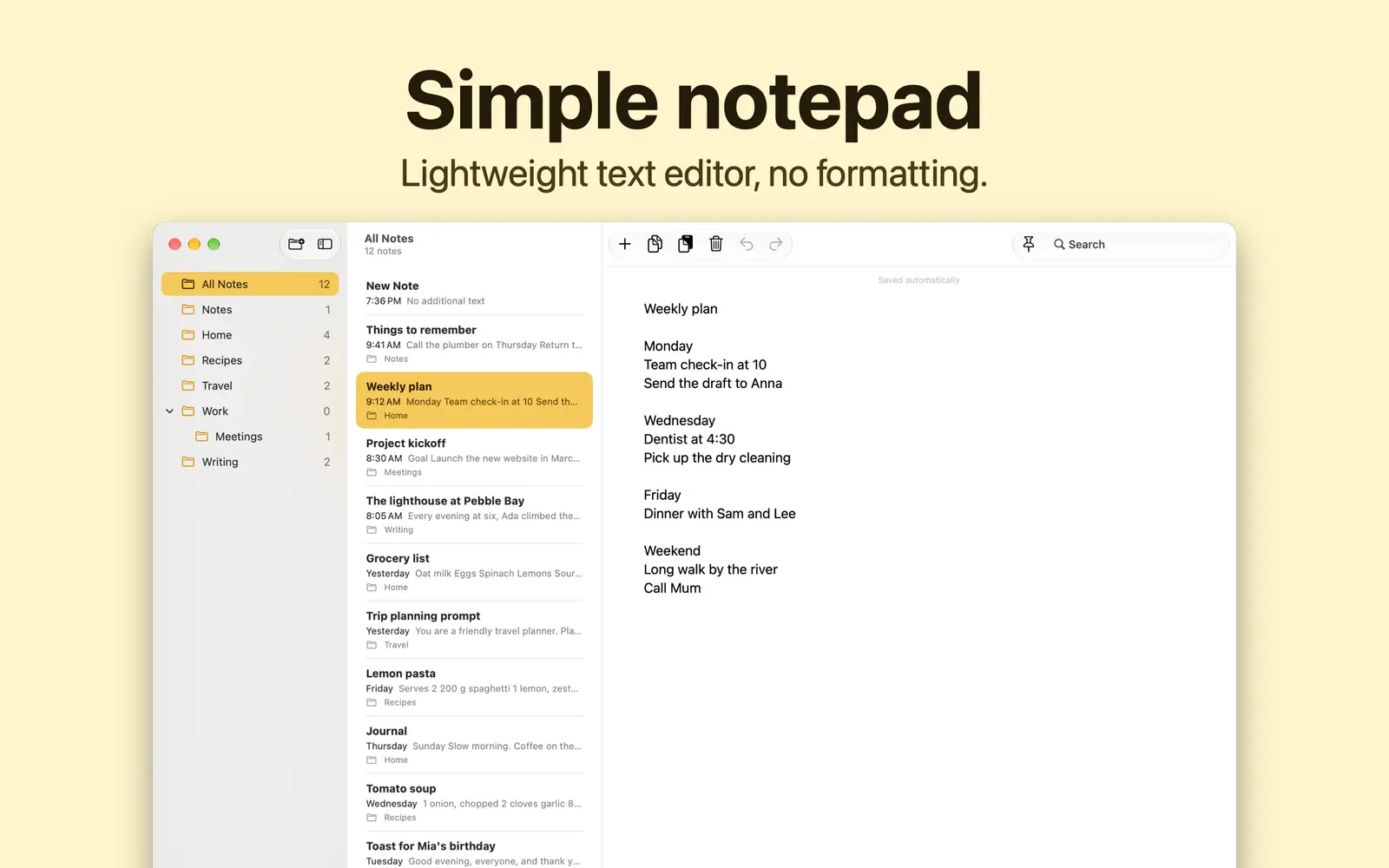
Easy Notes is built for people who want the words and nothing else. The developer describes it as plain text only, with no formatting, so text pasted from anywhere arrives as plain characters.
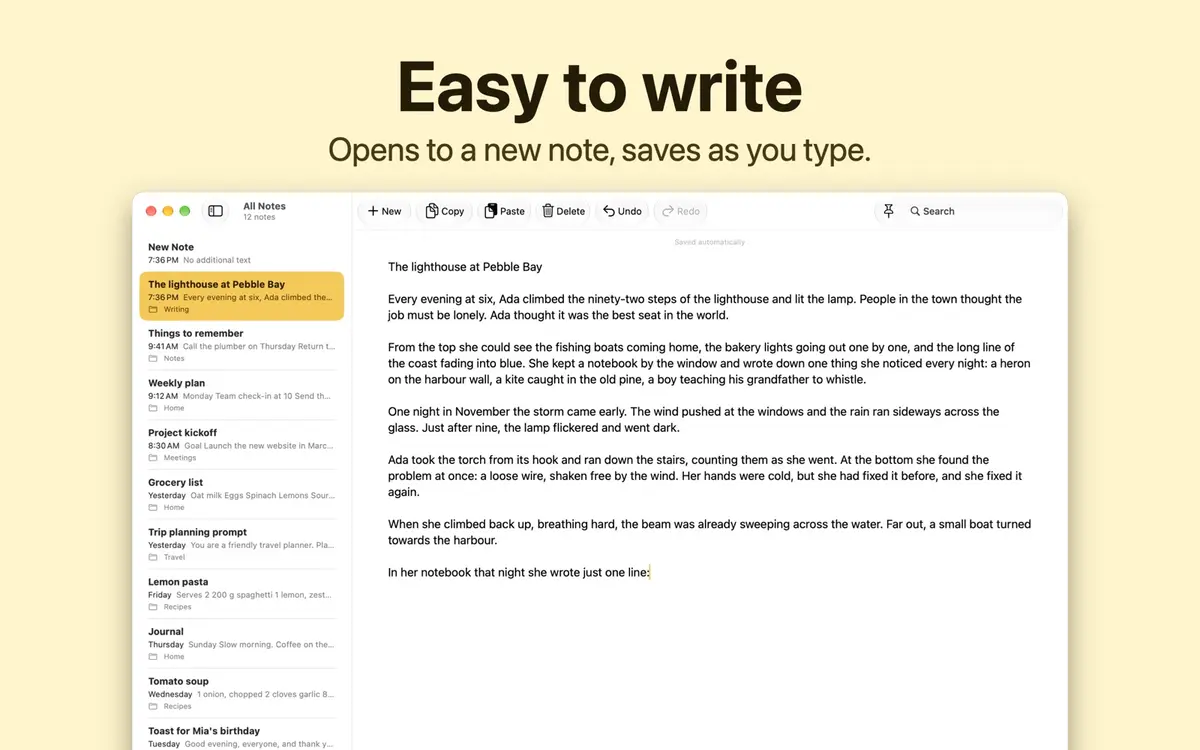
- Saves as you type. There is no save step, and the app opens to a new note ready to type.
- No autocorrect. Your spelling stays as typed, with autocorrect and smart quotes turned off.
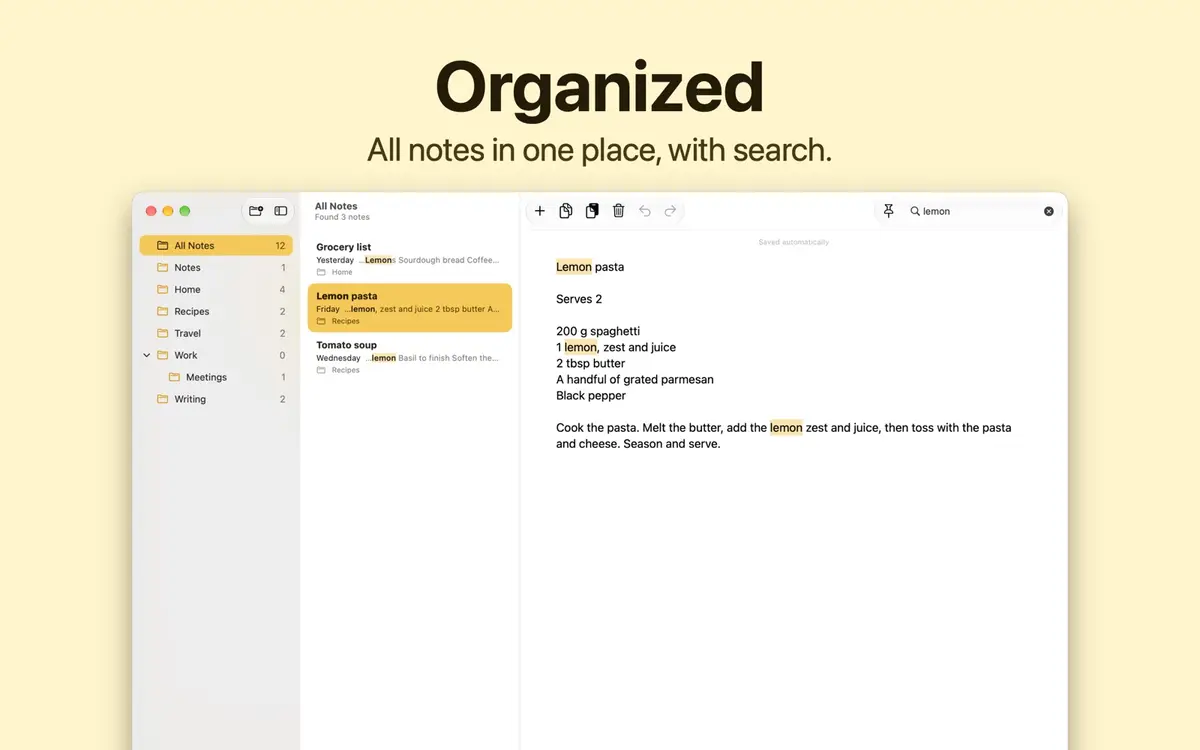
- Folders and subfolders. You can drag a folder to arrange it or place it inside another one. On iPad, you can drag a note onto a folder in the sidebar.
- Search. Search across all notes, or use Find in Note to highlight words inside one.
- Counts. A word and character count sits with each note.
- Bulk actions. Move or delete several notes at once. Recently Deleted keeps notes for 30 days.
- Import and export. Bring in text files and export any note as a .txt file.
- Apple Watch. Read your notes and add new ones from your wrist.
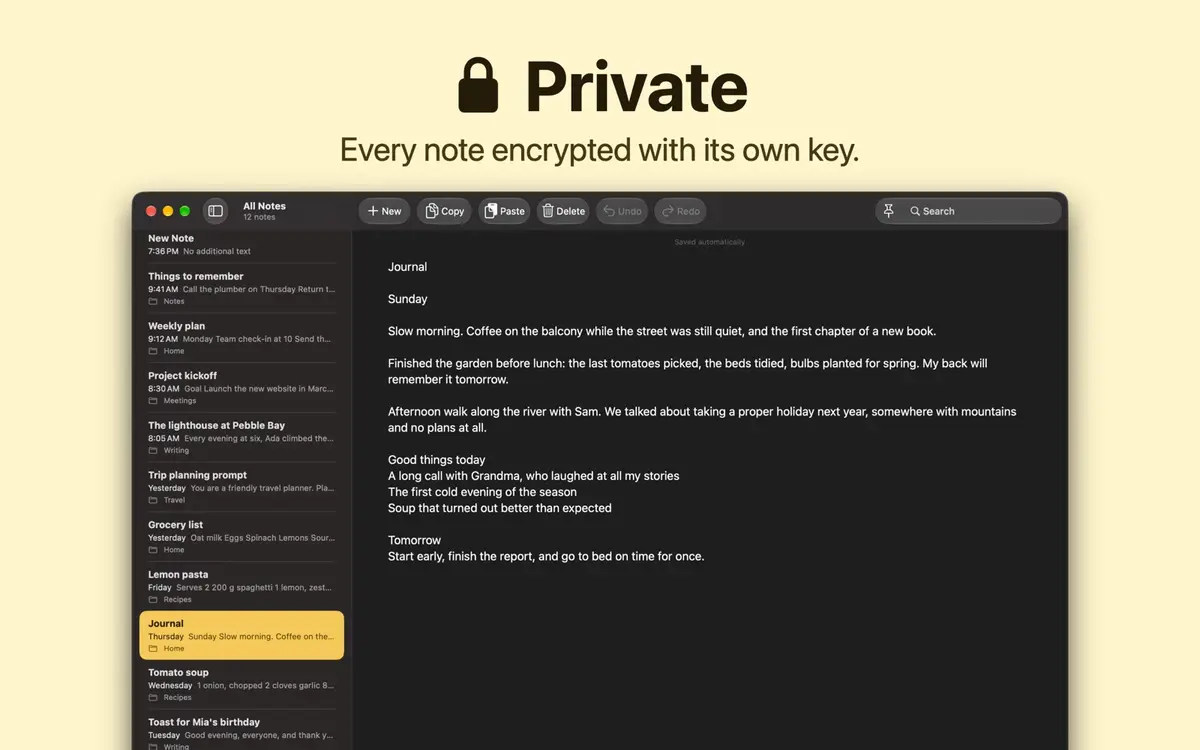
The page shows a plain white page, or a dark one in Dark Mode, and copy, paste, undo and redo buttons at the top of the note.
How private and how offline is it?
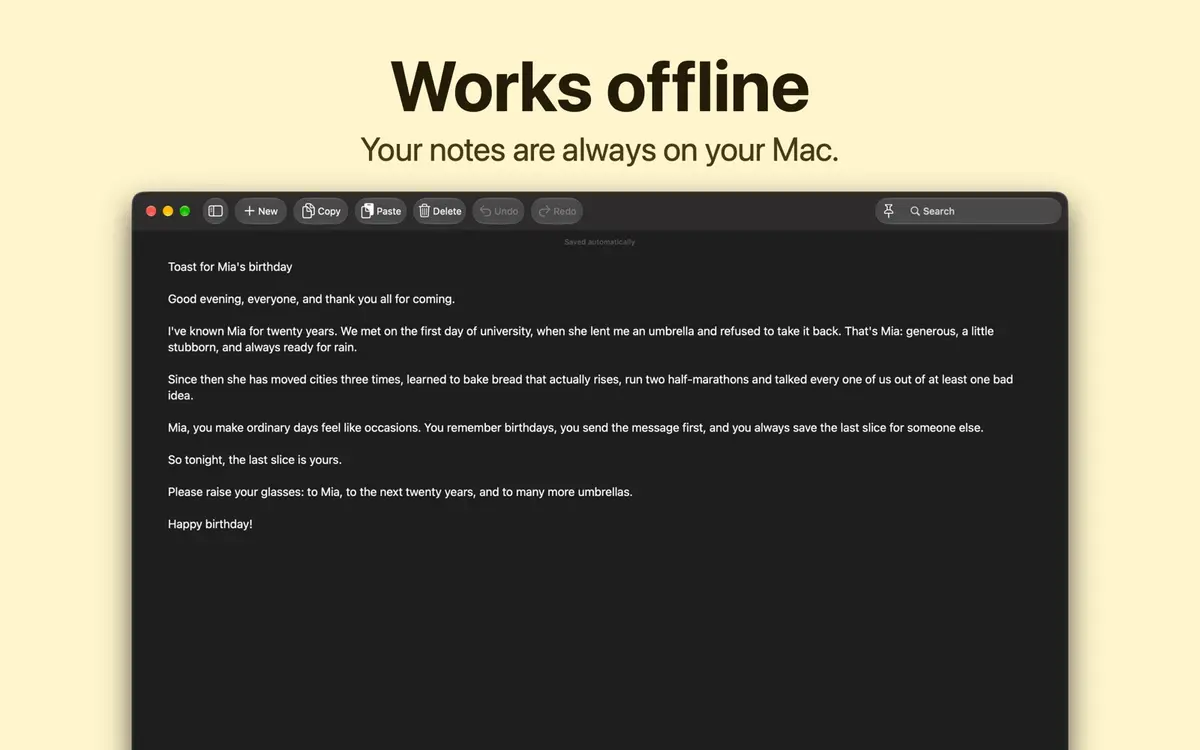
According to the developer, every note is encrypted with its own key and the app works offline. Optional iCloud sync can carry notes across your iPhone, iPad, Mac and Apple Watch, and the developer says every note stays encrypted. To see notes from another device on your watch, turn on iCloud sync in Easy Notes on both the watch and that device.
On the privacy label, the developer indicates that it does not collect any data from the app. Apple notes that this comes from the developer and has not been verified by Apple.
What does it need?
The download is small: 4 MB on the App Store listing. The requirements, from the developer’s page, are macOS 15, iOS 18 or iPadOS 18, or later, and watchOS 26 or later for the Apple Watch app. Apple lists the app as English only, and says it supports larger text and a dark interface.
Prices
On Apple’s US App Store listing the price reads Free at the time of writing. The developer’s own page says Free to download on the App Store. New Mobile Life gives the original price as US $0.99.
The description does say PAY ONCE, with one purchase covering every feature and all four device types. Taken with the tip, that suggests the paid price returns when the free offer ends, but the sources do not say when or for how much in any currency other than the US dollar figure. Prices on other storefronts may differ, so check the listing in your own store.
How to get it
- Open the Easy Notes: Plain Text Editor listing on the App Store.
- Check that the price still reads Free and that your devices meet the versions above.
- Download it on one device. Because the developer describes a single purchase covering iPhone, iPad, Mac and Apple Watch, the same Apple Account should cover the others.
- If you want notes on several devices, turn on iCloud sync in the app on each one.
Who it suits
Writers and drafters. If formatting gets in the way, a notepad that keeps only characters and does not correct your spelling is the point of the app.
Students and people in meetings. Opening straight to a new note and saving as you type means less fiddling in the first seconds of a lecture or call.
Mac, iPhone and Watch users. Having one note list across four devices with optional sync is the main draw, if you already live in Apple’s ecosystem.
Who should wait. If you need bold text, checklists, images or collaboration, a plain text editor is the wrong tool. Android and Windows users are also left out, since the listing names Apple devices only. The app has too few ratings for Apple to show an overview.
What is still unknown
Neither source says when the free price ends, which storefronts have it, or what the price returns to outside the United States. Check the App Store listing before you download.