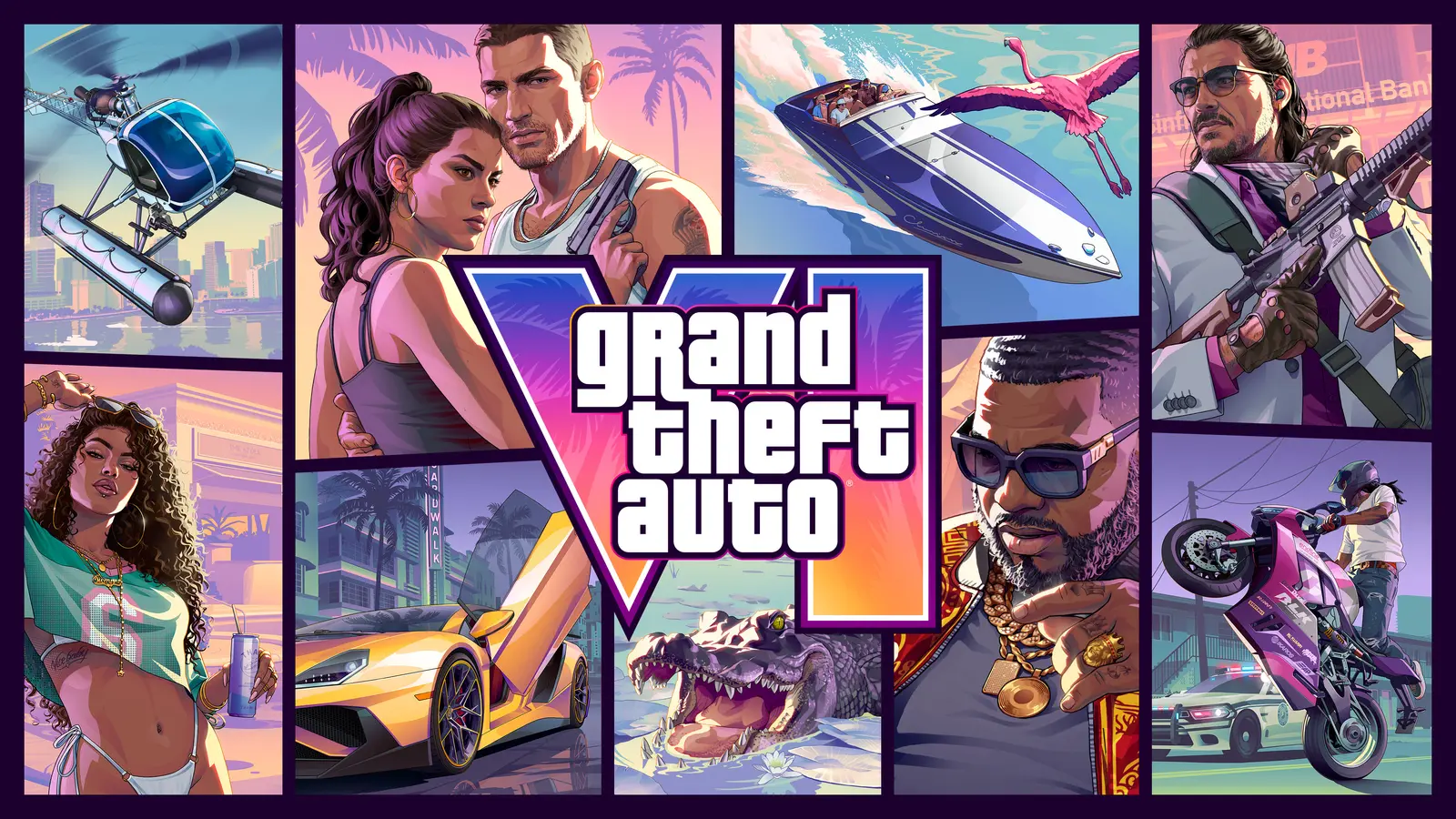
Some PS5 owners say Grand Theft Auto VI is closing to the home screen with error code CE-108255-1, and Sony’s only official advice is to update the game and, if that fails, contact PlayStation Repairs. Notebookcheck reported the complaints on November 21, two days after the game launched on November 19.
Neither Sony nor Rockstar has announced a cause or a patch for the error, according to that report. Here is what players describe, what the two companies have said and what you can check yourself.
What is error CE-108255-1?
PlayStation’s own error page describes the code as “An error occurred with the game/application” and gives no cause. It lists two steps: try updating your game, and for further help go to PlayStation Repairs.
The page does not say whether the fault lies with the game, the console or something else, so treat the code as a label rather than a diagnosis.
What are players reporting?
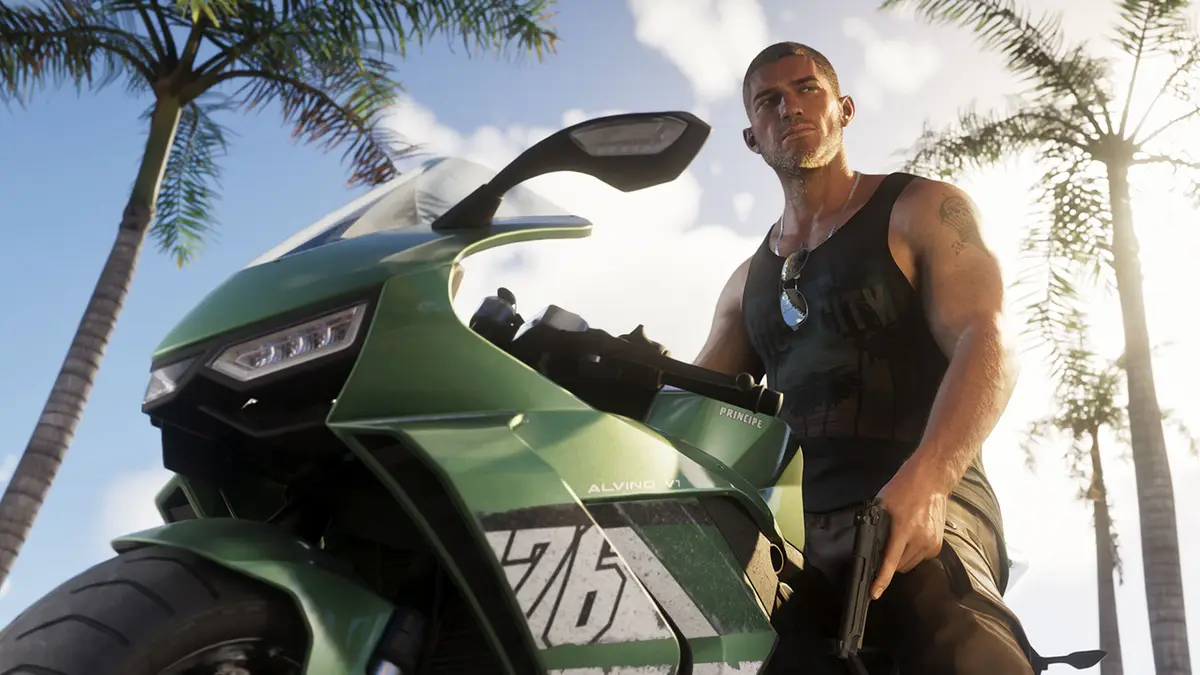
Notebookcheck collected player accounts of the same pattern across the base PS5, the PS5 Slim and some PS5 Pro units. The reported symptoms are:
- crashes at launch and on loading screens
- a closure during the opening cutscene, with a freeze shortly after when the cutscene is skipped
- crashes at specific points in early story missions
- the game returning to the PS5 home screen and showing CE-108255-1
These are player reports, not confirmed findings. Notebookcheck also notes that other games reportedly run fine on affected consoles, and that standard fixes such as clearing the cache, rebuilding the database, reinstalling and restoring the license did not reliably help in the cases it saw.
What have Sony and Rockstar said?
Sony has not publicly addressed the reports, according to Notebookcheck. Its support page stays at the two steps above.
Rockstar’s GTA VI error troubleshooting article, last updated on November 18, links to the Sony and Microsoft error-code pages. Notebookcheck says Rockstar has not issued a patch for this code, and quotes one player’s reply from Rockstar support: “For technical support for your PlayStation 5 console, please contact PlayStation support.” Some players say their tickets were closed and marked “logged”.
On its GTA VI support page, PlayStation says its team can help with game launch issues, download issues, code issues and installing the game. It sends questions about gameplay issues, patches and bugs to Rockstar Support.

What can you try today?
Start with the steps PlayStation publishes for the game:
- Check that GTA VI is fully updated, since that is Sony’s first step for this code.
- Confirm there is enough storage space under Settings > Storage.
- Update the PS5 system software from Settings > System > System Software.
- If the download stalls, pause and resume it, or cancel, delete and download the game again.
- If the problem continues, contact PlayStation Support, and use Rockstar Support for patches and bugs.
Prices
On the US PlayStation Store, the Standard Edition of Grand Theft Auto VI costs $79.99 and the Ultimate Edition costs $99.99, in US dollars. Repair costs depend on the case. In Notebookcheck’s report, one player said a Sony support agent quoted $230 before tax for a repair, but that is a single account and Sony has not published a price for this error.
Who it suits
Players with no crashes. You do not need to do anything beyond keeping the game and the console updated.
Players who see CE-108255-1. Update the game first, as Sony advises, then contact PlayStation Support. Keep your order details and the exact moment the crash happens, since support may ask.
Players still deciding on the PS5 version. The reports so far come from players and do not say how many consoles are affected. If you are cautious, you can wait for an official statement or patch from Rockstar before buying.
Players on Xbox. The reports concern PlayStation 5. Xbox One players can use Xbox Cloud Gaming, according to the Xbox page.
What is still unknown?
Nobody has said how many consoles are affected, and neither company has named a cause. Whether a patch will fix it is not stated.
For the next step, bookmark the PlayStation page for CE-108255-1 and the GTA VI page on Rockstar Support, and check them for updates before you decide on a repair.