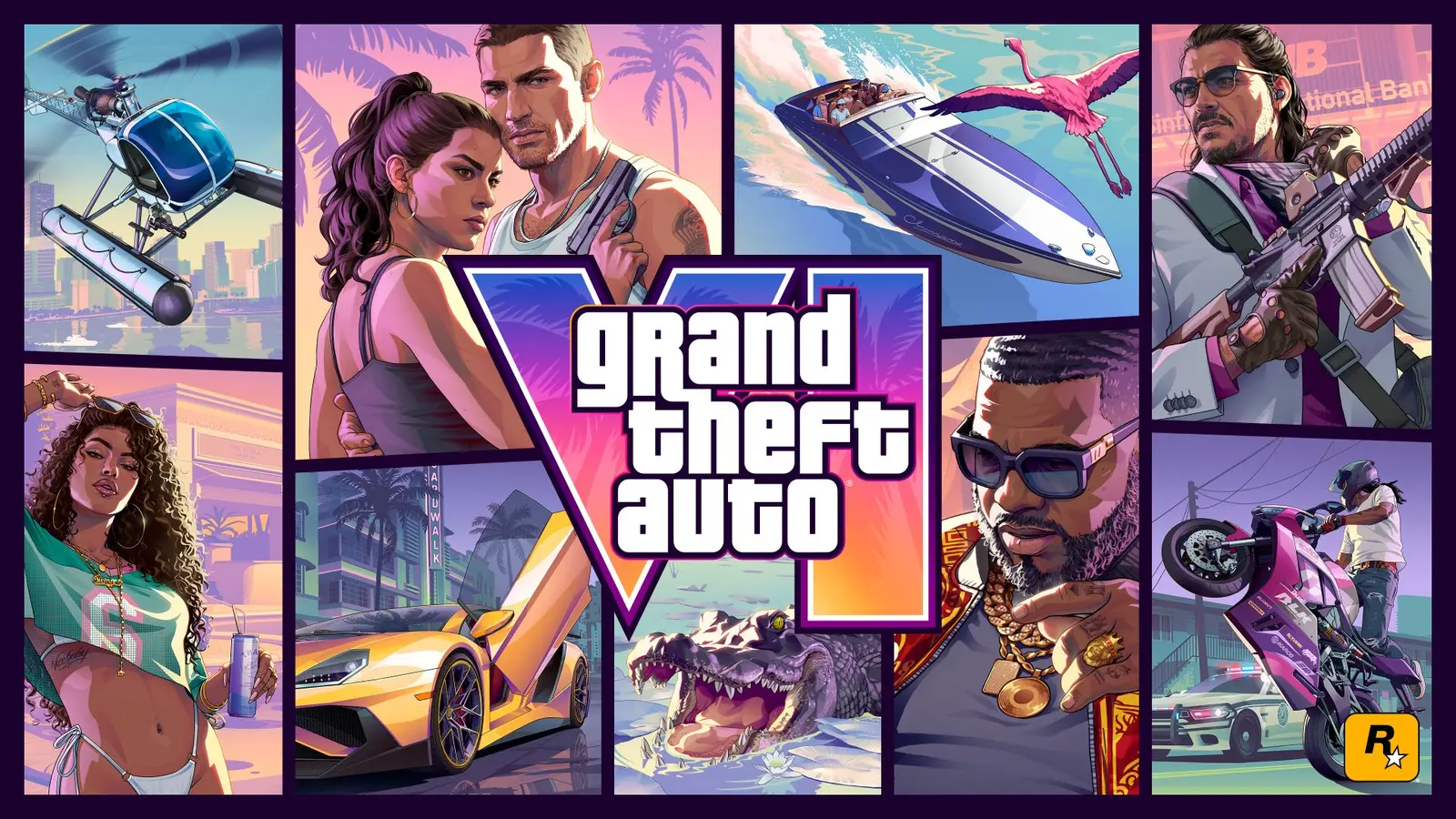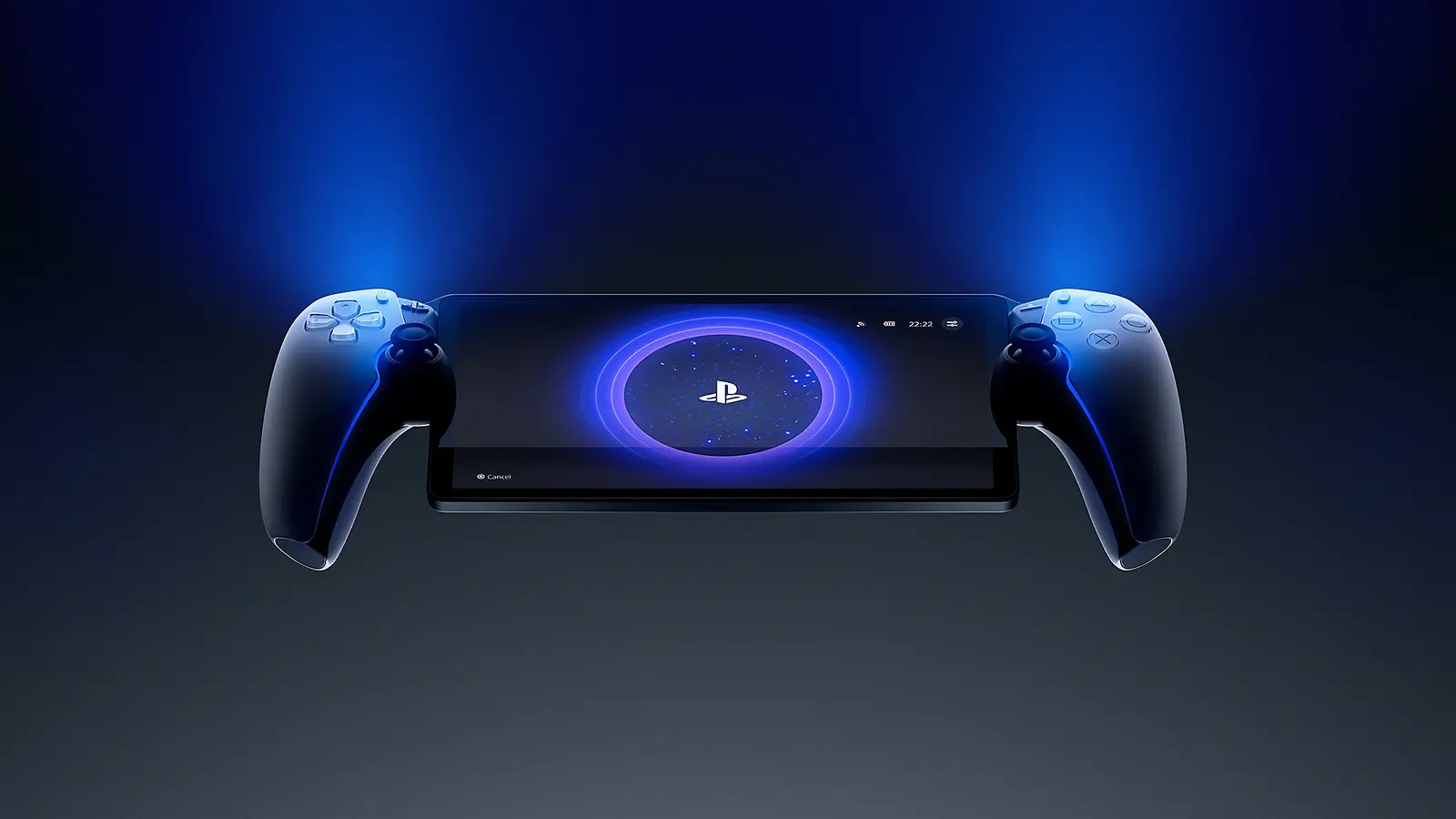
Grand Theft Auto VI can be streamed from your PS5 to a PlayStation Portal or a phone with Remote Play, but the console at home must be running the game. Sony asks for at least 5 Mbps on the connection and recommends 15 Mbps for a better experience.
The game launched on November 19, 2026 for PS5 and PS5 Pro, and Rockstar said it would “fully support Remote Play on PlayStation and XBOX,” according to Player.One. Here is what that means in practice if you want to play away from the main TV.
Does GTA VI support Remote Play on PlayStation Portal?
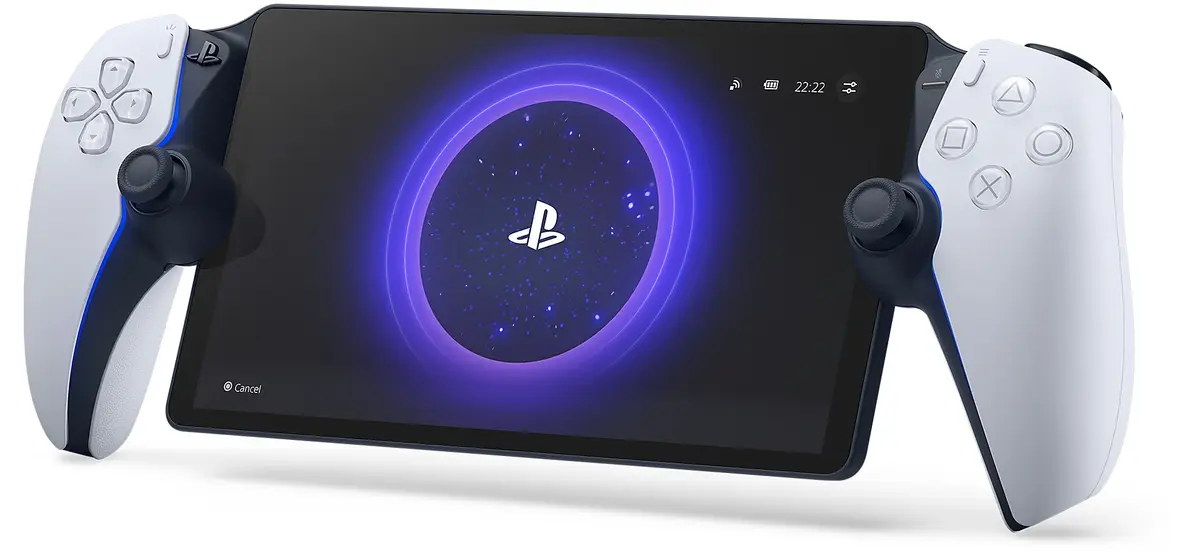
Yes. PlayStation’s GTA VI page lists Remote Play as supported, and Player.One reports that supported screens are the PlayStation Portal and phones or tablets running Sony’s PS Remote Play app.
The PS5 does the work. Remote Play streams the picture from your console and sends your button presses back, so it is not a mobile version of the game. The PlayStation Portal page adds that Remote Play does not need a PlayStation Plus membership.
Cloud streaming is a separate feature. PlayStation says Portal and PS5 cloud streaming need a Premium subscription, and its GTA VI page gives no further detail. Player.One says Sony has not confirmed GTA VI for Portal cloud streaming, so do not count on it.
What do you need at home?
According to PlayStation’s Remote Play and Portal pages, you need:
- A PS5 connected to broadband, either powered on or in Rest Mode, and paired with the device.
- At least 5 Mbps on Wi-Fi, with 15 Mbps recommended.
- The latest system software on the console.
- A PlayStation account.
The Portal has an 8 inch LCD screen with full HD (1080p) resolution and can run games at up to 60fps, though PlayStation says performance varies by game and network. Because GTA VI needs a minimum of 212GB of free space on the PS5, install it on the console first and finish setting up Remote Play on your home network.
How do you set it up on the PS5?
Player.One gives these menu paths: Settings, System, Remote Play, then turn on “Enable Remote Play.” For rest mode, go to Settings, System, Power Saving, Features Available in Rest Mode, and switch on “Stay Connected to the Internet” and “Enable Turning On PS5 from Network.”
On a phone or tablet you start the session from the PS Remote Play app or the PlayStation App. Test it at home before you rely on it somewhere else.
Which phones and controllers work?
PlayStation’s Remote Play page lists these minimums:
- iPhone and iPad: iOS 14 or later, and iOS 14.5 or later to pair a DualSense by Bluetooth.
- Android phones and tablets: Android 9 or later for on-screen controls, and Android 12 or later for a DualSense.
- Windows PC: controllers connect by USB.
- Mac: macOS 11.3 or later for a DualSense by Bluetooth.
You can also use touch controls on a phone, tablet or the Portal. PlayStation notes that mobile data use counts against your allowance, and your carrier may charge you if you go over.
What about Xbox Series X|S?
The Xbox version has its own Remote Play, started from xbox.com/remoteplay on a phone, tablet or PC after you turn on remote features on the console. Player.One says Microsoft lists 10Mbps over 5GHz Wi-Fi or mobile data. That is separate from Xbox Cloud Gaming, which streams from Microsoft’s servers.
Prices
PlayStation’s GTA VI page lists the Standard Edition at $79.99 and the Ultimate Edition at $99.99. The PlayStation Portal page shows a Buy now button but no price, so check the current price in your own store. Remote Play itself costs nothing extra.
Who it suits
Shared TV households. If someone else needs the living room screen, a Portal lets you keep playing from another room on the same Wi-Fi.
Commuters and travellers. A phone works away from home, but Sony only says 5 Mbps is the minimum and 15 Mbps is better, so weak hotel or mobile signals will limit it.
Players who like a handheld feel. The Portal’s 8 inch 1080p screen has controls built in, so you do not need a separate pad.
Who should wait. If you rely on cloud streaming with the PS5 switched off, Sony has not confirmed that for GTA VI. Players with slow home upload speeds should also test first.
What is still unknown
Sony has not detailed GTA VI on Portal cloud streaming, and neither company has published a GTA VI specific bandwidth figure. The Remote Play numbers come from Sony’s general guidance.
Your next step is to enable Remote Play on the PS5, pair your Portal or phone at home, and run a short session on your own Wi-Fi.