Light Here: World Clock is an iPhone and iPad app that colors each clock by whether it is a good moment to call someone abroad, and its App Store listing shows it as free. New Mobile Life reported that the app normally costs US $0.99 and is free for a limited time. Neither the listing nor that report gives an end date, so the price can change at any time.
What does Light Here do?
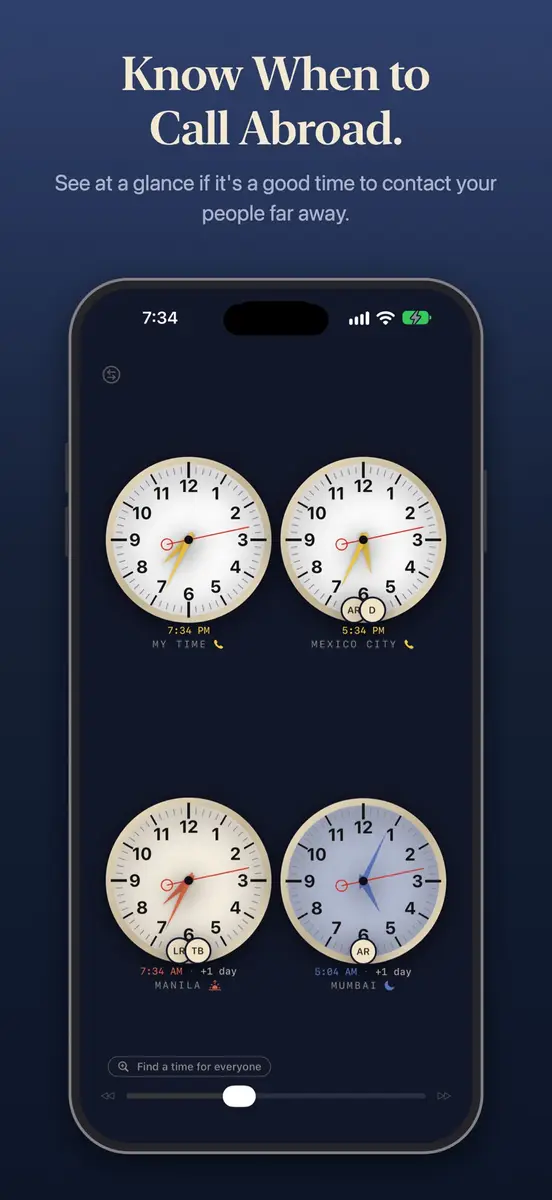
You add up to four places, one for each person or city you care about, and the app shows each as a clock. Gold means a good time to call, coral means it is early or late so a message may be better, and blue means the person is probably asleep. Each place has its own reachable hours, so you decide what counts as late for your mother and what counts as late for a colleague.
A “+1 day” label shows when someone is already in tomorrow, and a tap shows the time difference between every pair of places.
How does it help you plan a call?
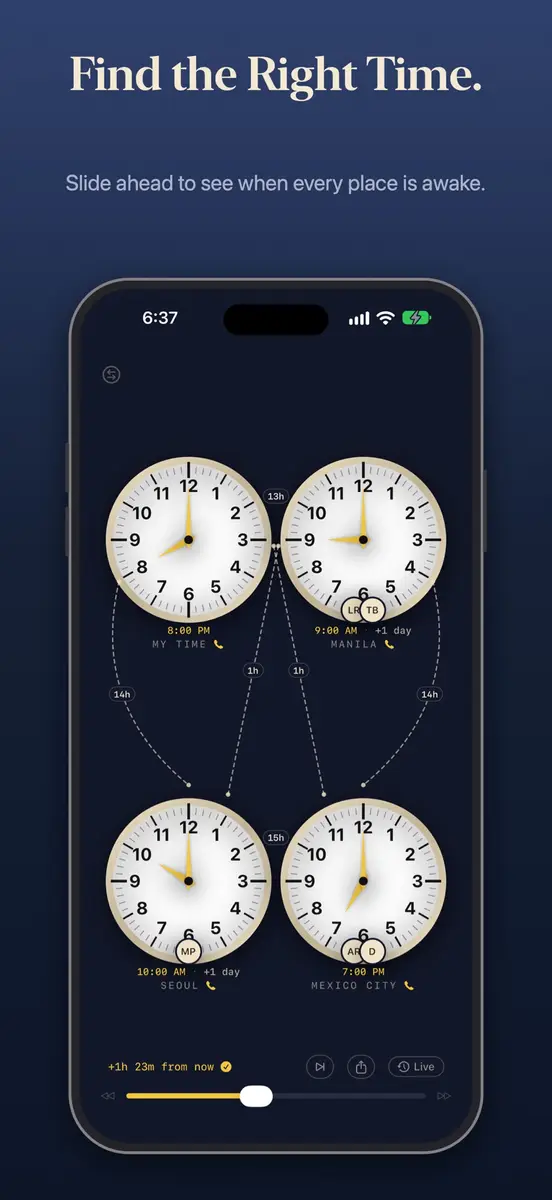
You can slide ahead in time to see everyone’s local time at once, or use “Find a time for everyone” to jump to the next moment when every place is awake. The app can also share a time with each place’s local time spelled out, which helps when you arrange a call across several zones.
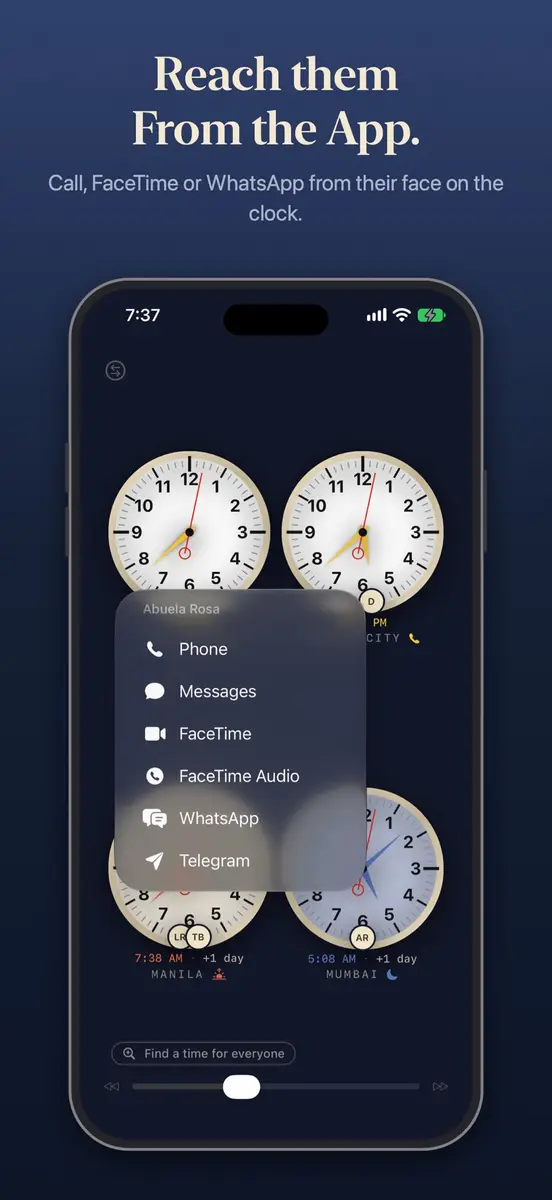
People can be added from Contacts without giving the app Contacts permission. Tapping a face offers call, message, FaceTime, WhatsApp or Telegram, and a gentle check appears before you ring someone who is likely asleep. Version 1.1, released on Nov 1, added call reminders that can be once or repeating, set in their time or yours. It also warns you a week before any of your places changes its clocks and shows how the time difference will change.
Can it stay on a desk or nightstand?
The listing says it was made to stay on. It keeps the screen awake while charging, a Night Look setting dims the faces after dark, and a slow drift helps protect the screen. You can pick airport analog clocks, an LED style or a flip board, in 12- or 24-hour time, and there are Home Screen, StandBy and Lock Screen widgets.
What is the catch, and who is it for?
The listing describes an app that works fully offline with over 159,000 cities and towns built in, with no accounts, no ads and no tracking. The developer, Brian Ukestad, states that no data is collected, although Apple notes that this privacy information has not been verified by Apple. It needs iOS 18.0 or later, iPadOS 18.0 or later, and takes 8 MB. At the time of writing the listing showed only 1 rating, so there is little user feedback to go on.
It suits anyone with family, friends or co-workers in other time zones who keeps missing the right window. Still unknown: when the free offer ends, and what the price will be in each country’s store afterwards.
How do you get it?
Open the Light Here: World Clock page in the App Store on your iPhone or iPad, check that the button says Get instead of a price, and install it. If you see a price, the offer has ended in your store.