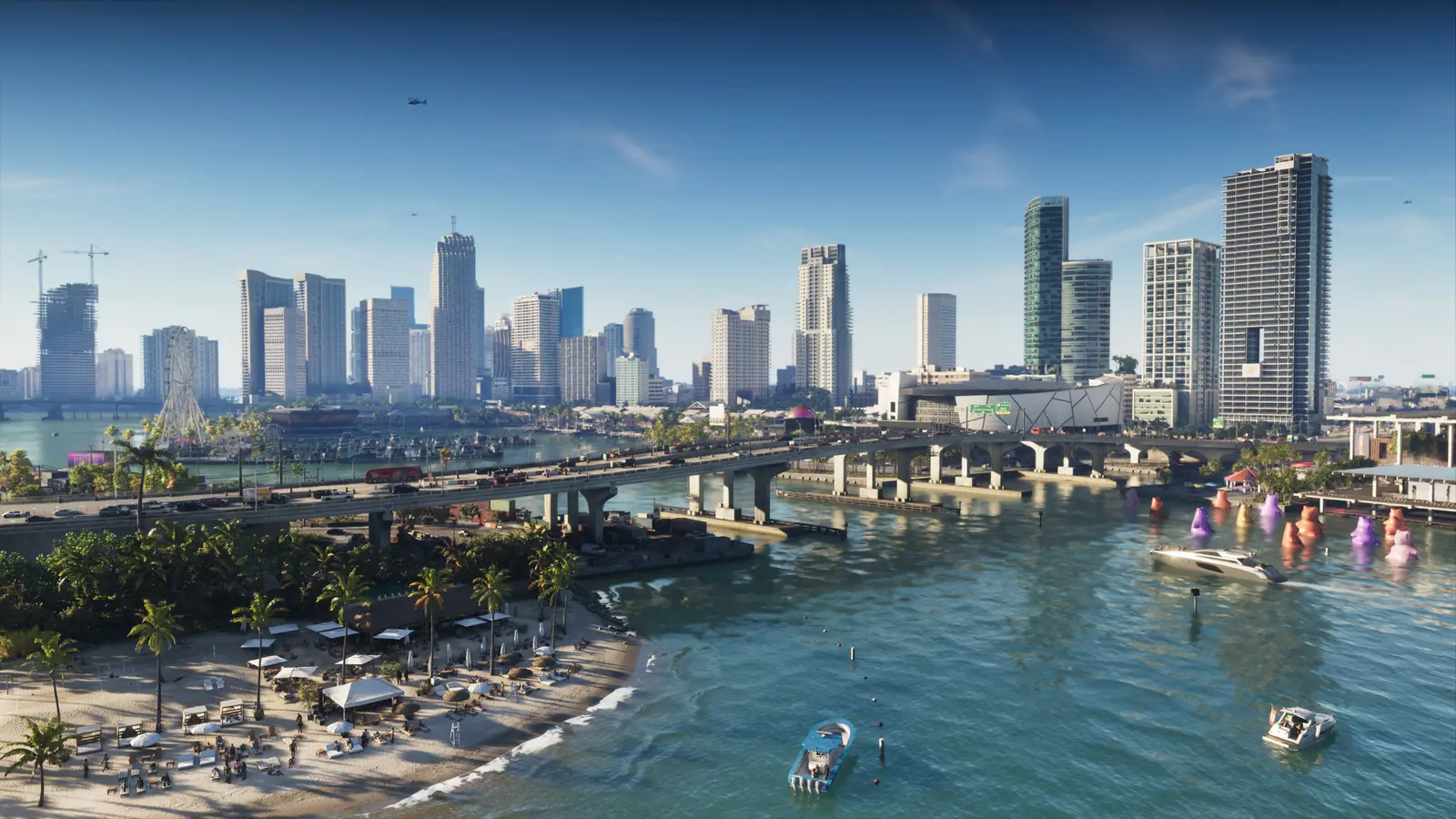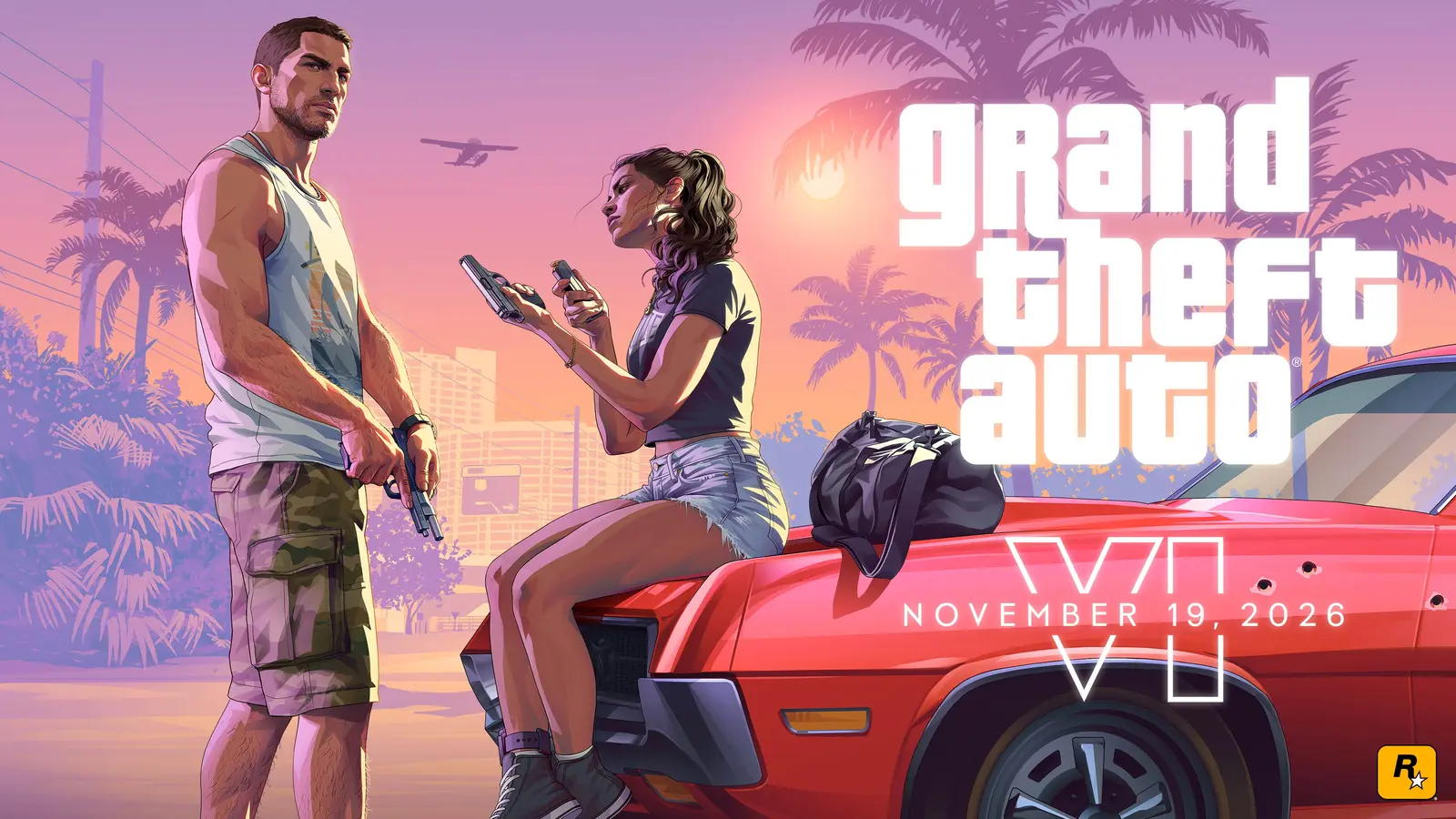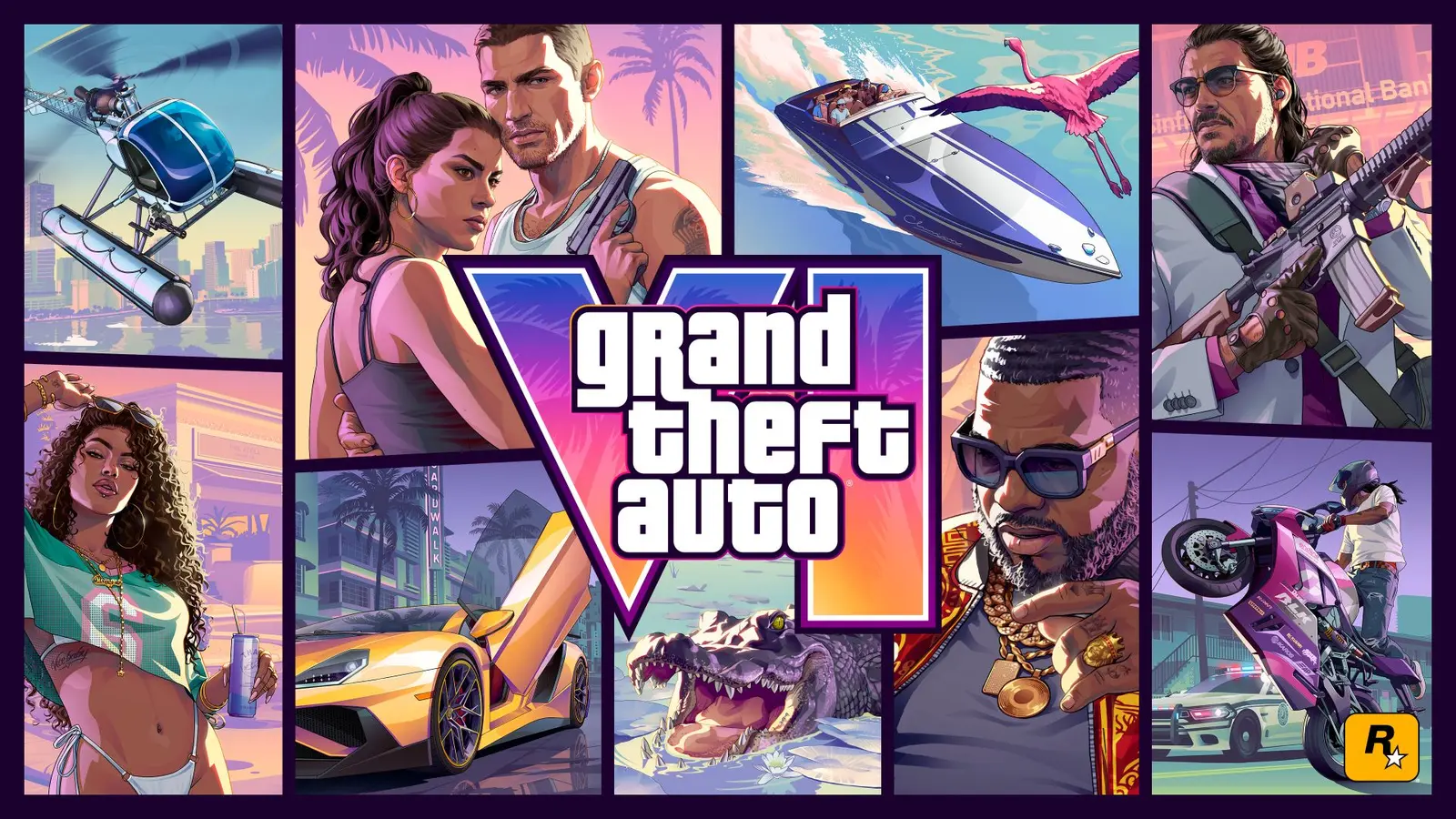
Grand Theft Auto VI can be streamed through Xbox Cloud Gaming on Xbox One and Xbox Series X|S, and it can be streamed from an Xbox Series X|S console to a phone, laptop, PC or handheld gaming PC with Remote Play, according to an Xbox Wire guide published on November 23, 2026. Both routes need a copy of the game bought from the Xbox Store.
How does cloud play work for GTA VI?
With Xbox Cloud Gaming the game runs on Xbox servers and streams to your screen, so an Xbox One owner can play without a current generation console. Xbox Series X|S owners can also stream it if they want to save hard drive space.
Xbox says the game uses Xbox Series S graphics settings when it is cloud streamed. Select Game Pass plans include a monthly allotment of up to 15 play hours, and you can buy more cloud playtime if you need it. In an earlier post, Xbox said that from November 11, players in supported markets can buy cloud playtime to stream supported games without a Game Pass subscription. The Xbox store page adds that streaming can use purchased cloud playtime, a qualifying Game Pass subscription or ad-supported cloud gaming, with session limits and terms, and that availability varies by region.
How do you start a cloud session?
Xbox Wire gives these steps, which work with the controller already connected to your console:
- Press the Xbox button on your Xbox Wireless Controller to open the guide, then search for Grand Theft Auto VI.
- Select the Manage button, then “See in Microsoft Store”.
- On the store listing, select “Play With Cloud”.
Xbox recommends a wired Ethernet cable when possible. It also warns that even a fast wireless network can briefly dip in audio and video quality.
How do you set up Remote Play?
Remote Play streams the game from your own Xbox Series X|S to a device you already own. Turn it on first, on the console:
- Go to Settings, then Devices & connections, then Remote features.
- Tick “Enable remote features”.
- Optional: choose “Test remote play” in the same menu to see what quality your connection can deliver.
Then connect from the device you want to play on:
- Phone or other mobile device: open play.xbox.com/remoteplay in the browser, pick your console and select “Remote Play on This Device”.
- PC or ROG Ally: open the Xbox app on PC, click your profile icon at the top right, go to “Accessories & remote play” and choose “Remote play” from the console you want to use.
Cloud or Remote Play: which one fits?
| Xbox Cloud Gaming | Remote Play | |
|---|---|---|
| Where the game runs | Xbox servers | Your Xbox Series X |
| Console needed | Xbox One or Series X | S |
| Plays on | Your console, streamed | Phone, laptop, PC or handheld gaming PC |
| Graphics | Xbox Series S settings | Not stated by Xbox Wire |
| Needs a game copy from the Xbox Store | Yes | Yes |
Prices
The Xbox Store lists the Standard Edition of Grand Theft Auto VI at $79.99, in US dollars. Xbox Wire does not give the price of a Game Pass plan or of extra cloud playtime, and prices differ by market, so check your own Xbox Store and the Game Pass page.
Who it suits
Xbox One owners: cloud play is the only route in this guide, since the Xbox One streams the game instead of installing it.
Series X|S owners short on storage: streaming saves drive space, and the trade off is Series S graphics settings and the monthly play hour allotment on Game Pass plans.
Players who want the game away from the TV: Remote Play lets a phone, laptop or handheld take over from the console, as long as the console stays on and connected.
Anyone on a weak connection: try “Test remote play” first and use Ethernet where you can.
What is still unknown
Xbox Wire does not say what resolution or frame rate Remote Play delivers, what internet speed each route needs, or what extra cloud playtime costs. Check the Xbox Cloud Gaming page and the Xbox Store listing before you count on either route for a long session.